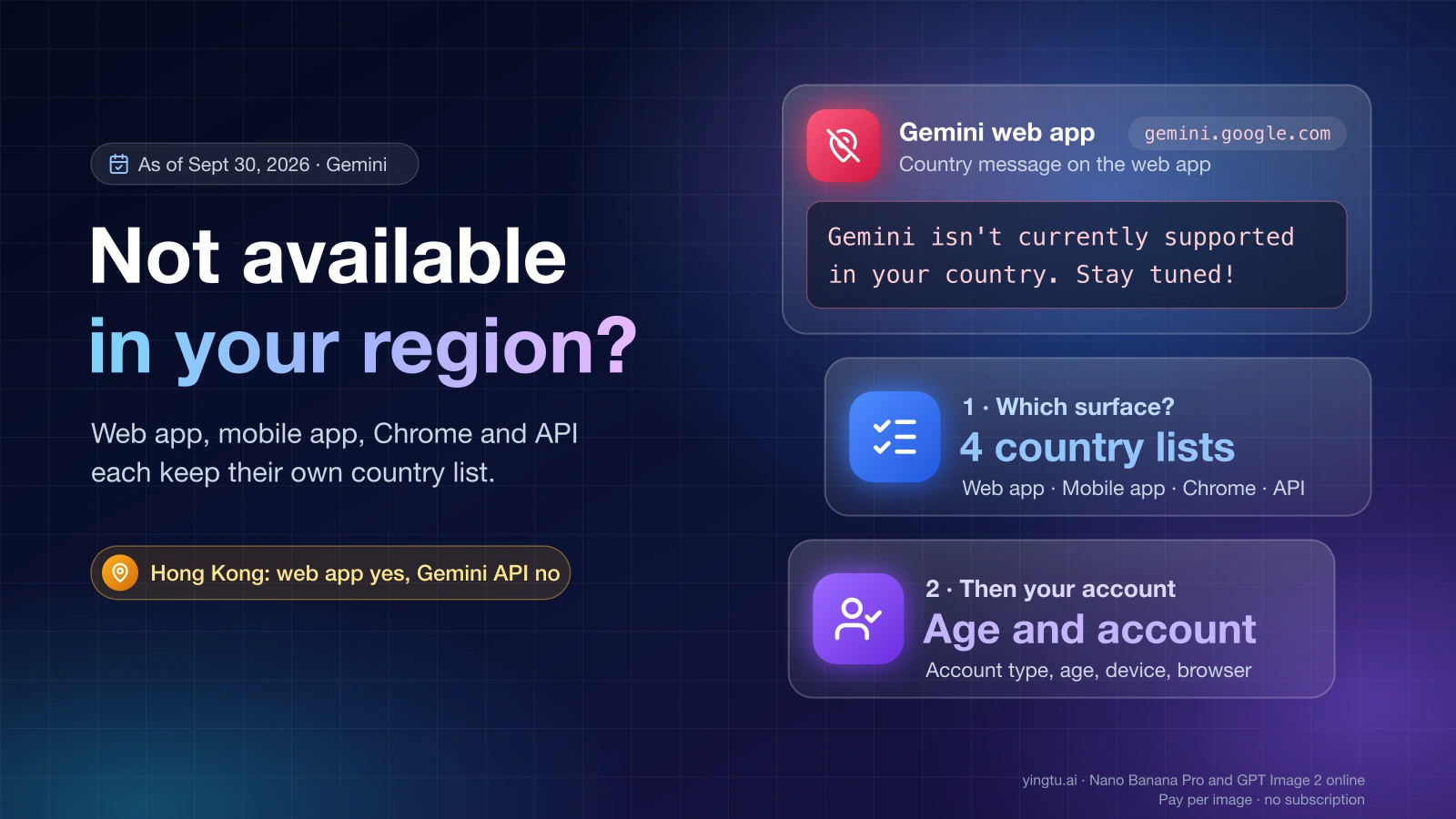
A Gemini "not available in your region" message means the specific Gemini product you opened doesn't serve your country, or your account, age or device doesn't meet that product's rules. The web app, the mobile app, Gemini in Chrome, and Google AI Studio with the Gemini API each keep their own country list and account requirements, so first work out which one is showing the message. "Gemini isn't currently supported in your country. Stay tuned!" comes from the web app, a "not available in your country or region" notice comes from an app store, and User location is not supported for the API use. comes from the Gemini API.
The lists really do disagree. As of September 30, 2026, Hong Kong is on Google's lists for the web app, the mobile app and Gemini in Chrome, but not on the list for AI Studio and the Gemini API. Working in one place proves nothing about the others.
| Surface | What you see | Official list to check | Where the lists differ | Causes that aren't your location |
|---|---|---|---|---|
| Gemini web app (gemini.google.com) | "Gemini isn't currently supported in your country. Stay tuned!", or "Can't access this service" / "Something went wrong" at sign-in | Where you can use the Gemini web app | Hong Kong, Macau and Taiwan listed; mainland China Workspace only; Russia not listed | Under 13 on a personal account; work account under 18 or without a qualifying Workspace edition; school account not enabled by the admin; Family Link-managed account; wrong device date and time, extensions, cached state |
| Gemini mobile app | The store says the app is "not available in your country or region", or the app won't open | Gemini mobile app availability | Hong Kong, Macau and Taiwan listed; mainland China and Russia not listed | Work or school account without Gemini Apps access; Android Work Profile; Android older than 9, under 2 GB of RAM, or Android Go |
| Gemini in Chrome | The Gemini button is missing, or Chrome says Gemini in Chrome isn't available | Gemini in Chrome requirements | Desktop list for adults includes Hong Kong, Macau and Taiwan; mainland China and Russia not listed; on Android, US only | Incognito window; not signed in to Chrome; device language not supported; under 18 in a country only on the adult list; admin hasn't enabled it; gradual rollout |
| Google AI Studio and Gemini API | AI Studio sends you to its "Available regions" page; the API returns 400 FAILED_PRECONDITION with User location is not supported for the API use. | Gemini API available regions | Taiwan listed; Hong Kong, Macau, mainland China and Russia not listed | Under 18; age not yet verified on the Google Account; for FAILED_PRECONDITION, billing or another project prerequisite |
Google adds countries over time, so open the linked page before you decide. The table reflects each list as of September 30, 2026.
Hong Kong, Macau, Taiwan, mainland China and Russia by surface
These five places are where the four lists split most visibly. "Yes" means the place appears on Google's list for that surface as of September 30, 2026.
| Region | Web app | Mobile app | Gemini in Chrome (desktop, 18+) | AI Studio / Gemini API |
|---|---|---|---|---|
| Hong Kong | Yes | Yes | Yes | No |
| Macau | Yes | Yes | Yes | No |
| Taiwan | Yes | Yes | Yes | Yes |
| Mainland China | Workspace only | No | No | No |
| Russia | No | No | No | No |
Three details change the answer for some readers:
- Gemini in Chrome has a separate, shorter list for users under 18. Hong Kong and Macau are on it, Taiwan is not, so a 16-year-old in Taipei can't use Gemini in Chrome even though an adult there can.
- On Android, Gemini in Chrome is available only in the United States and only to users 18 or older. The desktop list doesn't apply to phones.
- Russian is one of the supported languages for the Gemini web app, but Russia is not on the country list. Language support and country availability are separate lists.
The API list also omits Belarus and Iran. For AI Studio and the Gemini API, Google dates its region page April 28, 2026.
"Gemini isn't currently supported in your country. Stay tuned!"
This web app message means gemini.google.com has decided your account can't use it where you are. If your country isn't on the web app list, that is the whole answer. If it is on the list, the cause is usually the account or the browser.
Check the account first. Google's sign-in rules for Gemini Apps accept three kinds of account:
- A personal Google Account, for users 13 or older (or the minimum age in their country). Accounts managed by Family Link can't use the web app.
- A work account on a qualifying Google Workspace edition, for users 18 or older.
- A school account, once the school's administrator has turned on Gemini.
A work or school account that the administrator hasn't enabled can produce the same country message, even in a listed country. In a Gemini Apps Community thread from February 5, 2026, the suggested fix was signing in with a personal account instead of the work one. If you need Gemini on the work account, ask the administrator to enable it.
Then check the browser. Gemini supports Chrome, Safari, Firefox, Opera and Edgium. In a community thread from November 3, 2025, answers for users in listed countries suggested correcting the computer's date and time, turning off browser extensions, and opening Gemini in a private window to rule out cached state. These are community reports, not Google guidance, but each is quick to try and easy to undo.
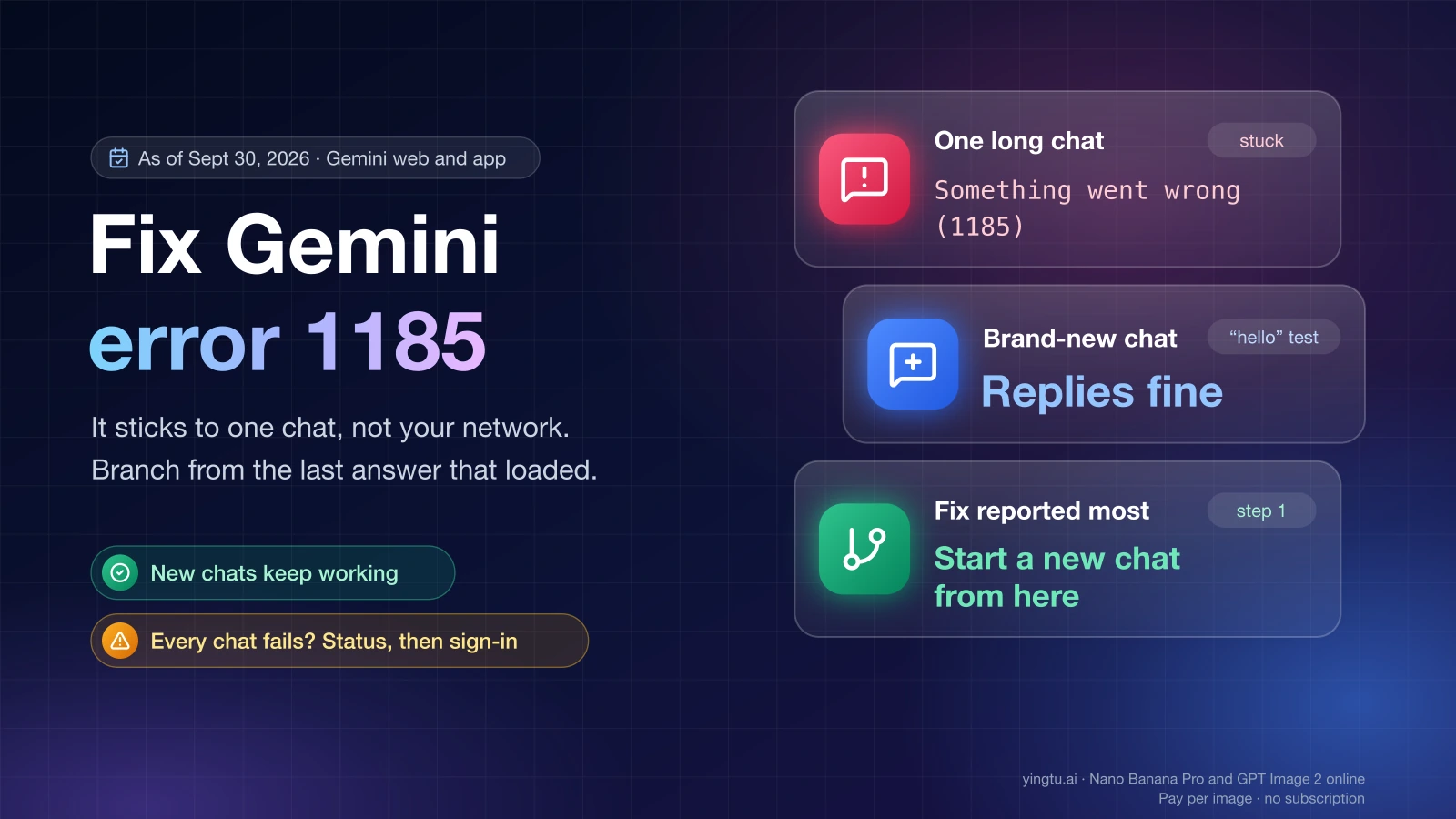
Two nearby sign-in messages point the same way. "Can't access this service" means the account type or age doesn't qualify. "Something went wrong" at sign-in means the account can't use Gemini right now, and Google lists location, age and account type among the possible reasons. If Gemini opens but replies fail with an error code, that is a connection problem rather than an availability one. Fix Gemini "Something went wrong (1185)" and connection errors covers that case.
"Not available in your country or region" in the app store
The app store makes this decision, not Gemini. The store compares the country of your store account with the countries where the Gemini app is offered, and hides or blocks the install when they don't match. Check the Gemini mobile app list against the country your store account is set to.
If the app installs but won't work, look at the phone and the account:
- Android requirements: Android 9 or later, at least 2 GB of RAM, and not an Android Go device.
- The app doesn't run inside an Android Work Profile. Open it from the personal side of the phone.
- A work or school account needs a plan or license that includes Gemini Apps.
- Users under 13 need a parent's approval on their account.
Google's availability page lists device requirements for Android only.
"Gemini in Chrome isn't available"
Gemini in Chrome is a separate feature with its own list and a slower rollout. Google says it is releasing the feature gradually, so it might not be available to everyone yet, even in a listed country. On a computer, you need all of the following:
- A Chromebook Plus, Mac or Windows computer, running the latest version of Chrome.
- Age 13 or older (or the minimum age in your country), in a supported region. Users under 18 have the shorter list described above.
- Chrome signed in to your Google Account. The feature isn't available in Incognito mode.
- Your device set to one of the supported languages (more than 40, listed on Google's page).
- For a work or school account, access enabled by the administrator.
The Incognito rule is the opposite of the web app advice above. A private window can help diagnose gemini.google.com, but Gemini in Chrome never appears there.
AI Studio "Available regions" and "User location is not supported for the API use."
For developers, the list that counts is the Gemini API available regions page, which covers both Google AI Studio and the Gemini API. It is the shortest of the four lists.
If AI Studio redirects you to its "Available regions" page, Google gives three possible reasons: the service isn't available in your region, you are under 18, or you haven't verified your age on your Google Account yet. The last two are account issues you can resolve, and the age check belongs to your Google Account rather than to AI Studio.
If an API call returns 400 FAILED_PRECONDITION with User location is not supported for the API use., the request is coming from a location that isn't on the list. For a server, that means where the server runs, not where you are sitting. The same FAILED_PRECONDITION status is also used when a project prerequisite is missing, such as billing, so read the full message before you conclude it's about location. Fix Gemini API "User location is not supported for the API use" walks through both cases.
Two other codes are sometimes mistaken for region errors:
403 PERMISSION_DENIEDis a problem with the API key or project permissions. Failed to create interaction: permission denied in AI Studio covers the key and project checks.429means you have hit a quota. Gemini API Free Tier Limits: Free Models, Quotas, and 429 Fixes explains the limits.
If your country really isn't on the list
If you have ruled out the account, age and device causes and your country is simply missing, no setting will change that. Your real options are:
- Wait. Google says it will gradually expand the web app to more countries and territories.
- Use a surface that is listed where you are. In Hong Kong or Macau, for example, the web app, the mobile app and Gemini in Chrome are all listed even though the API isn't.
- For developers outside the API list, Google's own suggestion on its region page is the Gemini API in Gemini Enterprise Agent Platform. It is a separate offering with its own account setup and terms, so check that your organization and use case qualify.
Whichever route you take, Google's terms apply to where you and your users actually are. Masking your location or entering false account details isn't a fix and can put the account at risk.
FAQ
Can I use Gemini in Hong Kong?
Yes for the web app, the mobile app and Gemini in Chrome, but not for Google AI Studio or the Gemini API, as of September 30, 2026. A developer in Hong Kong who can chat with Gemini will still get User location is not supported for the API use. from the API.
Can I use Gemini in Macau?
Macau has the same split as Hong Kong. It is listed for the web app, the mobile app and Gemini in Chrome, and not listed for AI Studio or the Gemini API.
Is Gemini available in Taiwan?
Yes. As of September 30, 2026, Taiwan is on all four lists: web app, mobile app, Gemini in Chrome and the Gemini API. If you still see a country message in Taiwan, check the account type, your age, and the device settings described above. For Gemini in Chrome, users under 18 in Taiwan are not covered.
Can I use Gemini in mainland China?
Only the web app lists mainland China, and only for Google Workspace accounts. The mobile app, Gemini in Chrome and the Gemini API don't list it as of September 30, 2026.
Is Gemini available in Russia?
No. As of September 30, 2026, Russia is not on the web app, mobile app, Gemini in Chrome or Gemini API lists. Russian appears on Google's pages as a supported language, which is different from country availability.
Why does Gemini work on my phone but not in AI Studio?
The mobile app and the API use different lists, and AI Studio also requires users to be 18 or older with a verified age. Check the API region list and your Google Account age before anything else.
Is FAILED_PRECONDITION always a region error?
No. 400 FAILED_PRECONDITION with User location is not supported for the API use. is about location, but the same status also covers unmet project prerequisites such as billing. The message text after the status tells you which one you have.