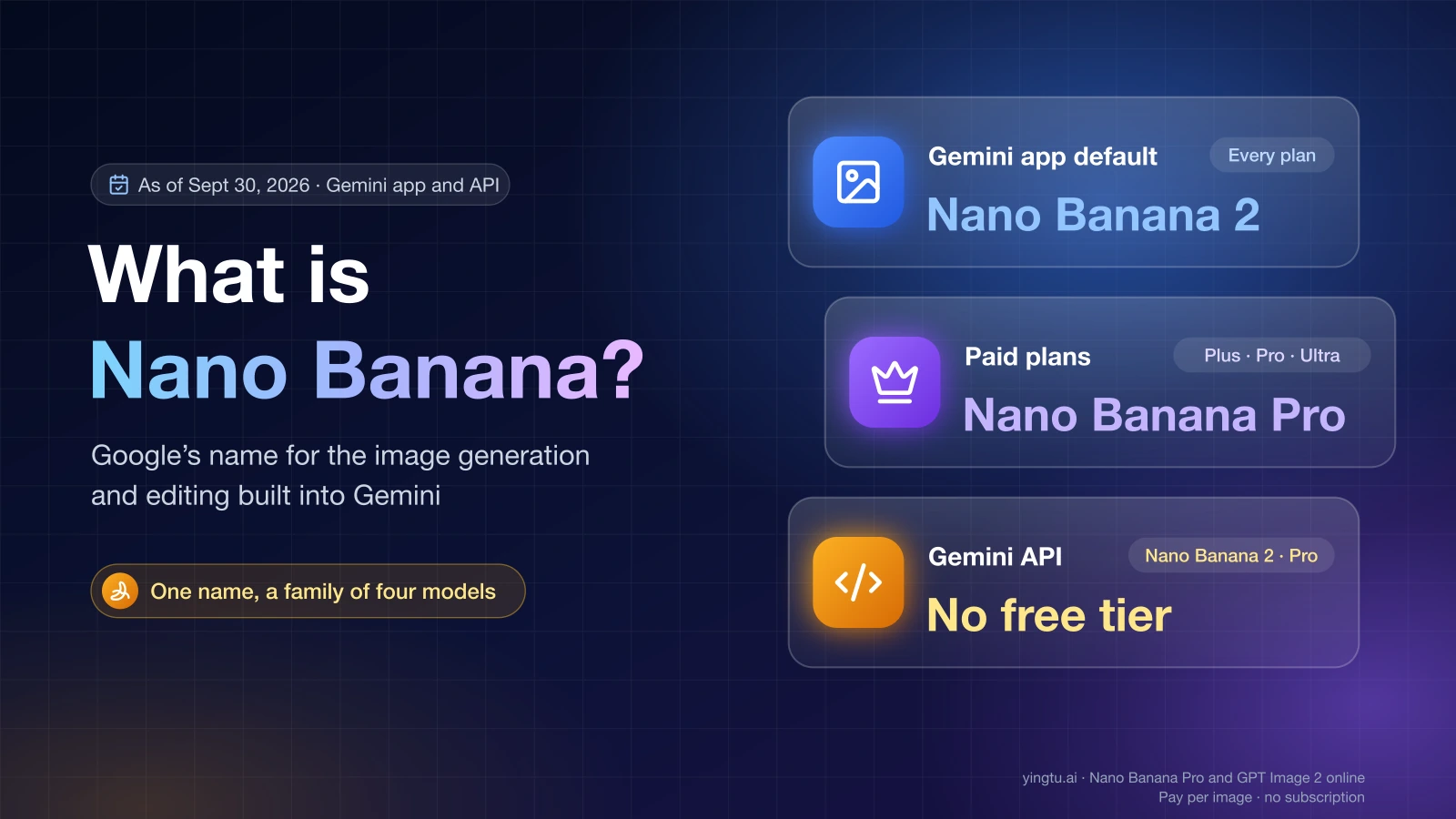
Nano Banana 2 vs Pro vs Lite: choose by delivery risk
Use a three-route decision tree and an acceptance-cost test to choose Nano Banana 2 Lite, Nano Banana 2, or Nano Banana Pro for image work.
Guides · Best practices · Deep analysis
From model comparisons and pricing choices to account issues and API integration routes, this section is built for developer-facing decisions.

Use a three-route decision tree and an acceptance-cost test to choose Nano Banana 2 Lite, Nano Banana 2, or Nano Banana Pro for image work.

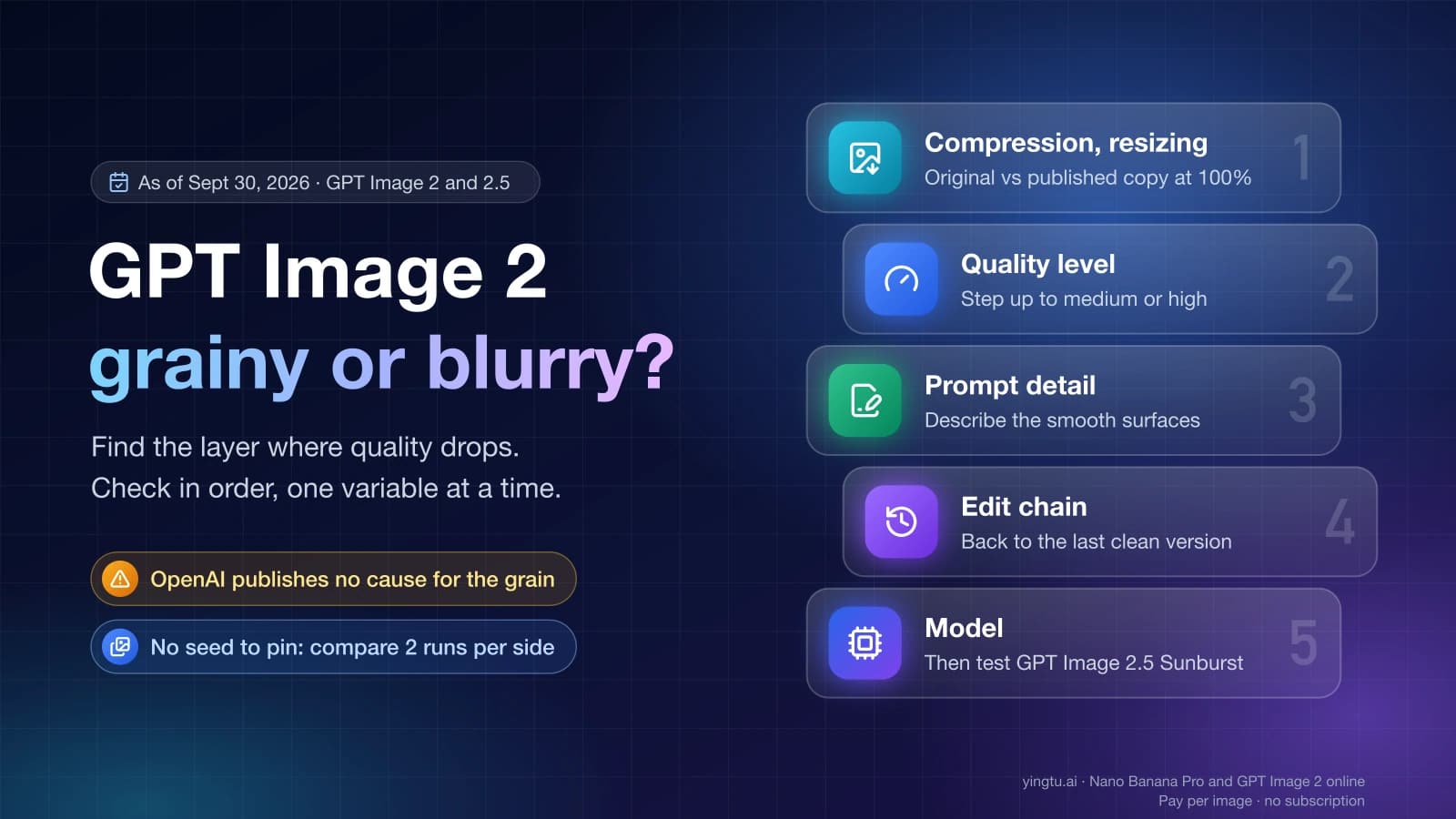
Separate GPT Image 2 settings from grime, tiling, speckle, text, consistency, and composition symptoms with a one-variable comparison and a clear stop rule.

Decide whether Midjourney V8.2 is safe for your visual workflow with a controlled eight-prompt acceptance pack, a two-retry budget, and clear keep, retest, or rollback rules.

Choose a face-safe enlargement route, calculate the pixels you actually need, and reject identity drift with a practical before-and-after checklist.

Build an AI product-photo workflow that protects SKU identity across catalog, lifestyle, ad, and social images with source references, prompt locks, a six-frame stress test, and pass-repair-switch QA.

Change a product photo background without changing the product: define what stays fixed, choose the safer edit route, repair edges, compare, and reject drift.

A controlled workflow for correcting AI image text while preserving composition, typography, background, dimensions, and every non-target detail.

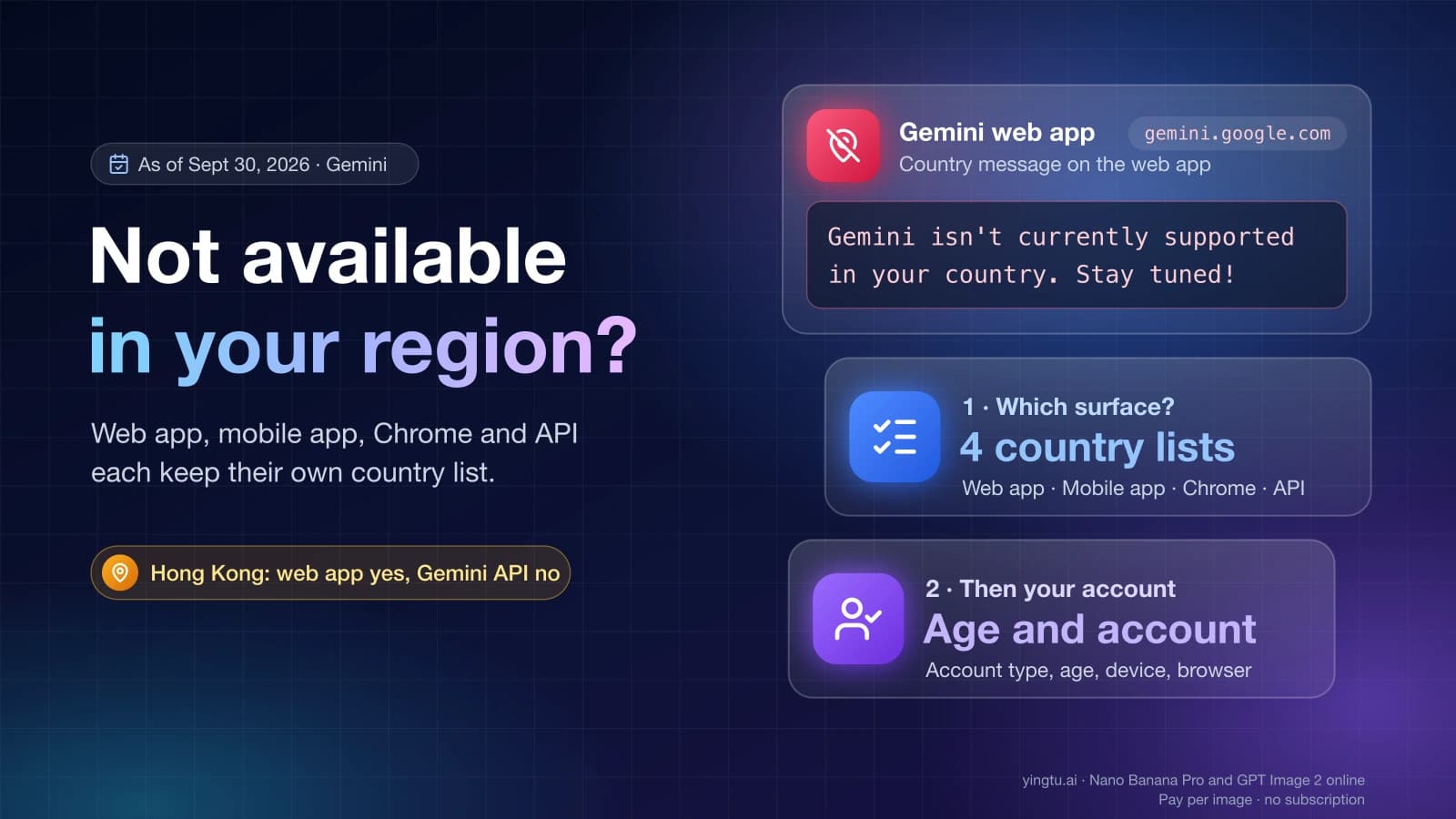
Fix Gemini connection errors without random resets: identify whether the failure belongs to the web app, mobile app, browser connection, Google account, Workspace access, or Gemini API.

Copy 12 practical Gemini photo prompts for portraits, background edits, products, posters, restoration, and composites, with Replace, Protect, and Pass checks.

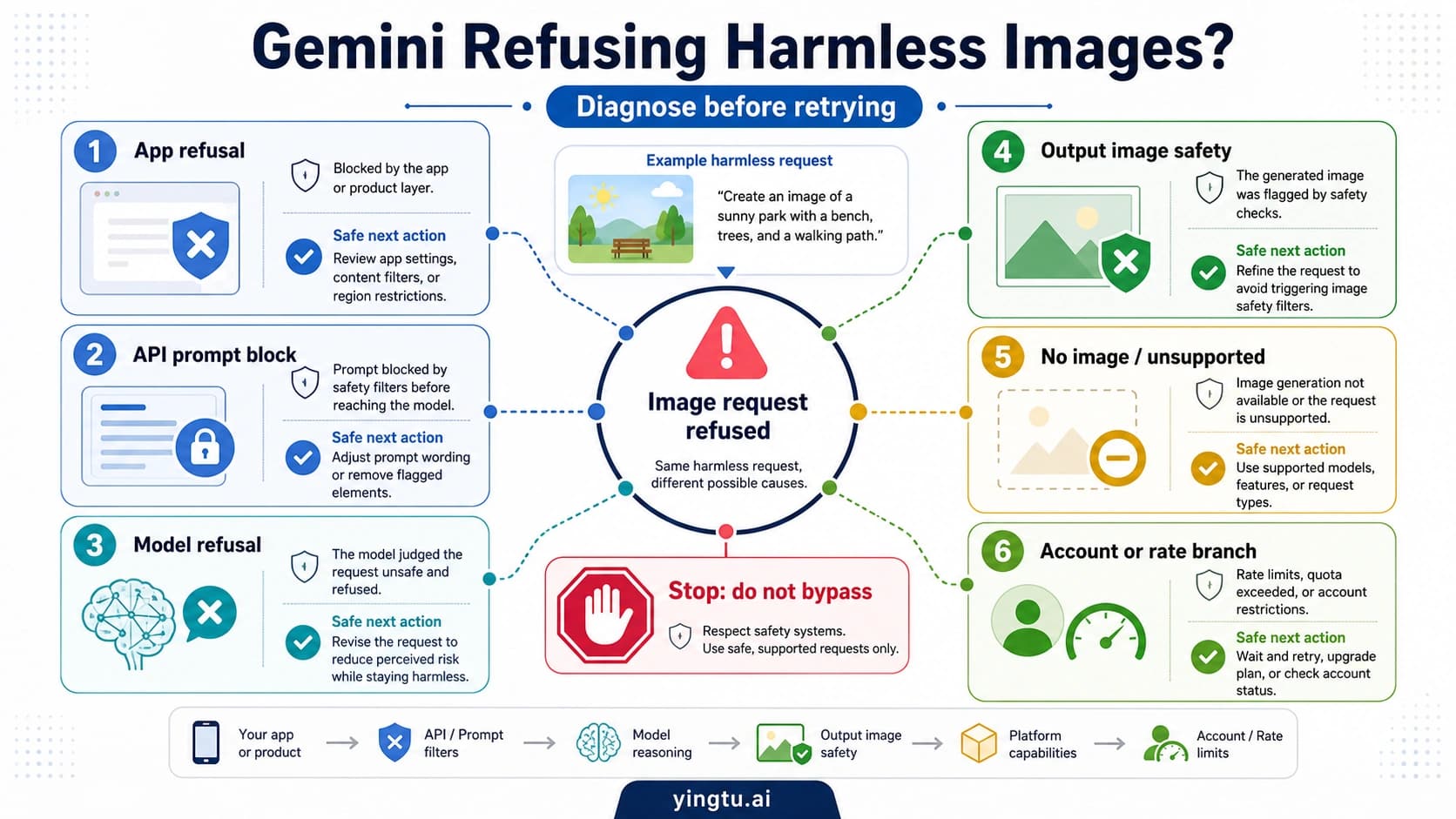
Fix Nano Banana image failures by identifying the Google surface, failure stage, and exact signal before retrying, re-exporting, or escalating.

See the July 2026 cost of Nano Banana Pro 4K, compare Nano Banana 2, separate app access from API pricing, and audit free-credit claims.

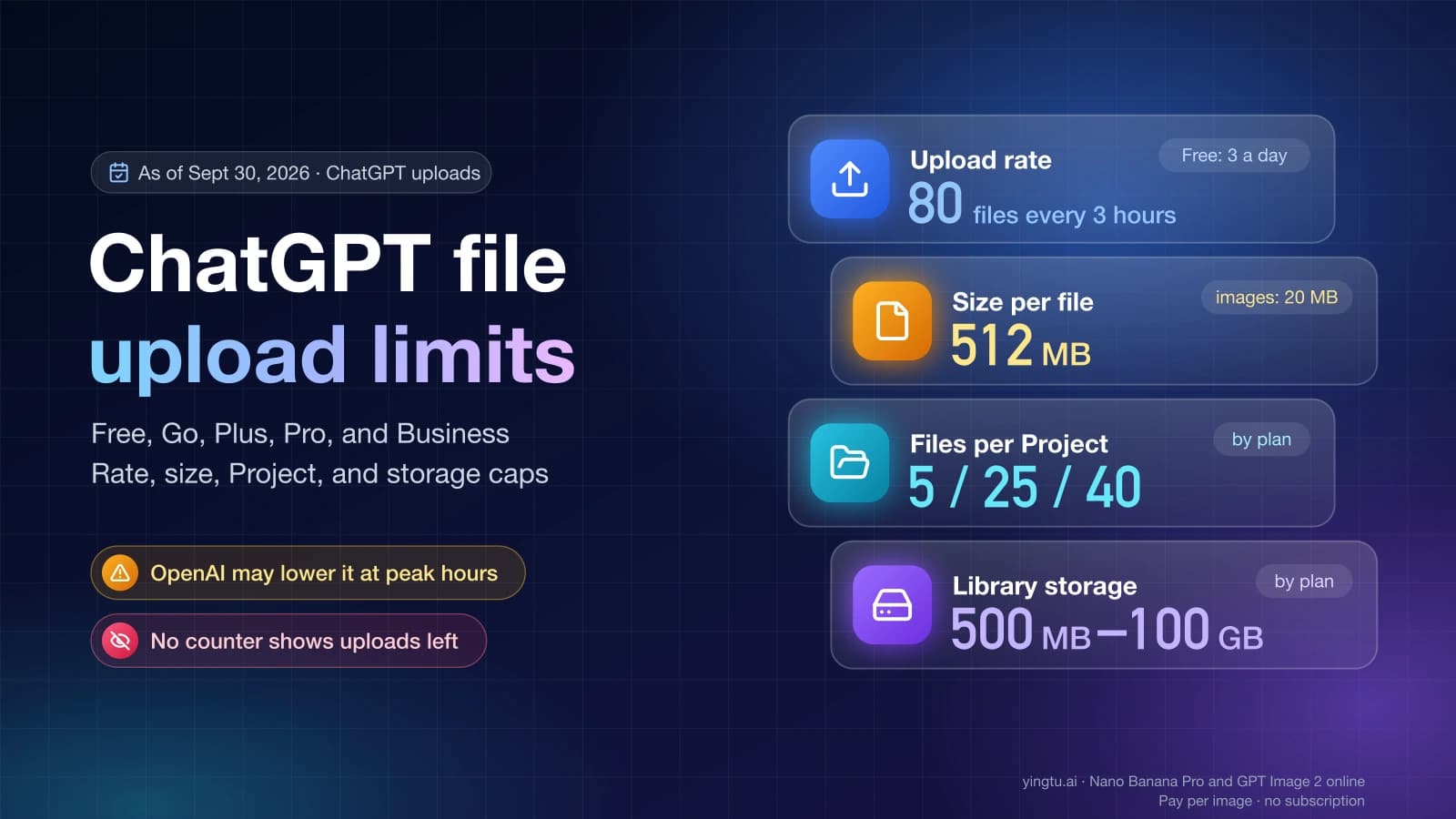
A current guide to ChatGPT image and file upload limits: 20 MB images, the rolling file cap, Project and GPT conflicts, storage, resets, and next steps.

Create an editable presentation with Gemini in Google Slides, use Nano Banana for visuals, or assemble a PowerPoint deck and verify the handoff.

Nano Banana has no universal free-trial or credit policy. Separate the consumer app, paid plans, official API, and provider credits before paying.

Separate Gemini Apps limits, paid API pricing, and wrapper credits; estimate real edits only when the model, reset, expiry, and per-edit cost are known.

Use Google AI Studio for a low-risk clean-visible sample, understand why the Gemini image API is not a free tier, and separate the visible Gemini sparkle from SynthID and rights marks.

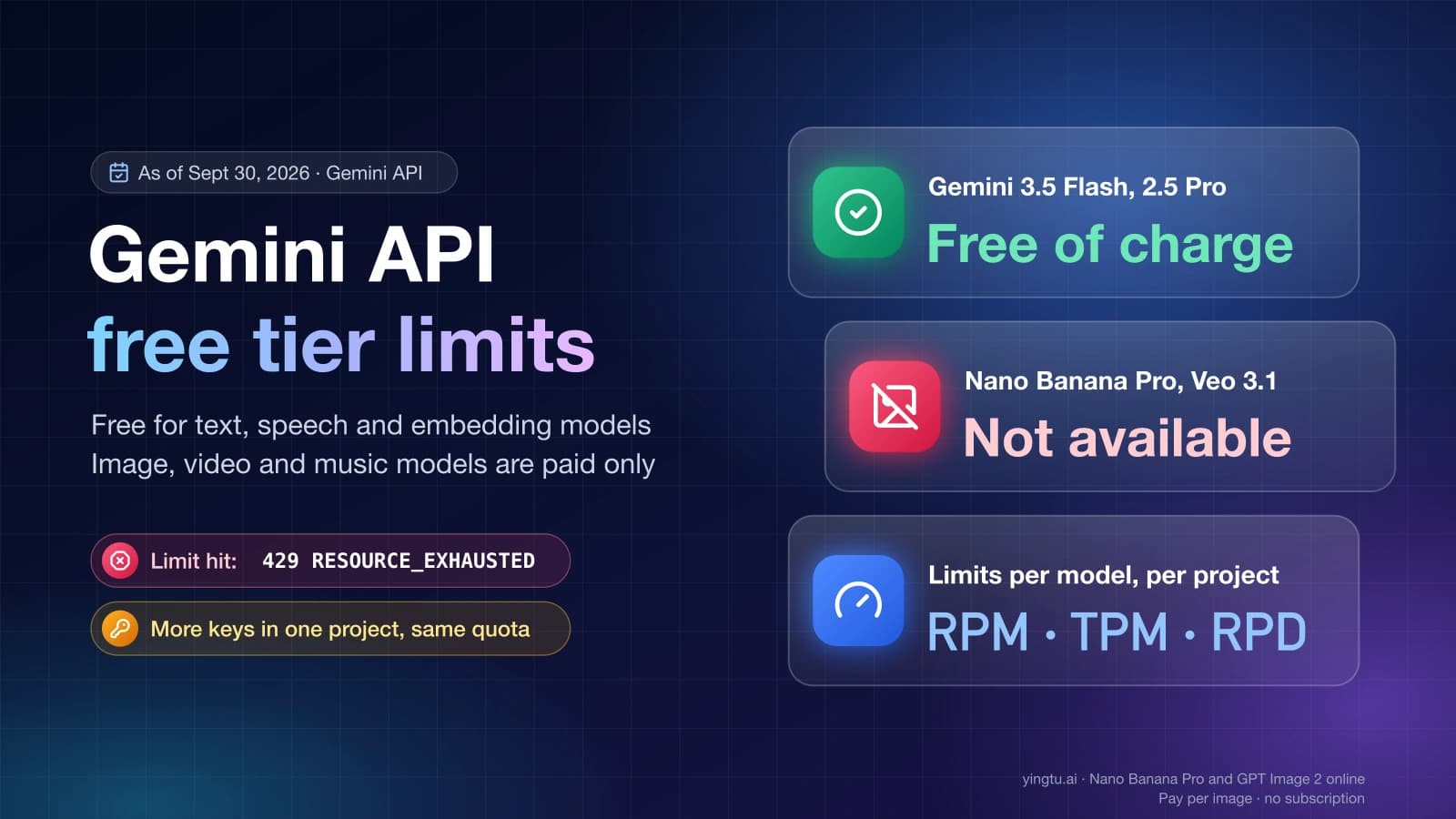
See which Gemini API models still have a free tier in 2026, where AI Studio shows live project limits, why API keys share quota, and when paid tier fits.

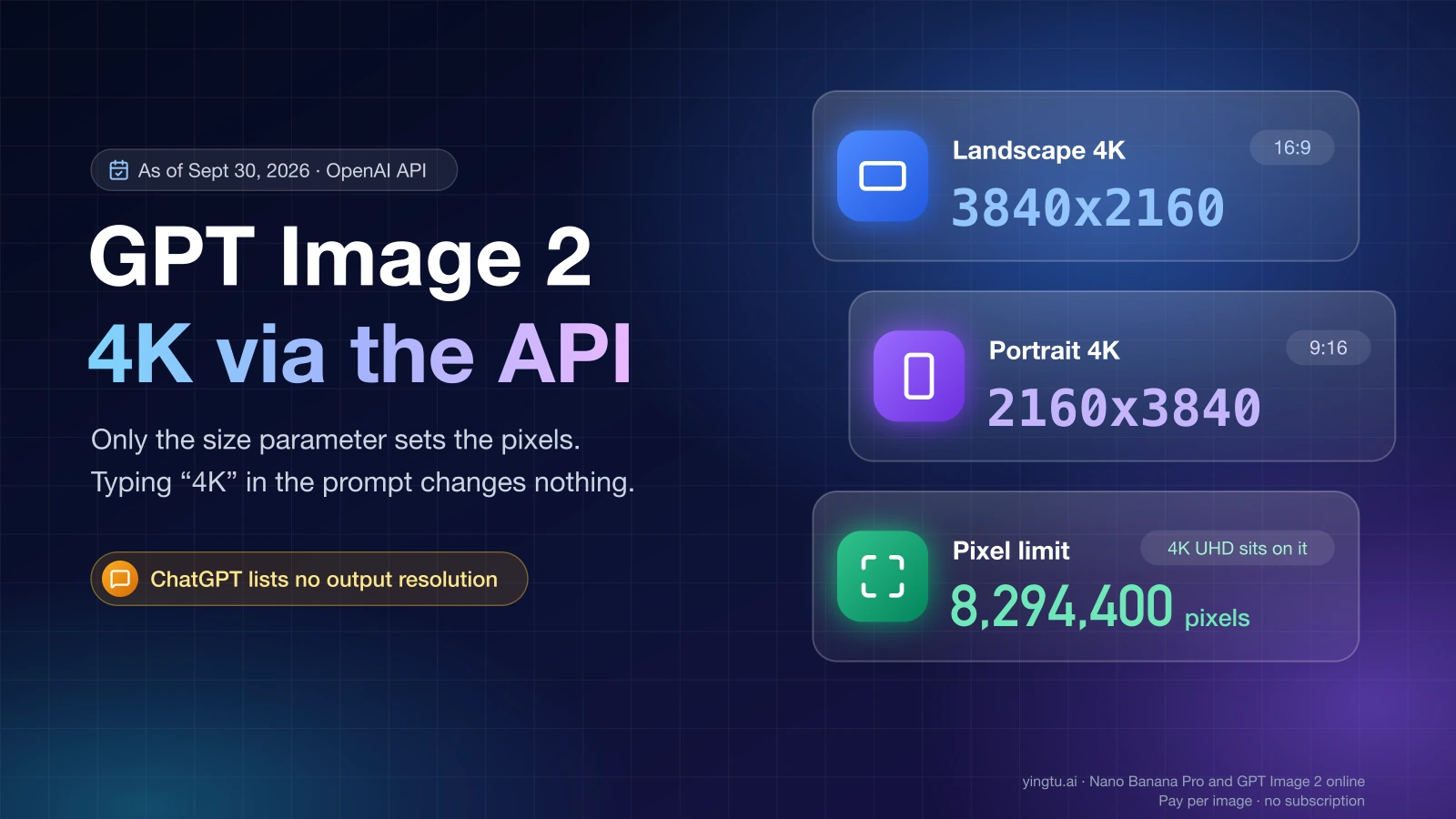
Compare LaoZhang.ai's $0.03 gpt-image-2-vip 4K route with Kie, HiAPI, Segmind, and OpenAI direct, then send and verify a 3840x2160 request.

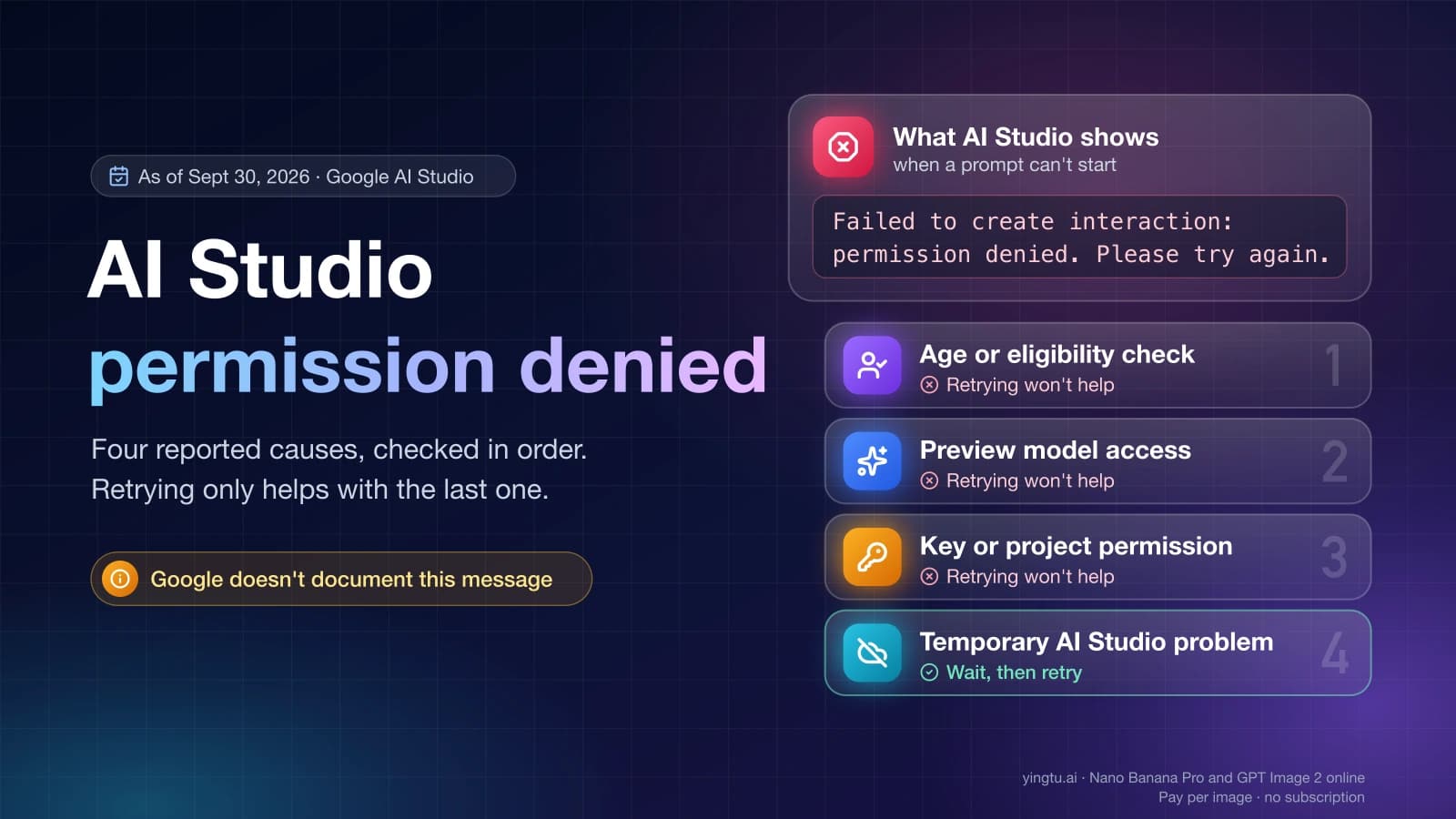
If AI Studio says it failed to generate the API key, check the selected Cloud project, request the five current permissions, and separate Workspace access from a later API 403.

Find the active Gemini API limits for your project and model, calculate a safe traffic budget, and diagnose 429 quota errors versus 503 capacity errors.

Compare the official Gemini 3.1 Flash Lite Image API price with LaoZhang's verified $0.025 Nano Banana route, and learn which model, owner, latency, and workload each price really fits.

Current Gemini API Free Tier guide for developers: how to check active AI Studio rate limits, avoid stale RPM/RPD claims, handle 429s, and decide when paid tiers or provider routes are safer.

Diagnose app cooldowns, 720-hour lockouts, policy refusals, failed generations, status incidents, and API 429 limits when ChatGPT image generation gets blocked.

Choose between random photos, writing prompts, placeholder image URLs, local-gallery shuffles, and AI-generated images before you rely on a random image tool.