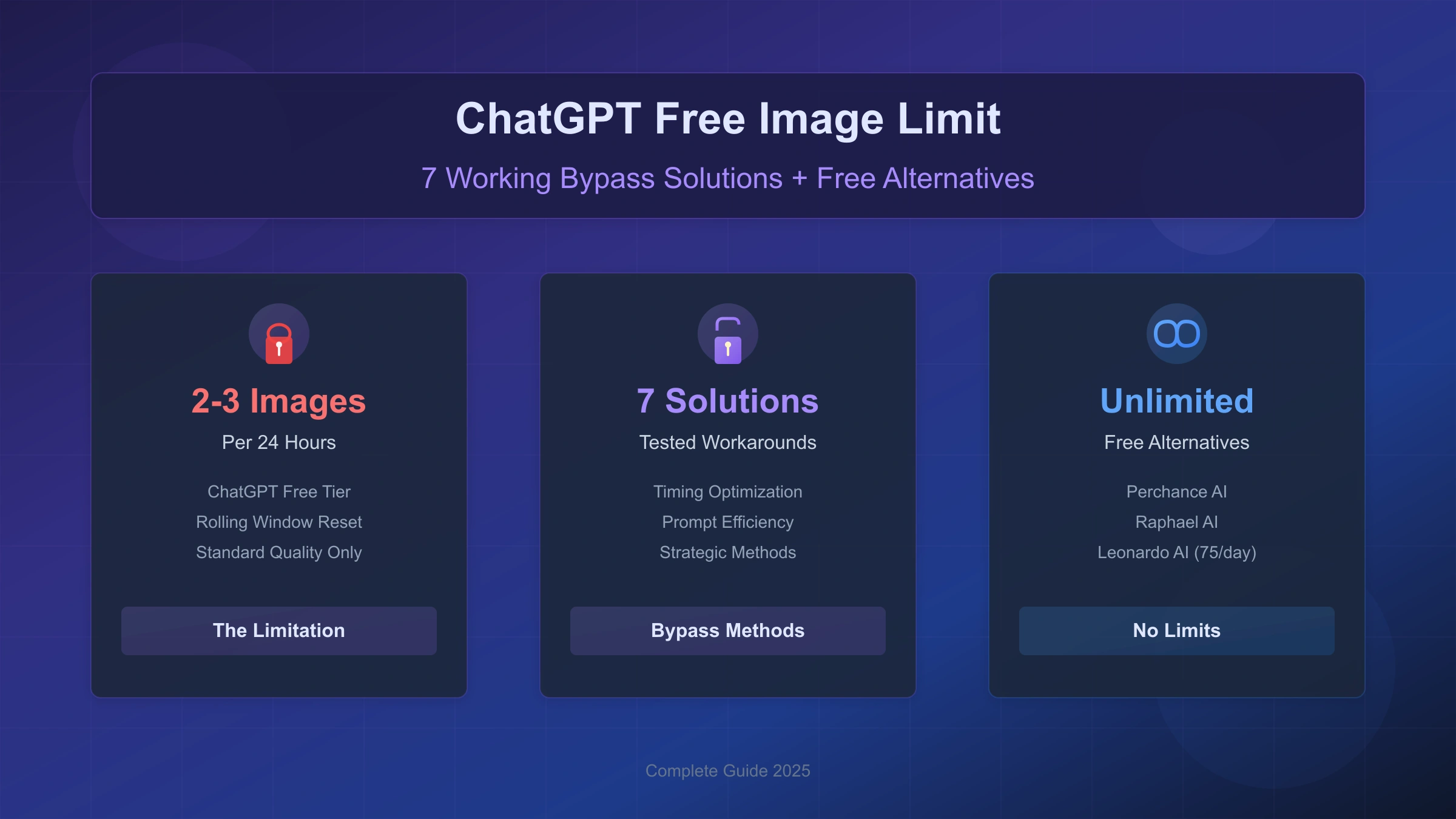
If you hit a ChatGPT free image limit, the safe answer is not to evade the limit. The useful answer is to separate three things: ChatGPT product limits, OpenAI API limits, and alternative image tools. Each has different rules, costs, quality controls, and account boundaries.
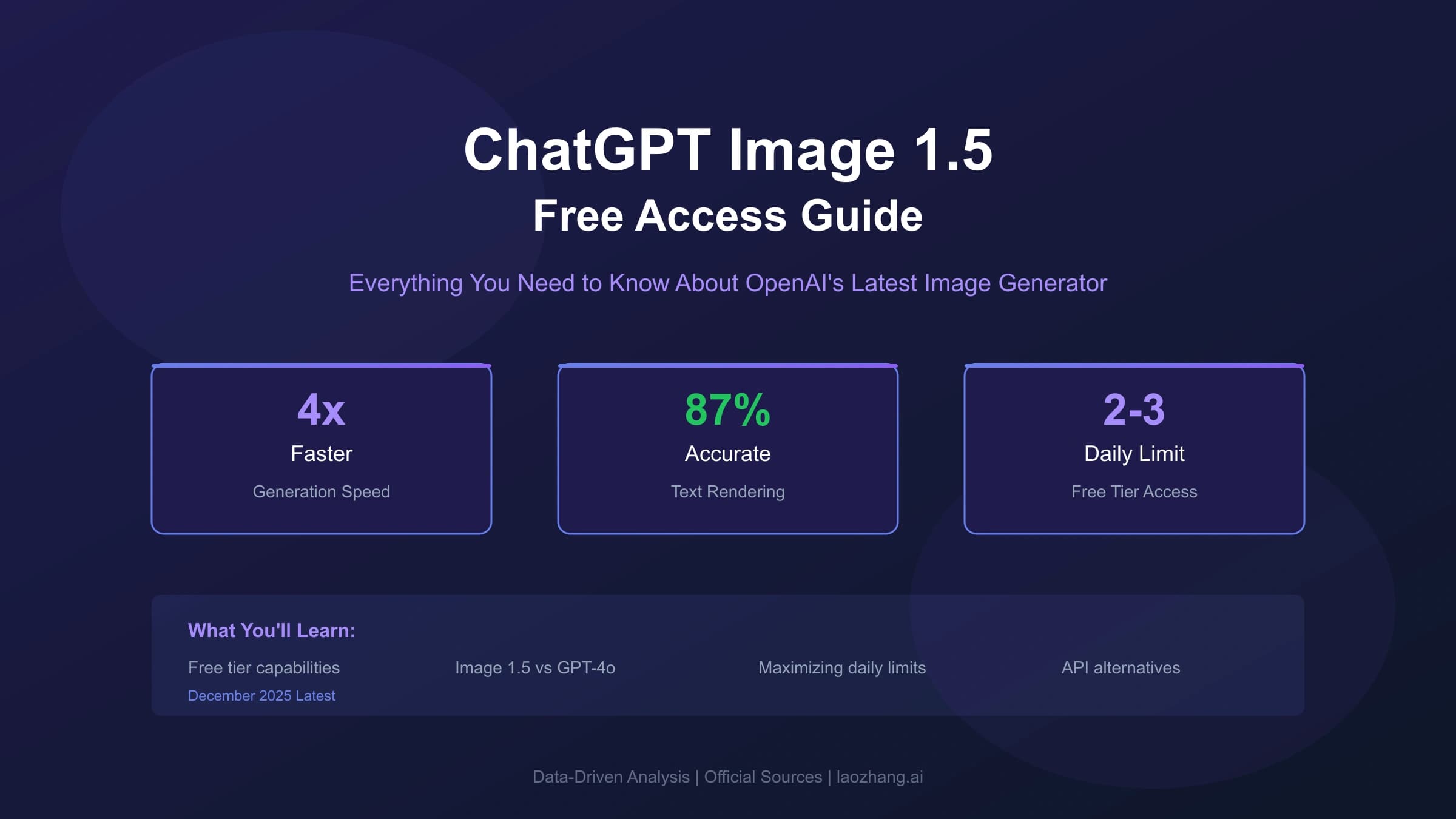
As of 2026-07-08, OpenAI's ChatGPT Free Tier FAQ says Free users can create images in ChatGPT, but image creation has its own rate limits separate from the text limit. When you reach a tool limit, you need to wait until a later time to use that tool again. OpenAI's API image generation help says API rate limits depend on the image model and your usage tier, and you should check your account's limits page for specifics.
That means any article promising a fixed, current number of free ChatGPT images per day is likely overconfident. Use the reset time or limit notice shown in your ChatGPT account as the source of truth.
| Need | Safe route |
|---|---|
| You only need one or two important images | Wait for the displayed reset, then use a better prompt |
| You waste quota on bad first drafts | Improve prompt structure and use references before generating |
| You need more product-interface access | Compare ChatGPT Go, Plus, Pro, Business, or workspace plans in your account |
| You are building an app | Use the OpenAI API and check model-specific API rate limits |
| You need low-cost bulk exploration | Use compliant alternative tools or lower-cost image APIs |
| You are thinking about extra accounts or loopholes | Do not do it; it can violate service terms and risk account loss |
Official references used here: OpenAI's ChatGPT Free Tier FAQ, image generation API guide, image generation rate limits help article, and ChatGPT Plus help page.
What OpenAI Actually Says
OpenAI currently describes Free tier limits in dynamic terms, not as a stable daily image count. The important points are:
- Free users can create images in ChatGPT.
- Image creation has a separate usage limit from the main text model limit.
- If you reach a tool limit, you need to wait for a later time.
- Paid ChatGPT plans provide expanded access, but API usage is separate and billed independently.
- API image limits depend on model and usage tier.
So the right framing is: "How do I work within the current limits or choose a legitimate alternative?" not "How do I evade ChatGPT limits?"
Why Limit Tricks Are A Bad Plan
Old guides often suggest fresh browser profiles, extra accounts, old model routing, network-location switching, or prompt tricks to force another image. These are fragile and risky.
| Tactic | Why it is not a good strategy |
|---|---|
| Multiple accounts | Can violate account and abuse-prevention rules |
| Browser/profile switching | Does not change account-level limits reliably |
| Network-location switching | Can trigger security checks and does not create legitimate capacity |
| Legacy endpoint guessing | Stale model behavior changes without notice |
| Repeated retries after a limit | Wastes time and may worsen account friction |
For a long-lived workflow, the sustainable options are prompt efficiency, paid product access, API usage, or a legitimate alternative service.
Reduce Wasted Generations First
The lowest-risk "extra quota" is needing fewer retries. Before generating, write a prompt that specifies the job, not just the subject.
Use this structure:
hljs textCreate an image for [use case]. The main subject is [subject], positioned [composition]. The visual style is [style], with [lighting/color/material]. The image must include [required details]. Avoid [unwanted elements]. The result should work as [final placement].
Example:
hljs textCreate a website hero image for a small bookkeeping app. The main subject is a clean laptop dashboard on a wooden desk, positioned on the right third. The visual style is calm SaaS product photography, with soft daylight and muted green accents. The left side must have empty space for a headline and button. Avoid brand logos, dense tiny text, and people. The result should work as a 16:9 landing-page background.
This is better than generating "bookkeeping app image" three times and spending your limit on ambiguity.
Use The Free Tier Deliberately
When you are on a free ChatGPT account:
- Use ChatGPT text first to refine the prompt before you ask for an image.
- Generate only after you know the aspect ratio, subject, style, and required exclusions.
- Avoid closing or refreshing the page while an image is generating.
- If the request is blocked for safety reasons, revise the request instead of retrying unchanged.
- Keep a simple note of what worked so the next generation starts closer to the target.
Do not rely on hidden counters, community timing charts, or old screenshots. ChatGPT should show a reset or limit notice when you hit the current limit.
When A Paid ChatGPT Plan Helps
Paid ChatGPT plans are useful when you want the ChatGPT interface: conversational prompt refinement, image iteration, projects, files, and higher product limits.
They are less useful when you want predictable per-image production costs. OpenAI's Plus help page explicitly says API usage is separate and billed independently. If you are building a product, a Plus subscription does not replace API billing.
Use this decision table:
| Situation | Better fit |
|---|---|
| You create images manually in chats | ChatGPT paid plan may be worth evaluating |
| You need images inside an app or backend job | OpenAI API |
| You need exact cost accounting | API pricing and account limits page |
| You need team governance | Business, Enterprise, or workspace-controlled plans |
| You only need occasional images | Free tier plus careful prompt planning |
Avoid fixed "cost per image" math for ChatGPT subscriptions unless you are calculating from your own usage pattern. Product limits can change and may vary by plan, region, demand, and system conditions.
When The API Is The Right Route
If you need predictable production behavior, use the API. OpenAI's current image generation guide says the API supports image generation through the Image API and image generation inside multi-step flows through the Responses API. For GPT Image models, you can customize size, quality, output format, compression, and other options depending on the model.
Current API-side facts to preserve:
- GPT Image models include models such as
gpt-image-2. - API image rate limits depend on the image model and your usage tier.
- GPT Image models may require organization verification before use.
- API costs include image output and may also include text and image input tokens.
- Safety filtering applies to prompts and generated images.
Minimal Image API example:
hljs pythonfrom openai import OpenAI
import base64
client = OpenAI()
result = client.images.generate(
model="gpt-image-2",
prompt="A clean product photo of a ceramic desk lamp on a white table, soft daylight, no text.",
)
image_base64 = result.data[0].b64_json
with open("lamp.png", "wb") as f:
f.write(base64.b64decode(image_base64))
For an app, also log request IDs, model, size, quality, prompt category, user ID, failure reason, and cost estimate. Do not build your backend around a consumer ChatGPT account.
Safe Alternatives To Consider
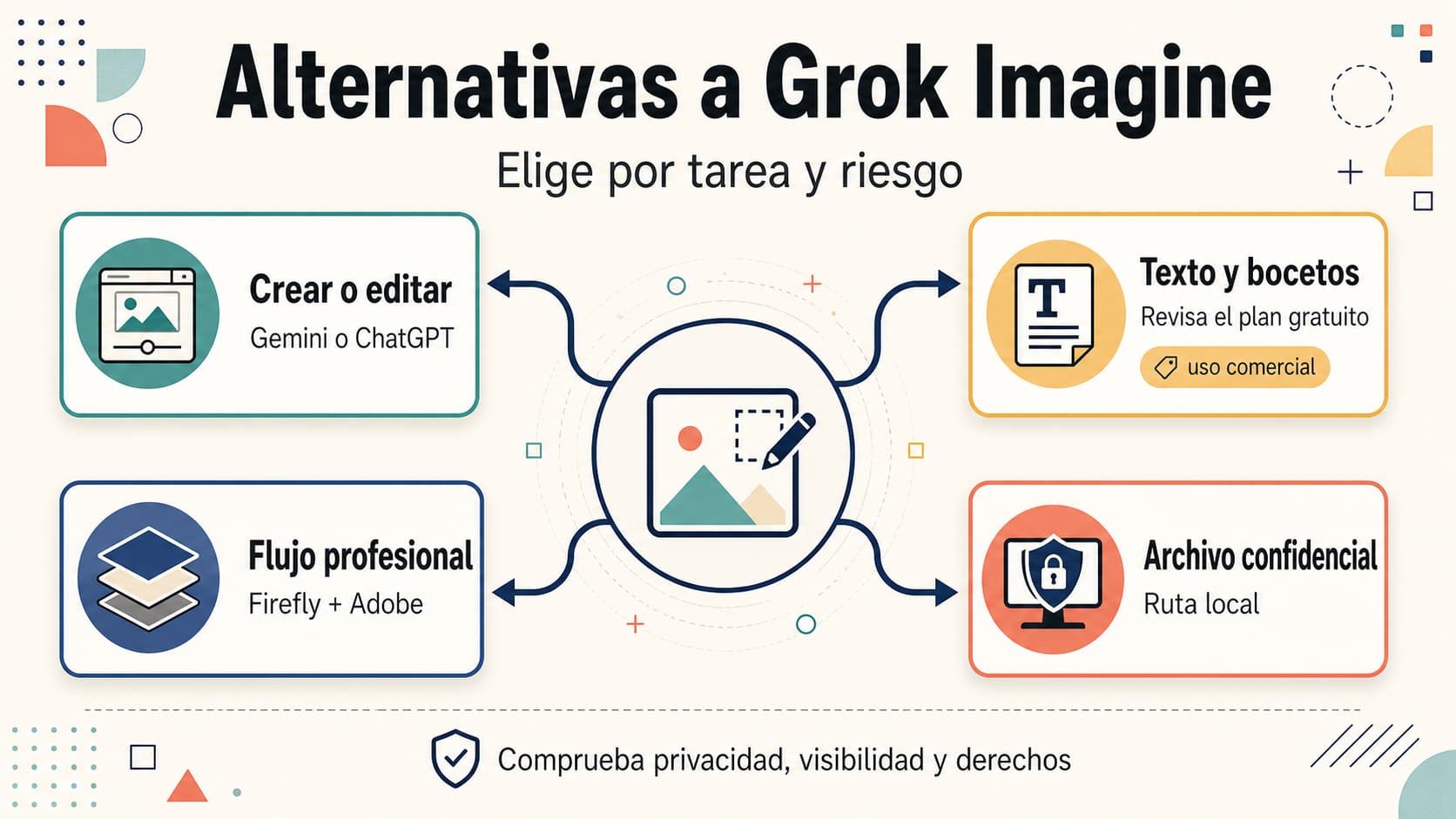
Alternatives are legitimate when they have their own terms, rate limits, and pricing. They are not a way to evade ChatGPT account limits.
Evaluate alternatives on:
| Criterion | What to check |
|---|---|
| Terms | Commercial use, account rules, data use, watermarking |
| Limits | Daily credits, rate limits, reset windows, paid tiers |
| Quality | Text rendering, hands, brand consistency, reference-image support |
| Cost | Successful image cost, failed request handling, subscription lock-in |
| Safety | Content policy, moderation, appeal/support process |
| Workflow | API access, batch support, export formats, history |
For quick exploration, a lower-cost image tool can be fine. For commercial or client work, verify rights, output quality, data handling, and failure behavior before moving volume.
Handling Errors Without Wasting More Attempts
| Message type | Practical response |
|---|---|
| Free image limit reached | Wait for the shown reset or switch to a legitimate plan/API route |
| Rate limit / too many requests | Wait, reduce request frequency, or check API limits |
| Safety or moderation block | Revise the prompt or input image; do not retry unchanged |
| Generic failure | Check status, keep the prompt, and retry once later |
| API quota error | Check usage tier, model-specific limits, billing, and request ID |
OpenAI's API guide recommends handling image generation failures like other API errors: check the status or SDK exception type, log the request ID, and retry transient failures such as 429 or 5xx. Do not automatically retry user-correctable image errors without modifying the request.
What To Remove From Old Workflows
If you have an old limit-evasion workflow, remove these parts:
- Instructions to create or rotate accounts.
- Claims of exact free image counts without current source.
- Claims of no-cap free generation without a service-specific terms check.
- API prices copied from old screenshots.
- Affiliate links framed as official alternatives.
- Browser or VPN tricks described as reliable solutions.
- Advice to retry blocked safety prompts unchanged.
This is both a policy and quality issue. Google Search and AI answer systems reward clear, reliable, people-first content more than loophole lists.
FAQ
How many images can ChatGPT Free users create?
OpenAI currently describes Free tier image creation as rate-limited and separate from the text limit. The exact allowance can change. Use the limit or reset message shown in your ChatGPT account as the current answer.
Can I evade the ChatGPT image limit?
Do not try to evade it. Work within the displayed reset window, upgrade if the product interface is worth it, use the API for production, or use a legitimate alternative service under its own terms.
Does ChatGPT Plus include API usage?
No. OpenAI's Plus help page says API usage is separate and billed independently. Plus can improve access in the ChatGPT web app, but it does not replace API billing.
Is the OpenAI API uncapped?
No. API image generation has model-specific and account-specific rate limits. Check your limits page and the relevant model documentation.
What is the safest way to get more images?
Use better prompts to reduce retries, wait for the tool reset, upgrade to a plan that fits your product-interface use, or move production work to the API with proper billing and logging.
Are free alternative image tools safe for commercial work?
Not automatically. Check the tool's terms, data handling, watermark rules, output rights, and account limits. For client or brand work, verify before relying on it.
Bottom Line
The old "evade the image limit" framing should be retired. The safer and more useful answer is a route decision: use the Free tier carefully, upgrade only when the ChatGPT interface matters, use the API for production, and evaluate alternatives under their own rules.