
メインコンテンツへ移動

AI スタンプ作成:写真 1 枚から LINE スタンプをまとめて作る

自撮りやペットの写真、またはキャラクターの説明文から、同じキャラクターのスタンプを 9 個または 16 個まとめて描きます。背景の切り抜きと 1 個ずつの切り分けはブラウザ内で自動。LINE Creators Market のサイズ(370×320 以内・メイン画像・タブ画像)でそのまま書き出せます。1 セットの料金は画像 1 枚分、$0.018 から。

1 セット 9 個 / 16 個$0.018 から/セットLINE · Discord · Telegram

1キャラクター

自分、ペット、ぬいぐるみなど。写真がなくても、キャラクターを文章で説明すれば作れます。

2スタイル

3枚数と文字

4モデル

1 セットまとめて作成

同じキャラクターで 9 個または 16 個の表情。背景を自動で消して 1 個ずつに分け、LINE・Discord・Telegram・WhatsApp のサイズで書き出せます。

要点

  • 2026 年 9 月 27 日時点:1 セット=画像生成 1 回で、選んだモデルの 1 枚分の料金です(Seedream 5.0 Flash $0.018、GPT Image 2 VIP $0.03、Nano Banana 2 $0.055、Nano Banana Pro $0.09)。
  • 1 セットは 9 個(3×3)か 16 個(4×4)。LINE スタンプは 8・16・24・32・40 個で申請するので、16 個セットならそのまま使えます。
  • LINE 用の書き出しは PNG・背景透過・370×320 以内・縦横とも偶数・余白約 10px。メイン画像(240×240)とタブ画像(96×74)も同梱します。
  • 背景の切り抜き・切り分け・ZIP 作成はブラウザ内で行い、完成したスタンプはアップロードされません。
  • Gmail でログインした新規ユーザーには $0.1 の無料クレジットがあり、上の 4 モデルすべてに使えます。

AI で LINE スタンプを作る手順

  1. 1写真を追加するか、キャラを説明する1 人または 1 匹がはっきり写った写真がいちばん安定します。写真がなければ「コック帽をかぶった柴犬のバリスタ」のように書くだけで OK。
  2. 2スタイル・個数・文字を選ぶちびキャラ、3D フィギュア、アニメ、ドット絵、手描き。LINE 用なら 16 個がおすすめ。文字は 1 個ずつ書き換えられます。
  3. 3生成して「LINE スタンプ」で書き出す切り分けを確認し、いらないものを外して書き出します。ZIP の中身をそのまま LINE Creators Market に登録できます。

実際に作ったスタンプ

どれもこのページと同じプロンプトと切り分け処理で作成し、手作業の修正はしていません。

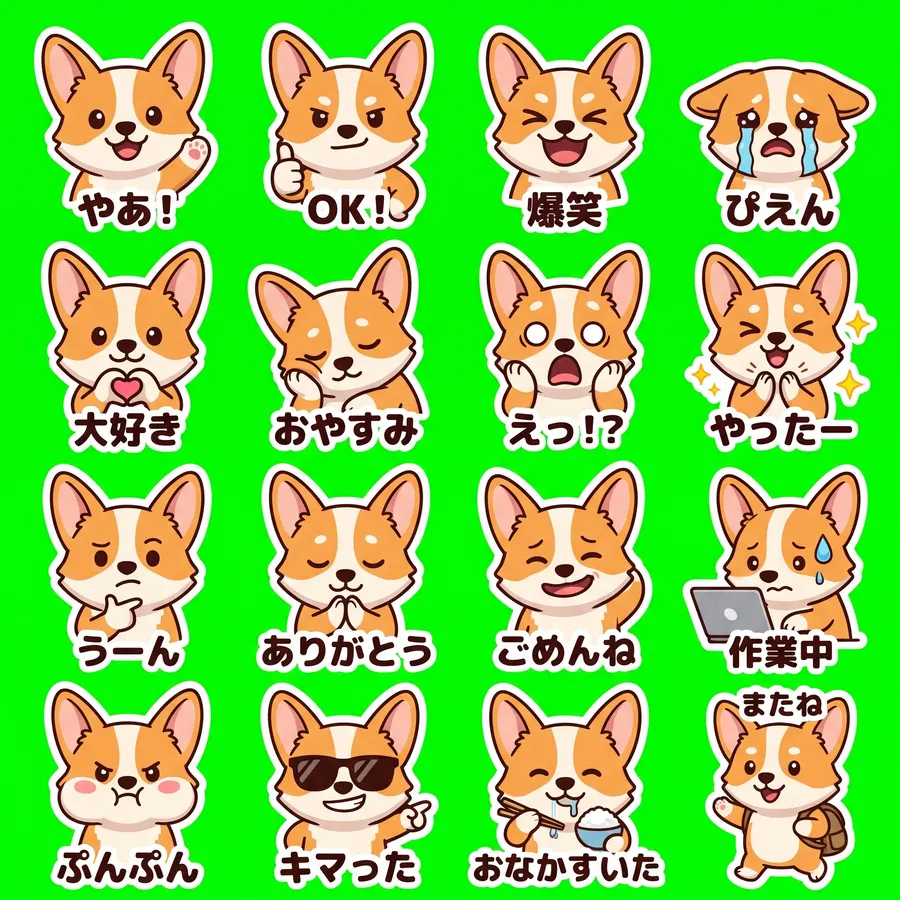
ペット写真 · 16 個(LINE 向け)

Nano Banana 2 · 27 秒 · 16 個中 16 個 · $0.055
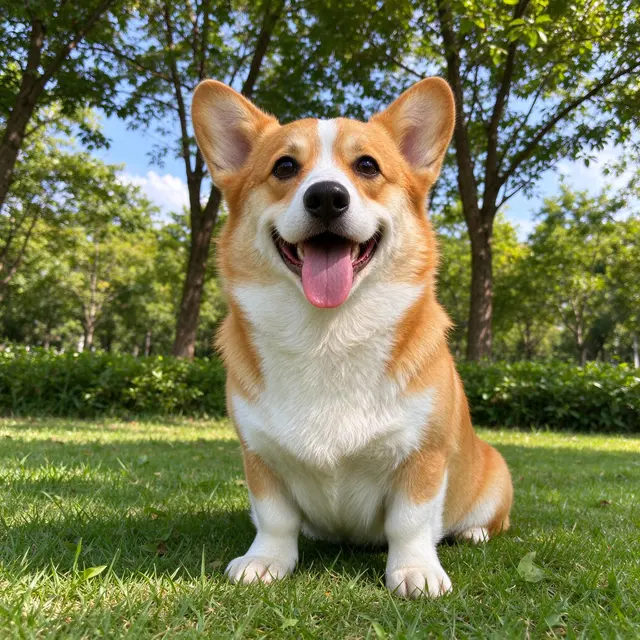
元の写真
元の写真
ペット写真 · 16 個(LINE 向け) sheet
2048 × 2048
プロンプト全文を見る

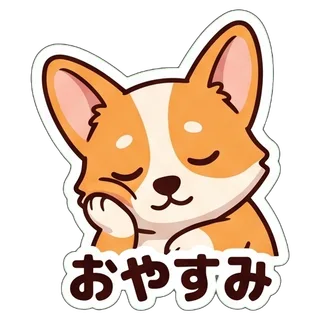
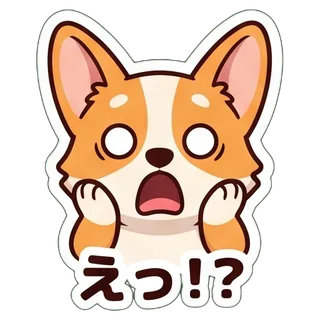
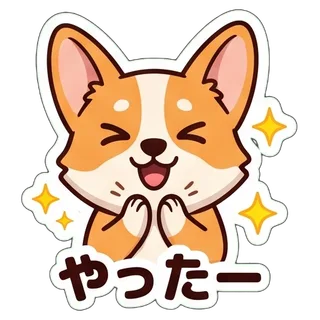
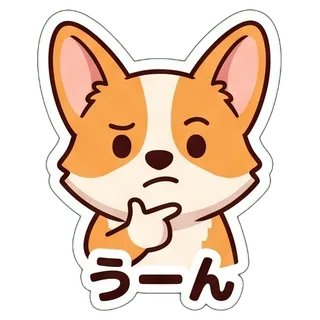
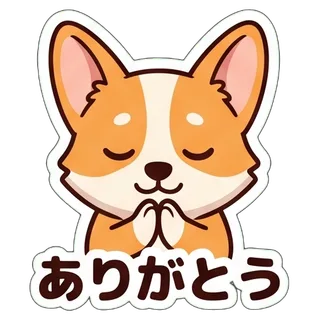
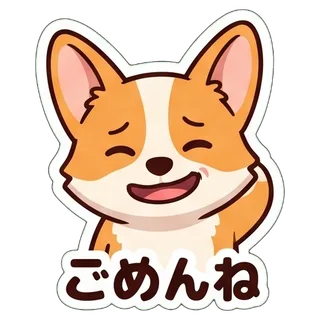
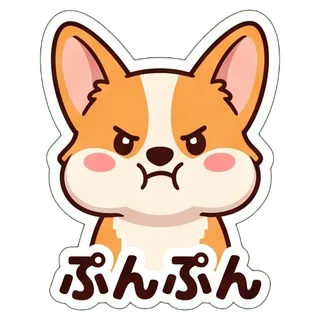
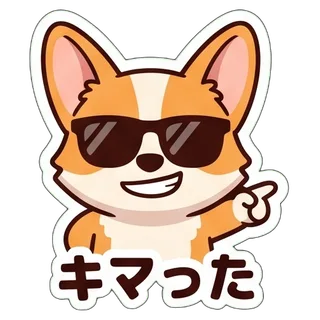
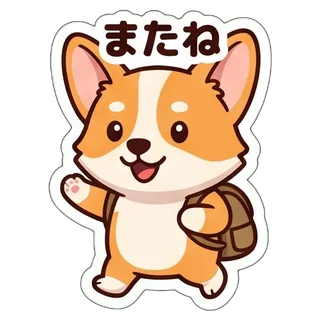
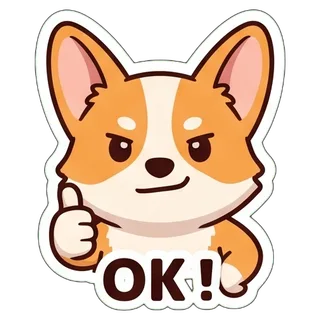
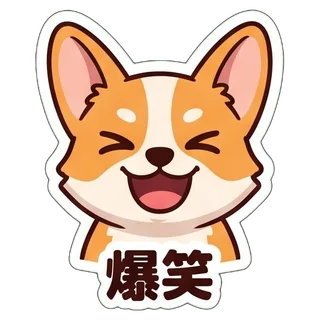
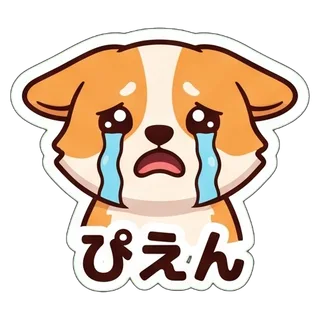
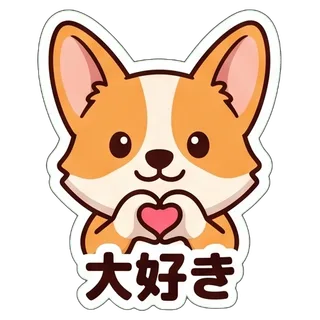
Create a sticker sheet of the corgi dog in the reference image. Keep the face, hairstyle, colors, markings and clothing so it is instantly recognizable in every sticker. Draw 16 different stickers of the same character arranged in a 4x4 grid, evenly spaced with wide gaps between stickers, each sticker fully inside its own cell and not touching the others. Style: cute chibi cartoon style with a big head and small body, bold clean outlines and flat cel shading. Stickers, in order from top left to bottom right: 1. waving hello with a big smile, caption "やあ!" 2. giving a thumbs up, caption "OK!" 3. laughing out loud with eyes squeezed shut, caption "爆笑" 4. crying with big tears, caption "ぴえん" 5. making a heart with both hands, caption "大好き" 6. sleepy, eyes closed, resting the cheek on a hand, caption "おやすみ" 7. shocked with the mouth wide open and hands on the cheeks, caption "えっ!?" 8. clapping and cheering, caption "やったー" 9. thinking with a hand on the chin, caption "うーん" 10. bowing politely with both hands together, caption "ありがとう" 11. apologizing with an awkward smile and one hand behind the head, caption "ごめんね" 12. typing fast on a laptop, a little stressed, caption "作業中" 13. angry and pouting with puffed cheeks, caption "ぷんぷん" 14. wearing sunglasses and pointing with a confident grin, caption "キマった" 15. holding a bowl and chopsticks, drooling a little, caption "おなかすいた" 16. waving goodbye while walking away, caption "またね" Captions are short, bold, easy to read, in black or another dark non-green color, placed under or beside the character inside its outline. Every sticker has a thick white die-cut outline around the character and its caption. The background is one flat solid pure green color (#00FF00) everywhere, with no shadows, no gradients, no texture, no borders, no grid lines and nothing else on it. Do not use any green inside the stickers (no green text, clothing or props).
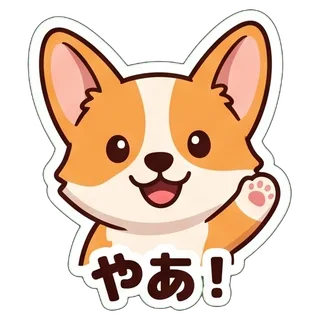
  • やあ!
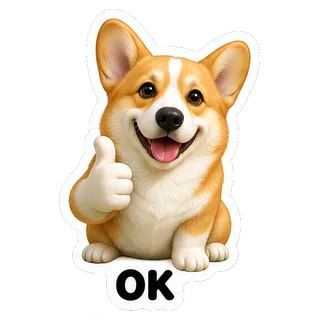
  • OK!
  • 爆笑
  • ぴえん
  • 大好き
  • おやすみ
  • えっ!?
  • やったー
  • うーん
  • ありがとう
  • ごめんね
  • 作業中
  • ぷんぷん
  • キマった
  • おなかすいた
  • またね

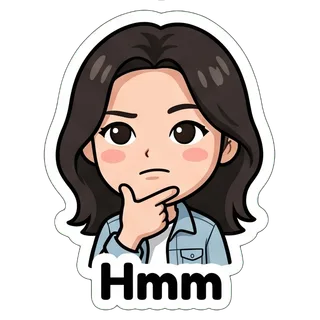
自撮り写真 · ちびキャラ

Nano Banana 2 · 20 秒 · 9 個中 9 個 · $0.055

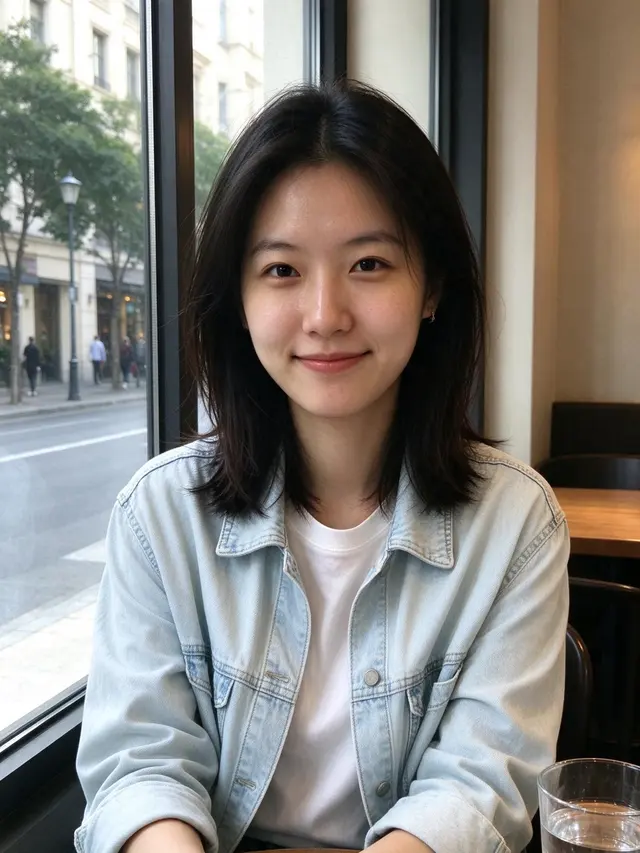
元の写真
元の写真
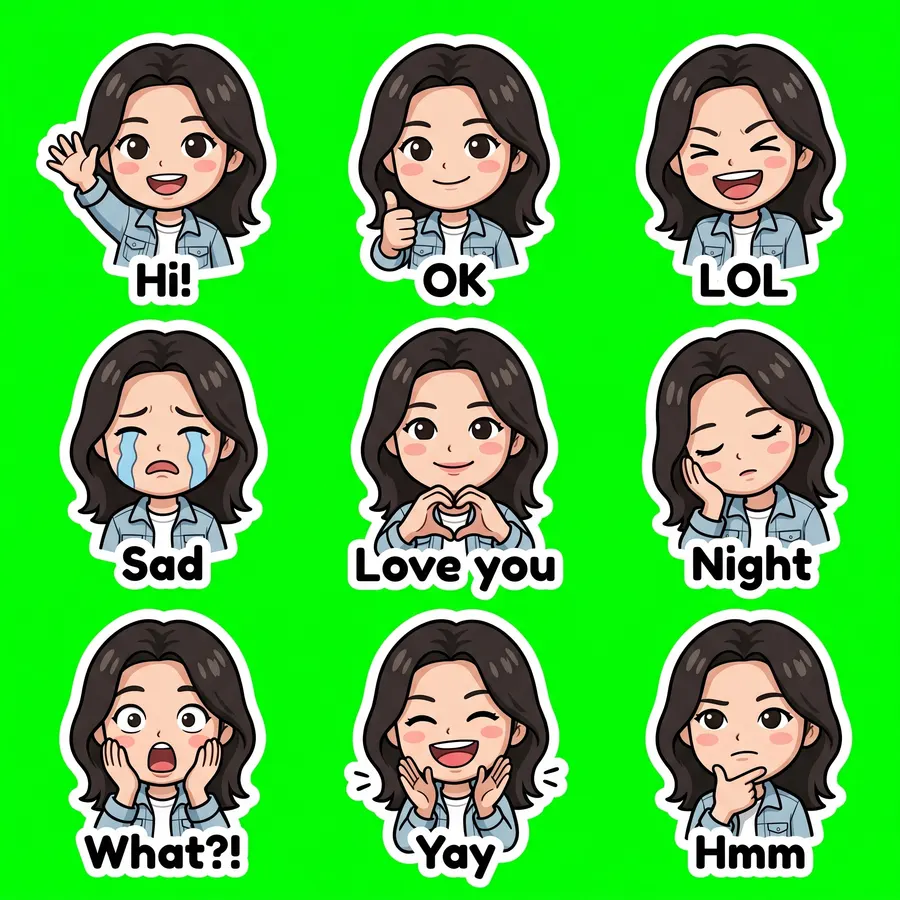
自撮り写真 · ちびキャラ sheet
2048 × 2048
プロンプト全文を見る

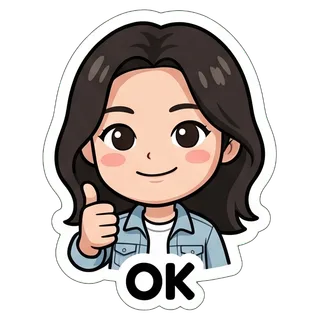
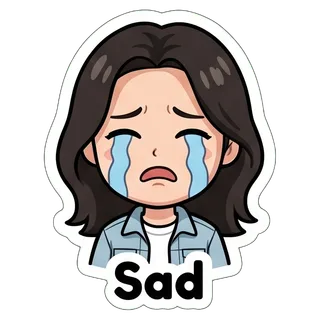
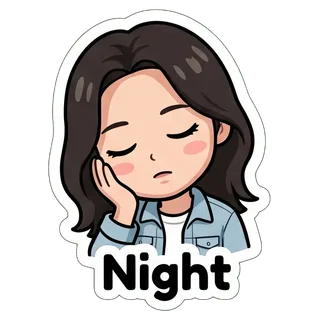
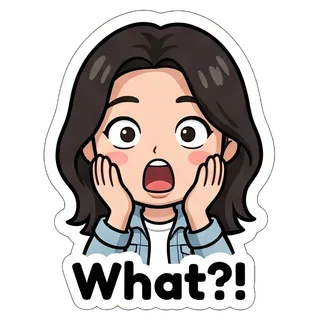
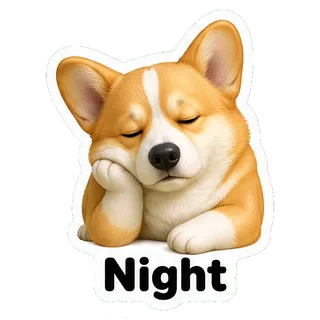
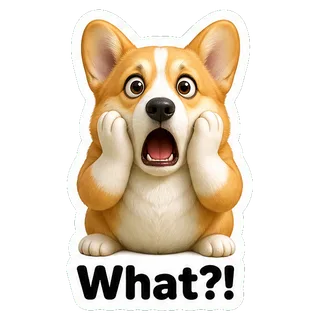
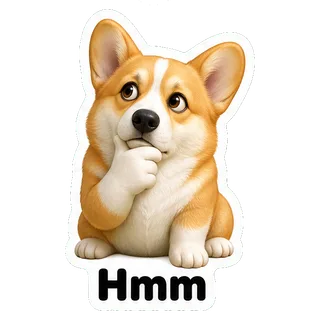
Create a sticker sheet of the woman in the reference image. Keep the face, hairstyle, colors, markings and clothing so it is instantly recognizable in every sticker. Draw 9 different stickers of the same character arranged in a 3x3 grid, evenly spaced with wide gaps between stickers, each sticker fully inside its own cell and not touching the others. Style: cute chibi cartoon style with a big head and small body, bold clean outlines and flat cel shading. Stickers, in order from top left to bottom right: 1. waving hello with a big smile, caption "Hi!" 2. giving a thumbs up, caption "OK" 3. laughing out loud with eyes squeezed shut, caption "LOL" 4. crying with big tears, caption "Sad" 5. making a heart with both hands, caption "Love you" 6. sleepy, eyes closed, resting the cheek on a hand, caption "Night" 7. shocked with the mouth wide open and hands on the cheeks, caption "What?!" 8. clapping and cheering, caption "Yay" 9. thinking with a hand on the chin, caption "Hmm" Captions are short, bold, easy to read, in black or another dark non-green color, placed under or beside the character inside its outline. Every sticker has a thick white die-cut outline around the character and its caption. The background is one flat solid pure green color (#00FF00) everywhere, with no shadows, no gradients, no texture, no borders, no grid lines and nothing else on it. Do not use any green inside the stickers (no green text, clothing or props).
  • Hi!
  • OK
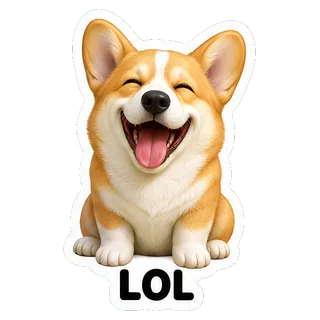
  • LOL
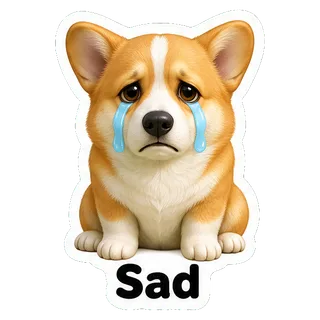
  • Sad
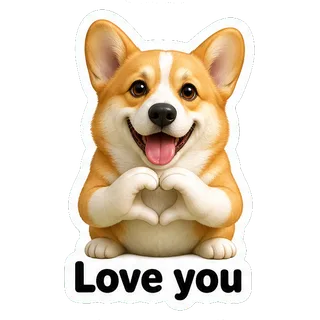
  • Love you
  • Night
  • What?!
  • Yay
  • Hmm

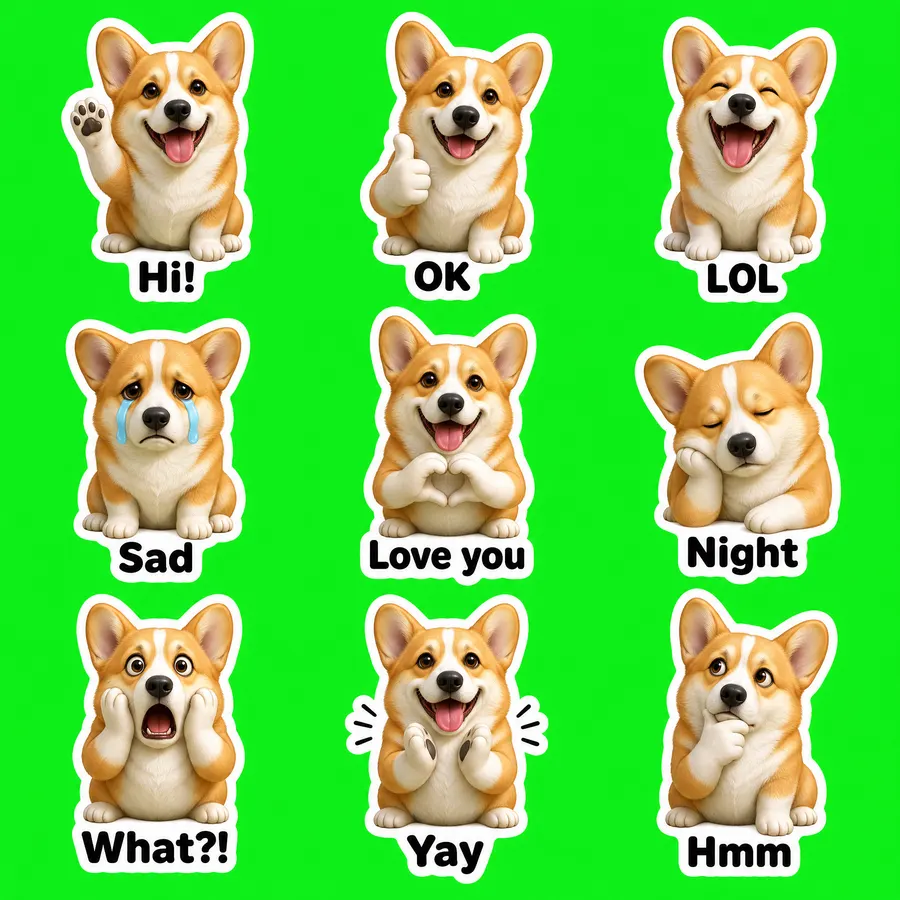
ペット写真 · 3D フィギュア

GPT Image 2 VIP · 55 秒 · 9 個中 9 個 · $0.03

元の写真
元の写真
ペット写真 · 3D フィギュア sheet
2048 × 2048
プロンプト全文を見る

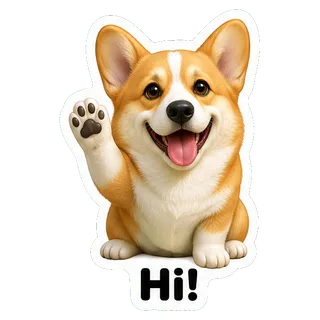
Create a sticker sheet of the corgi dog in the reference image. Keep the face, hairstyle, colors, markings and clothing so it is instantly recognizable in every sticker. Draw 9 different stickers of the same character arranged in a 3x3 grid, evenly spaced with wide gaps between stickers, each sticker fully inside its own cell and not touching the others. Style: glossy 3D rendered figure style like a vinyl toy, soft studio lighting, rounded shapes. Stickers, in order from top left to bottom right: 1. waving hello with a big smile, caption "Hi!" 2. giving a thumbs up, caption "OK" 3. laughing out loud with eyes squeezed shut, caption "LOL" 4. crying with big tears, caption "Sad" 5. making a heart with both hands, caption "Love you" 6. sleepy, eyes closed, resting the cheek on a hand, caption "Night" 7. shocked with the mouth wide open and hands on the cheeks, caption "What?!" 8. clapping and cheering, caption "Yay" 9. thinking with a hand on the chin, caption "Hmm" Captions are short, bold, easy to read, in black or another dark non-green color, placed under or beside the character inside its outline. Every sticker has a thick white die-cut outline around the character and its caption. The background is one flat solid pure green color (#00FF00) everywhere, with no shadows, no gradients, no texture, no borders, no grid lines and nothing else on it. Do not use any green inside the stickers (no green text, clothing or props).
  • Hi!
  • OK
  • LOL
  • Sad
  • Love you
  • Night
  • What?!
  • Yay
  • Hmm

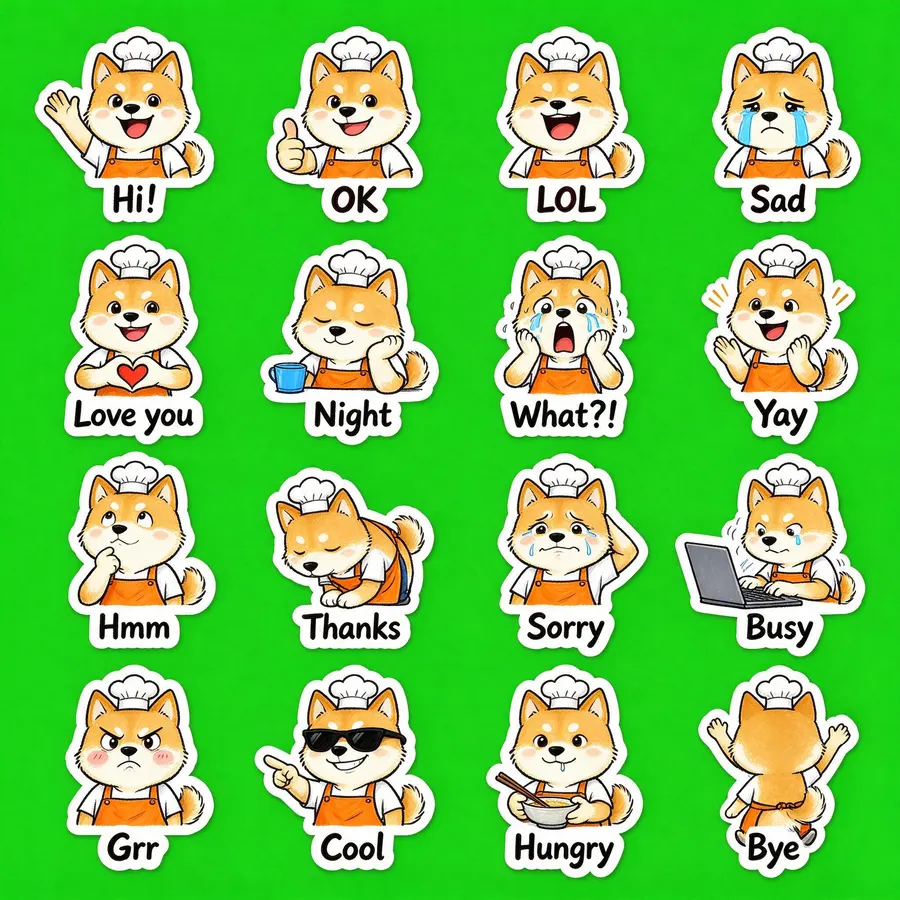
文章だけで作成 · 16 個

Seedream 5.0 Flash · 24 秒 · 16 個中 16 個 · $0.018

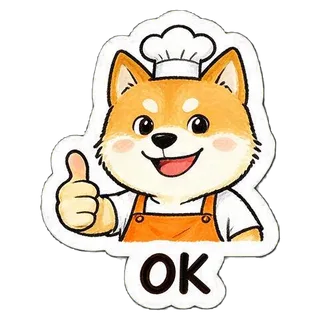
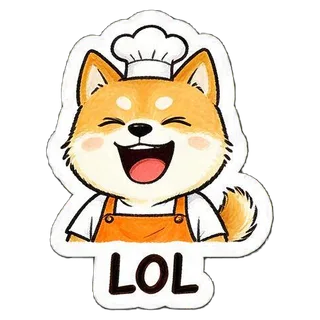
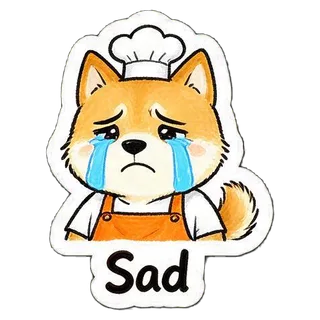
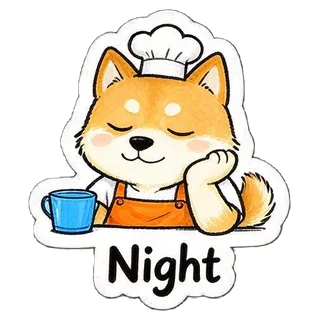
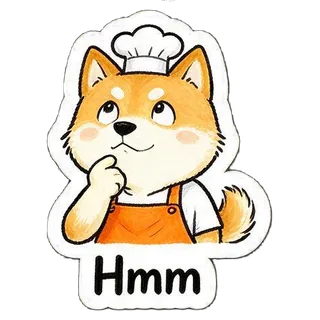
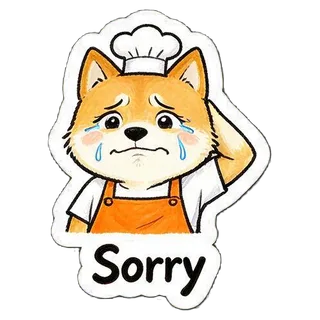
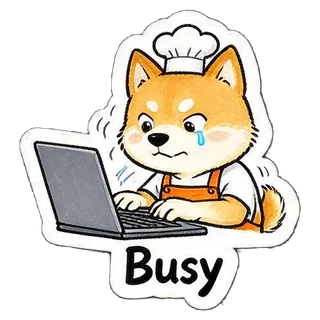
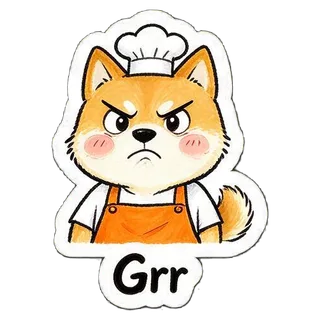
“a cheerful shiba inu barista wearing an orange apron and a small white chef hat”
写真なし・説明文だけ
文章だけで作成 · 16 個 sheet
2048 × 2048
プロンプト全文を見る

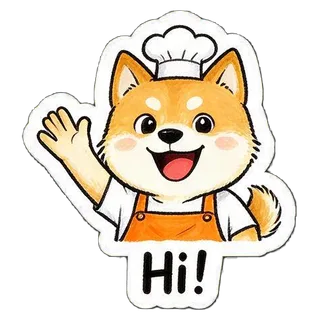
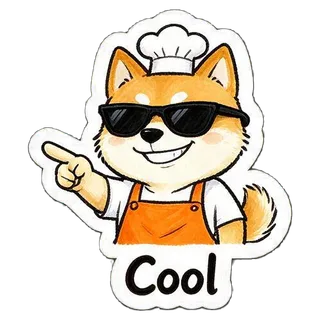
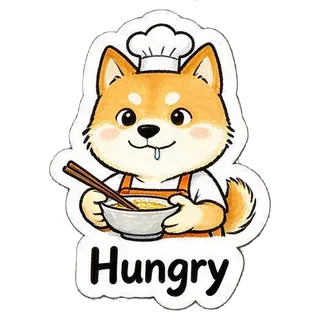
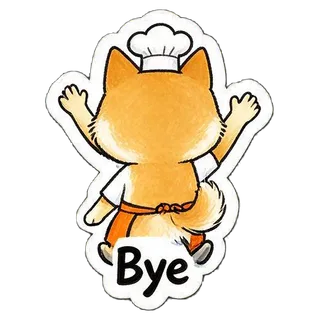
Create a sticker sheet of a cheerful shiba inu barista wearing an orange apron and a small white chef hat. Draw 16 different stickers of the same character arranged in a 4x4 grid, evenly spaced with wide gaps between stickers, each sticker fully inside its own cell and not touching the others. Style: hand-drawn marker doodle style with wobbly lines and bright flat colors. Stickers, in order from top left to bottom right: 1. waving hello with a big smile, caption "Hi!" 2. giving a thumbs up, caption "OK" 3. laughing out loud with eyes squeezed shut, caption "LOL" 4. crying with big tears, caption "Sad" 5. making a heart with both hands, caption "Love you" 6. sleepy, eyes closed, resting the cheek on a hand, caption "Night" 7. shocked with the mouth wide open and hands on the cheeks, caption "What?!" 8. clapping and cheering, caption "Yay" 9. thinking with a hand on the chin, caption "Hmm" 10. bowing politely with both hands together, caption "Thanks" 11. apologizing with an awkward smile and one hand behind the head, caption "Sorry" 12. typing fast on a laptop, a little stressed, caption "Busy" 13. angry and pouting with puffed cheeks, caption "Grr" 14. wearing sunglasses and pointing with a confident grin, caption "Cool" 15. holding a bowl and chopsticks, drooling a little, caption "Hungry" 16. waving goodbye while walking away, caption "Bye" Captions are short, bold, easy to read, in black or another dark non-green color, placed under or beside the character inside its outline. Every sticker has a thick white die-cut outline around the character and its caption. The background is one flat solid pure green color (#00FF00) everywhere, with no shadows, no gradients, no texture, no borders, no grid lines and nothing else on it. Do not use any green inside the stickers (no green text, clothing or props).
  • Hi!
  • OK
  • LOL
  • Sad
  • Love you
  • Night
  • What?!
  • Yay
  • Hmm
  • Thanks
  • Sorry
  • Busy
  • Grr
  • Cool
  • Hungry
  • Bye

LINE・Discord・Telegram などのスタンプ規格

書き出し時に以下の条件へ合わせています。数値は各サービスの公式資料によるものです。

サービス形式サイズ容量・個数出典
LINEPNG(背景透過)370×320 以内・縦横偶数・余白約 10px/メイン 240×240・タブ 96×741 個 1MB 以下/8・16・24・32・40 個creator.line.me
DiscordPNG320×320 ちょうど512KB 以下discord.com
TelegramPNG または WebP片辺がちょうど 512px、もう片辺は 512px 以下/アイコン 100×100アイコン 128KB 以下core.telegram.org
WhatsAppWebP512×512/トレイアイコン 96×961 個 100KB 以下/1 パック 3〜30 個github.com
カカオトークPNG(背景透過)360×360/アイコン 78×78150KB 以下/提案は 32 個kakaoemoticonstudio.notion.site

Safari はブラウザ内で WebP を作れないため、WhatsApp 用は Chrome・Edge・Firefox で書き出してください。

書き出したあとの使い方

  • LINE スタンプ

    LINE Creators Market にログインし、新規登録でスタンプを選んで、書き出した ZIP(01.png〜、main.png、tab.png)をアップロード。タイトルなどを入力して審査をリクエストします。審査は通常数時間〜2 日ほどです。

  • Discord

    サーバー設定 → スタンプ → スタンプをアップロード。名前と関連する絵文字を 1 つずつ選びます。

  • Telegram

    Telegram で公式ボット @Stickers を開いて /newpack を送り、PNG を「ファイル」として 1 個ずつ送って絵文字を付け、最後に /publish します。

きれいに作るコツ

  • 写真は 1 人か 1 匹だけ、顔や毛並みがはっきり見えるものを。
  • 似せたいなら Nano Banana 2 か Nano Banana Pro(Gemini の画像モデル)、まず安く試すなら Seedream 5.0 Flash。
  • 文字は短く。「おやすみ」「ぴえん」くらいの長さがスタンプサイズでも読みやすいです。
  • マスが重なったり抜けたりしたら、もう一度作り直すとたいてい直ります。

よくある質問

AI 生成の LINE スタンプは違反ですか?

AI で作ったこと自体は禁止されていません。ただし LINE Creators Market 利用規約 8.13 により、LINE は AI 生成または制作に AI を使ったコンテンツである旨を独自の判断で表示することがあります。他人の肖像・キャラクター・商標を使ったものは審査で通りません。

Gemini で LINE スタンプを作るには?

Gemini の画像モデルは Nano Banana 2 / Nano Banana Pro です。このページでそのモデルを選ぶと、生成から背景の切り抜き、LINE 規格での書き出しまで一度に終わります。

LINE スタンプは何個必要ですか?

8・16・24・32・40 個のいずれかです。16 個セットで作ればそのまま申請でき、9 個セットの場合は 1 個外して 8 個にします。

LINE スタンプの画像サイズは?

PNG・背景透過で最大 370×320px、縦横とも偶数、周囲に約 10px の余白、1 個 1MB 以下。ほかにメイン画像 240×240 とタブ画像 96×74 が必要で、書き出しにはすべて含まれます。

料金はいくらですか?

1 セットは画像 1 枚分:Seedream 5.0 Flash $0.018、GPT Image 2 VIP $0.03、Nano Banana 2 $0.055、Nano Banana Pro $0.09。Gmail でログインした新規ユーザーは $0.1 分を無料で試せます。

写真は保存されますか?

写真は 1 回の生成リクエストと一緒に YingTu のゲートウェイ経由でモデル提供元へ送られ(LaoZhang API 経由)、一部のモデルの結果は自動の安全チェックを通ります。切り抜き・切り分け・ZIP 作成はブラウザ内で行い、完成したスタンプは YingTu のサーバーにアップロードされません。

最終更新:2026 年 9 月 27 日