メインコンテンツへ移動

プロンプトビルダー

商品写真プロンプトを作成

シーン、背景、光、構図、ブランド上の制約を選ぶと、YingTu がプロンプトを組み立て、既存スタジオを開きます。

シーン
アスペクト比
準備したプロンプト

A precise commercial product photograph of 例:琥珀色ガラスのスキンケアボトル, a restrained commercial studio scene with generous negative space, a light stone surface and neutral background, soft directional window light with natural shadows. Camera and composition: eye-level three-quarter view, product centered with clear negative space. Preserve product geometry, proportions, color, logo, and packaging text. Clean realistic materials, no extra objects touching the product.

このページでは画像を生成しません。

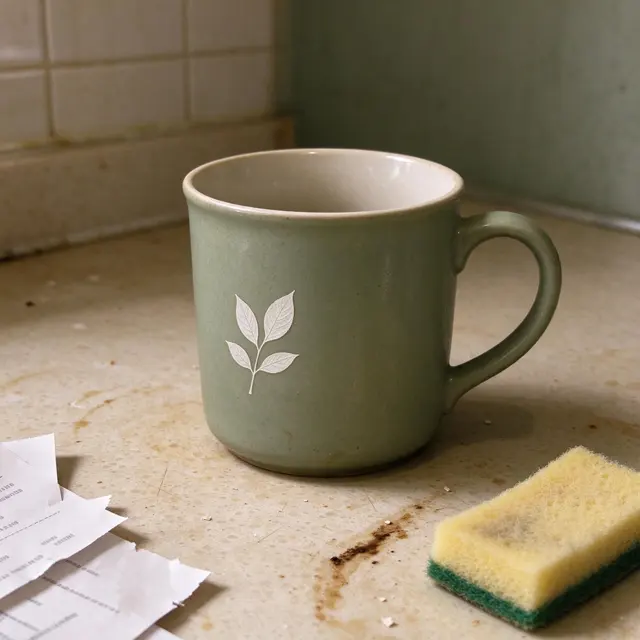
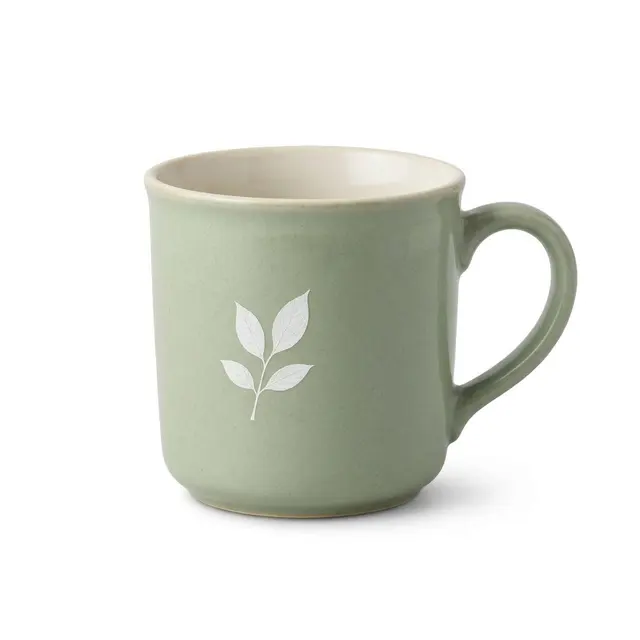
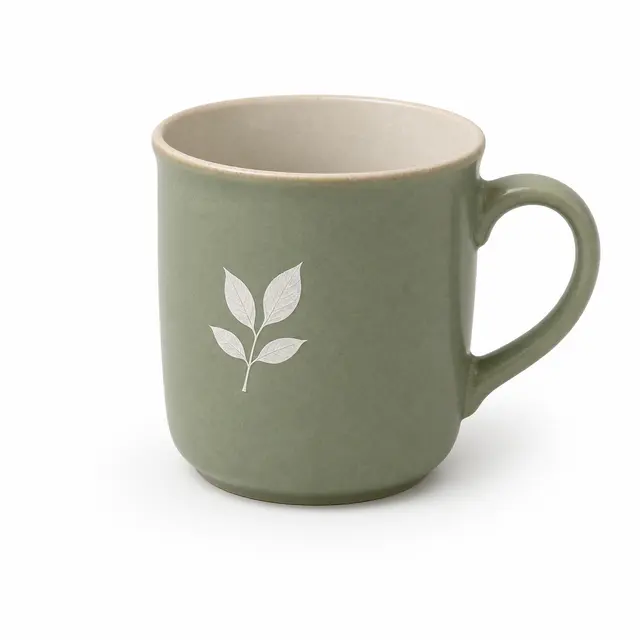
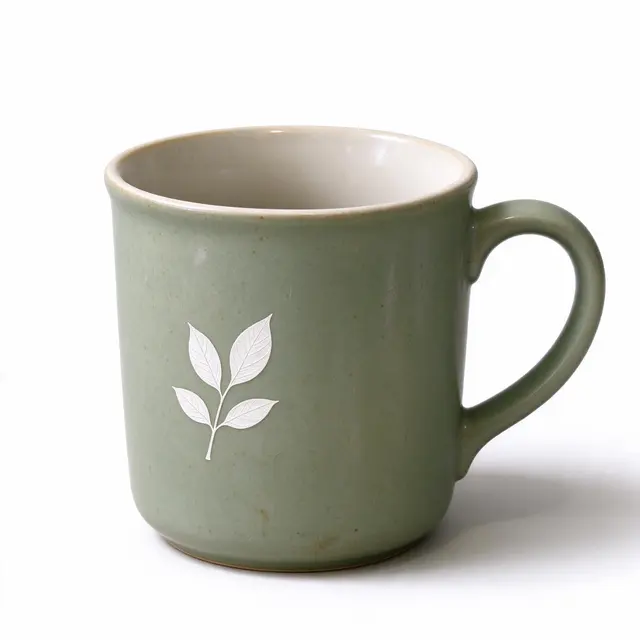
Studio の例Studio の例

次のステップ

ボタンでモデルとプロンプトを選んだ状態のスタジオを開きます。そこで商品参照画像をアップロードし、形、ロゴ、色、包装文字を確認します。

推奨ルート
モデル ID
gemini-3.1-flash-image
参考価格
$0.055/ 回
出力サイズ
512 / 1K / 2K / 4K
アスペクト比
4:5

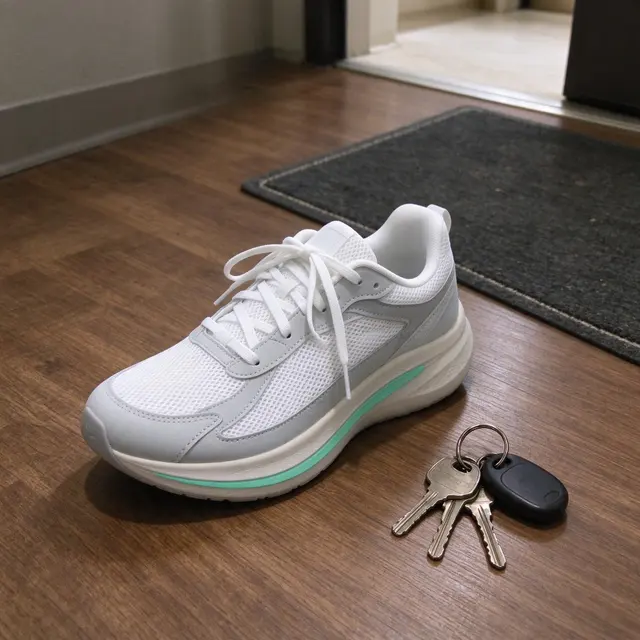
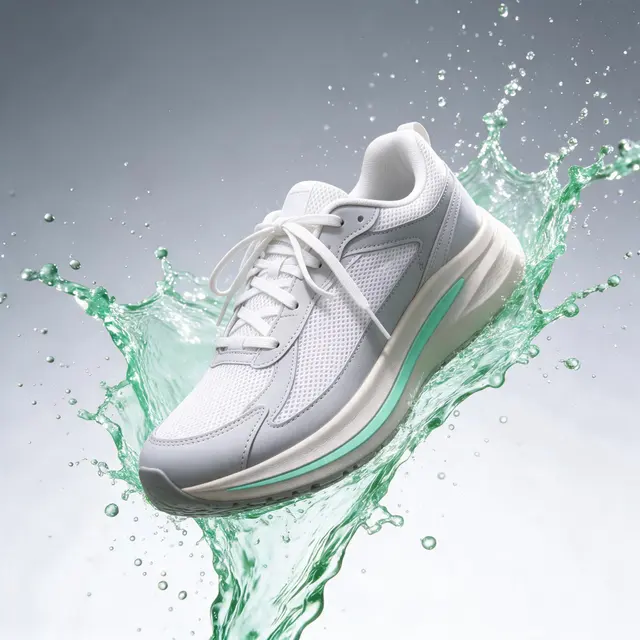
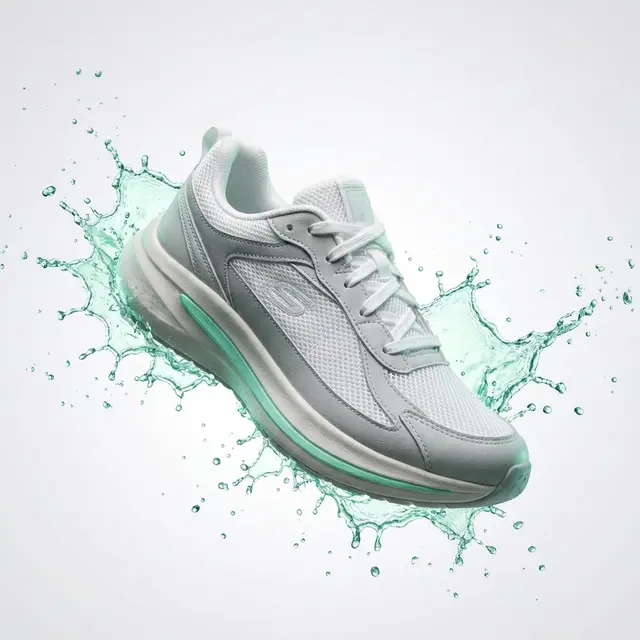
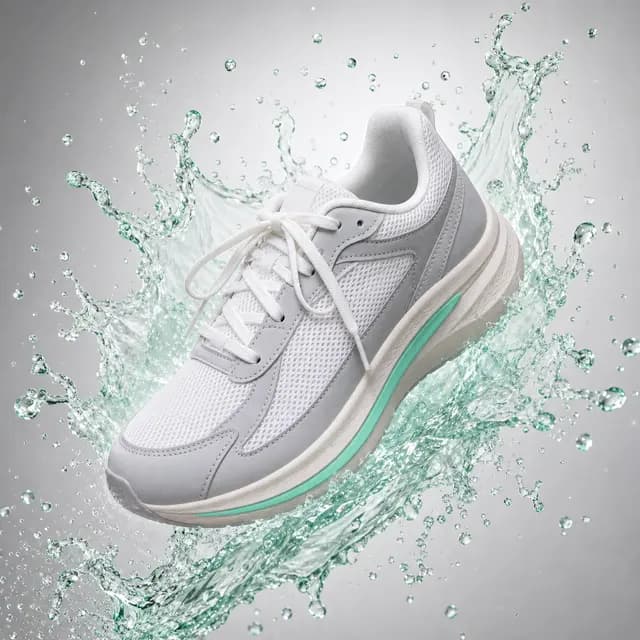
これらの画像には生成時のモデルとプロンプトが記録されていません。視覚例であり、モデルのテスト結果ではありません。

確認リスト

  • 商品形状と比率を元画像と比較します。
  • すべてのロゴと包装文字を原寸で読みます。
  • 色の正確さが重要な場合は、調整済みディスプレイを使います。
  • 被写体が崩れる場合は、背景を簡潔にします。