






Ir al contenido principal

Crear emotes con IA: un set entero para Twitch, Kick y Discord desde una foto

Sube un selfie o una foto de tu mascota, o describe la mascota de tu canal: la IA dibuja 16 emotes del mismo personaje —HYPE, GG, POG, LOL, RIP, o7 y más—. El fondo se quita y cada emote se recorta en tu navegador, listo en los tres tamaños de Twitch (los mismos PNG sirven para Kick) y como emoji de Discord. El set completo cuesta lo que una imagen, desde $0.018.

16 emotes por setdesde $0.018 el setTwitch · Kick · Discord

1Personaje

Tú, tu mascota o un peluche. ¿Sin foto? Describe el personaje con palabras. Arrastra una foto o pega una captura con ⌘V.

2Estilo

3Tema y textos

  • HYPE
  • GG
  • POG
  • LOL
  • <3
  • RAGE
  • SAD
  • LURK
  • HI
  • CLAP
  • HMM
  • EZ
  • RIP
  • ZZZ
  • o7
  • GL

Los emotes se ven a 28 px en el chat, por eso van sin texto. Exporta con «Emotes Twitch · Discord».

4Modelo

Sube una foto o describe un personaje (o toca 🎲 para una idea).

Un pack completo de una vez

Un personaje, 9 o 16 expresiones, sin fondo y recortados uno a uno, listos en los tamaños de WhatsApp, Telegram, Discord, LINE y KakaoTalk.

Datos clave

  • A 28 de septiembre de 2026: un set de 9 o 16 emotes es una sola generación y se cobra al precio por imagen del modelo elegido (Seedream 5.0 Flash $0.018, GPT Image 2 VIP $0.03, Nano Banana 2 $0.055, Nano Banana Pro $0.09).
  • Los 16 emotes salen de una sola lámina de 2048×2048. En los ejemplos, cada emote mide unos 450–520 px antes de exportar, varias veces los 112 px que pide Twitch.
  • La exportación «Emotes Twitch · Discord» guarda cada emote como PNG transparente de 112, 56 y 28 px (menos de 1 MB cada uno) y como emoji de Discord de 128×128 de menos de 256 KB, ya con un nombre válido como yt_hype.
  • El set por defecto es HYPE, GG, POG, LOL, <3, RAGE, SAD, LURK, HI, CLAP, HMM, EZ, RIP, ZZZ, o7 y GL: primeros planos grandes y sin texto que se leen incluso a 28 px.
  • Quitar el fondo y recortar se hace en tu navegador. Los usuarios nuevos que entran con Gmail tienen $0.1 de crédito gratis para los cuatro modelos.

Cómo crear emotes para Twitch con una foto

  1. 1Sube una foto o describe tu mascotaFunciona mejor un selfie claro o la foto de una sola mascota. Sin foto, escribe algo como «un gato morado y redondo con unos auriculares gamer pequeños».
  2. 2Deja el tema «Emotes»Ya viene elegido: 16 expresiones en primer plano y sin texto. A 28 px se leen mejor los estilos Chibi y Anime. Si quieres emotes más grandes, elige 9; si quieres etiquetas cortas como GG, activa el texto.
  3. 3Genera y exporta «Emotes Twitch · Discord»Los ejemplos tardaron entre 22 y 34 segundos. Desmarca los que no quieras y descarga un ZIP con las carpetas twitch/ (112, 56, 28 px) y discord-emoji/ (128 px).

Sets de emotes reales hechos aquí

Todos se hicieron con el mismo prompt y el mismo recorte que la herramienta de arriba, sin retoques a mano: dos a partir de una foto y uno solo con una descripción.

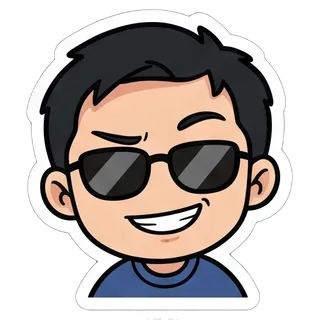
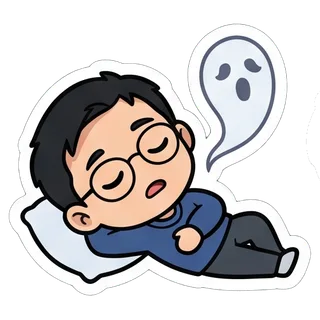
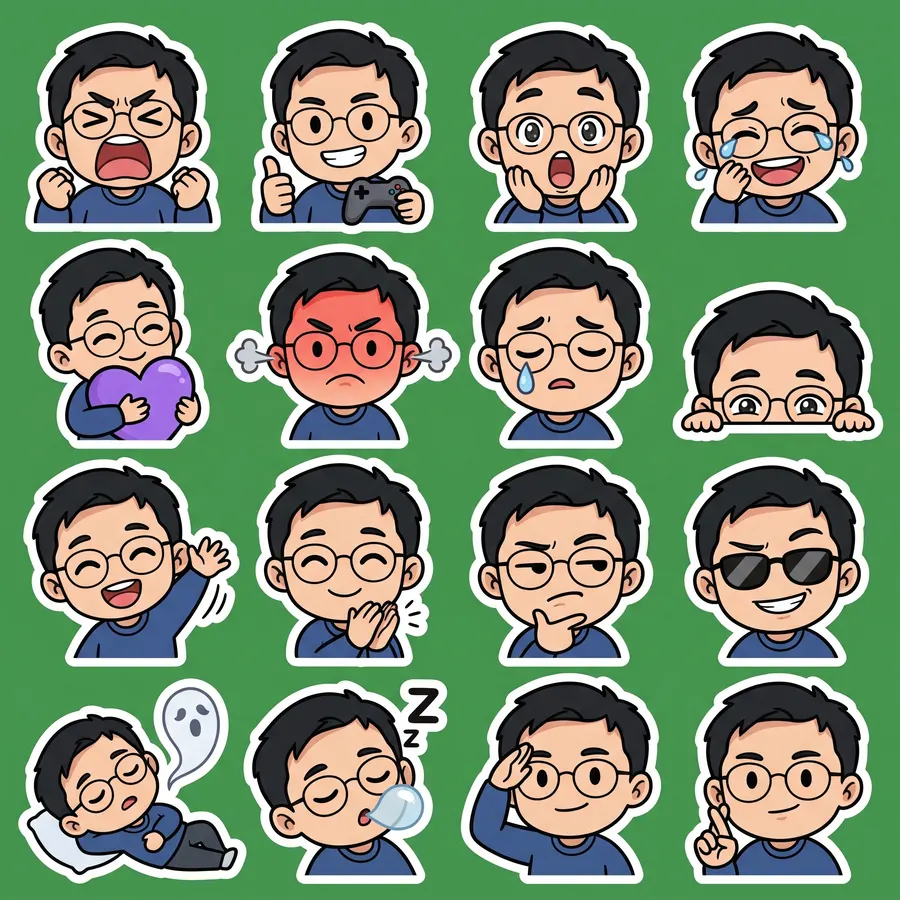
Desde un selfie · 16 emotes

Nano Banana 2 · 22 s · 16 de 16 recortados · $0.055

Foto original
Foto original
Desde un selfie · 16 emotes sheet
2048 × 2048
Ver el prompt completo

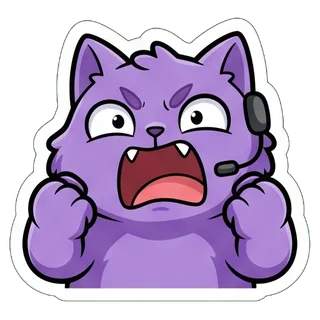
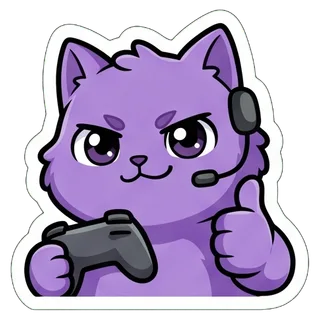
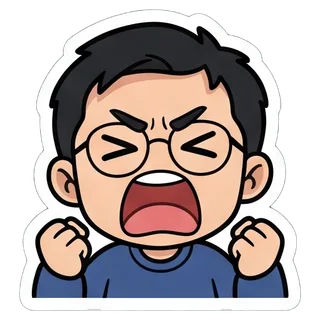
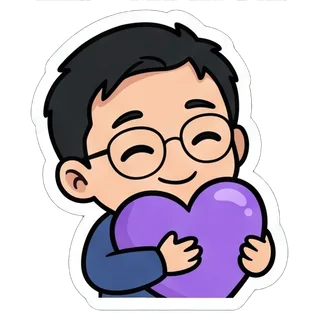
Create a sticker sheet of the man in the reference image. Keep the face, hairstyle, colors, markings and clothing so it is instantly recognizable in every sticker. Draw 16 different stickers of the same character arranged in a 4x4 grid, evenly spaced with wide gaps between stickers, each sticker fully inside its own cell and not touching the others. Style: cute chibi cartoon style with a big head and small body, bold clean outlines and flat cel shading. These are live-stream chat emotes: a big head-and-shoulders close-up filling most of each cell, one strong exaggerated expression, thick clean shapes that still read at 28 x 28 pixels. Stickers, in order from top left to bottom right: 1. fists up, screaming with excitement 2. holding a game controller and giving a thumbs up 3. gasping with a huge open mouth and wide eyes 4. crying with laughter 5. hugging a big purple heart 6. red-faced and furious, steam from the ears 7. a single tear rolling down the cheek 8. peeking from the bottom corner with only the eyes showing 9. waving hello energetically 10. clapping enthusiastically 11. squinting skeptically with a hand on the chin 12. wearing sunglasses with a smug grin 13. lying flat as a ghost floats up 14. fast asleep with a snot bubble 15. giving a crisp salute 16. crossing fingers for good luck No text anywhere. Every sticker has a thick white die-cut outline around the character. The background is one flat solid pure green color (#00FF00) everywhere, with no shadows, no gradients, no texture, no borders, no grid lines and nothing else on it. Do not use any green inside the stickers (no green text, clothing, plants or props).

  • HYPE
  • GG
  • POG
  • LOL
  • <3
  • RAGE
  • SAD
  • LURK
  • HI
  • CLAP
  • HMM
  • EZ
  • RIP
  • ZZZ
  • o7
  • GL

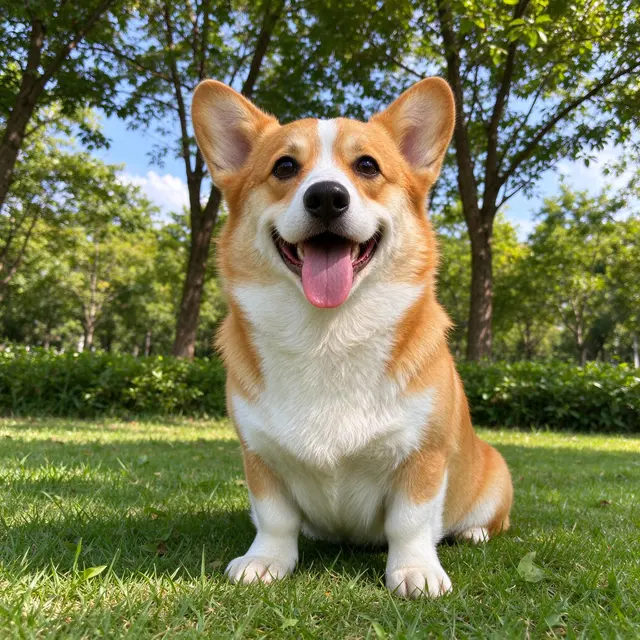
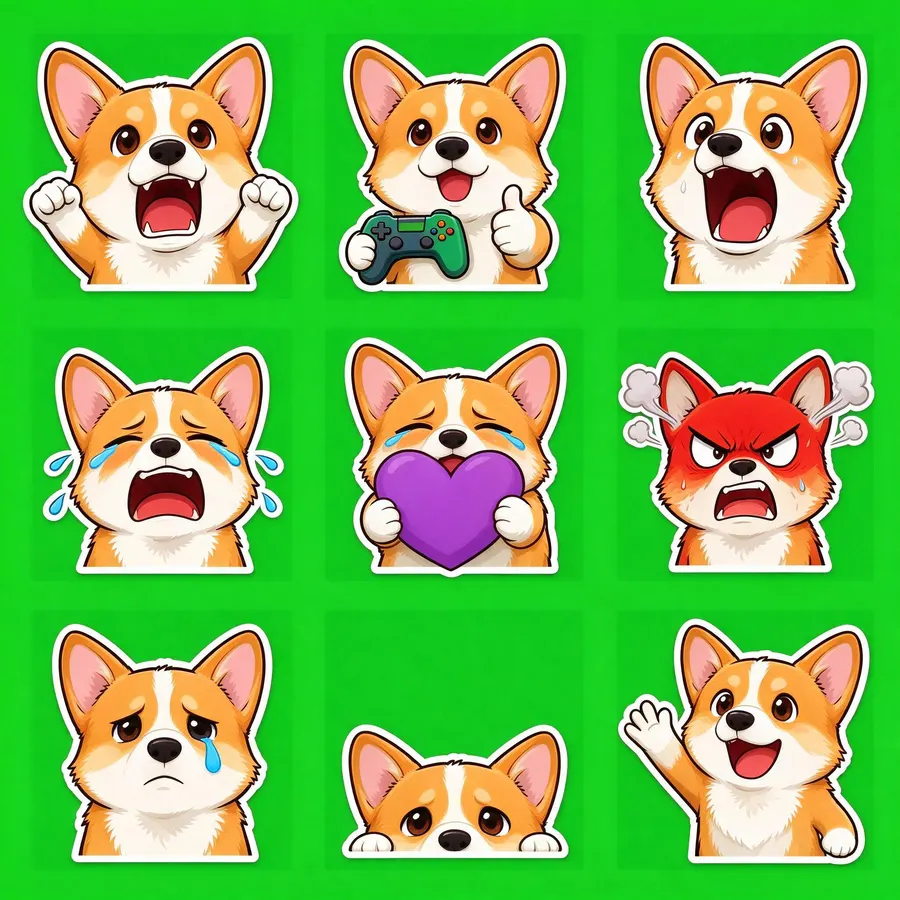
Desde la foto de tu mascota · 9 emotes

Seedream 5.0 Flash · 34 s · 9 de 9 recortados · $0.018

Foto original
Foto original
Desde la foto de tu mascota · 9 emotes sheet
2048 × 2048
Ver el prompt completo

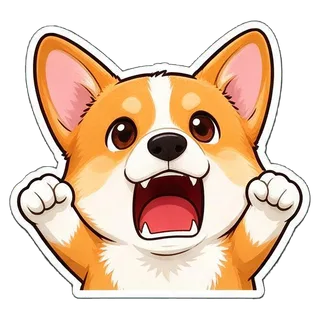
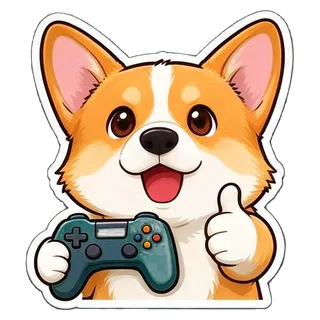
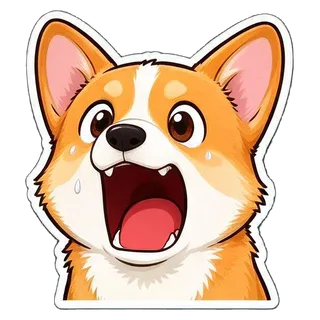
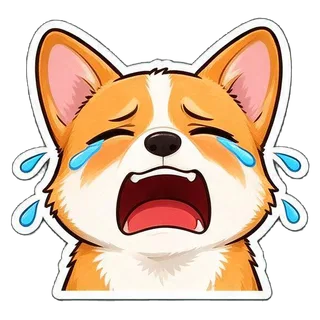
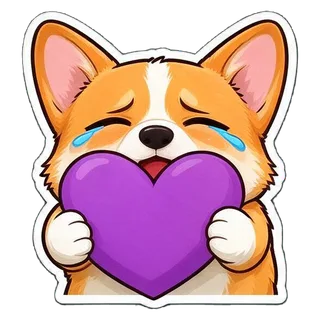
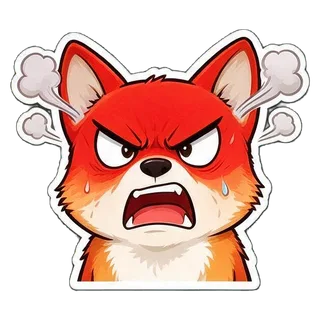
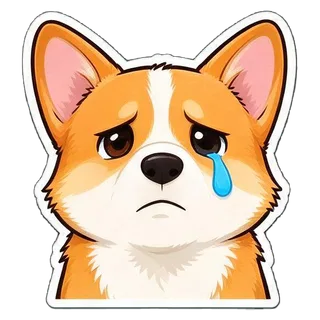
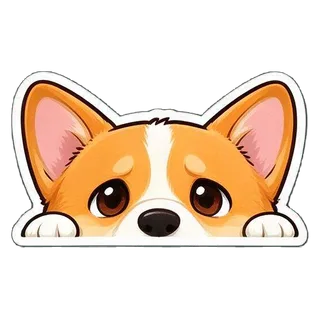
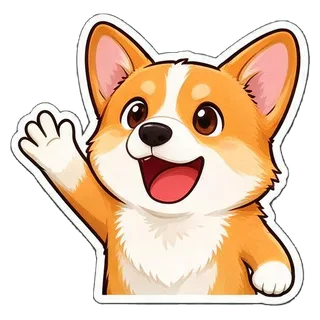
Create a sticker sheet of the corgi dog in the reference image. Keep the face, hairstyle, colors, markings and clothing so it is instantly recognizable in every sticker. Draw 9 different stickers of the same character arranged in a 3x3 grid, evenly spaced with wide gaps between stickers, each sticker fully inside its own cell and not touching the others. Style: cute chibi cartoon style with a big head and small body, bold clean outlines and flat cel shading. These are live-stream chat emotes: a big head-and-shoulders close-up filling most of each cell, one strong exaggerated expression, thick clean shapes that still read at 28 x 28 pixels. Stickers, in order from top left to bottom right: 1. fists up, screaming with excitement 2. holding a game controller and giving a thumbs up 3. gasping with a huge open mouth and wide eyes 4. crying with laughter 5. hugging a big purple heart 6. red-faced and furious, steam from the ears 7. a single tear rolling down the cheek 8. peeking from the bottom corner with only the eyes showing 9. waving hello energetically No text anywhere. Every sticker has a thick white die-cut outline around the character. The background is one flat solid pure green color (#00FF00) everywhere, with no shadows, no gradients, no texture, no borders, no grid lines and nothing else on it. Do not use any green inside the stickers (no green text, clothing, plants or props).

  • HYPE
  • GG
  • POG
  • LOL
  • <3
  • RAGE
  • SAD
  • LURK
  • HI

Emotes de Twitch · 16

Nano Banana 2 · 22 s · 16 de 16 recortados · $0.055
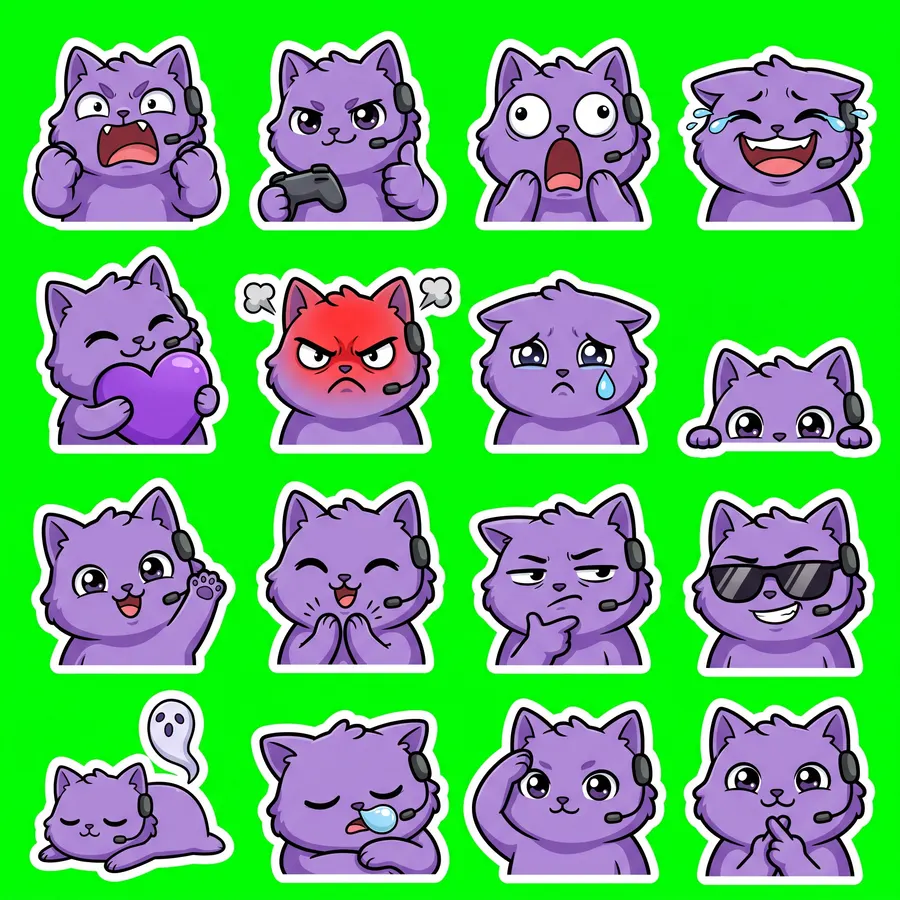
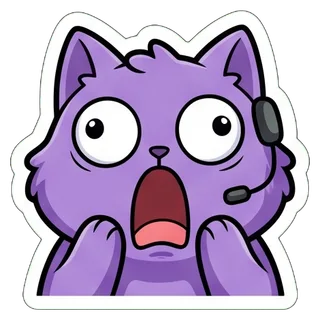
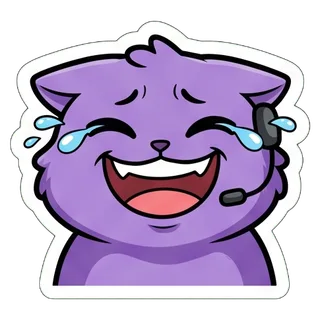
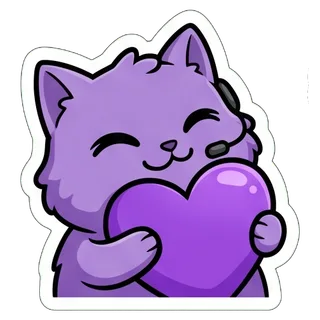
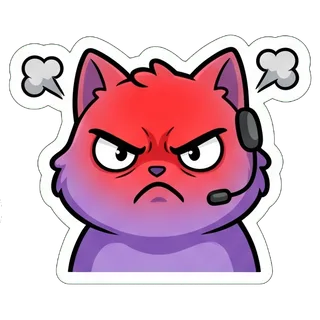
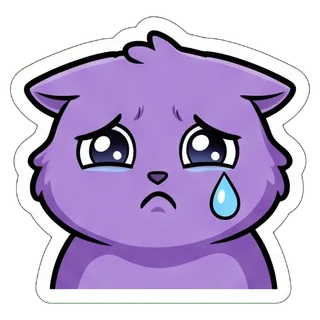
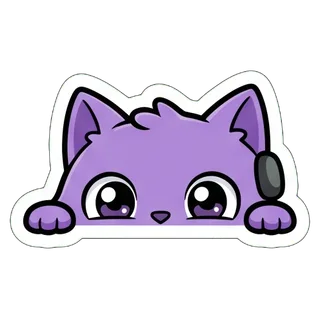
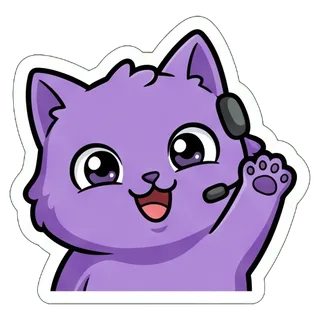
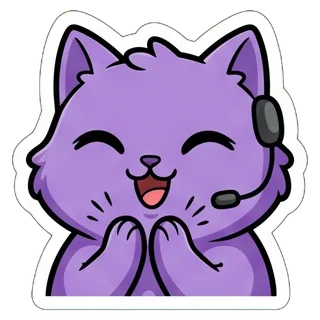
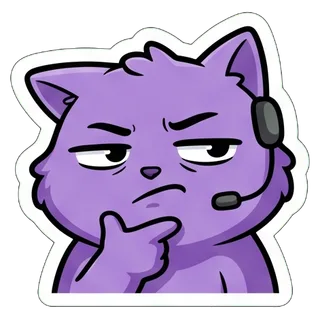
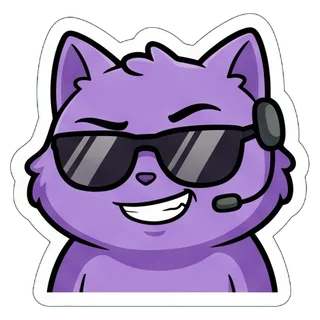
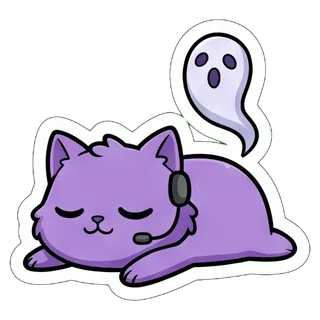
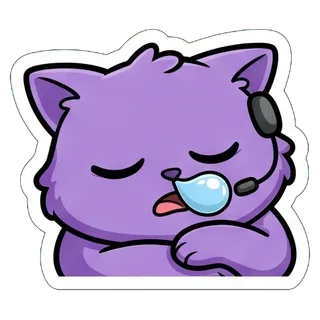
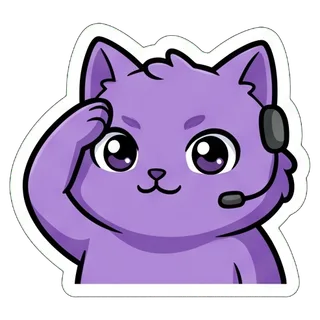
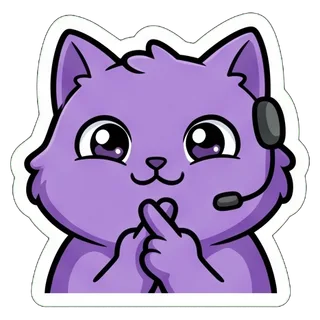
“a round fluffy purple cat with big eyes and a tiny gaming headset”
Sin foto, solo descripción
Emotes de Twitch · 16 sheet
2048 × 2048
Ver el prompt completo

Create a sticker sheet of a round fluffy purple cat with big eyes and a tiny gaming headset. Draw 16 different stickers of the same character arranged in a 4x4 grid, evenly spaced with wide gaps between stickers, each sticker fully inside its own cell and not touching the others. Style: cute chibi cartoon style with a big head and small body, bold clean outlines and flat cel shading. These are live-stream chat emotes: a big head-and-shoulders close-up filling most of each cell, one strong exaggerated expression, thick clean shapes that still read at 28 x 28 pixels. Stickers, in order from top left to bottom right: 1. fists up, screaming with excitement 2. holding a game controller and giving a thumbs up 3. gasping with a huge open mouth and wide eyes 4. crying with laughter 5. hugging a big purple heart 6. red-faced and furious, steam from the ears 7. a single tear rolling down the cheek 8. peeking from the bottom corner with only the eyes showing 9. waving hello energetically 10. clapping enthusiastically 11. squinting skeptically with a hand on the chin 12. wearing sunglasses with a smug grin 13. lying flat as a ghost floats up 14. fast asleep with a snot bubble 15. giving a crisp salute 16. crossing fingers for good luck No text anywhere. Every sticker has a thick white die-cut outline around the character. The background is one flat solid pure green color (#00FF00) everywhere, with no shadows, no gradients, no texture, no borders, no grid lines and nothing else on it. Do not use any green inside the stickers (no green text, clothing, plants or props).


  • HYPE
  • GG
  • POG
  • LOL
  • <3
  • RAGE
  • SAD
  • LURK
  • HI
  • CLAP
  • HMM
  • EZ
  • RIP
  • ZZZ
  • o7
  • GL

Tamaño de los emotes de Twitch y de los emojis de Discord

La exportación ya cumple estos límites, tomados de la ayuda oficial de Twitch y Discord.

DóndeFormatoTamañoLímitesFuente
Emotes de Twitch (estáticos)PNG cuadrado, fondo transparente recomendado28×28, 56×56 y 112×112, o una sola imagen de 112 a 4096 px con redimensionado automáticomáx. 1 MB cada uno; los emotes animados son GIF (no se hacen aquí)help.twitch.tv
Emoji de DiscordJPEG, PNG, GIF o WEBP (se exporta en PNG)exportado a 128×128menos de 256 KB; nombre de 2 caracteres o más, solo letras, números y guion bajosupport.discord.com
Stickers de DiscordPNG320×320 exactos≤ 512 KBdiscord.com

Kick y 7TV aceptan los mismos PNG cuadrados de la carpeta twitch/. Para cualquier otra plataforma, revisa su tamaño de emote antes de subirlos.

Cómo subir los emotes

  • Twitch

    Panel de creador → Recompensas para espectadores → Emotes: sube los tres archivos de 112, 56 y 28 px, o usa el redimensionado automático con el de 112 px. Twitch revisa los emotes nuevos según sus normas de emotes; los afiliados y partners pueden tener subida instantánea tras 60 días de directos sin sanciones.

  • Kick y 7TV

    Usa los mismos PNG cuadrados de la carpeta twitch/ y elige el tamaño que pida la página de subida.

  • Discord

    Ajustes del servidor → Emoji → Subir emoji, con los archivos de discord-emoji/. Los nombres (yt_hype, yt_gg…) ya son válidos; puedes cambiarlos si quieres.

  • Stickers y merch

    El mismo set también se exporta como stickers de Discord (320×320), packs de WhatsApp o Telegram, una hoja imprimible, PNG transparente o PSD por capas.

Cómo lograr emotes legibles a 28 px

  • Una cara y una emoción por emote. El tema ya pide primeros planos de cabeza y hombros con contornos gruesos.
  • Sin palabras. A 28 px solo se leen 2–4 letras gruesas, así que GG o EZ es el máximo.
  • Abre los archivos _28.png del ZIP antes de subirlos. Si un emote se ve como una mancha, quítalo o vuelve a generar el set.
  • Para el mayor parecido con tu cara, Nano Banana 2 o Nano Banana Pro; para probar ideas barato, Seedream 5.0 Flash a $0.018.
  • ¿Prefieres menos emotes pero más nítidos? Un set de 9 sale a unos 640–700 px por emote, al mismo precio.

Preguntas frecuentes

¿Qué tamaño tienen los emotes de Twitch?

Los emotes estáticos son PNG cuadrados de 28×28, 56×56 y 112×112 px, de 1 MB como máximo cada uno. También puedes subir una sola imagen de 112 a 4096 px y dejar que Twitch la redimensione. La exportación de aquí trae los tres tamaños.

¿Cómo hago un emote con mi cara?

Sube un selfie claro, deja el tema «Emotes» y genera. El ejemplo de selfie de esta página se hizo con Nano Banana 2 en 22 segundos y se recortaron los 16 emotes.

¿Hay un creador de emotes con IA gratis?

Los usuarios nuevos que entran con Gmail reciben $0.1 de crédito gratis, suficiente para 5 sets completos con Seedream 5.0 Flash ($0.018 cada uno). Después pagas por set.

¿Sirven los emotes para Kick?

Sí: Kick acepta PNG cuadrados, así que puedes usar los mismos archivos de la carpeta twitch/ y elegir el tamaño que te pida al subirlos.

¿Puedo hacer emotes animados o GIF?

No. Aquí solo se hacen emotes PNG estáticos. Los emotes animados de Twitch son GIF, y esta herramienta no los crea.

¿Qué tamaño debe tener un emoji de Discord?

Discord acepta JPEG, PNG, GIF o WEBP de menos de 256 KB, con un nombre de al menos 2 caracteres que solo use letras, números y guion bajo. La exportación da PNG de 128×128 que ya cumplen esas reglas.

¿Twitch aprobará mis emotes?

Twitch revisa los emotes según sus normas, así que ninguna herramienta puede garantizar la aprobación. Usa tu cara, tu mascota o un personaje propio, y no rostros ajenos, logotipos ni personajes sobre los que no tengas derechos.

¿Puedo usar los emotes con fines comerciales?

Tú eres responsable de lo que subes y vendes. Revisa los términos del modelo que uses y de la plataforma, y parte solo de fotos que tengas derecho a usar.

Última actualización: 28 de septiembre de 2026