
Ir al contenido principal

Crear stickers con IA: un pack entero para WhatsApp desde una foto

Sube un selfie o una foto de tu mascota, o simplemente describe un personaje: la IA dibuja 9 o 16 stickers con distintas expresiones. El fondo se quita y cada sticker se recorta en tu navegador, listos para WhatsApp (WebP de 512×512), Telegram, Discord, LINE y KakaoTalk. Un pack completo cuesta lo que una imagen, desde $0.018.

9 o 16 stickers por packdesde $0.018 el packWhatsApp · Telegram · Discord

1Personaje

Tú, tu mascota o un peluche. ¿Sin foto? Describe el personaje con palabras.

2Estilo

3Cantidad y textos

4Modelo

Un pack completo de una vez

Un personaje, 9 o 16 expresiones, sin fondo y recortados uno a uno, listos en los tamaños de WhatsApp, Telegram, Discord, LINE y KakaoTalk.

Datos clave

  • A 27 de septiembre de 2026: un pack es una sola generación y se cobra al precio por imagen del modelo elegido (Seedream 5.0 Flash $0.018, GPT Image 2 VIP $0.03, Nano Banana 2 $0.055, Nano Banana Pro $0.09).
  • Cada pack trae 9 (3×3) o 16 (4×4) stickers, recortados de una lámina de 2048×2048.
  • Para WhatsApp: WebP de 512×512 de menos de 100 KB cada uno, con icono de bandeja de 96×96; un pack admite de 3 a 30 stickers.
  • Quitar el fondo, recortar y empaquetar se hace en tu navegador; los stickers terminados no se suben a ningún sitio.
  • Los usuarios nuevos que entran con Gmail tienen $0.1 de crédito gratis, válido para los cuatro modelos.

Cómo crear stickers con IA para WhatsApp

  1. 1Sube una foto o describe al personajeFunciona mejor una foto clara de una persona o una mascota. Sin foto, escribe algo como «un shiba inu barista con gorro de chef».
  2. 2Elige estilo, cantidad y textosChibi, figura 3D, anime, pixel art o dibujo a mano; 9 o 16 stickers; cambia cada texto o quítalos.
  3. 3Genera y exporta para WhatsAppRevisa los recortes, desmarca los que no quieras y descarga el ZIP con los WebP y el icono de bandeja.

Packs reales hechos aquí

Todos se hicieron con el mismo prompt y el mismo recorte que la herramienta de arriba, sin retoques a mano.

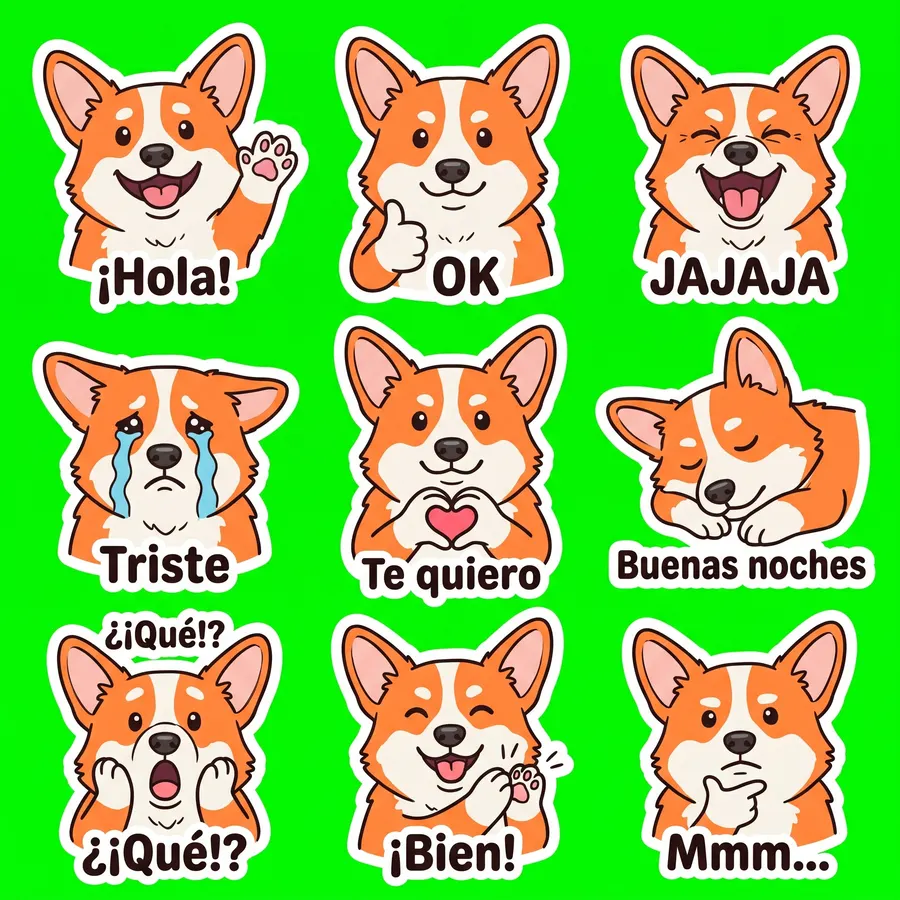
Foto de mascota · 9 stickers

Nano Banana 2 · 29 s · 9 de 9 recortados · $0.055
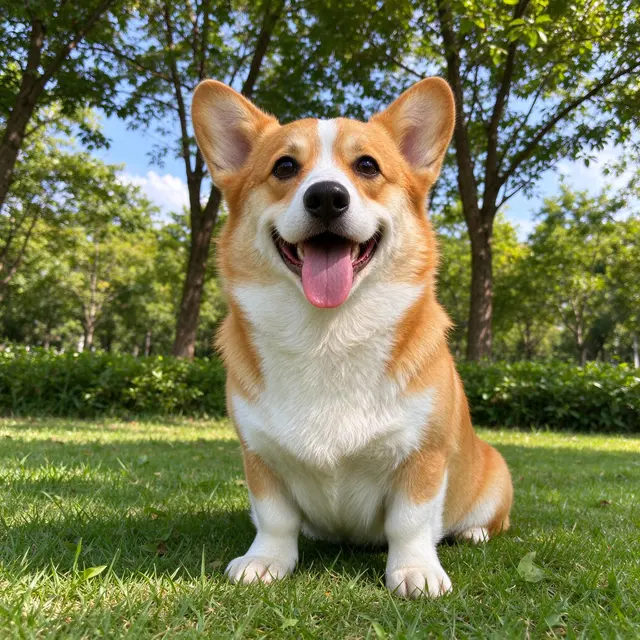
Foto original
Foto original
Foto de mascota · 9 stickers sheet
2048 × 2048
Ver el prompt completo

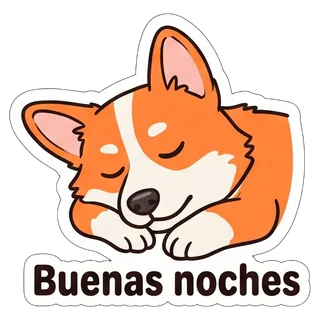
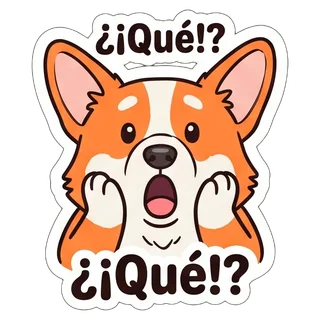
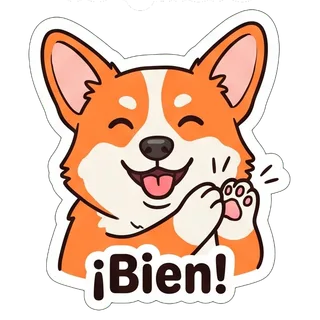
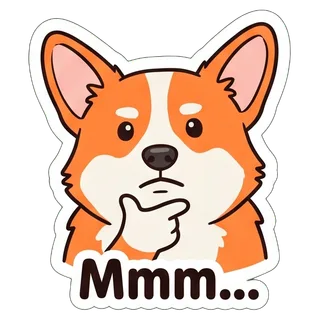
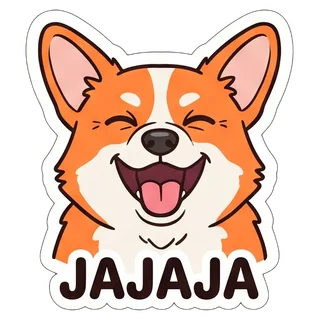
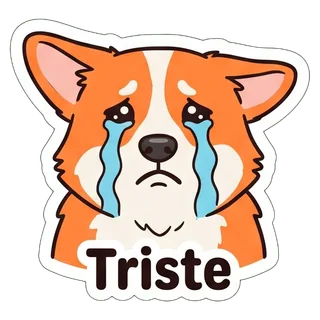
Create a sticker sheet of the corgi dog in the reference image. Keep the face, hairstyle, colors, markings and clothing so it is instantly recognizable in every sticker. Draw 9 different stickers of the same character arranged in a 3x3 grid, evenly spaced with wide gaps between stickers, each sticker fully inside its own cell and not touching the others. Style: hand-drawn marker doodle style with wobbly lines and bright flat colors. Stickers, in order from top left to bottom right: 1. waving hello with a big smile, caption "¡Hola!" 2. giving a thumbs up, caption "OK" 3. laughing out loud with eyes squeezed shut, caption "JAJAJA" 4. crying with big tears, caption "Triste" 5. making a heart with both hands, caption "Te quiero" 6. sleepy, eyes closed, resting the cheek on a hand, caption "Buenas noches" 7. shocked with the mouth wide open and hands on the cheeks, caption "¿¡Qué!?" 8. clapping and cheering, caption "¡Bien!" 9. thinking with a hand on the chin, caption "Mmm…" Captions are short, bold, easy to read, in black or another dark non-green color, placed under or beside the character inside its outline. Every sticker has a thick white die-cut outline around the character and its caption. The background is one flat solid pure green color (#00FF00) everywhere, with no shadows, no gradients, no texture, no borders, no grid lines and nothing else on it. Do not use any green inside the stickers (no green text, clothing or props).
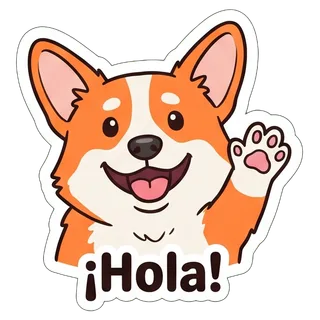
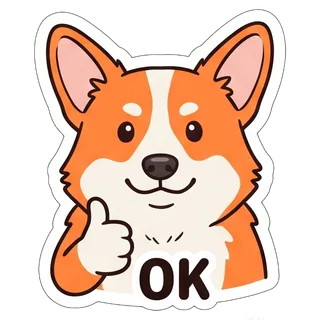
  • ¡Hola!
  • OK
  • JAJAJA
  • Triste
  • Te quiero
  • Buenas noches
  • ¿¡Qué!?
  • ¡Bien!
  • Mmm…

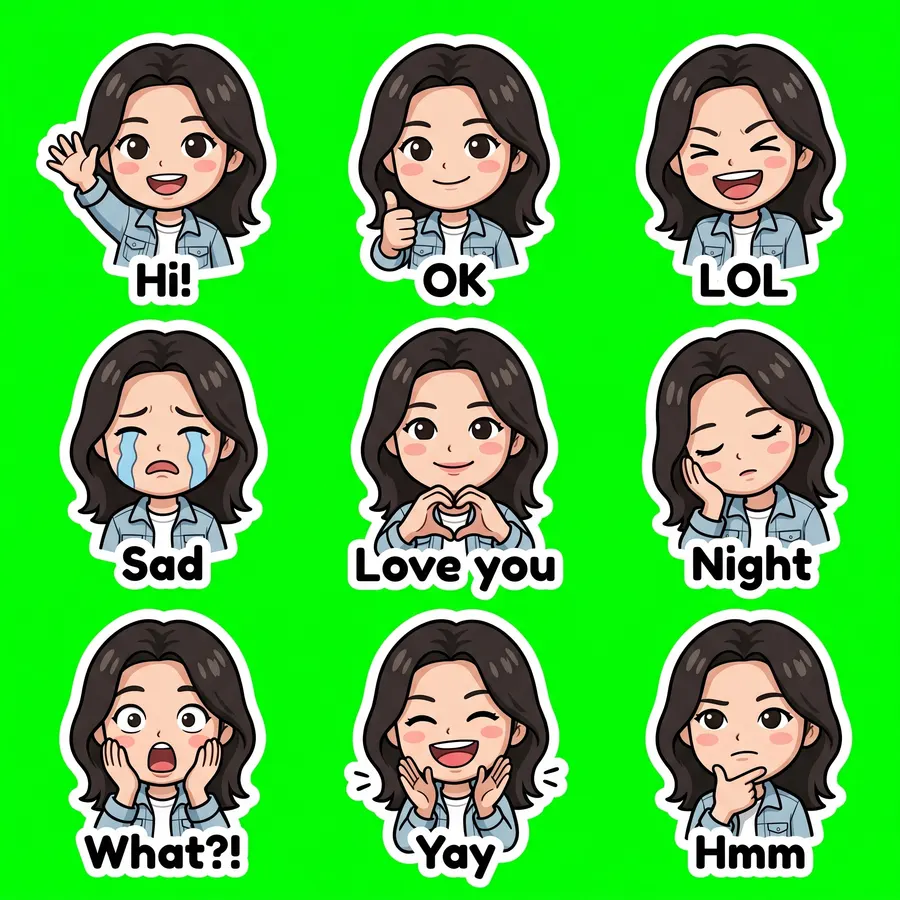
Selfie · chibi

Nano Banana 2 · 20 s · 9 de 9 recortados · $0.055

Foto original
Foto original
Selfie · chibi sheet
2048 × 2048
Ver el prompt completo

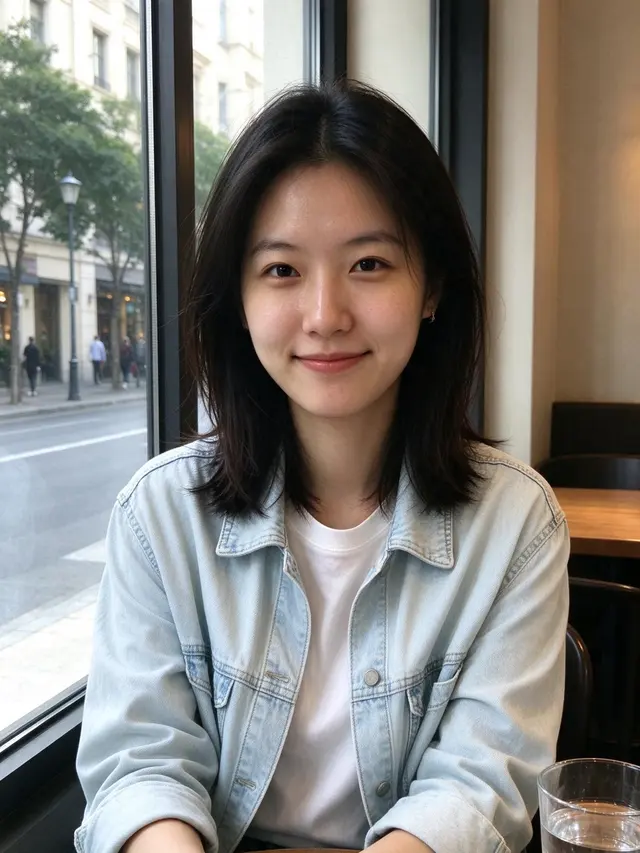
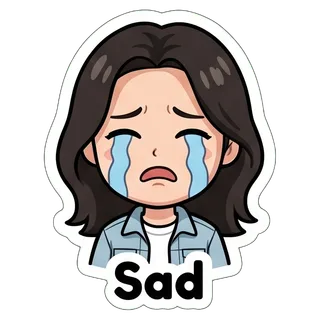
Create a sticker sheet of the woman in the reference image. Keep the face, hairstyle, colors, markings and clothing so it is instantly recognizable in every sticker. Draw 9 different stickers of the same character arranged in a 3x3 grid, evenly spaced with wide gaps between stickers, each sticker fully inside its own cell and not touching the others. Style: cute chibi cartoon style with a big head and small body, bold clean outlines and flat cel shading. Stickers, in order from top left to bottom right: 1. waving hello with a big smile, caption "Hi!" 2. giving a thumbs up, caption "OK" 3. laughing out loud with eyes squeezed shut, caption "LOL" 4. crying with big tears, caption "Sad" 5. making a heart with both hands, caption "Love you" 6. sleepy, eyes closed, resting the cheek on a hand, caption "Night" 7. shocked with the mouth wide open and hands on the cheeks, caption "What?!" 8. clapping and cheering, caption "Yay" 9. thinking with a hand on the chin, caption "Hmm" Captions are short, bold, easy to read, in black or another dark non-green color, placed under or beside the character inside its outline. Every sticker has a thick white die-cut outline around the character and its caption. The background is one flat solid pure green color (#00FF00) everywhere, with no shadows, no gradients, no texture, no borders, no grid lines and nothing else on it. Do not use any green inside the stickers (no green text, clothing or props).
  • Hi!
  • OK
  • LOL
  • Sad
  • Love you
  • Night
  • What?!
  • Yay
  • Hmm

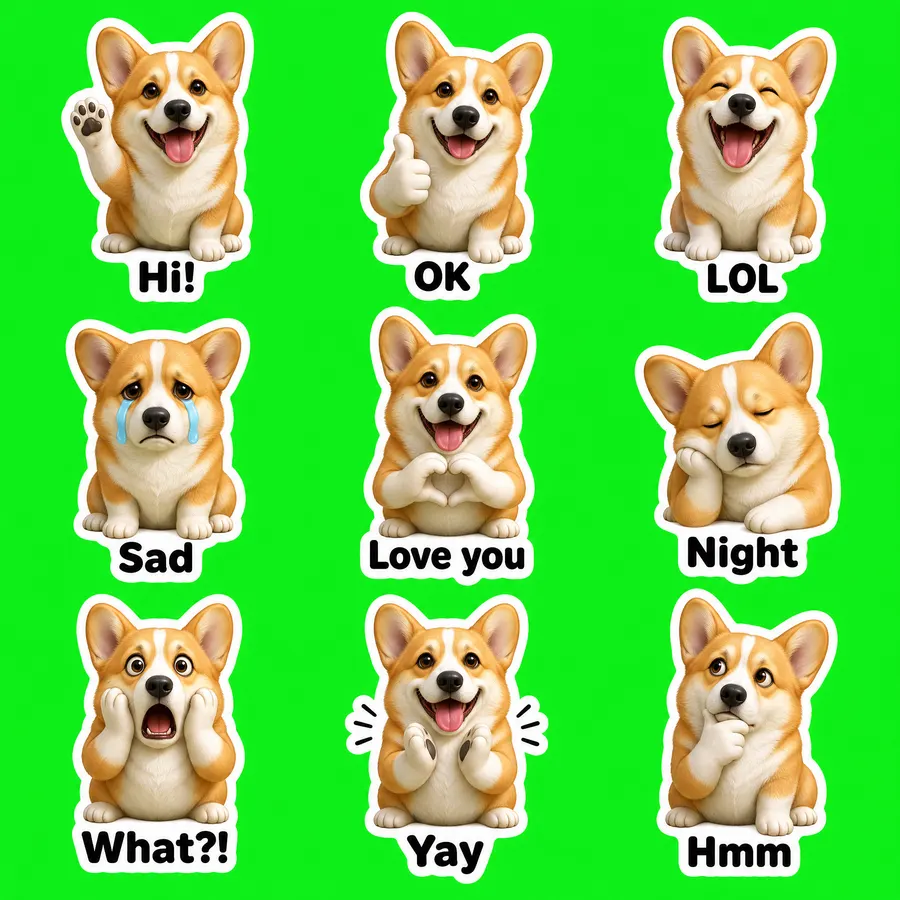
Foto de mascota · figura 3D

GPT Image 2 VIP · 55 s · 9 de 9 recortados · $0.03

Foto original
Foto original
Foto de mascota · figura 3D sheet
2048 × 2048
Ver el prompt completo

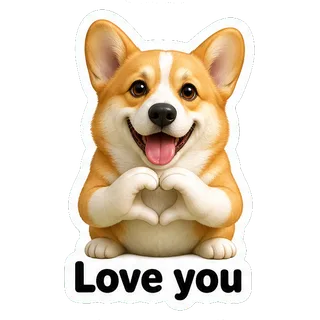
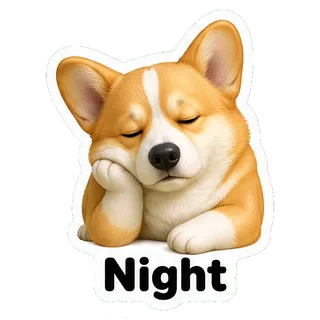
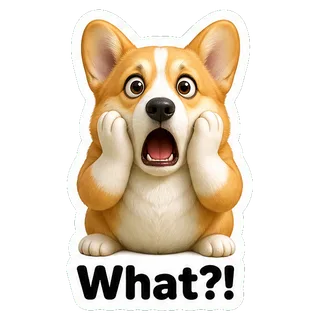
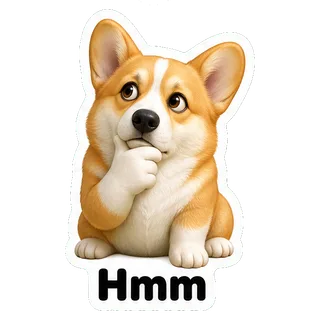
Create a sticker sheet of the corgi dog in the reference image. Keep the face, hairstyle, colors, markings and clothing so it is instantly recognizable in every sticker. Draw 9 different stickers of the same character arranged in a 3x3 grid, evenly spaced with wide gaps between stickers, each sticker fully inside its own cell and not touching the others. Style: glossy 3D rendered figure style like a vinyl toy, soft studio lighting, rounded shapes. Stickers, in order from top left to bottom right: 1. waving hello with a big smile, caption "Hi!" 2. giving a thumbs up, caption "OK" 3. laughing out loud with eyes squeezed shut, caption "LOL" 4. crying with big tears, caption "Sad" 5. making a heart with both hands, caption "Love you" 6. sleepy, eyes closed, resting the cheek on a hand, caption "Night" 7. shocked with the mouth wide open and hands on the cheeks, caption "What?!" 8. clapping and cheering, caption "Yay" 9. thinking with a hand on the chin, caption "Hmm" Captions are short, bold, easy to read, in black or another dark non-green color, placed under or beside the character inside its outline. Every sticker has a thick white die-cut outline around the character and its caption. The background is one flat solid pure green color (#00FF00) everywhere, with no shadows, no gradients, no texture, no borders, no grid lines and nothing else on it. Do not use any green inside the stickers (no green text, clothing or props).
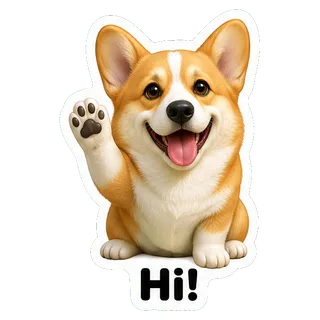
  • Hi!
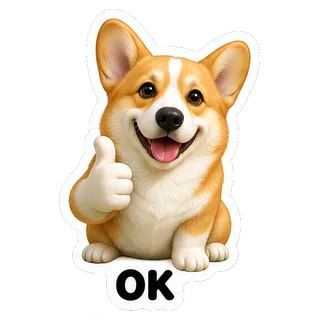
  • OK
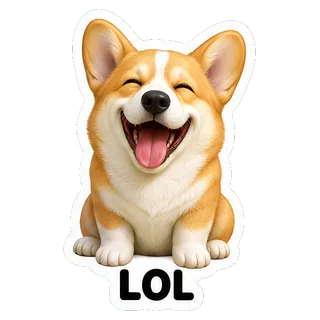
  • LOL
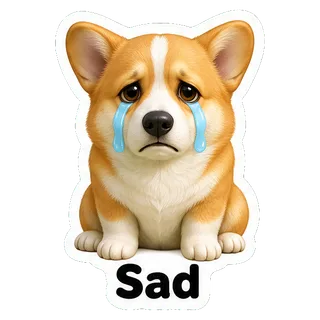
  • Sad
  • Love you
  • Night
  • What?!
  • Yay
  • Hmm

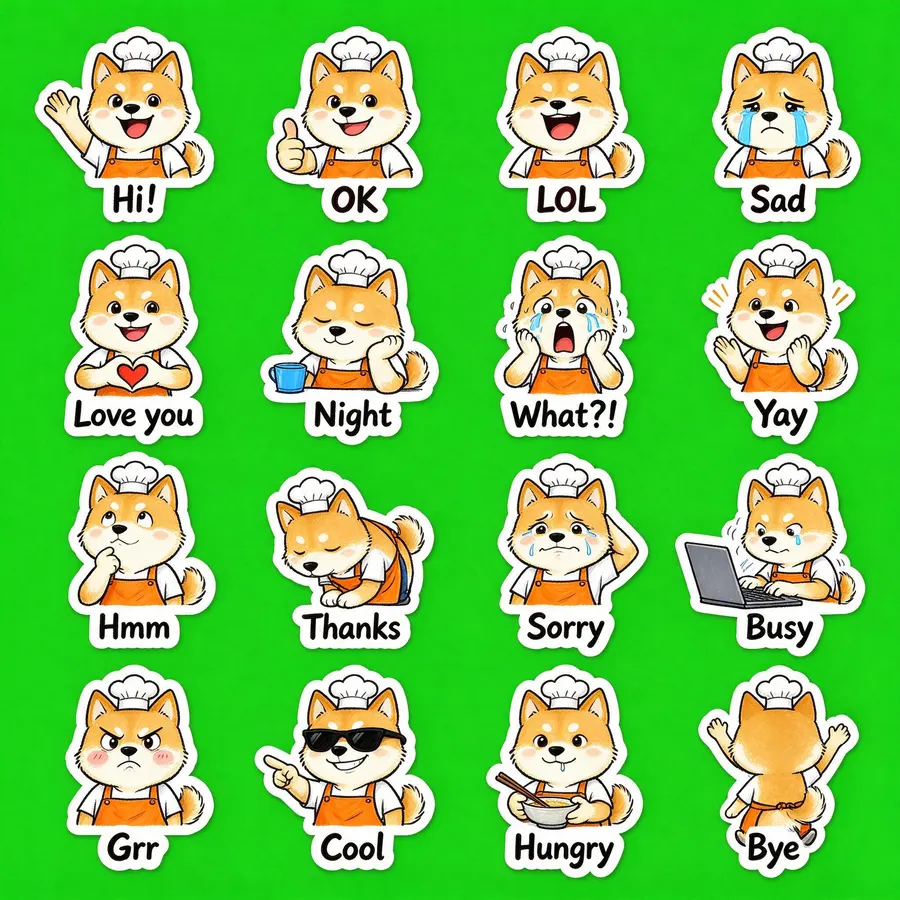
Solo con una descripción · 16 stickers

Seedream 5.0 Flash · 24 s · 16 de 16 recortados · $0.018

“a cheerful shiba inu barista wearing an orange apron and a small white chef hat”
Sin foto, solo descripción
Solo con una descripción · 16 stickers sheet
2048 × 2048
Ver el prompt completo

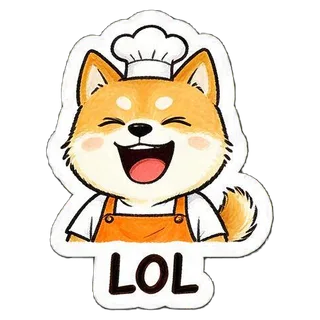
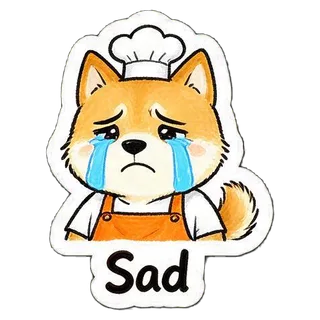
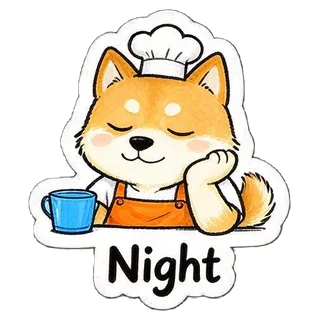
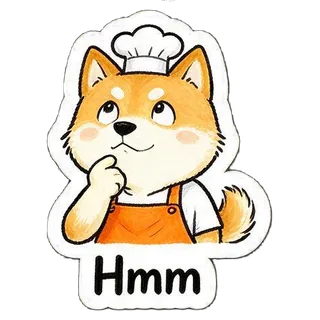
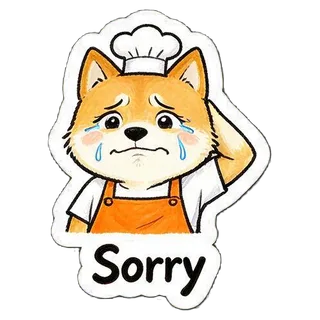
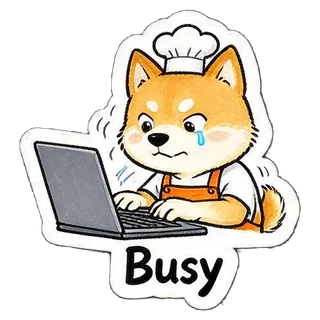
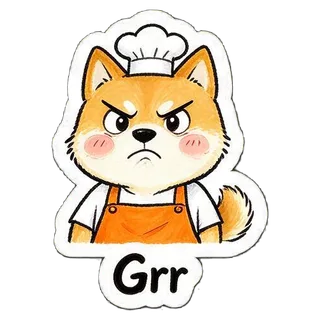
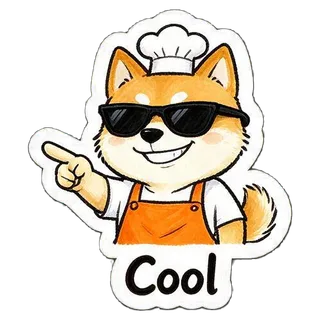
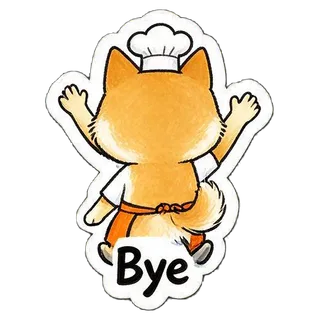
Create a sticker sheet of a cheerful shiba inu barista wearing an orange apron and a small white chef hat. Draw 16 different stickers of the same character arranged in a 4x4 grid, evenly spaced with wide gaps between stickers, each sticker fully inside its own cell and not touching the others. Style: hand-drawn marker doodle style with wobbly lines and bright flat colors. Stickers, in order from top left to bottom right: 1. waving hello with a big smile, caption "Hi!" 2. giving a thumbs up, caption "OK" 3. laughing out loud with eyes squeezed shut, caption "LOL" 4. crying with big tears, caption "Sad" 5. making a heart with both hands, caption "Love you" 6. sleepy, eyes closed, resting the cheek on a hand, caption "Night" 7. shocked with the mouth wide open and hands on the cheeks, caption "What?!" 8. clapping and cheering, caption "Yay" 9. thinking with a hand on the chin, caption "Hmm" 10. bowing politely with both hands together, caption "Thanks" 11. apologizing with an awkward smile and one hand behind the head, caption "Sorry" 12. typing fast on a laptop, a little stressed, caption "Busy" 13. angry and pouting with puffed cheeks, caption "Grr" 14. wearing sunglasses and pointing with a confident grin, caption "Cool" 15. holding a bowl and chopsticks, drooling a little, caption "Hungry" 16. waving goodbye while walking away, caption "Bye" Captions are short, bold, easy to read, in black or another dark non-green color, placed under or beside the character inside its outline. Every sticker has a thick white die-cut outline around the character and its caption. The background is one flat solid pure green color (#00FF00) everywhere, with no shadows, no gradients, no texture, no borders, no grid lines and nothing else on it. Do not use any green inside the stickers (no green text, clothing or props).

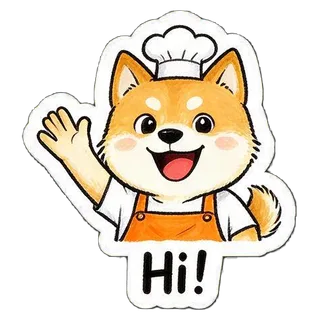
  • Hi!
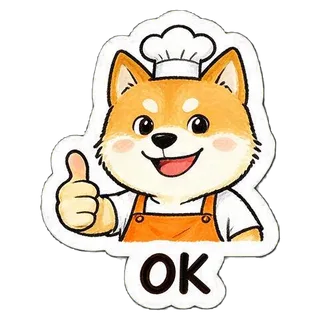
  • OK
  • LOL
  • Sad
  • Love you
  • Night
  • What?!
  • Yay
  • Hmm
  • Thanks
  • Sorry
  • Busy
  • Grr
  • Cool
  • Hungry
  • Bye

Tamaños de stickers para WhatsApp, Telegram y más

La exportación ya cumple estos requisitos, tomados de la documentación oficial de cada servicio.

AppFormatoTamañoLímitesFuente
WhatsAppWebP512×512; icono de bandeja 96×96≤ 100 KB por sticker; de 3 a 30 por packgithub.com
TelegramPNG o WebPun lado de 512 px exactos, el otro ≤ 512 px; icono 100×100icono ≤ 128 KB; 1–50 al crear el setcore.telegram.org
DiscordPNG320×320 exactos≤ 512 KBdiscord.com
LINEPNG transparente≤ 370×320, lados pares, margen de ~10 px≤ 1 MB; 8, 16, 24, 32 o 40 por setcreator.line.me
KakaoTalkPNG transparente360×360; icono 78×78≤ 150 KB; una propuesta lleva 32kakaoemoticonstudio.notion.site

Safari no puede crear WebP en el navegador, así que exporta el pack de WhatsApp desde Chrome, Edge o Firefox.

Cómo añadir los stickers

  • WhatsApp

    En WhatsApp Web o en la app de escritorio para Windows, en un chat pulsa el clip → Sticker → Crear y sube un WebP; se guarda también en el móvil. En el teléfono, una app de packs de stickers compatible con el formato de WhatsApp puede importar la carpeta entera.

  • Telegram

    Abre el bot oficial @Stickers, envía /newpack y manda cada PNG como archivo (no como foto) con un emoji. Termina con /publish y sube icon.png como icono.

  • Discord

    Ajustes del servidor → Stickers → Subir sticker; ponle un nombre y un emoji relacionado a cada uno.

Consejos

  • Usa una foto con una sola persona o mascota y la cara o el pelaje bien visibles.
  • Para el mayor parecido, Nano Banana 2 o Nano Banana Pro; para gastar menos, empieza con Seedream 5.0 Flash.
  • Textos cortos: «¡Hola!» o «JAJAJA» se leen bien incluso en pequeño.
  • Si una celda sale pegada o falta, vuelve a generar; casi siempre se arregla.

Preguntas frecuentes

¿Cómo crear stickers con IA para WhatsApp?

Sube una foto o describe un personaje, elige estilo y cantidad, y genera. En unos 20–75 segundos tienes el pack recortado; exporta «WhatsApp» para obtener WebP de 512×512 de menos de 100 KB y el icono de bandeja.

¿Hay una IA para crear stickers gratis?

Los usuarios nuevos que entran con Gmail reciben $0.1 de crédito gratis, suficiente para varios packs con Seedream 5.0 Flash ($0.018 cada uno) o GPT Image 2 VIP ($0.03).
¿Puedo convertir cualquier foto en sticker?

Salen mejor las fotos de una persona o una mascota con la cara bien visible. Las fotos de grupo, las caras muy pequeñas o a contraluz hacen que el personaje se parezca menos.

¿Qué tamaño tienen los stickers de WhatsApp?

WebP de 512×512 px, de 100 KB como máximo cada uno (estáticos), con un icono de bandeja de 96×96 px y entre 3 y 30 stickers por pack. La exportación de aquí sigue esas reglas.

¿Cuánto cuesta un pack?

Un pack cuesta una imagen: Seedream 5.0 Flash $0.018, GPT Image 2 VIP $0.03, Nano Banana 2 $0.055, Nano Banana Pro $0.09.

¿Se guardan mis fotos?

La foto solo viaja con la solicitud de generación, a través de la pasarela de YingTu hasta el proveedor del modelo (vía LaoZhang API), y los resultados de algunos modelos pasan un control automático de seguridad. Quitar el fondo, recortar y empaquetar se hace en tu navegador; los stickers terminados no se suben a los servidores de YingTu.

Última actualización: 27 de septiembre de 2026