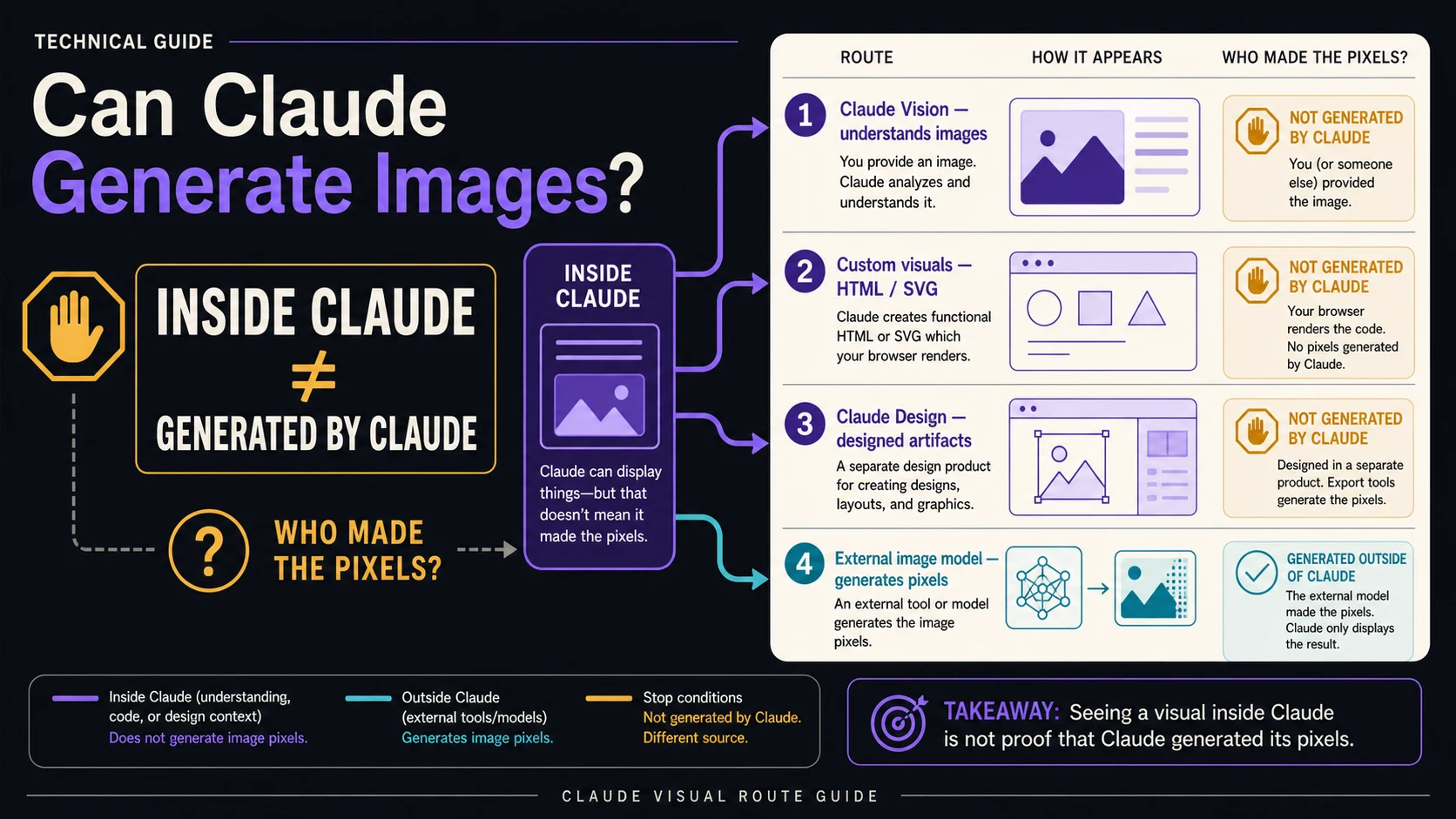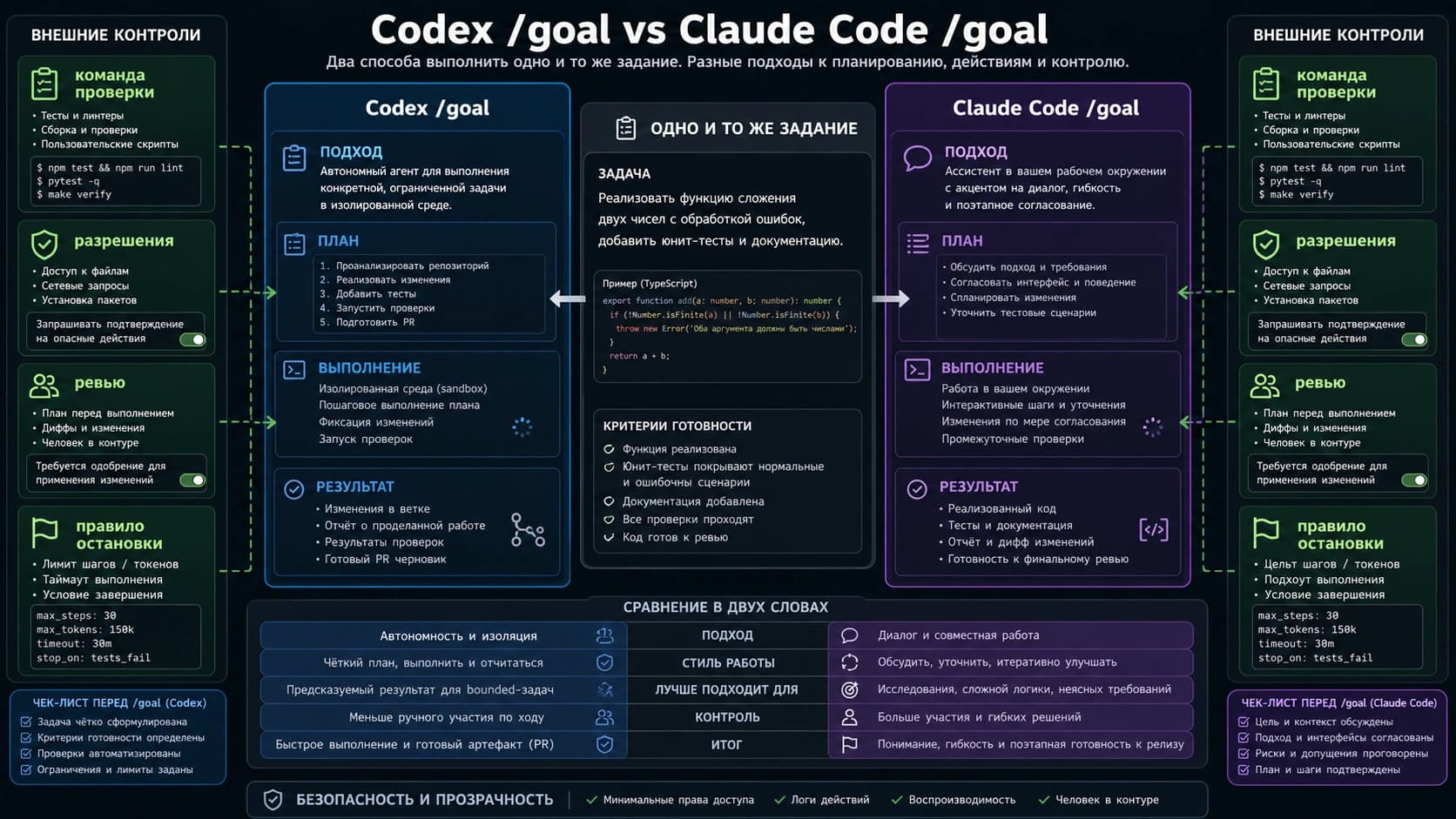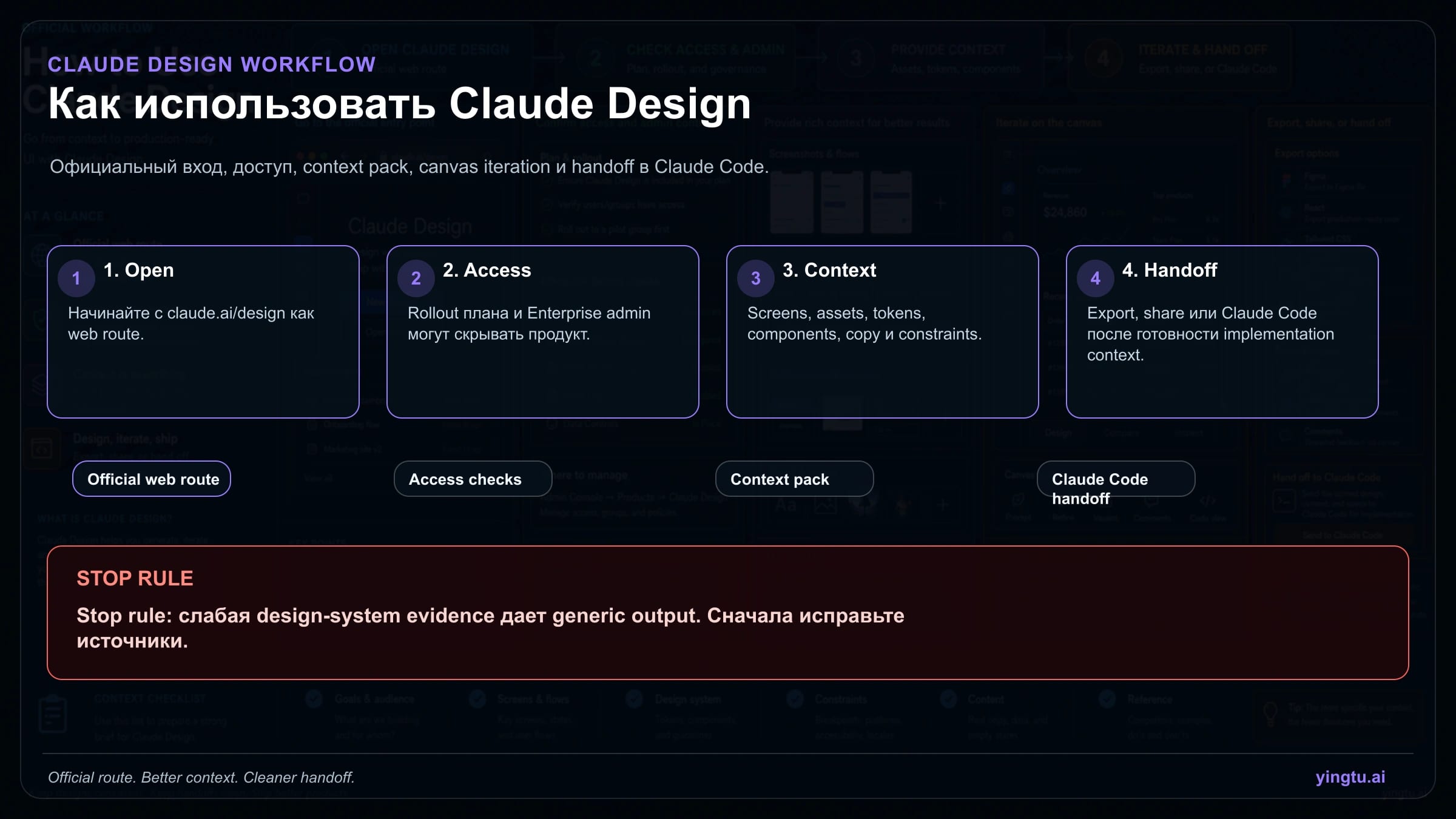
Start with claude.ai/design. If the Design entry is missing, check rollout, plan eligibility, and Enterprise admin settings before searching for a desktop installer, plugin, or Claude Code skill. Claude Design is the visual canvas for prototypes, slides, one-pagers, interfaces, and variants. Claude Code skills are separate SKILL.md packages that carry implementation rules after the design is ready to build.
| Current question | Start here | Stop when |
|---|---|---|
| I cannot find Claude Design | Open claude.ai/design and check plan rollout or Enterprise admin enablement | You are searching for installers or community skills before verifying official access |
| I need a first prototype | Stay in Claude Design and attach screenshots, product copy, brand assets, components, and constraints | The prompt says only "make it modern" and has no product evidence |
| I need implementation | Hand off to Claude Code after specs, states, assets, and QA checks are clear | The visual decision is not locked or breakpoints are missing |
| I need repeatable governance | Document tokens, components, accessibility, review, and acceptance rules | The design system is stale or contradicts current product screenshots |
As of 25 April 2026, official Claude and Anthropic pages describe Claude Design as a research-preview Anthropic Labs product with gradual rollout, Enterprise controls, and usage tracked separately from chat and Claude Code. The practical workflow is simple: open the official web route, confirm access, feed real context, iterate visually, and stop when the design-system evidence is too weak.
Start with access, not with hype
Russian videos and reviews often start with dramatic claims: Claude killed Figma, one prompt builds a landing page, or the tool reads your entire codebase. Those demos can be useful, but they do not answer the first operational question. The first question is whether your account can open the official web product at claude.ai/design.
If you see the product, create a project there. If you do not, treat it as an access issue, not as a prompt issue. Plan rollout, account eligibility, and Enterprise admin settings can decide whether the Design entry appears. A community workflow or a Claude Code skill cannot unlock the official product surface.
This sequence also keeps claims honest. Do not promise free access, universal rollout, exact allowance, or Figma export unless the current official page and the current account show it. The page can still be helpful without overclaiming: it can tell a reader where to go, what to prepare, how to iterate, and when to hand off.
Separate Claude Design from Claude Code skills
Claude Design and Claude Code skills belong to different layers. Claude Design owns the visual artifact: prototype, slide deck, dashboard concept, marketing page, one-pager, or variant. Claude Code skills own project rules: component preferences, scripts, test commands, code style, acceptance checks, and references.
The distinction matters because a design may look buildable while lacking the information an engineering agent needs. Claude Code needs states, assets, breakpoints, component mapping, and test expectations. Claude Design can create a strong direction, but it should not be treated as a full implementation spec until those details exist.
| Layer | Owns | Use when | Do not use as |
|---|---|---|---|
| Claude Design | visual canvas, prototypes, slides, one-pagers, variants | you need a design artifact or visual review object | product access automation or local install |
| Claude Code skill | SKILL.md rules, scripts, templates, repo standards | you need implementation discipline in a codebase | a way to open Claude Design |
| Community design workflow | third-party instructions and prompts | you can inspect the source and adapt it | official evidence for access, pricing, export, or security |
| Design-system governance | tokens, components, brand, accessibility, QA | the output must match a real product | a checklist after visual work is done |
Once this boundary is clear, the workflow becomes less fragile. Discuss layout, content hierarchy, and state coverage in Claude Design. Discuss components, tests, file paths, and implementation constraints in Claude Code.
Build a context pack before the first prompt
A broad Russian prompt such as "сделай красивый лендинг" usually produces a generic design. Claude Design needs the same context a strong product designer would request: user, job, current interface, brand system, content, component examples, responsive targets, accessibility requirements, and acceptance checks.
| Context item | Include | Why it matters |
|---|---|---|
| Product brief | user, task, surface, primary action, business constraint | prevents a generic polished screen |
| Screenshots | current product, old flow, competitors, states | shows density, hierarchy, and interaction expectations |
| Design-system evidence | colors, typography, spacing, components, icons, cards | keeps output inside a reusable system |
| Real content | headings, form labels, empty states, error text, price text | avoids layouts that collapse when real copy arrives |
| Accessibility and devices | contrast, keyboard, mobile/tablet/desktop, localization | catches production issues early |
| Acceptance checks | what a reviewer must be able to do | turns taste into a testable condition |
The stop rule is important: if brand assets, component examples, copy, accessibility rules, or acceptance criteria are missing, repair the inputs before asking for more variants. More variants do not fix weak evidence; they only create more review work.
Write the first project prompt as a job, not a mood
A useful prompt names the artifact, audience, surface, source material, design system, constraints, output, and review criteria. It lets Claude choose composition, but it does not let the task drift.
hljs textGoal: create [artifact] for [user and job]. Audience: who will use or approve it. Surface: web, mobile, deck, prototype, one-pager, or component. Context: use attached screenshots, copy, assets, and component examples. Design system: follow tokens, typography, spacing, components, and accessibility rules. Constraints: devices, states, claims to avoid, compliance, or localization needs. Output: first canvas with layout, states, variants, and review notes. Review criteria: successful only if [concrete checks].
For example: "Create a desktop-first dashboard view for operations managers who need to find delayed workflows in under ten seconds. Use the attached current dashboard, table component, spacing tokens, and alert copy. Preserve left navigation and table density, but make delay count, owner, reason, and next action visible above the fold. Include a narrow-tablet variant and empty/error states."
This prompt gives Claude a product task. If the result feels generic, do not ask for "more premium". Ask it to apply missing evidence: component density, exact copy, known breakpoints, accessibility contrast, or a specific state.
Iterate on the canvas with the right tool
The first canvas is a review surface. Use chat for structural direction, inline comments for a local fix, direct text edits for copy precision, and variants for real alternatives. Restarting the project too early often loses useful structure.
| Change needed | Use | Example |
|---|---|---|
| Overall direction is wrong | chat | "Make this an operator recovery view, not an executive report." |
| One region is unclear | inline comment | "Show owner, delay reason, and next action together." |
| Copy is close | direct edit | replace the label and ask Claude to rebalance the layout |
| Stakeholders disagree | variant | "Create dense operator and calmer manager-review versions." |
| Brand fit is weak | context repair | attach the correct component and ask for constrained revision |
Review each iteration against the same criteria. Does the first screen solve the task? Are real states present? Can the design survive mobile or tablet constraints? Can an engineer identify components and behavior without guessing? If not, the next step is not another mood variant; it is more precise context.
Export or hand off only after decisions exist
Official routes include organization sharing, zip export, PDF, PPTX, Canva, standalone HTML, and handoff to local Claude Code or Claude Code Web. Choose the route by the next job, not by habit.
For stakeholder review, share a link or PDF with the decision context. For a deck, use PPTX or Canva only after copy is stable. For engineering, hand off after the selected variant, states, component mapping, assets, breakpoints, and QA checks are ready.
Claude Code handoff should include the user job, chosen variant, component mapping, tokens, responsive rules, copy source, empty/loading/error/success states, assets, alt text, accessibility requirements, tests, and out-of-scope items. If the same team repeats this workflow, then a project SKILL.md can store implementation rules. That skill should protect the repo; it should not pretend to be Claude Design.
Know the limits before production
Claude Design is useful, but it is still a preview product. Usage is tracked separately from normal Claude chat and Claude Code. Exact allowance and extra usage must be checked in the current account and official help pages. Do not write production promises around permanent free use, universal access, or unbounded capacity.
Known limitations matter in daily work. Inline comments can disappear before Claude reads them, compact view can hit save errors, very large codebases can cause browser lag, and a chat upstream error may require opening a new chat tab in the same project. These are workflow constraints, not reasons to ignore the tool.
Use simple recovery habits: copy critical comments into chat, work in full view for important edits, attach narrower folders or screenshots instead of a whole monorepo, and record the current design decision before a large revision. Before shipping, review text, claims, accessibility, brand fit, responsive states, component feasibility, and image rights.
Before production, add one final review note to the handoff. Write which visual decisions are fixed, which ones are still open, and which implementation assumptions must be checked in the repo. This prevents a common Russian-team failure mode: the design is accepted during a demo, but engineering later discovers that the table density, mobile behavior, icon set, or error state was never decided. Claude Design makes early artifacts cheaper; it does not make unresolved product decisions disappear.
Часто задаваемые вопросы
Is Claude Design a desktop app?
No. Treat claude.ai/design as the official web route. If it is missing, check account and organization settings first.
Why is Claude Design missing from my account?
It may be rollout, plan eligibility, or Enterprise admin enablement. Community skills and videos do not prove access.
Is Claude Design free?
Do not assume it is free. Check current official usage and account terms before planning production work.
Can a Claude Code skill open Claude Design?
No. A skill is an implementation-context package for Claude Code. It can help after handoff, but it is not the Design product.
Should I export to Figma?
Do not claim official Figma export without current first-party evidence. Use the official export and sharing routes that are available in your account.
When should I stop generating variants?
Stop when the problem is missing product or design-system evidence. Repair the context pack before asking for more visual alternatives.