

跳到主要内容

AI 表情包制作:一张照片,生成整套表情包

上传自拍、宠物照,或者只写一句角色描述,一次画出 9 或 16 张同一角色、不同表情的贴纸;在你的浏览器里自动去背景、切成单张,直接导出 Telegram、WhatsApp、Discord 需要的尺寸。一套只算一张图的钱,$0.018 起。

9 或 16 张一套$0.018 起/套Telegram · WhatsApp · Discord

1角色

真人、宠物、玩偶都行;不传照片也可以,直接用文字描述角色。

2风格

3数量与文字

4模型

一次生成一整套

同一个角色、9 或 16 种表情,自动去背景、切成单张,按 Telegram、WhatsApp、Discord 的尺寸一键导出。

关键信息

  • 截至 2026 年 9 月 27 日:一套表情是一次生图,按所选模型的单价计费——Seedream 5.0 Flash $0.018、GPT Image 2 VIP $0.03、Nano Banana 2 $0.055、Nano Banana Pro $0.09。
  • 每套 9 张(3×3)或 16 张(4×4),整张图 2048 × 2048。示例里 9 张一套切出来每张约 640~700 像素,16 张一套约 450~520 像素;想要最清晰就选 9 张。
  • 去背景和切图都在你的浏览器里完成,除了生图请求本身,照片和贴纸不会上传到别处。
  • 导出:Telegram(PNG,一边 512 像素,附 100×100 图标)、WhatsApp(512×512 WebP,每张 ≤100KB,附 96×96 托盘图标)、Discord(320×320 PNG)、原尺寸透明 PNG、分层 PSD。
  • Gmail 登录的新用户有 $0.1 免费额度,上面四个模型都能用。

怎么做一套自己的表情包

  1. 1上传照片或描述角色一张清楚的单人或单只宠物照片效果最好;没有照片就写一句描述,比如「戴厨师帽的柴犬咖啡师」。
  2. 2选风格、数量和文字Q 版、3D 公仔、日系、像素或手绘;9 张或 16 张;每张的文字都可以改,也可以不加字。
  3. 3生成后导出确认切好的单张,取消不想要的,再按要用的平台导出压缩包。

真实生成的表情包

下面三套都是用本页同样的提示词和切图程序做出来的,没有手工修图。

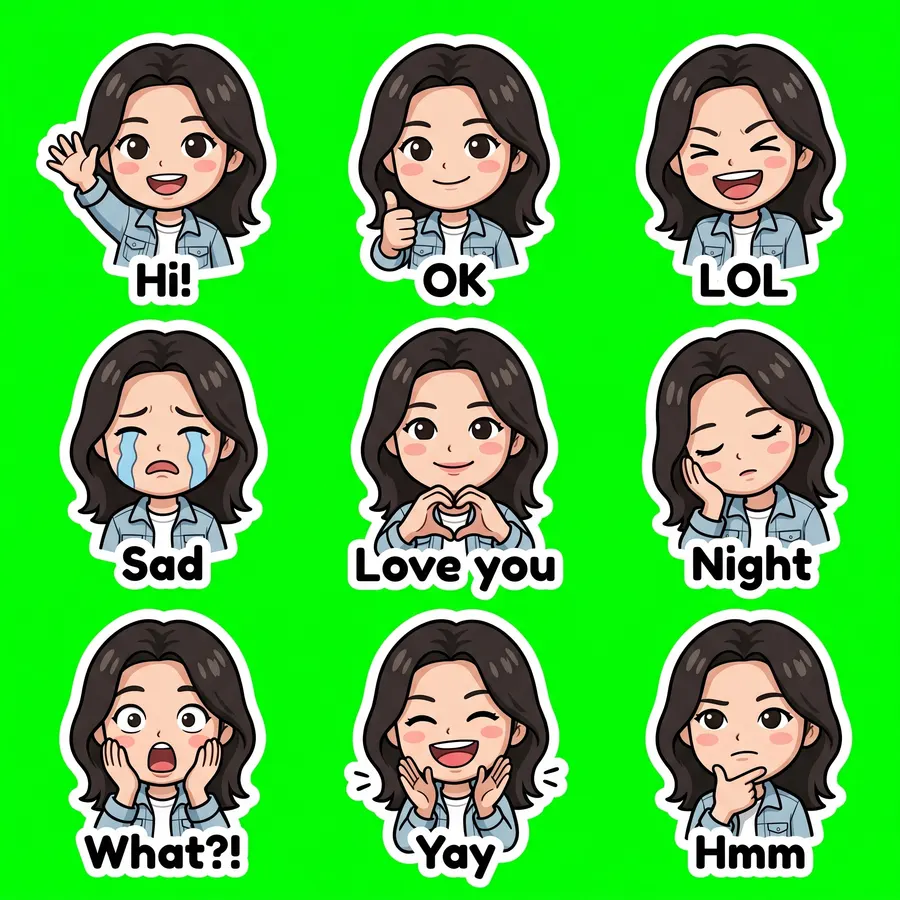
真人照片 · Q 版

Nano Banana 2 · 20 秒 · 切出 9/9 张 · $0.055
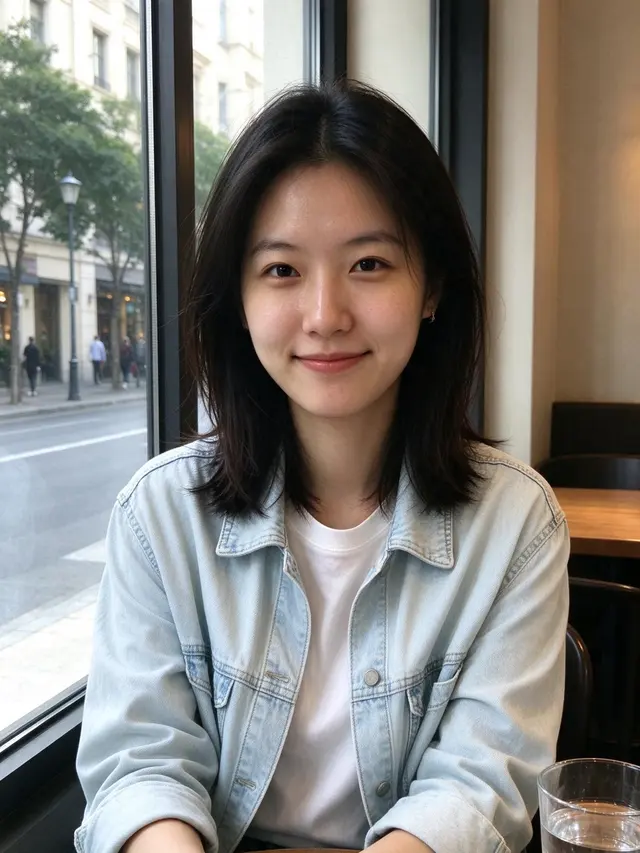
输入照片
输入照片
真人照片 · Q 版 sheet
2048 × 2048
查看完整提示词

Create a sticker sheet of the woman in the reference image. Keep the face, hairstyle, colors, markings and clothing so it is instantly recognizable in every sticker. Draw 9 different stickers of the same character arranged in a 3x3 grid, evenly spaced with wide gaps between stickers, each sticker fully inside its own cell and not touching the others. Style: cute chibi cartoon style with a big head and small body, bold clean outlines and flat cel shading. Stickers, in order from top left to bottom right: 1. waving hello with a big smile, caption "Hi!" 2. giving a thumbs up, caption "OK" 3. laughing out loud with eyes squeezed shut, caption "LOL" 4. crying with big tears, caption "Sad" 5. making a heart with both hands, caption "Love you" 6. sleepy, eyes closed, resting the cheek on a hand, caption "Night" 7. shocked with the mouth wide open and hands on the cheeks, caption "What?!" 8. clapping and cheering, caption "Yay" 9. thinking with a hand on the chin, caption "Hmm" Captions are short, bold, easy to read, in black or another dark non-green color, placed under or beside the character inside its outline. Every sticker has a thick white die-cut outline around the character and its caption. The background is one flat solid pure green color (#00FF00) everywhere, with no shadows, no gradients, no texture, no borders, no grid lines and nothing else on it. Do not use any green inside the stickers (no green text, clothing or props).


  • Hi!
  • OK
  • LOL
  • Sad
  • Love you
  • Night
  • What?!
  • Yay
  • Hmm

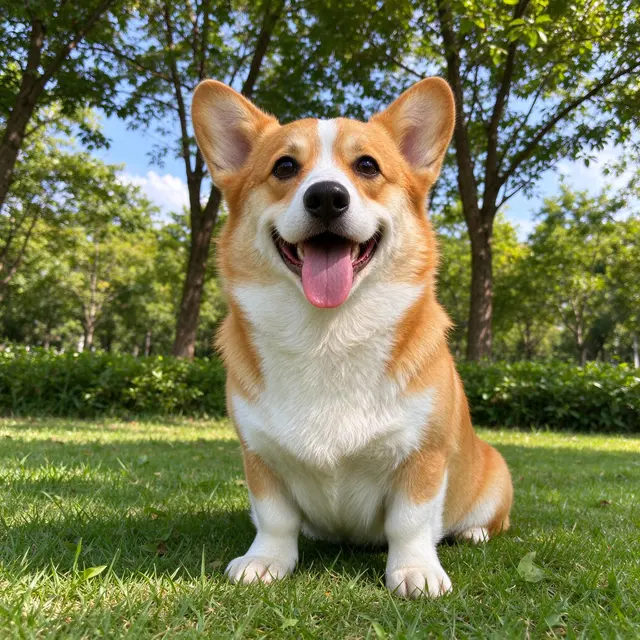
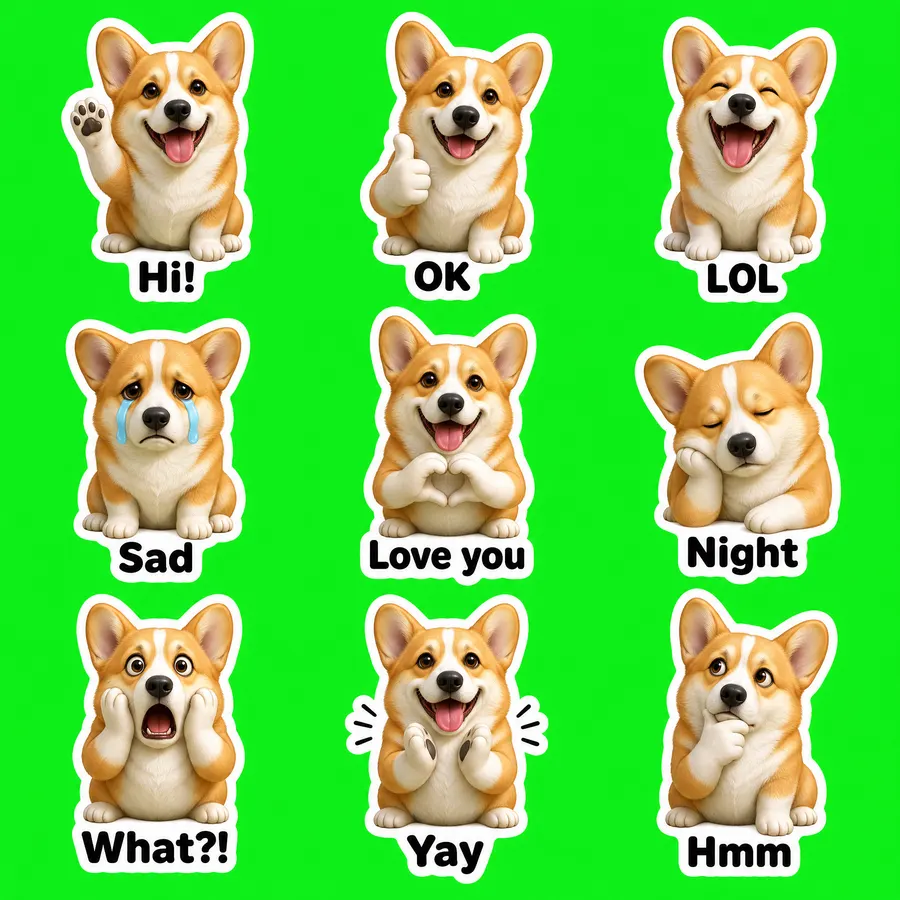
宠物照片 · 3D 公仔

GPT Image 2 VIP · 55 秒 · 切出 9/9 张 · $0.03

输入照片
输入照片
宠物照片 · 3D 公仔 sheet
2048 × 2048
查看完整提示词

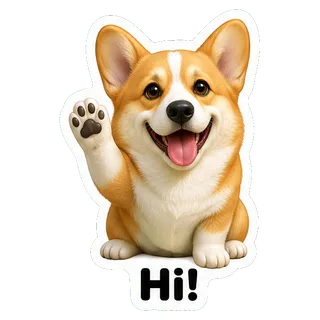
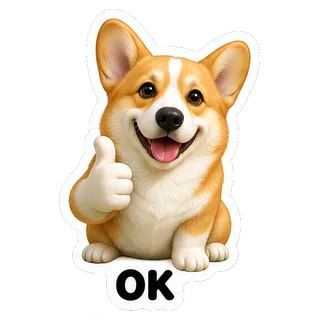
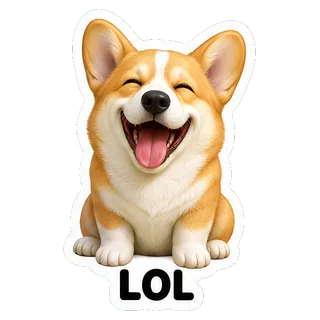
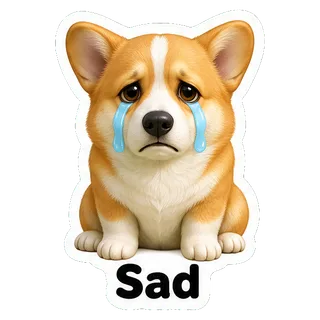
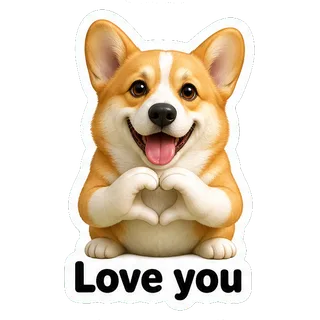
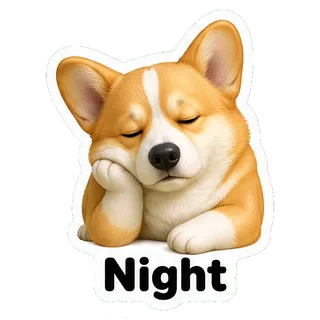
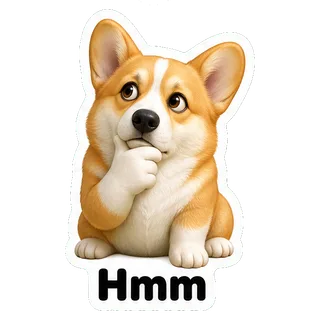
Create a sticker sheet of the corgi dog in the reference image. Keep the face, hairstyle, colors, markings and clothing so it is instantly recognizable in every sticker. Draw 9 different stickers of the same character arranged in a 3x3 grid, evenly spaced with wide gaps between stickers, each sticker fully inside its own cell and not touching the others. Style: glossy 3D rendered figure style like a vinyl toy, soft studio lighting, rounded shapes. Stickers, in order from top left to bottom right: 1. waving hello with a big smile, caption "Hi!" 2. giving a thumbs up, caption "OK" 3. laughing out loud with eyes squeezed shut, caption "LOL" 4. crying with big tears, caption "Sad" 5. making a heart with both hands, caption "Love you" 6. sleepy, eyes closed, resting the cheek on a hand, caption "Night" 7. shocked with the mouth wide open and hands on the cheeks, caption "What?!" 8. clapping and cheering, caption "Yay" 9. thinking with a hand on the chin, caption "Hmm" Captions are short, bold, easy to read, in black or another dark non-green color, placed under or beside the character inside its outline. Every sticker has a thick white die-cut outline around the character and its caption. The background is one flat solid pure green color (#00FF00) everywhere, with no shadows, no gradients, no texture, no borders, no grid lines and nothing else on it. Do not use any green inside the stickers (no green text, clothing or props).

  • Hi!
  • OK
  • LOL
  • Sad
  • Love you
  • Night
  • What?!
  • Yay
  • Hmm

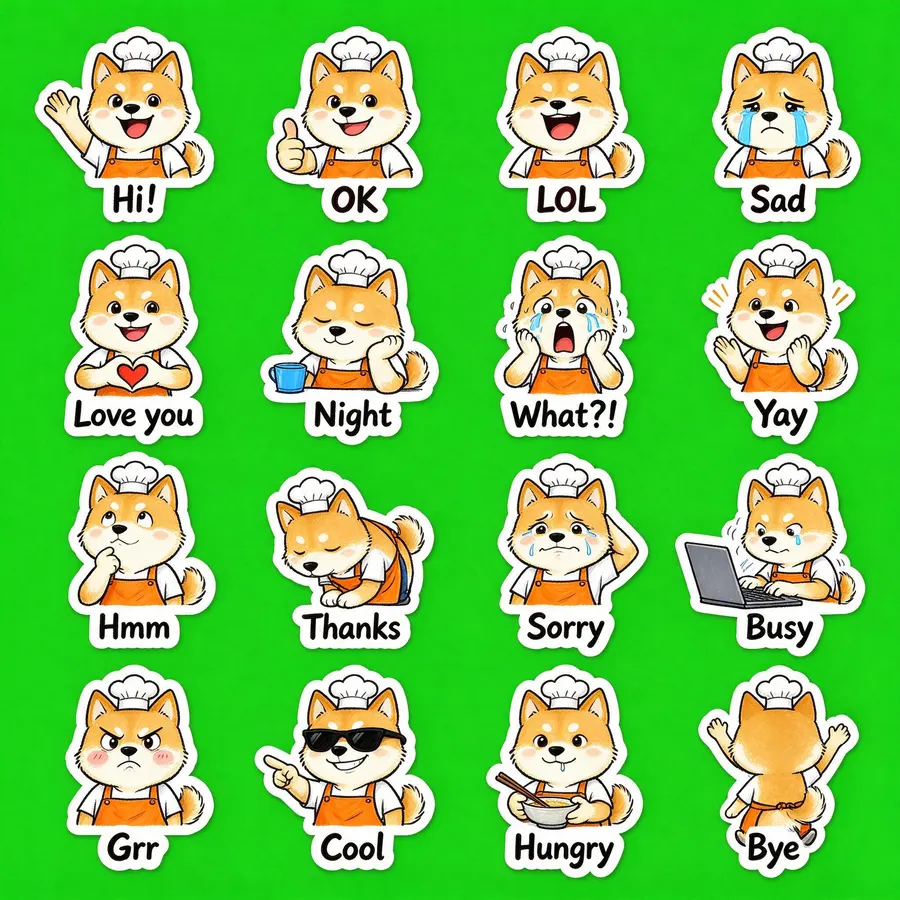
文字描述角色 · 16 张

Seedream 5.0 Flash · 24 秒 · 切出 16/16 张 · $0.018

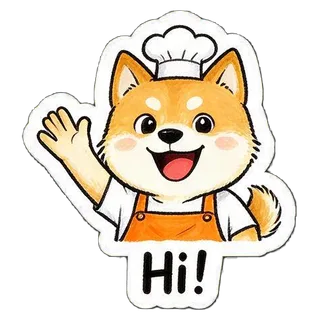
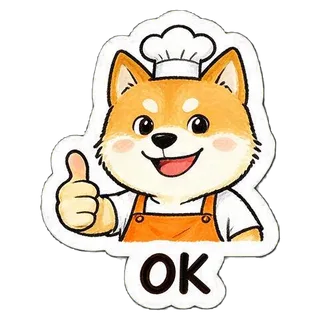
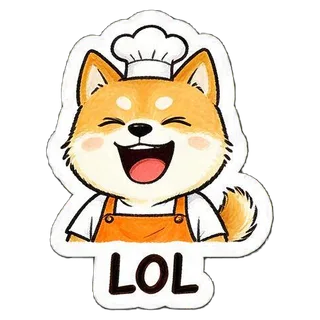
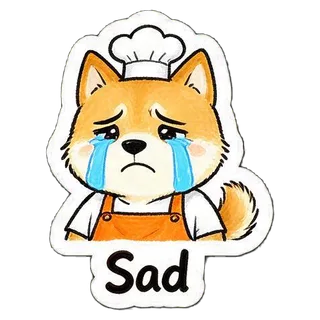
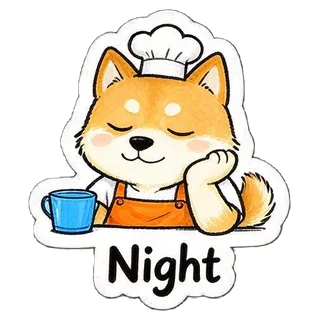
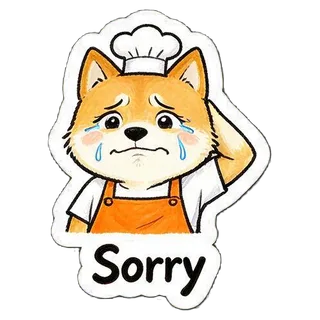
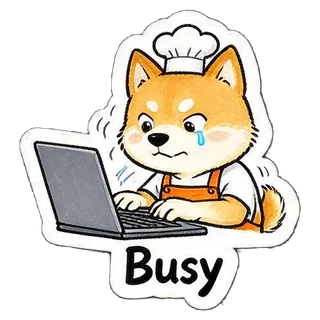
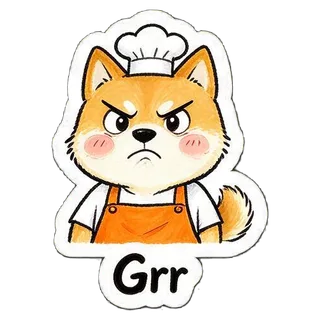
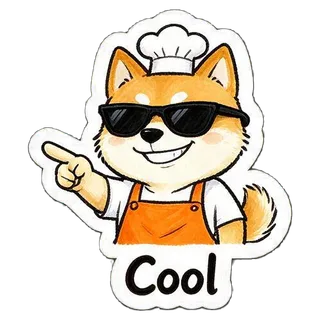
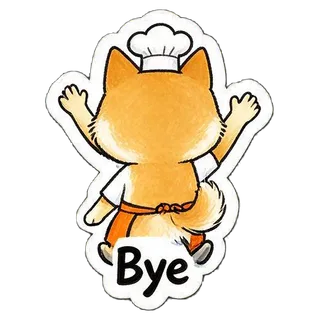
“a cheerful shiba inu barista wearing an orange apron and a small white chef hat”
没有照片,只用文字描述
文字描述角色 · 16 张 sheet
2048 × 2048
查看完整提示词

Create a sticker sheet of a cheerful shiba inu barista wearing an orange apron and a small white chef hat. Draw 16 different stickers of the same character arranged in a 4x4 grid, evenly spaced with wide gaps between stickers, each sticker fully inside its own cell and not touching the others. Style: hand-drawn marker doodle style with wobbly lines and bright flat colors. Stickers, in order from top left to bottom right: 1. waving hello with a big smile, caption "Hi!" 2. giving a thumbs up, caption "OK" 3. laughing out loud with eyes squeezed shut, caption "LOL" 4. crying with big tears, caption "Sad" 5. making a heart with both hands, caption "Love you" 6. sleepy, eyes closed, resting the cheek on a hand, caption "Night" 7. shocked with the mouth wide open and hands on the cheeks, caption "What?!" 8. clapping and cheering, caption "Yay" 9. thinking with a hand on the chin, caption "Hmm" 10. bowing politely with both hands together, caption "Thanks" 11. apologizing with an awkward smile and one hand behind the head, caption "Sorry" 12. typing fast on a laptop, a little stressed, caption "Busy" 13. angry and pouting with puffed cheeks, caption "Grr" 14. wearing sunglasses and pointing with a confident grin, caption "Cool" 15. holding a bowl and chopsticks, drooling a little, caption "Hungry" 16. waving goodbye while walking away, caption "Bye" Captions are short, bold, easy to read, in black or another dark non-green color, placed under or beside the character inside its outline. Every sticker has a thick white die-cut outline around the character and its caption. The background is one flat solid pure green color (#00FF00) everywhere, with no shadows, no gradients, no texture, no borders, no grid lines and nothing else on it. Do not use any green inside the stickers (no green text, clothing or props).

  • Hi!
  • OK
  • LOL
  • Sad
  • Love you
  • Night
  • What?!
  • Yay
  • Hmm
  • Thanks
  • Sorry
  • Busy
  • Grr
  • Cool
  • Hungry
  • Bye

各平台的表情尺寸要求

导出时已经按下面的要求处理好,数据来自各平台官方文档。

平台格式尺寸大小与数量来源
TelegramPNG 或 WebP一边正好 512px,另一边 ≤512px;图标 100×100图标 ≤128KB;新建一套 1~50 张core.telegram.org
WhatsAppWebP512×512;托盘图标 96×96每张 ≤100KB,图标 ≤50KB;每套 3~30 张github.com
DiscordPNG正好 320×320每张 ≤512KBdiscord.com

Safari 不能在浏览器里生成 WebP,导出 WhatsApp 包请用 Chrome、Edge 或 Firefox。

导出后怎么添加

  • Telegram

    在 Telegram 里打开 @Stickers 机器人,发送 /newpack,按提示逐张以「文件」形式发送 PNG 并配一个 emoji,最后 /publish 并上传 icon.png。

  • WhatsApp

    网页版或桌面版:在聊天里打开贴纸面板,选「创建」上传 WebP。手机上可以用支持 WhatsApp 贴纸格式的贴纸包 App 一次导入整个文件夹。

  • Discord

    服务器设置 → 贴纸 → 上传贴纸,每张填一个名字并选一个相关 emoji。

让表情更好看的小技巧

  • 照片里只有一个人或一只宠物,脸和毛色清楚,效果最稳定。
  • 想要更像本人,选 Nano Banana 2 或 Nano Banana Pro;想省钱先用 Seedream 5.0 Flash 试。
  • 文字尽量短:两三个字或一个短词,放在表情里更清楚。
  • 如果有一两格没切开或被合并,直接「重新生成」一次,通常就好了。

常见问题

ChatGPT 能做表情包吗?

能画出表情风格的图,但给你的是一整张图,还要自己抠背景、切图、按各平台改尺寸。本页把这几步都自动做了,也可以直接选 GPT Image 2 来画。

怎么把自己的照片做成表情包?

上传一张清楚的照片,选风格和数量,点生成。大约 20~75 秒后会得到一整套切好的单张表情,按平台导出即可。

任何照片都能做成表情吗?

单人、单只宠物、脸部清楚的照片效果最好。多人合照、脸很小或逆光的照片,角色容易不像。

做一套要多少钱?

一套只算一张图:Seedream 5.0 Flash $0.018、GPT Image 2 VIP $0.03、Nano Banana 2 $0.055、Nano Banana Pro $0.09。新用户 Gmail 登录送 $0.1。

为什么切出来的张数比设定的少?

偶尔模型会把两个表情画得挨在一起,或者少画一格。重新生成一次通常就正常了,已经切出的也可以直接导出。

能直接上架微信表情开放平台吗?

导出的透明 PNG 可以作为素材,但微信开放平台有自己的尺寸和数量要求,需要按平台说明再调整后提交审核。

照片会被保存吗?

照片只随这一次生图请求发给模型;去背景、切图和打包都在你的浏览器里完成,结果不会上传到 YingTu 的服务器。

最近更新:2026 年 9 月 27 日