







주요 콘텐츠로 이동

AI 방송 이모트 만들기: 사진 한 장으로 Twitch·Discord 이모트 세트

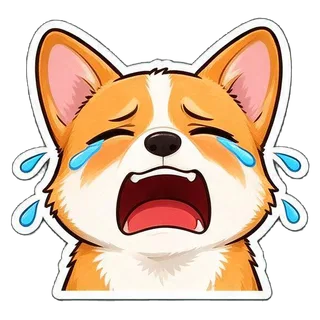
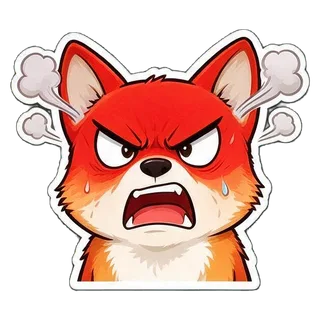
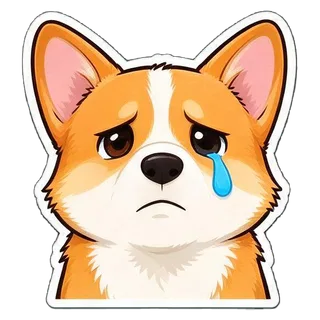
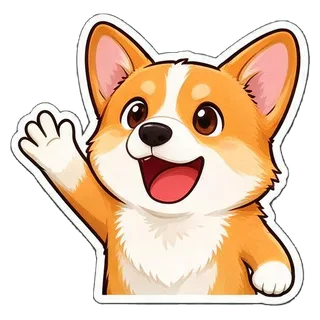
셀카나 반려동물 사진, 또는 방송 마스코트 설명 한 줄로 같은 캐릭터의 이모트 16개를 한 번에 그려요(HYPE, GG, POG, LOL, RIP, o7 등). 배경 지우기와 자르기는 브라우저에서 자동으로 하고, Twitch 세 가지 크기와 Discord 이모지로 바로 내보내요. 치지직·SOOP처럼 규격이 다른 플랫폼에는 원본 크기 투명 PNG로 받아 맞추면 돼요. 한 세트 비용은 이미지 1장 값, $0.018부터예요.

한 세트 16개$0.018부터/세트Twitch 112/56/28 · Discord 128

1캐릭터

나, 반려동물, 인형 모두 가능해요. 사진이 없으면 캐릭터를 글로 설명해도 돼요. 사진을 끌어오거나 캡처를 ⌘V로 붙여넣어도 돼요.

2스타일

3테마와 문구

  • HYPE
  • GG
  • POG
  • LOL
  • <3
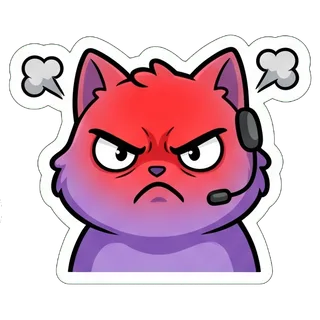
  • RAGE
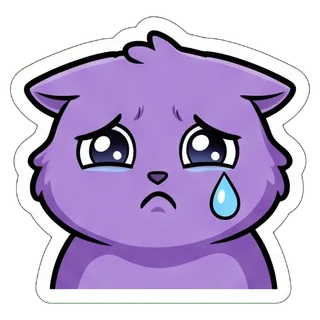
  • SAD
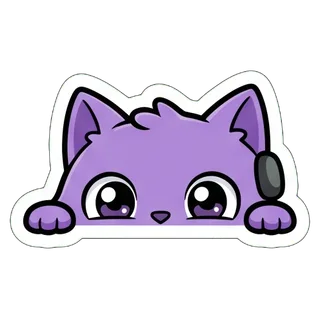
  • LURK
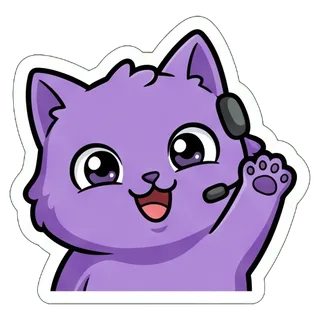
  • HI
  • CLAP
  • HMM
  • EZ
  • RIP
  • ZZZ
  • o7
  • GL

방송 이모트는 채팅에서 28px로 보여서 기본은 문구 없음이에요. 내보낼 때는 「Twitch · Discord 이모지」를 고르세요.

4모델

사진을 올리거나 캐릭터를 한 줄로 적어 주세요(🎲로 랜덤 가능).

한 번에 한 세트

같은 캐릭터로 9개 또는 16개 표정을 만들고, 배경을 자동으로 지워 한 개씩 잘라 카카오톡·LINE·Telegram·WhatsApp 규격으로 내보내요.

핵심 정보

  • 2026년 9월 28일 기준: 이모트 9개 또는 16개 한 세트는 이미지 생성 1번이고, 고른 모델의 장당 가격으로 계산돼요(Seedream 5.0 Flash $0.018, GPT Image 2 VIP $0.03, Nano Banana 2 $0.055, Nano Banana Pro $0.09).
  • 16개는 2048×2048 이미지 한 장에서 잘라내요. 예시에서는 내보내기 전 한 개가 약 450~520px로, Twitch가 요구하는 112px보다 훨씬 커요.
  • 「Twitch · Discord 이모지」로 내보내면 이모트마다 112·56·28px 투명 PNG(각 1MB 이하)와 128×128 Discord 이모지(256KB 미만, yt_hype 같은 유효한 이름)가 만들어져요.
  • 기본 16개는 HYPE, GG, POG, LOL, <3, RAGE, SAD, LURK, HI, CLAP, HMM, EZ, RIP, ZZZ, o7, GL이고, 글자 없는 큰 얼굴이라 28px에서도 알아보기 쉬워요.
  • 배경 지우기와 자르기는 브라우저에서 해요. Gmail로 로그인한 신규 사용자는 $0.1 무료 크레딧을 4개 모델 모두에 쓸 수 있어요.

사진으로 방송 이모트 만드는 방법

  1. 1사진을 올리거나 마스코트를 설명해요또렷한 셀카나 한 마리만 나온 반려동물 사진이 가장 좋아요. 사진이 없으면 “작은 게이밍 헤드셋을 쓴 동그란 보라색 고양이”처럼 적으면 돼요.
  2. 2「방송 이모트」 테마 그대로처음부터 선택돼 있어요. 글자 없는 얼굴 클로즈업 16개예요. 28px에서는 SD 캐릭터나 애니메이션 스타일이 가장 잘 보여요. 하나하나 크게 원하면 9개로, GG 같은 짧은 글자를 넣고 싶으면 문구를 켜세요.
  3. 3만든 뒤 「Twitch · Discord 이모지」로 내보내요예시는 22~34초 걸렸어요. 필요 없는 이모트는 빼고 받으면 twitch/(112·56·28px)와 discord-emoji/(128px) 폴더가 든 ZIP 하나가 저장돼요.

실제로 만든 방송 이모트

모두 이 페이지와 같은 프롬프트와 자르기 과정으로 만들었고, 손으로 수정하지 않았어요. 두 세트는 사진으로, 한 세트는 설명만으로 만들었어요.

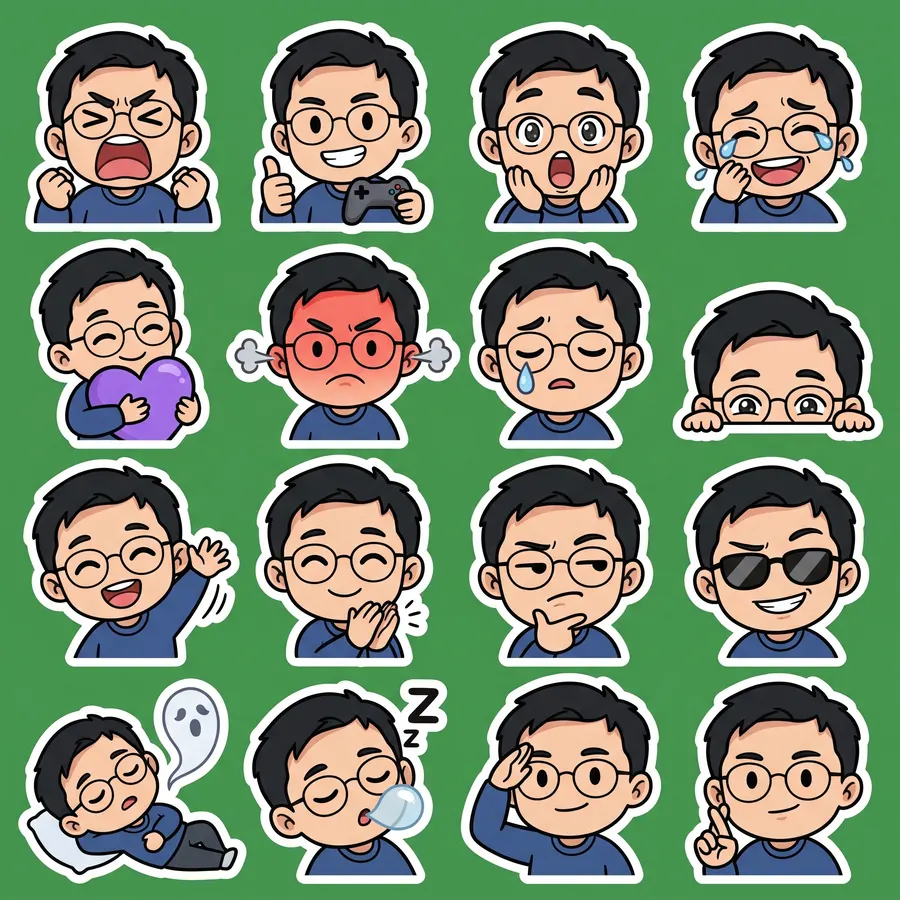
셀카로 · 이모트 16개

Nano Banana 2 · 22초 · 16개 중 16개 · $0.055

원본 사진
원본 사진
셀카로 · 이모트 16개 sheet
2048 × 2048
전체 프롬프트 보기

Create a sticker sheet of the man in the reference image. Keep the face, hairstyle, colors, markings and clothing so it is instantly recognizable in every sticker. Draw 16 different stickers of the same character arranged in a 4x4 grid, evenly spaced with wide gaps between stickers, each sticker fully inside its own cell and not touching the others. Style: cute chibi cartoon style with a big head and small body, bold clean outlines and flat cel shading. These are live-stream chat emotes: a big head-and-shoulders close-up filling most of each cell, one strong exaggerated expression, thick clean shapes that still read at 28 x 28 pixels. Stickers, in order from top left to bottom right: 1. fists up, screaming with excitement 2. holding a game controller and giving a thumbs up 3. gasping with a huge open mouth and wide eyes 4. crying with laughter 5. hugging a big purple heart 6. red-faced and furious, steam from the ears 7. a single tear rolling down the cheek 8. peeking from the bottom corner with only the eyes showing 9. waving hello energetically 10. clapping enthusiastically 11. squinting skeptically with a hand on the chin 12. wearing sunglasses with a smug grin 13. lying flat as a ghost floats up 14. fast asleep with a snot bubble 15. giving a crisp salute 16. crossing fingers for good luck No text anywhere. Every sticker has a thick white die-cut outline around the character. The background is one flat solid pure green color (#00FF00) everywhere, with no shadows, no gradients, no texture, no borders, no grid lines and nothing else on it. Do not use any green inside the stickers (no green text, clothing, plants or props).

  • HYPE
  • GG
  • POG
  • LOL
  • <3
  • RAGE
  • SAD
  • LURK
  • HI
  • CLAP
  • HMM
  • EZ
  • RIP
  • ZZZ
  • o7
  • GL

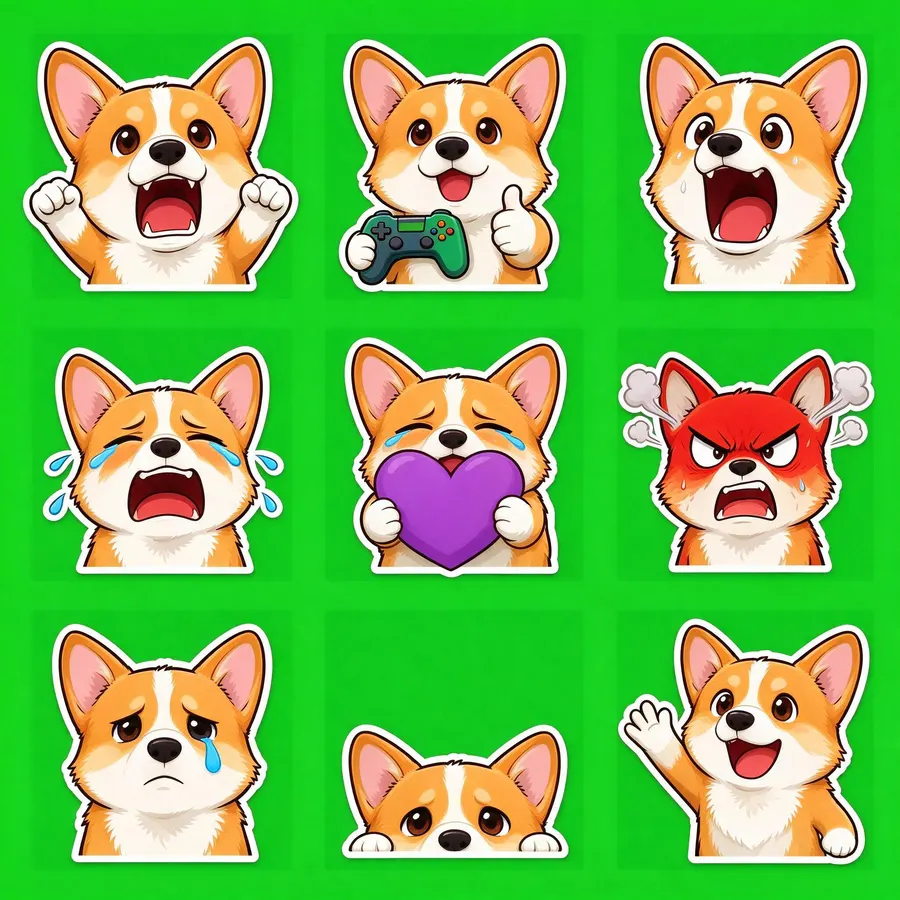
반려동물 사진으로 · 이모트 9개

Seedream 5.0 Flash · 34초 · 9개 중 9개 · $0.018

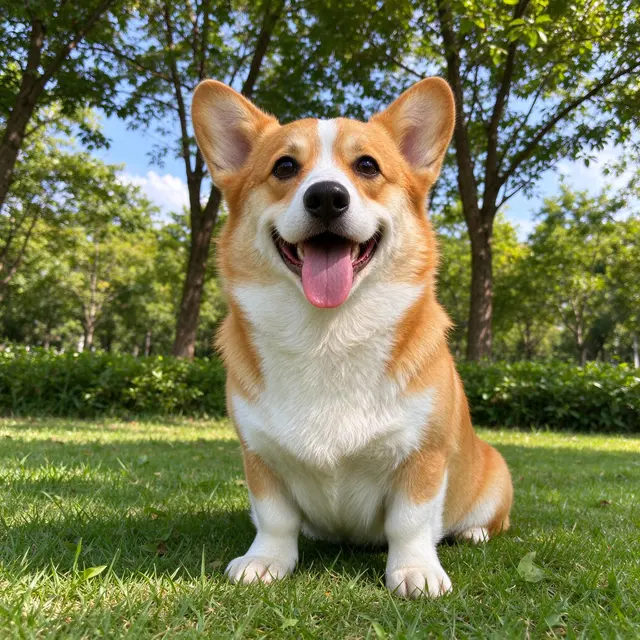
원본 사진
원본 사진
반려동물 사진으로 · 이모트 9개 sheet
2048 × 2048
전체 프롬프트 보기

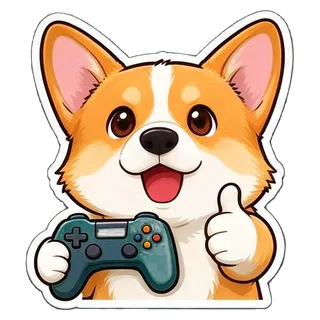
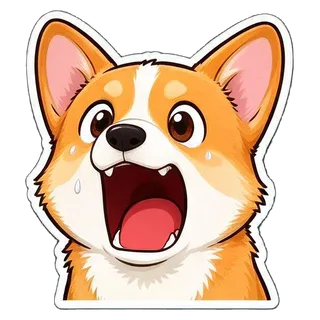
Create a sticker sheet of the corgi dog in the reference image. Keep the face, hairstyle, colors, markings and clothing so it is instantly recognizable in every sticker. Draw 9 different stickers of the same character arranged in a 3x3 grid, evenly spaced with wide gaps between stickers, each sticker fully inside its own cell and not touching the others. Style: cute chibi cartoon style with a big head and small body, bold clean outlines and flat cel shading. These are live-stream chat emotes: a big head-and-shoulders close-up filling most of each cell, one strong exaggerated expression, thick clean shapes that still read at 28 x 28 pixels. Stickers, in order from top left to bottom right: 1. fists up, screaming with excitement 2. holding a game controller and giving a thumbs up 3. gasping with a huge open mouth and wide eyes 4. crying with laughter 5. hugging a big purple heart 6. red-faced and furious, steam from the ears 7. a single tear rolling down the cheek 8. peeking from the bottom corner with only the eyes showing 9. waving hello energetically No text anywhere. Every sticker has a thick white die-cut outline around the character. The background is one flat solid pure green color (#00FF00) everywhere, with no shadows, no gradients, no texture, no borders, no grid lines and nothing else on it. Do not use any green inside the stickers (no green text, clothing, plants or props).

  • HYPE
  • GG
  • POG
  • LOL
  • <3
  • RAGE
  • SAD
  • LURK
  • HI

방송 이모트 · 16개

Nano Banana 2 · 22초 · 16개 중 16개 · $0.055
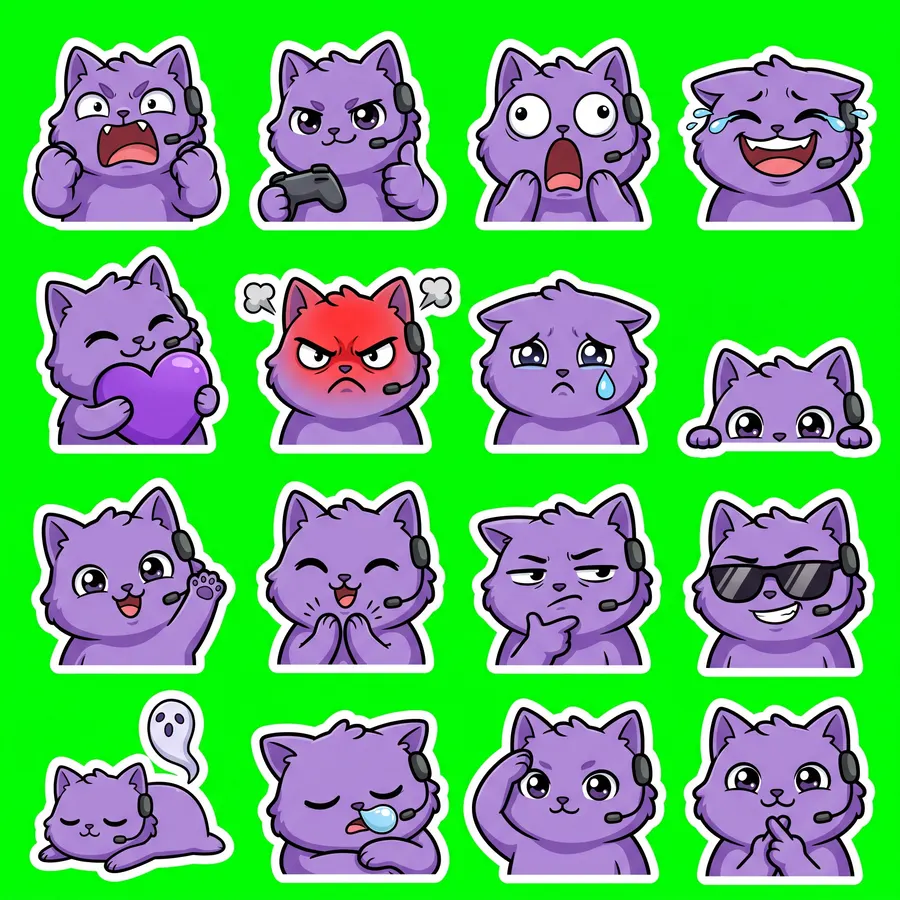
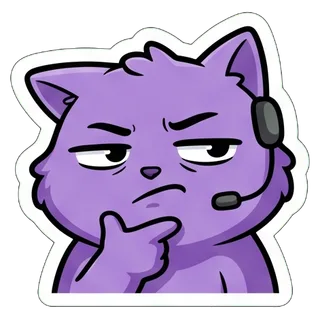
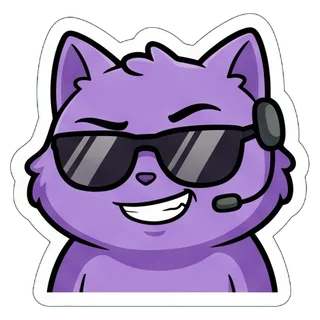
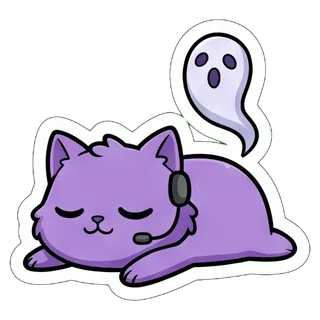
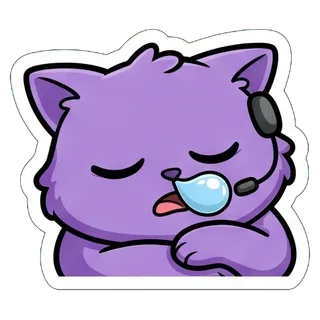
“a round fluffy purple cat with big eyes and a tiny gaming headset”
사진 없이 설명만
방송 이모트 · 16개 sheet
2048 × 2048
전체 프롬프트 보기

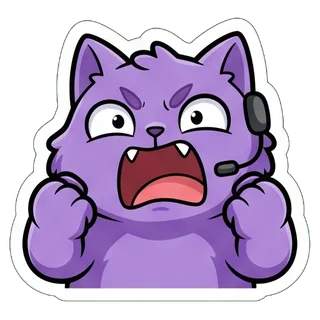
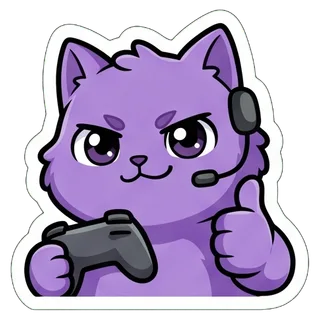
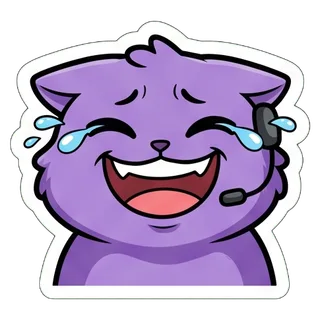
Create a sticker sheet of a round fluffy purple cat with big eyes and a tiny gaming headset. Draw 16 different stickers of the same character arranged in a 4x4 grid, evenly spaced with wide gaps between stickers, each sticker fully inside its own cell and not touching the others. Style: cute chibi cartoon style with a big head and small body, bold clean outlines and flat cel shading. These are live-stream chat emotes: a big head-and-shoulders close-up filling most of each cell, one strong exaggerated expression, thick clean shapes that still read at 28 x 28 pixels. Stickers, in order from top left to bottom right: 1. fists up, screaming with excitement 2. holding a game controller and giving a thumbs up 3. gasping with a huge open mouth and wide eyes 4. crying with laughter 5. hugging a big purple heart 6. red-faced and furious, steam from the ears 7. a single tear rolling down the cheek 8. peeking from the bottom corner with only the eyes showing 9. waving hello energetically 10. clapping enthusiastically 11. squinting skeptically with a hand on the chin 12. wearing sunglasses with a smug grin 13. lying flat as a ghost floats up 14. fast asleep with a snot bubble 15. giving a crisp salute 16. crossing fingers for good luck No text anywhere. Every sticker has a thick white die-cut outline around the character. The background is one flat solid pure green color (#00FF00) everywhere, with no shadows, no gradients, no texture, no borders, no grid lines and nothing else on it. Do not use any green inside the stickers (no green text, clothing, plants or props).


  • HYPE
  • GG
  • POG
  • LOL
  • <3
  • RAGE
  • SAD
  • LURK
  • HI
  • CLAP
  • HMM
  • EZ
  • RIP
  • ZZZ
  • o7
  • GL

Twitch 이모트 크기와 Discord 이모지 크기

내보낼 때 아래 조건에 맞춰요. 수치는 Twitch와 Discord 공식 도움말을 따랐어요.

서비스형식크기용량·조건출처
Twitch 이모트(정지)PNG, 정사각형, 투명 배경 권장28×28, 56×56, 112×112 세 가지, 또는 112~4096px 한 장을 자동 크기 조정각 1MB 이하. 움직이는 이모트는 GIF(여기서는 만들지 않아요)help.twitch.tv
Discord 이모지JPEG, PNG, GIF, WEBP(PNG로 내보냄)128×128로 내보냄256KB 미만. 이름은 2자 이상, 영문·숫자·밑줄만support.discord.com
Discord 스티커PNG정확히 320×320512KB 이하discord.com

치지직, SOOP 등 다른 방송 플랫폼은 이모티콘 크기와 개수 기준이 각각 달라요. 올리기 전에 해당 플랫폼 안내를 확인하고, 필요하면 「투명 PNG」로 원본 크기를 받아 맞춰 주세요. Kick과 7TV는 twitch/ 폴더의 정사각형 PNG를 그대로 쓸 수 있어요.

내보낸 뒤 올리는 방법

  • Twitch

    크리에이터 대시보드 → 시청자 보상 → 이모트에서 112·56·28 세 파일을 직접 올리거나, 112 파일 하나로 자동 크기 조정을 쓰면 돼요. 새 이모트는 Twitch 이모트 가이드라인에 따라 검토되고, 제휴·파트너는 제재 없이 60일 방송하면 즉시 업로드가 될 수 있어요.

  • Discord

    서버 설정 → 이모지 → 이모지 업로드에서 discord-emoji/ 폴더의 파일을 고르세요. 파일 이름(yt_hype, yt_gg 등)이 그대로 이모지 이름이 돼요.

  • 치지직 · SOOP

    각 플랫폼의 이모티콘 등록 안내에서 크기와 용량을 확인한 뒤, 「투명 PNG」로 받은 원본을 그 크기에 맞춰 올리세요.

  • 스티커와 굿즈

    같은 세트를 카카오톡 이모티콘, Discord 스티커(320×320), 인쇄용 스티커 시트, 레이어 PSD로도 내보낼 수 있어요.

28px에서도 잘 보이게 만드는 팁

  • 이모트 하나에 얼굴 하나, 감정 하나. 테마가 이미 굵은 외곽선의 얼굴 클로즈업으로 그리도록 되어 있어요.
  • 글자는 빼세요. 28px에서는 굵은 글자 2~4개가 한계라서 GG, EZ 정도 길이까지만 읽혀요.
  • 올리기 전에 ZIP 안의 _28.png를 열어 보고, 뭉개져 보이면 빼거나 다시 만드세요.
  • 본인과 최대한 닮게 하려면 Nano Banana 2나 Nano Banana Pro, 싸게 먼저 해 보려면 Seedream 5.0 Flash(한 세트 $0.018).
  • 개수는 적어도 더 선명한 게 좋다면 9개 세트를 고르세요. 같은 가격에 한 개당 약 640~700px이에요.

자주 묻는 질문

Twitch 이모트 크기는 어떻게 되나요?

정지 이모트는 정사각형 PNG로 28×28, 56×56, 112×112px이고 각 1MB 이하예요. 112~4096px 이미지 한 장을 올려 자동 크기 조정을 써도 돼요. 여기서 내보내면 세 가지 크기가 모두 들어 있어요.

내 얼굴로 이모트를 만들 수 있나요?

또렷한 셀카를 올리고 「방송 이모트」 테마 그대로 만들면 돼요. 이 페이지의 셀카 예시는 Nano Banana 2로 22초 만에 16개 모두 잘렸어요.

무료로 만들 수 있나요?

Gmail로 로그인한 신규 사용자는 $0.1 무료 크레딧을 받아요. Seedream 5.0 Flash(한 세트 $0.018)로 5세트를 만들 수 있고, 그 뒤에는 세트마다 결제해요.

치지직이나 SOOP에도 쓸 수 있나요?

내보낸 파일은 투명 배경의 정사각형 PNG라 소재로 쓸 수 있어요. 다만 크기·개수·심사 기준은 플랫폼마다 다르니, 올리기 전에 해당 플랫폼의 최신 안내를 확인하세요.

움직이는 이모트(GIF)도 되나요?

안 돼요. 여기서는 정지 PNG 이모트만 만들어요. Twitch의 움직이는 이모트는 GIF 형식이에요.

Discord 이모지는 몇 픽셀로 만들어야 하나요?

JPEG, PNG, GIF, WEBP 파일로 256KB 미만이면 되고, 이름은 2자 이상 영문·숫자·밑줄만 쓸 수 있어요. 내보내는 128×128 PNG는 이 조건을 모두 지켜요.

Twitch 심사를 통과할 수 있나요?

Twitch는 이모트 가이드라인으로 검토하기 때문에 어떤 도구도 승인을 보장할 수 없어요. 본인 얼굴, 반려동물, 직접 만든 마스코트를 쓰고, 다른 사람의 얼굴이나 로고, 권리가 없는 캐릭터는 피하세요.

만든 이모트를 상업적으로 써도 되나요?

올리고 판매하는 내용의 책임은 본인에게 있어요. 사용한 모델과 플랫폼의 약관을 확인하고, 사용할 권리가 있는 사진만 쓰세요.

최종 업데이트: 2026년 9월 28일