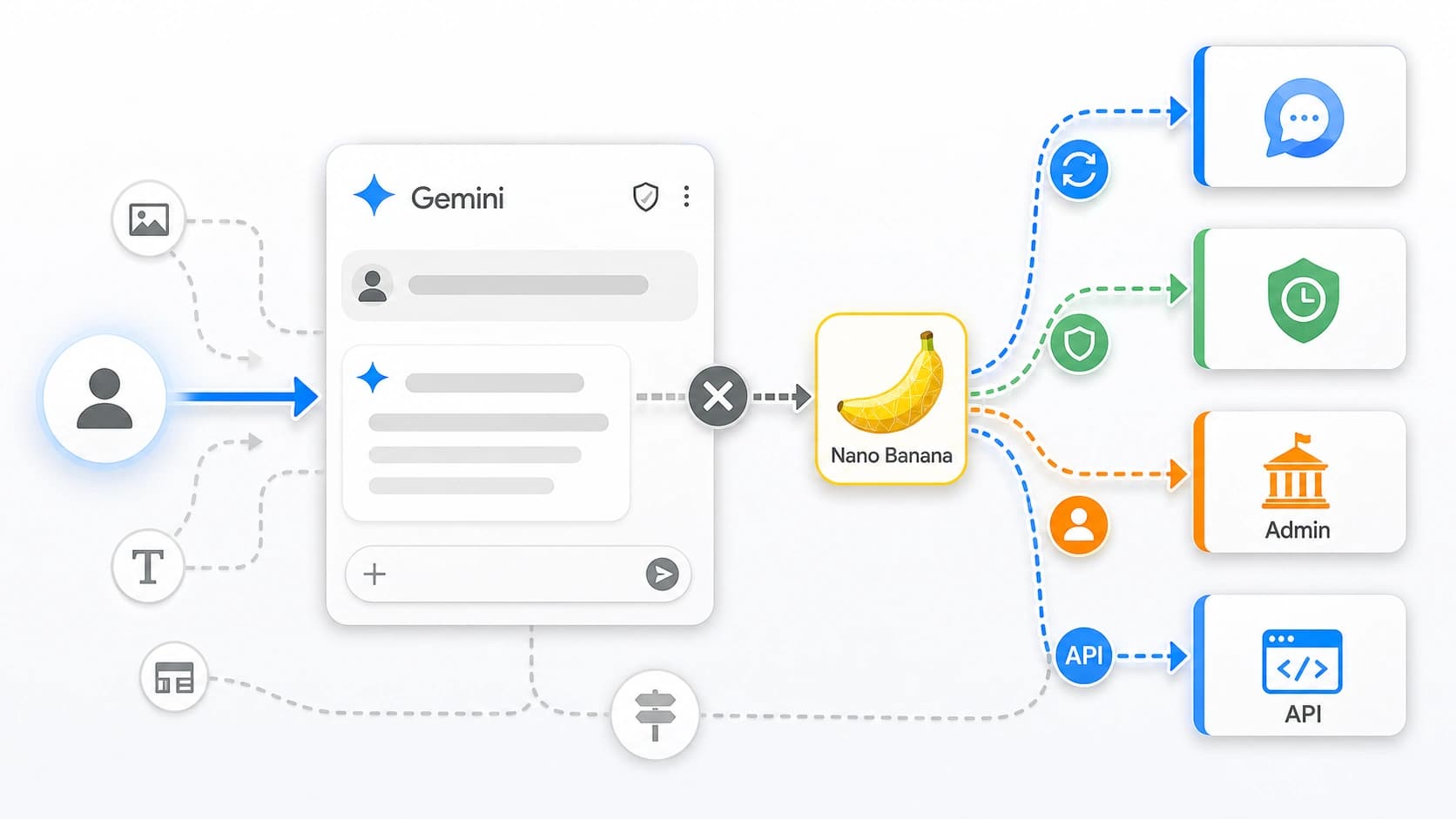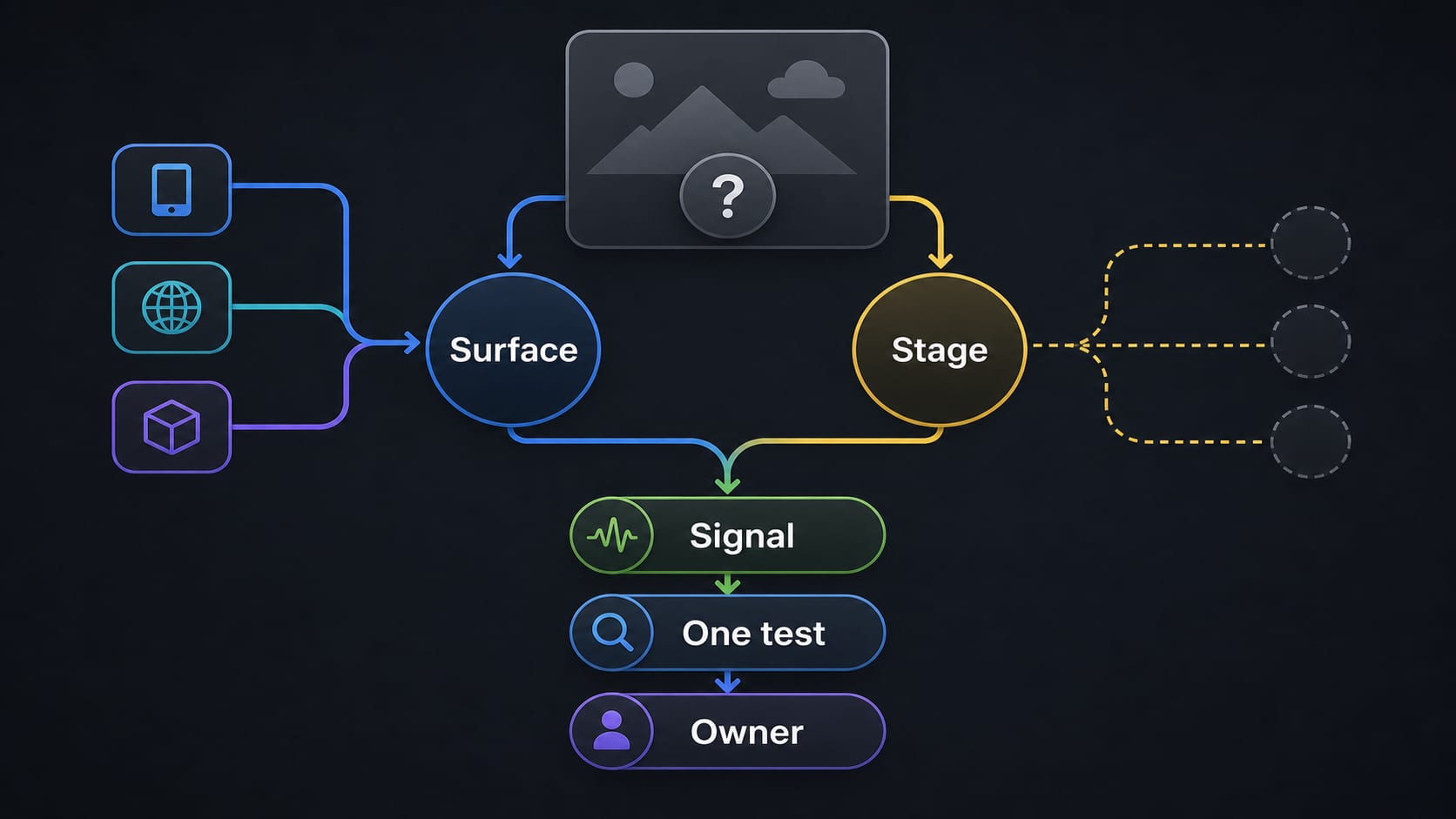
If Nano Banana says it failed to process an image, do not begin with a long list of browser fixes. First identify where the failure happened: Gemini Apps, Search AI Mode, AI Studio or the Gemini API, Vertex AI, Flow, or a third-party wrapper. Then locate the stage that failed and preserve the exact message, HTTP status, finish reason, or account notice.
The fastest safe test is one controlled comparison on the same route. For example, try a newly exported copy of the same image while keeping the account, surface, and request simple. If the copy works, the original file becomes the leading suspect. If the image works in Gemini Apps but fails in a wrapper, the wrapper or its integration becomes the leading owner. Neither result proves a byte-level cause, but each sharply narrows the next action.
Short answer: “Failed to process image” is not one documented universal Nano Banana error. Treat it as a symptom. Surface, stage, and the strongest explicit signal determine the fix.
Start with the surface, not the nickname
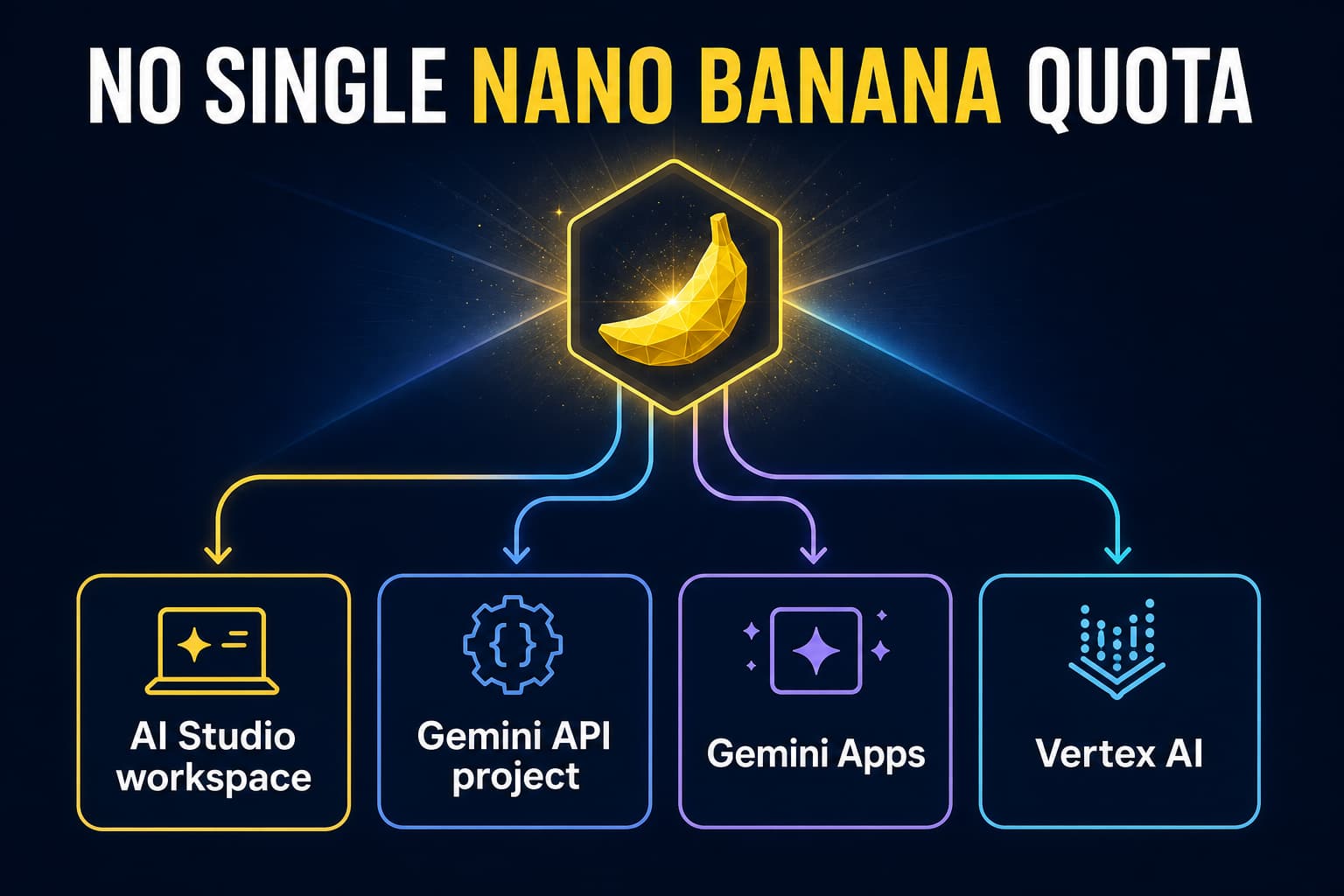
“Nano Banana” can refer to image features exposed through several products. Those products do not share one upload contract, one quota system, or one support owner.
| Where you saw the failure | Evidence that matters first | First useful action |
|---|---|---|
| Gemini web or mobile app | Exact UI text, account type, sign-in state, upload or storage notice | Re-upload once if the app says analysis failed; then follow any explicit account or storage message |
| Google Search AI Mode or another Google app | App name, country/language availability, the step that failed | Confirm the feature is available on that specific app and account |
| AI Studio or Gemini API | HTTP status, response body, model ID, endpoint, request size, finish reason | Fix or retry according to the observed API signal |
| Vertex AI | Project, region, endpoint, status code, request ID | Use the Vertex project and logging path, not Gemini Apps limits |
| Flow | Flow UI message, asset stage, account/plan notice | Diagnose inside Flow's own asset and account path |
| Third-party wrapper | Wrapper job status, upload log, credits, provider response, safe job ID | Ask the wrapper to identify whether upload, queue, upstream call, or response handling failed |
A consumer-app error is not an HTTP code. A wrapper's “processing failed” label is not automatically Google's response. And a model nickname shown in a UI should not be converted into an API model ID unless the request or logs identify it.
Use this five-minute diagnostic
1. Save the strongest signal
Before retrying, copy the exact message and note the time and time zone. For an API request, save the HTTP status, response body, model and endpoint, and a request ID if it is safe to share. For a wrapper, save its job status and whether credits were charged, reserved, or returned according to that service's own records.
Do not paste API keys, access tokens, private images, full billing details, or proprietary prompts into a public support post.
2. Mark the failure stage
Use the earliest stage that definitely failed:
- Selection: the file picker does not accept the image.
- Upload: progress stops before the request can be submitted.
- Analysis: the product accepts the file but says it cannot read or analyze it.
- Validation: an API or integration rejects the request shape, media reference, MIME type, or model/endpoint combination.
- Generation or editing: the request starts, but the model does not complete the image task.
- Response: the API returns text, a finish reason, or no image payload.
- Display or save: generation completed, but the client does not render or save the returned image.
This distinction prevents a display bug from being “fixed” by re-encoding the input, or a malformed API request from being retried until it hits a rate limit.
3. Inspect the image locally
Check the actual format, file size, pixel dimensions, orientation, and whether an ordinary image viewer can open it. A .jpg filename does not prove that the bytes are JPEG. Keep the original, and export a separate diagnostic copy rather than overwriting it.
For an API image input, Google's current image-understanding documentation lists PNG, JPEG, WebP, HEIC, and HEIF MIME types. That list is an API rule; it should not be presented as the complete contract for every Gemini app or wrapper. See Google's Gemini API image input documentation.
4. Choose one controlled comparison
Pick the comparison that separates the most likely owners while changing as little as possible:
- Original versus re-exported copy, same route: useful when decoding, metadata, orientation, or real MIME bytes are in doubt.
- Failing image versus one small, non-sensitive control image, same route: useful when you need to separate one input from an account- or service-wide failure.
- Simple one-image request versus a multi-reference or complex request, same API route: useful when request size, context, reference count, or request construction is in doubt.
- Official app versus the already-used wrapper, only if privacy and terms permit: useful when the wrapper may own upload, queue, billing, or response parsing.
Run one comparison, record the result, and stop. Repeatedly submitting the same quota-consuming request adds cost and noise without adding much evidence.
5. Follow the explicit branch
An exact storage notice, rolling-limit message, HTTP status, or image finish reason outranks a theory about cache, prompts, or server load. Use the matching branch below.
Gemini Apps: re-upload once, then read the account signal
Google's current Gemini Apps file help says to re-upload when Gemini reports that it failed to analyze a file correctly. That makes one re-upload a documented diagnostic, not a guarantee that repeated retries will recover the image. The same help page currently says a prompt can include up to 10 supported files, subject to availability, and that a supported non-video file can be up to 100 MB. These are general Apps upload ceilings, not promises that image editing will succeed at those sizes. See Upload and analyze files in Gemini Apps.
Use the text you actually see:
- If the app says the file was not analyzed correctly, re-upload once.
- If it shows a rolling file-use limit, wait for the stated reset path instead of changing the image at random.
- If it explicitly says to delete data to upload, review the named Gemini Apps storage path before deleting anything. Do not delete chats or activity because of a generic processing error.
- If the image route is absent or fails before upload, check sign-in, supported app, language and country, personal versus work/school account, age requirement, and administrator controls.
Google documents uploaded-image editing in Gemini Apps, but availability depends on the specific app and account context. Current image help also distinguishes personal-account age requirements for generation and editing, and notes separate school-account restrictions. See Generate and edit images with Gemini Apps.
Clearing cookies, opening Incognito, changing networks, or starting a new chat can be a comparison when there is evidence of a client-session problem. None is a universal fix for a file-analysis, eligibility, storage, or policy signal.
Gemini API and AI Studio: let the response choose the action
For API work, start with the request and response rather than the wording seen in a browser. Google's current documentation says inline image data shares a 20 MB total request limit with text prompts, system instructions, and other inline bytes. For a larger request, or an image that will be reused, use the Files API. This 20 MB rule is not the Gemini Apps 100 MB ceiling.
| Observed API status | What it means operationally | Next action |
|---|---|---|
400 INVALID_ARGUMENT | The request is malformed or uses an unsupported request/version combination | Correct the schema, MIME declaration, endpoint, model, or required fields; do not back off and resend unchanged |
404 NOT_FOUND | A referenced file or media resource cannot be found | Verify the file URI, resource lifetime, project, and reference |
429 RESOURCE_EXHAUSTED | A rate, token, request, or spend-related limit was exceeded | Respect limits and use bounded exponential backoff; reduce request rate or size when applicable |
499 CANCELLED | The caller canceled the request | Inspect client cancellation, disconnect, or timeout ownership |
500 INTERNAL | Google encountered an internal error, or the context may be too large | Check the official status route, reduce context where relevant, and make a bounded retry |
503 UNAVAILABLE | The service may be temporarily unavailable or out of capacity | Check the official status route and retry with bounded exponential backoff |
504 DEADLINE_EXCEEDED | Processing did not finish within the deadline | Reduce request complexity or set an appropriate client timeout |
These actions come from Google's Gemini API troubleshooting guide. Do not infer a 429 or 503 from a generic “failed to process” banner. Also do not describe the service as healthy or down unless the official Gemini API status page provides a current readable incident signal.
A response with no image is its own branch
If an API call returns but your code saves no image, inspect the full response before blaming upload or safety. Google's GenerateContent reference currently defines distinct image-related finish reasons, including IMAGE_SAFETY, IMAGE_PROHIBITED_CONTENT, IMAGE_OTHER, NO_IMAGE, and IMAGE_RECITATION. See the GenerateContent finish-reason reference.
Those signals are not interchangeable:
NO_IMAGEmeans an image was expected but none was generated.IMAGE_SAFETYandIMAGE_PROHIBITED_CONTENTare explicit policy-related signals.IMAGE_OTHERidentifies a different image-generation stop condition without proving the input was corrupt.- A successful upstream response with an image part that the wrapper fails to decode or display belongs to the integration's response-handling path.
Inspect every returned part when the selected API can produce interleaved text and images. A convenience property that finds only text does not prove the model returned no image.
How to read one comparison result
The result should change ownership, not produce a confident story from one test.
| Comparison result | Leading owner | What is still unknown |
|---|---|---|
| Re-exported supported-format copy works; original fails on the same route | Original input or its decoding path | The exact corrupt metadata, byte sequence, or decoder defect |
| Small control image works; complex multi-reference request fails | Request size, context, reference count, or construction | Whether the threshold is size, complexity, one reference, or another constraint |
| Every suitable image fails before submission on one account | Account eligibility, rolling limit, storage, client, or route availability | Which one, until the UI or account path gives an explicit signal |
| Gemini Apps works; wrapper fails with the same permitted input | Wrapper upload, queue, provider call, billing, or response parsing | The internal wrapper stage without its logs |
| API returns an exact status or finish reason | The documented status/finish-reason branch | The deeper root cause unless the response or logs identify it |
These are supported leads, not automatic diagnoses. Avoid telling a reader that an image violated policy unless an explicit policy or safety signal exists.
Three worked examples
Example 1: Gemini Apps accepts a photo, then says it could not analyze it
The reader preserves the message, confirms the file opens locally, and re-uploads once as Google recommends. It fails again. They export a separate PNG copy and repeat on the same account and chat; the copy works.
Conclusion: the original input or its decoding path is now the likely owner. Keep the original for inspection. Do not claim that every image must be PNG, and do not keep retrying the failing file.
Example 2: an API request returns 400 INVALID_ARGUMENT
The developer checks the response body and finds a request-field or model/endpoint mismatch. They correct the request and send one new call.
Conclusion: this is a validation problem. Cache clearing, service-status speculation, and exponential backoff do not fix an unchanged malformed request.
Example 3: the official app works but a wrapper remains “processing”
The permitted test image completes in Gemini Apps, while the wrapper job never returns an image. The reader saves the wrapper job ID and timestamp and asks its support team to identify the last completed stage.
Conclusion: official-app success shows that this input can work on that official route at that moment. It does not prove the wrapper's uploader, queue, upstream account, credits, or response parser is healthy.
When to stop troubleshooting and escalate
Escalate instead of running more retries when:
- the same safe comparison fails twice without producing new evidence;
- an explicit account, age, region, school/work, storage, or rolling-limit notice blocks the route;
- a retryable API error persists after bounded backoff;
- the provider reports a current incident;
- a wrapper charged or reserved credits but cannot identify a final upstream result;
- the task involves private, regulated, client-owned, or rights-sensitive images that should not be copied to another service for testing.
Prepare a privacy-safe evidence packet:
- timestamp and time zone;
- product surface and device/app version when relevant;
- non-identifying account class, such as personal or managed work/school;
- actual image format, size, dimensions, and reference count;
- exact error, HTTP status, or finish reason;
- API model and endpoint, or wrapper job ID, with secrets removed;
- the one comparison you ran and its result.
That packet gives support an owner and a reproducible boundary. “Nano Banana is broken” does not.
FAQ
Does “failed to process image” mean the file is corrupted?
No. Corruption or decoding is one possibility, but the failure can also belong to upload, account eligibility, storage, request validation, generation, response handling, or a wrapper. A re-exported copy succeeding on the same route makes the original input a stronger lead; it does not identify the precise byte-level defect.
Should I convert the image to PNG or JPEG?
Use conversion as a controlled diagnostic, not a universal rule. Keep the original and export a copy. For the Gemini API, current supported image MIME types include PNG, JPEG, WebP, HEIC, and HEIF. Apps and wrappers have their own contracts.
Is 100 MB the Nano Banana image limit?
Not as a universal statement. Google currently documents 100 MB as the per-file ceiling for supported non-video files in Gemini Apps. The API instead documents a 20 MB total request limit for inline data. Neither number guarantees that a particular image-editing request will succeed.
Does a 503 mean my image is invalid?
No. Google's API guide classifies 503 UNAVAILABLE as a temporary service or capacity condition. Check the official status route and use bounded backoff. Only apply that advice when the API actually returned 503.
Is the error caused by a safety policy?
Only an explicit policy or safety signal supports that conclusion. In the API, image-related finish reasons distinguish safety, prohibited content, no-image, recitation, and other stops. A generic UI processing message does not prove a policy violation.
Will upgrading my plan fix it?
Not necessarily. A plan can affect some usage limits, but it does not override file decoding, malformed requests, age or country eligibility, managed-account controls, storage, or service incidents. Upgrade only when the product explicitly identifies a plan-related limit and the higher plan meets the actual task.
What should I send to support?
Send the exact signal, time zone, surface, account class, file facts, safe request or job ID, model/endpoint for API calls, and one comparison result. Remove keys, tokens, private images, full billing data, and proprietary prompts.
The practical rule
Do not ask “Which random fix should I try next?” Ask: Which surface failed, at which stage, and what is the strongest explicit signal? One controlled comparison usually gives a better next step than ten repeated retries.
Official limits, availability, model routes, status classes, and finish reasons were rechecked on July 20, 2026. They can change; use the linked Google documentation for the current contract.