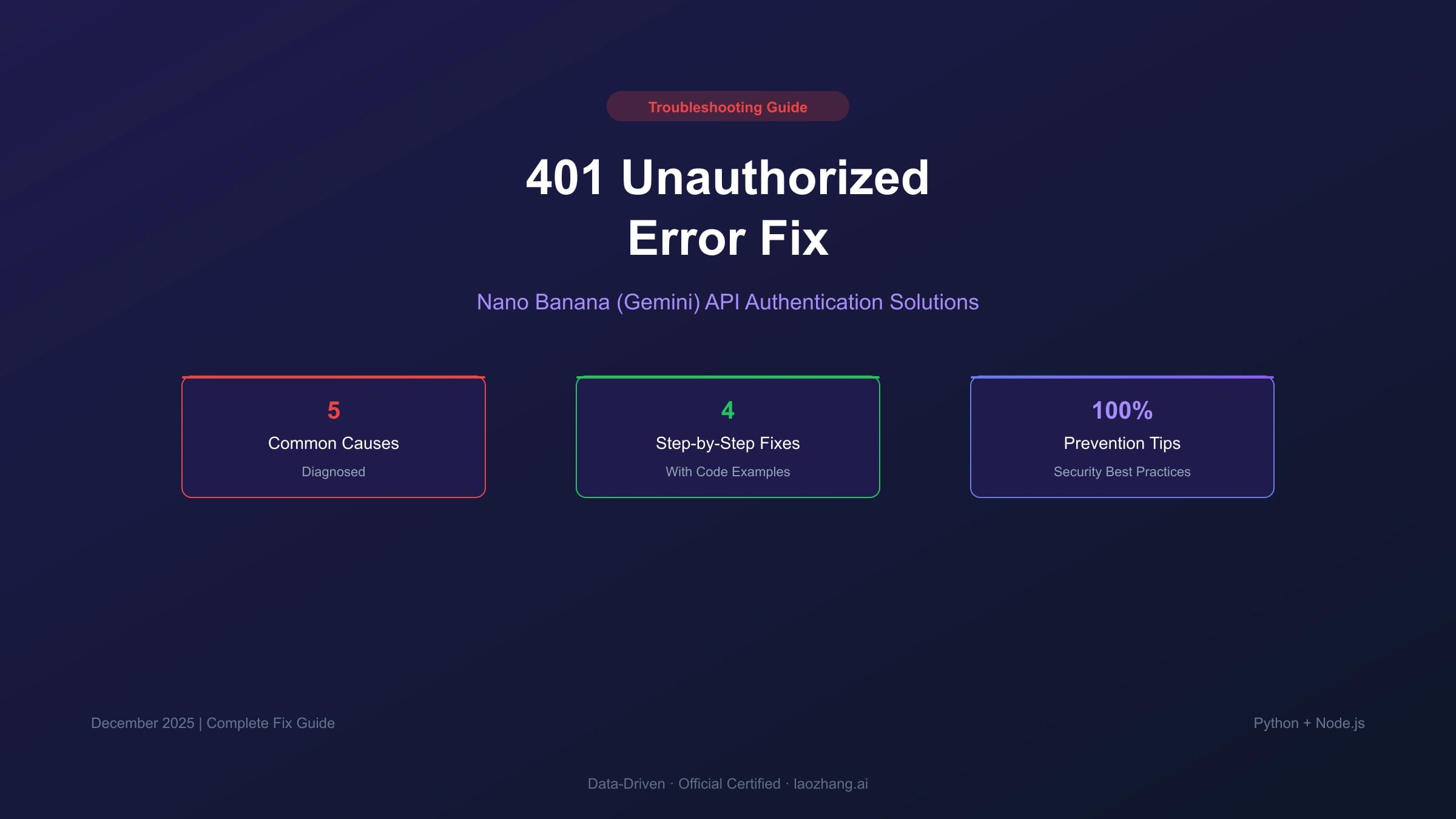
As of July 8, 2026, a Nano Banana or Gemini API "401" complaint should not be treated as one single error. Developers often use 401 as shorthand for "the API will not accept my key," but the live failure can show up as 401, 403 PERMISSION_DENIED, 400 FAILED_PRECONDITION, a Vertex-style OAuth message, a blocked-key warning, or a legacy SDK exception.
The safest fix is to classify the owner before rotating keys or changing code. Ask three questions in order: are you calling the Gemini Developer API or a Vertex/Google Cloud endpoint, is the key current and allowed for that project, and is the code using the current Google GenAI SDK or a stale client pattern?
For a clean first setup, use the Google AI Studio API key setup guide. If the visible symptom is simply "API key invalid," use the narrower Gemini API key invalid guide. This page is for the messier case where the error text, endpoint, SDK, and project state all need to be separated.
First classify the auth failure
Start with the exact response body and status code. Do not rewrite prompts, switch models, or add retries until you know which branch owns the failure.
| What you see | Likely owner | First action |
|---|---|---|
Request had invalid authentication credentials | Missing, malformed, revoked, blocked, or wrong key | Print only a redacted key fingerprint, then verify the key against the Gemini API endpoint |
API keys are not supported by this API or Expected OAuth 2 access token | Vertex AI or Google Cloud endpoint called with an AI Studio API key | Move the request to generativelanguage.googleapis.com, or intentionally switch to OAuth/IAM |
403 PERMISSION_DENIED | Wrong key, wrong project permission, tuned-model permission, or account/project access issue | Check key owner, project import, IAM, and whether the model/resource belongs to this account |
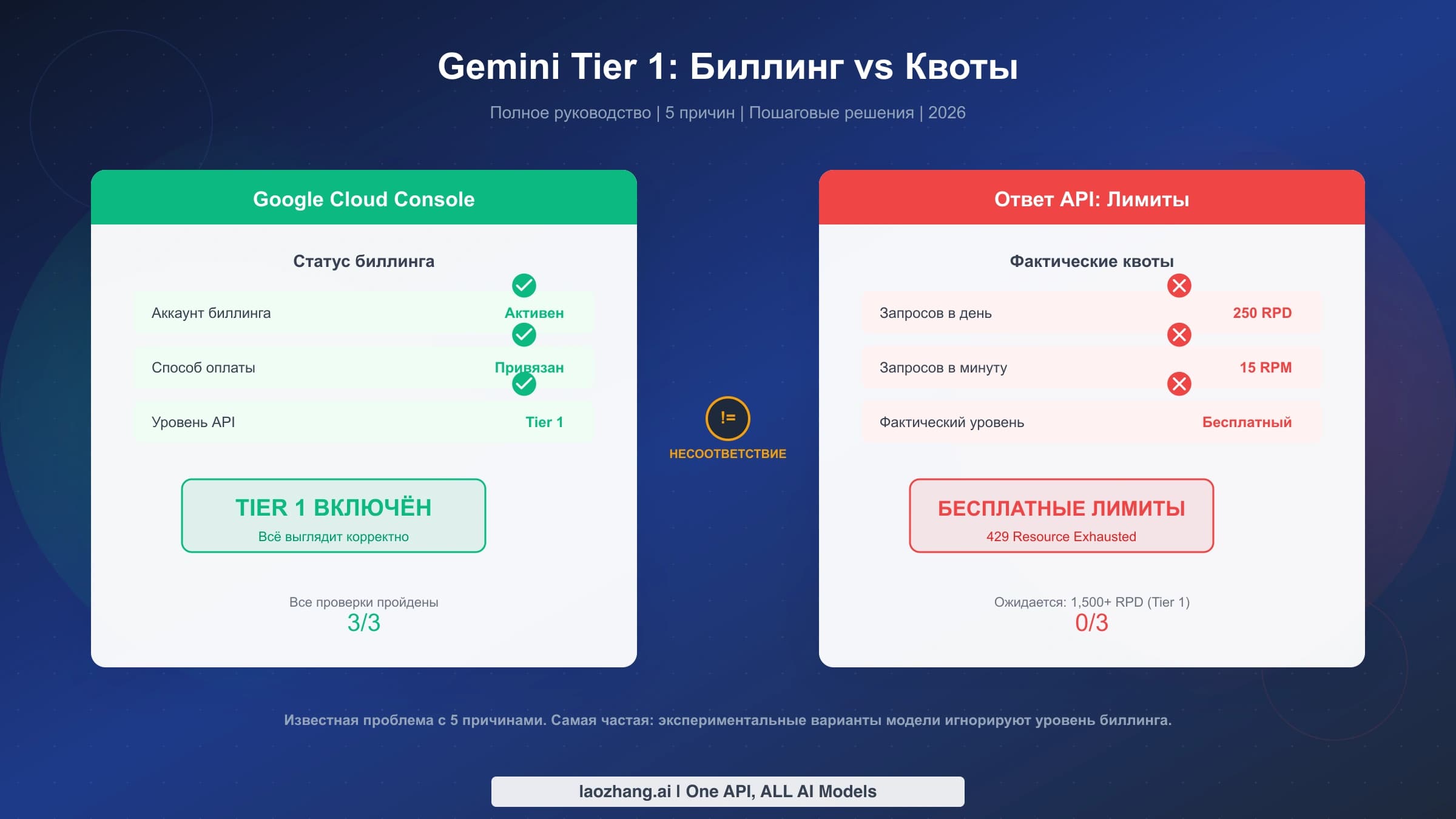
400 FAILED_PRECONDITION | Free tier unavailable in the current country, billing required, or project state not ready | Verify billing and region eligibility before changing SDK code |
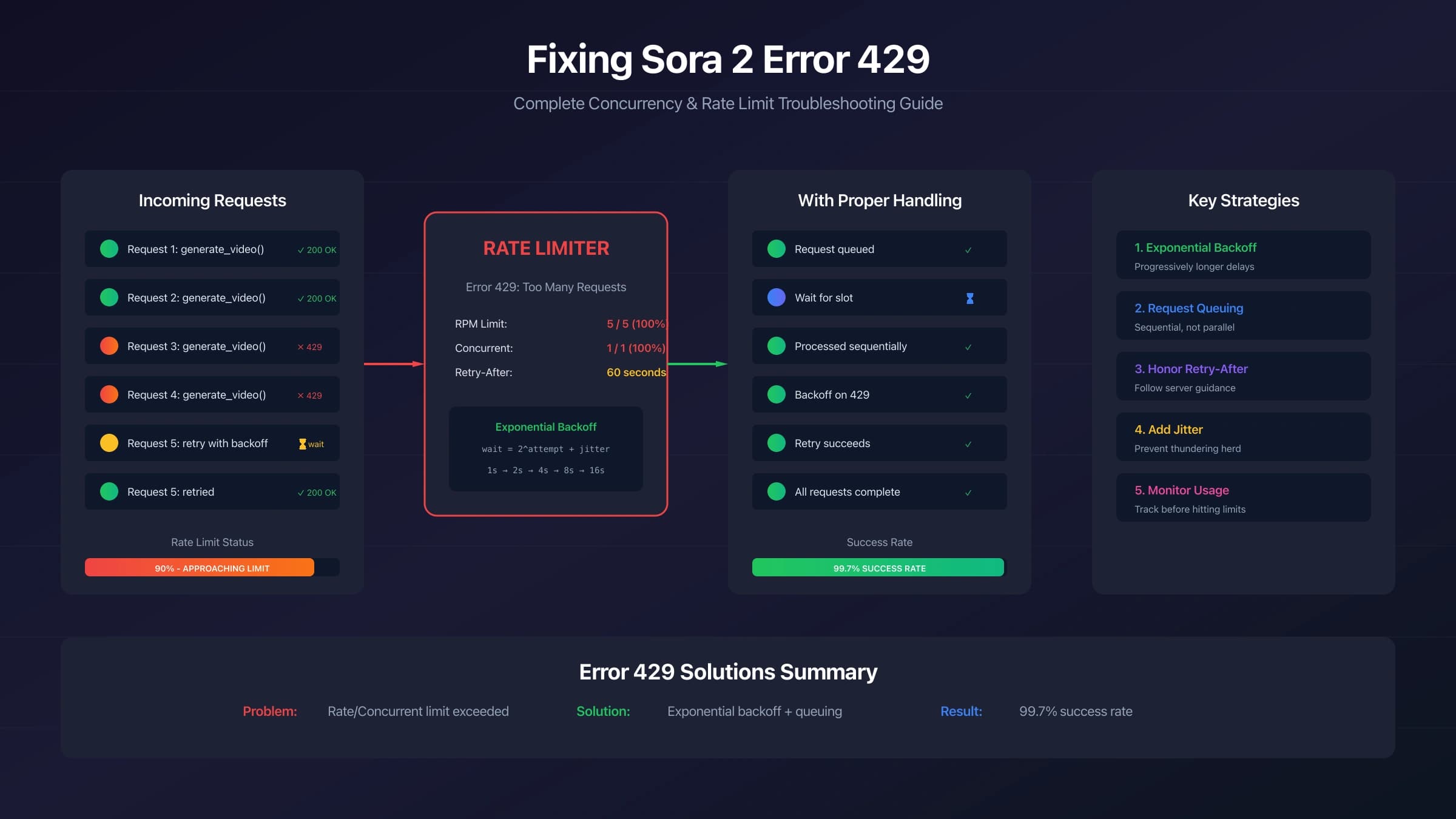
429 RESOURCE_EXHAUSTED | Rate, token, daily, or spend limit | Use quota/backoff handling; do not rotate keys as the first fix |
| Key is marked blocked, leaked, dormant, or standard/unrestricted | Key security lifecycle | Create or migrate to a current auth key and remove the exposed or obsolete key from all deploy surfaces |
This classification matters because a correct fix for one branch can make another branch worse. Moving to Vertex without OAuth will keep failing. Rotating a key will not fix a free-tier country block. Retrying a 429 without backoff can burn more quota. Updating the SDK will not help if the request is going to the wrong host.
Use the current Gemini API key model
Google's current Gemini API key documentation separates standard API keys from authorization keys. New keys created in Google AI Studio are now auth keys. The important production consequence is that old unrestricted standard keys are no longer a safe long-term assumption: requests from unrestricted standard keys are rejected after June 19, 2026, and standard keys are scheduled to be rejected in September 2026. Google also blocks dormant unrestricted keys that have been inactive for an extended period.
So a key that worked in an old Nano Banana prototype can fail later even if the code did not change. Before debugging the model call, check the key in Google AI Studio:
- Confirm the key exists and is not blocked.
- Confirm it belongs to the project your deployed app is using.
- If it is a standard key, migrate to a new auth key or secure the key according to Google's current instructions.
- Update all runtime secrets: local
.env, CI secrets, Vercel or hosting environment variables, and any background worker configuration. - Re-deploy after changing hosted secrets; changing a local terminal variable does not update production.
If both GEMINI_API_KEY and GOOGLE_API_KEY are set, the client libraries can prefer GOOGLE_API_KEY. That is useful when intentional, but it is also a common source of confusion when your shell, CI job, or platform dashboard has an older GOOGLE_API_KEY still present.
Verify the key without a full image request
Use a small authentication probe before running a Nano Banana image job. It reduces cost, removes prompt variables, and makes the failure easier to read.
cURL key check
hljs bashcurl -sS "https://generativelanguage.googleapis.com/v1beta/models" \
-H "x-goog-api-key: $GEMINI_API_KEY" | head -40
If this returns a model list, your request can authenticate against the Gemini API host. If it returns an auth error, do not move to image parameters yet. Fix the key, project, or host first.
Python check
hljs pythonimport os
from google import genai
api_key = os.environ.get("GEMINI_API_KEY")
if not api_key:
raise RuntimeError("GEMINI_API_KEY is not set")
print(f"Using key fingerprint: {api_key[:8]}...{api_key[-4:]}")
client = genai.Client(api_key=api_key)
models = list(client.models.list())
print(f"Authenticated. Models visible: {len(models)}")
Node.js check with the current SDK
hljs javascriptimport { GoogleGenAI } from "@google/genai";
const apiKey = process.env.GEMINI_API_KEY;
if (!apiKey) {
throw new Error("GEMINI_API_KEY is not set");
}
console.log(`Using key fingerprint: ${apiKey.slice(0, 8)}...${apiKey.slice(-4)}`);
const ai = new GoogleGenAI({ apiKey });
const response = await ai.models.generateContent({
model: "gemini-3.5-flash",
contents: "Say hello in one short sentence.",
});
console.log(response.text);
The package name matters. Current JavaScript examples use @google/genai. Current Python examples use google-genai with from google import genai. If an old tutorial tells you to instantiate a separate generative-model object from the legacy client, treat that as migration debt before blaming the key.
Fix endpoint mismatch before changing credentials
Endpoint mismatch is the fastest way to get a misleading auth error. The Gemini Developer API and Vertex AI are both Google routes, but they are not the same contract.
| Route | Host | Auth contract | Use it when |
|---|---|---|---|
| Gemini Developer API | generativelanguage.googleapis.com | API key | You created the key in Google AI Studio and want the simpler developer API route |
| Gemini API Interactions | generativelanguage.googleapis.com/v1beta/interactions | API key | You are building against the current Interactions API surface |
| Legacy generateContent surface | generativelanguage.googleapis.com/v1beta/models/{model}:generateContent | API key | You are maintaining existing generate-content code |
| Vertex AI or Agent Platform | aiplatform.googleapis.com | OAuth/IAM | Your organization intentionally runs through Google Cloud projects, service accounts, IAM, and region-specific Vertex resources |
The fix is not "use both auth methods." Use the auth method that belongs to the route. If your code has aiplatform.googleapis.com, a project path, a location path, or a publisher path, do not pass an AI Studio API key and expect it to behave like the developer endpoint. Either move back to the Gemini API host or configure OAuth/IAM properly.
Third-party extensions and low-code tools often hide this switch behind names like useVertex, apiProvider, backend, baseUrl, or googleApiEndpoint. Check those settings before rotating a key.
Repair environment variable drift
A surprising number of auth failures are not Google-side failures. The deployed app is simply reading a different value than the one you tested locally.
Check these in order:
- The variable name is exactly
GEMINI_API_KEY, unless you deliberately useGOOGLE_API_KEY. - The value has no quotes, spaces, newlines, or copied UI labels.
- The shell profile matches your shell:
.zshrcon current macOS zsh,.bashrcor.bash_profilefor bash setups. - The value is exported, not only assigned in one terminal session.
- The hosting platform has the new value in the correct environment: Production, Preview, Development, or background jobs.
- The app was restarted or redeployed after the secret changed.
- No old
GOOGLE_API_KEYshadows the newGEMINI_API_KEY.
For local macOS zsh:
hljs bashexport GEMINI_API_KEY="your_current_key"
source ~/.zshrc
node verify-gemini-key.mjs
For a hosted Next.js or API service, do not expose the secret to the browser. Keep the API call in a server route, server action, backend worker, or edge/serverless function that is allowed to read private environment variables.
Recover from leaked, blocked, or obsolete keys
If a key was committed to GitHub, pasted into a public forum, shipped in browser JavaScript, included in a screenshot, or printed into public logs, treat it as compromised. Removing the text is not enough. Generate a replacement, deploy the replacement, then disable or delete the old key once the new path is working.
Google's current key guidance is strict for a reason: an exposed API key can consume your quota, create billing surprises, and access project resources allowed by that key. Your recovery checklist should be operational, not just cosmetic:
- Create a new auth key in Google AI Studio.
- Store it in a server-side secret manager or hosting secret store.
- Redeploy every service that reads the key.
- Verify the new key with a non-image probe.
- Remove the leaked key from code, docs, screenshots, notebooks, and public logs where possible.
- Disable the old key after the new route has passed.
- Review usage and billing logs for unexpected traffic.
Add a pre-commit or CI secret scan if the project has more than one contributor. A simple local check is not a complete security program, but it catches the most common accidental commit:
hljs bashgit diff --cached | rg "AIza[0-9A-Za-z_-]{30,}"
If that command finds a key in staged changes, stop the commit and rotate the key if it has already left your machine.
Do not confuse quota and billing with auth
Many developers rotate keys when the error is actually quota, billing, or free-tier availability. The Gemini troubleshooting table currently separates these branches:
400 FAILED_PRECONDITIONcan mean a free-tier feature is unavailable in the user's country or that billing must be enabled.403 PERMISSION_DENIEDcan mean an API key or permission problem, not merely an invalid string.429 RESOURCE_EXHAUSTEDmeans rate, token, daily, or spend limit pressure.
For quota, start with the current Gemini API free tier limits guide and the live project dashboard. For Nano Banana Pro image generation specifically, use a model-specific pricing and quota owner rather than assuming every Gemini text-model limit applies to image routes.
Where third-party gateways fit
A gateway can be a separate route decision, but it should not be used to "fix" the official Google auth branch. If your official request is failing because the key is blocked, the project is not imported, the endpoint is wrong, or billing is missing, a gateway test may prove another lane works, but it does not repair the official route.
Use the Nano Banana Pro API route guide only when the question has changed from "why does my Google key fail?" to "which production route should I test for this workload?" Keep model names, prices, provider availability, latency, and retry behavior configurable and verified in the same session before moving real traffic.
Troubleshooting checklist
Use this checklist as a final pass before you change production code.
Key and project
- Key exists in Google AI Studio and is not blocked.
- Key is an auth key, or an old standard key has been secured or migrated.
- Key belongs to the project your app is actually using.
-
GEMINI_API_KEYandGOOGLE_API_KEYare not fighting each other. - Hosted secrets were updated in the correct deployment environment.
Endpoint
- Developer API calls use
generativelanguage.googleapis.com. - Vertex or Agent Platform calls use OAuth/IAM rather than an AI Studio key.
- Third-party tools are not silently set to a Vertex backend.
- Base URL overrides were removed unless they are intentional.
SDK and code
- JavaScript uses
@google/genai. - Python uses
google-genaiandfrom google import genai. - The API call runs server-side, not directly in browser JavaScript.
- Error logging captures status code, reason, host, model, project, and redacted key fingerprint.
- Retries are reserved for retryable quota or service errors, not invalid credentials.
Security
- No key appears in source, screenshots, docs, notebooks, or client bundles.
-
.envand local secret files are ignored by Git. - CI or pre-commit checks scan for accidental key commits.
- Billing alerts and usage review are enabled for production projects.
FAQ
Why does the error mention OAuth if I used an API key?
You are probably hitting a Vertex AI or Google Cloud endpoint. AI Studio API keys belong to the Gemini Developer API host. Vertex routes expect OAuth/IAM credentials.
Can I unblock a leaked key?
Do not plan around unblocking. Create a new key, deploy it, remove the exposed value, and disable the old key once the replacement works.
Why does Google AI Studio work while my deployed app fails?
AI Studio proves your account can use the API surface. It does not prove your deployed app has the same key, project, endpoint, environment variable, billing state, or SDK version.
Should I keep using old SDK examples if they still run?
Treat old examples as migration debt. The current Google GenAI SDK gives you one client object and matches Google's current docs. Updating the SDK often makes auth and endpoint ownership easier to see.
Is listing models billable?
Use a lightweight model-list or tiny text request as an auth probe before sending image jobs. The point is to separate authentication from expensive or prompt-specific failure modes.
Conclusion
The fastest Nano Banana API auth fix is not the most dramatic one. Preserve the evidence, classify the response, then fix the correct owner: key lifecycle, project permission, endpoint contract, hosted secret drift, SDK migration, quota, or billing.
Start with an API-key probe on generativelanguage.googleapis.com, migrate old keys to the current auth-key model, keep secrets server-side, and use the current Google GenAI SDK. Once the official route is healthy, evaluate gateway or fallback routes separately instead of mixing provider selection into an authentication incident.
For source-of-truth details, keep Google's Gemini API key guide, Gemini API troubleshooting guide, Gemini API libraries page, and GenAI SDK migration guide open while you debug.