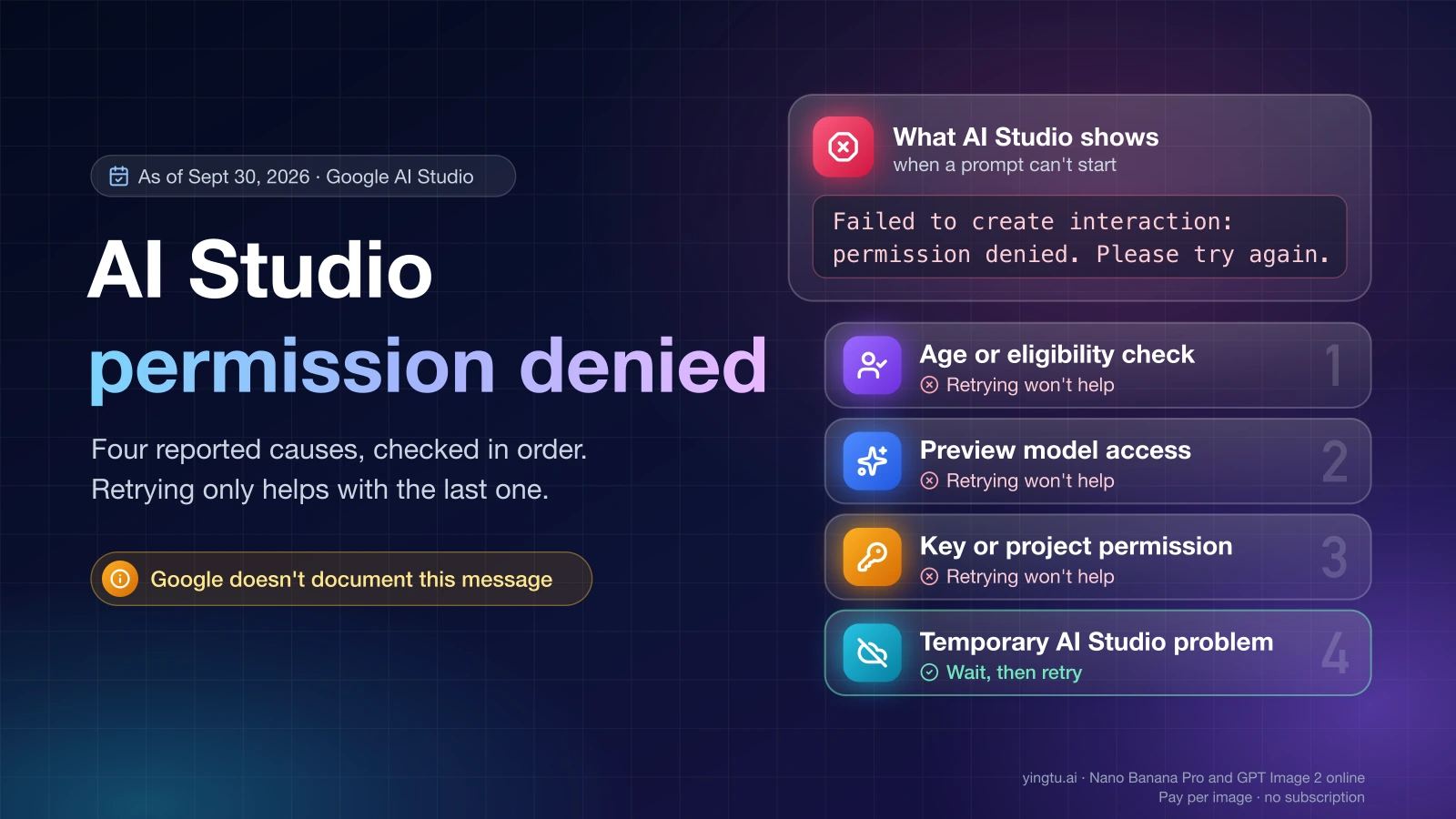
"Failed to create interaction: permission denied. Please try again." is an error Google AI Studio shows when a prompt can't start, and as of September 30, 2026, Google's documentation doesn't list the message or explain it. User reports tie it to four causes: an account that hasn't passed Google's age or eligibility check, a preview model your project can't use yet, a key or project without permission, or a temporary AI Studio problem. Work through them in that order, because retrying only helps with the last one.
The message itself names no cause. What appears next to it, which models fail, and whether the API still works tell you which check failed.
Match your symptom to the cause
Symptoms below come from Google's documentation and from dated user reports on the Google AI Developers Forum and Reddit, as of September 30, 2026.
| What you see | Likely cause | Quick check | Fix |
|---|---|---|---|
"Verify your account to continue", or an API 403 with "reason": "VALIDATION_REQUIRED" | Google hasn't confirmed your age (AI Studio requires 18+) or account eligibility | Does your Google Account show a pending age verification? Is it a Workspace for Education account? | Finish age verification on the same account; managed accounts go to the administrator |
| Only one model fails, often a preview such as Gemini Omni Flash or Veo 3.1 | The model needs access your project doesn't have yet | Run the same prompt on a generally available Gemini model | Request access for that model, or use a generally available one |
| Every prompt fails in AI Studio, but an API call with the same key works | Browser session or the wrong signed-in account | Open AI Studio in a private window with one account | Sign out of all accounts and sign back in with the one that has the project |
Your code gets 403 PERMISSION_DENIED | The key lacks permission for the resource, or points at the wrong project | Which project the key belongs to and how it's restricted | Fix the key's restrictions or create a new key in the right project |
| "User location is not supported" | Region availability, a different error | Is your country on Google's available regions list? | See the location error guide linked below |
| Many people report the same error on the same day | AI Studio incident | Look for a thread dated today on the developer forum | Wait; don't change account or project settings |
"Verify your account to continue" and VALIDATION_REQUIRED
If "Verify your account to continue" appears next to the permission error, Google hasn't confirmed that your account meets AI Studio's age requirement, and the fix is to finish verification on your Google Account rather than retry the prompt.
Google's available regions page lists three reasons an account can be blocked from AI Studio: the service isn't available in your region, you don't meet the minimum age requirement of 18, or, in Google's words, "You may have access to the service, but you haven't yet verified your age on your Google Account." The third case matches the "Verify your account to continue" reports.
- Check which Google account is active in AI Studio (the avatar in the top-right corner).
- Sign in to that Google Account and complete any age verification Google asks for.
- Reload AI Studio in a fresh window and try one prompt.
Work and school accounts add a second gate. According to Google's Workspace access page, updated April 28, 2026, Workspace administrators control who can use AI Studio, and it is on by default for all editions. Users under 18 can't use AI Studio with a Google Workspace for Education account, even when the setting is on. If you're on a managed account, your administrator has to check both the AI Studio setting and your account's age status.
Some cases don't resolve this way. A forum report from September 12, 2026 describes "Verify your account to continue" together with "Failed to create interaction: permission denied" where no verification prompt ever appears. Another, from August 24, 2026, shows the API returning 403 PERMISSION_DENIED with "reason": "VALIDATION_REQUIRED" on an account with an active Google AI Pro plan provided through a mobile carrier. Others describe a loop in which the 403 continues after verification. If you're stuck like this, post the account type, country, exact message and a timestamp on the Google AI Developers Forum or contact Google support. Don't enter a different birth date or switch to another account to get past the check. The block follows the account's eligibility, and the fix is to verify the account you have.
Only one model fails: preview access
When the error appears with one model while other Gemini models answer normally, your project likely lacks access to that model, not to AI Studio as a whole.
On August 24 and 26, 2026, forum users reported "Failed to create interaction stream: permission denied" for Gemini Omni Flash and Veo 3.1, including on a paid project. Users also filed access requests for gemini-omni-flash-preview (August 24) and Gemini Omni 1.1 Flash Video (September 2). A paid tier alone didn't unlock these previews in those reports.
- Switch to a generally available Gemini model and send the same prompt.
- If that works, open the model's page in Google's documentation and check whether it lists an access request or waitlist.
- Request access for the project you actually use, then wait for approval before retrying.
Creating more projects or keys doesn't help here, because access is granted to a specific project.
AI Studio fails but the API works
If a direct API request with a key from the same project succeeds while every prompt in AI Studio fails, the problem is in the browser session, not your project's permissions.
Forum threads from September 2026 describe "Failed to Generate Content: Permission Denied" appearing only in the browser, and a September 14 thread reports AI Studio not working in a mobile browser. Try these in order:
- Open AI Studio in a private window or a different browser, signed in with only one Google account.
- Confirm the avatar shows the account that has your project, not another account from the same browser.
- Sign out of every Google account, then sign back in with that one.
- On a phone, try a desktop browser.
To confirm the API side, run this from a terminal where your key is stored as GEMINI_API_KEY:
hljs bashcurl "https://generativelanguage.googleapis.com/v1beta/models" \
-H "x-goog-api-key: $GEMINI_API_KEY"
A JSON list of models means the key and project work. An error body tells you which of the next sections applies.
The API returns 403 PERMISSION_DENIED
A 403 PERMISSION_DENIED from the Gemini API means, in Google's wording, "Your API key does not have permission for this resource," and Google's listed fix is to check your API key permissions and project access (API errors page, updated September 20, 2026).
Check these in order:
- The key's project. Every Gemini API key belongs to one Google Cloud project. Make sure the key in your environment is from the project that has the access you expect.
- Origin restrictions. Restrictions on IP addresses, websites or apps can block requests from a server you didn't list. "Restrict to Gemini API only" in AI Studio is the recommended API restriction and doesn't cause this.
- Old keys. According to Google's API key guide, updated September 25, 2026, the Gemini API rejects requests from standard keys that have no API restriction set, and since May 7, 2026 it also blocks such keys once they've sat unused for an extended period. Since May 28, 2026, every new key created in AI Studio is an authorization key bound to a service account. If your key predates that, create a new one.
- The model. A preview model your project can't use returns a permission error too. Test with a generally available model.
- The reason field. If the error body says
VALIDATION_REQUIRED, go back to the verification section above.
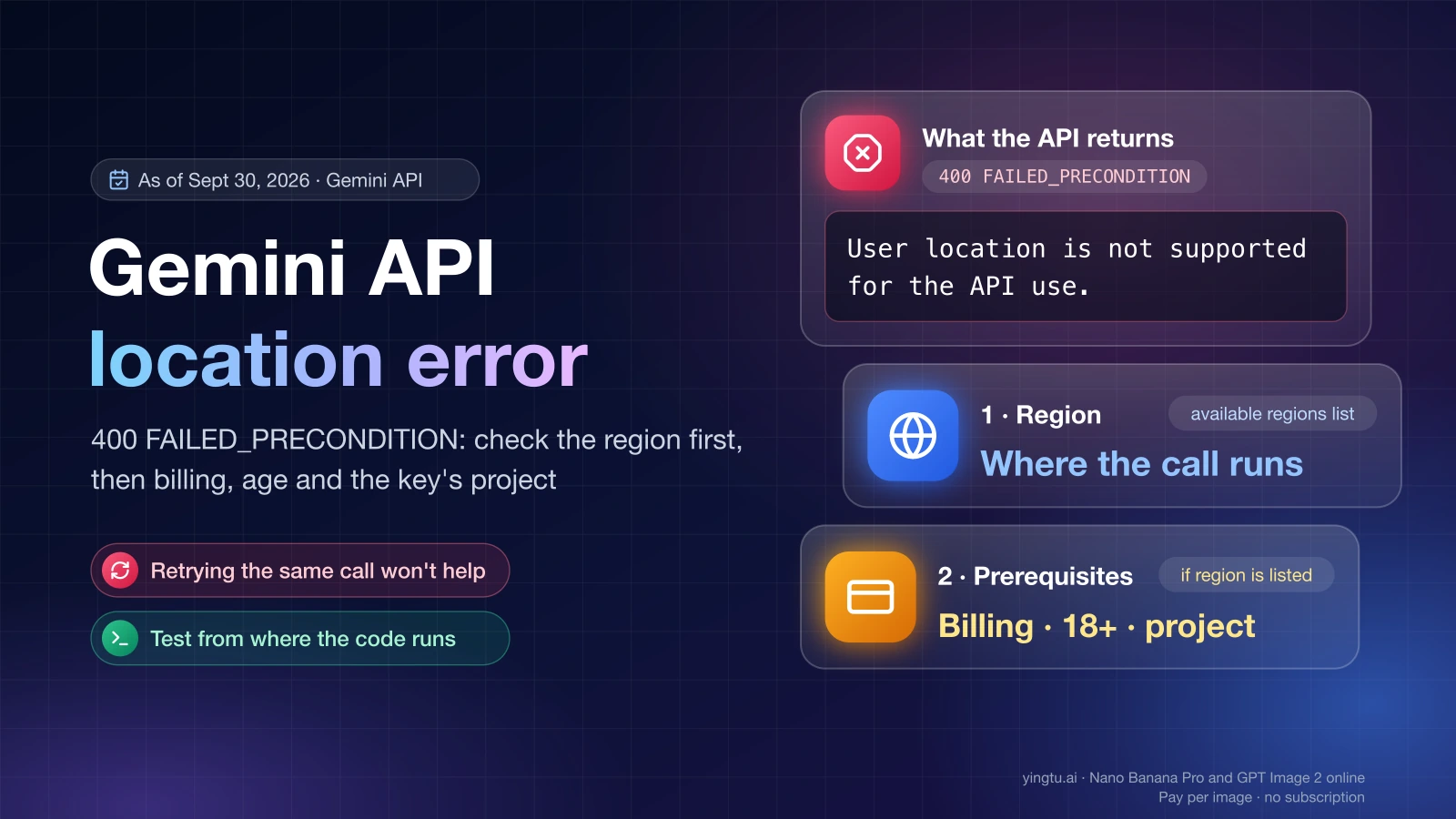
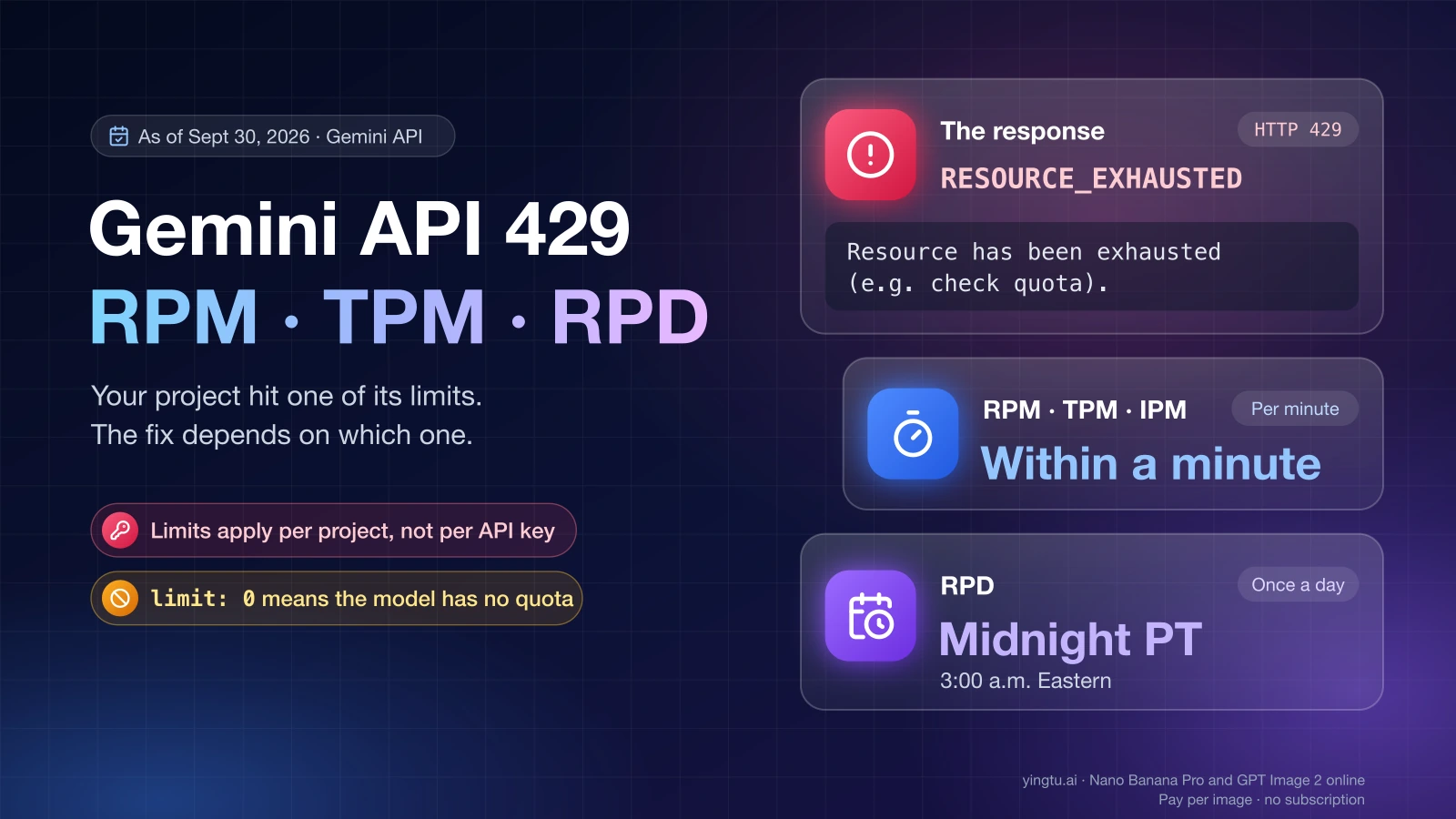
Two nearby errors look similar but need different fixes. 400 FAILED_PRECONDITION means a prerequisite isn't met, such as disabled billing or an unsupported location. 429 means you've hit a per-minute or token limit. For the free-tier numbers behind a 429, see Gemini API Free Tier Limits: Free Models, Quotas, and 429 Fixes.
"User location is not supported" is a different error
"User location is not supported" is a region check, not a permission problem, and changing keys or browsers won't clear it.
As of September 30, 2026, Google's available regions list (updated April 28, 2026) doesn't include mainland China, Hong Kong or Russia, while Japan, South Korea, Spain and Mexico are listed. Outside listed regions, Google points to the Gemini API in Gemini Enterprise Agent Platform. The guide Fix Gemini API "User location is not supported for the API use" covers that error in detail.
When many people see it at once
If the error appears suddenly on an account that worked the day before and other users report the same message that day, treat it as an AI Studio incident and wait instead of changing your setup.
September 2026 brought a wave of these reports. Forum threads dated September 12, 14 and 16 describe the permission error alongside "An internal error has occurred." and trouble creating new projects, and one user saw AI Studio stay unavailable on two accounts for a week. During a wave like this:
- Look on the Google AI Developers Forum for a thread from the same day and add your account type, country, model and timestamp.
- Run the
curltest above. If the API works, keep your application on the API while the web app recovers. - Don't delete projects, rotate keys or create accounts in response, since those changes make a later fix harder to confirm.
Create a key in the right project
A Gemini API key always belongs to one Google Cloud project, so a new key helps only when the old key is the problem. It doesn't add quota or get you past account checks.
Steps as of September 30, 2026, per Google's API key guide:
- Open Google AI Studio and go to Dashboard > Projects. New users get a default Google Cloud project and key after accepting the Terms of Service.
- To use an existing Google Cloud project, click Import projects, search for the project, select it and click Import.
- Open the API Keys page (aistudio.google.com/apikey), choose the project and click Create API key.
- Select Restrict to Gemini API only if the key is only for the Gemini API.
- Store the key on your server as
GEMINI_API_KEY. Client libraries also readGOOGLE_API_KEY, which takes precedence if both are set. - Run the
curltest from the section above.
If Create API key is unavailable and says "You do not have permission to create a key in this project," your account lacks IAM permissions on that project. Ask the project administrator for these five:
resourcemanager.projects.getapikeys.keys.createserviceusage.services.enableiam.serviceAccounts.createiam.serviceAccountApiKeyBindings.create
Rate limits apply per project, not per key, so five keys in one project share the same limits. Moving to the paid tier happens through Set up billing in AI Studio, with a $5 minimum prepayment as of September 30, 2026. Billing clears a FAILED_PRECONDITION caused by disabled billing and raises limits, but it doesn't verify your age or unlock a preview model.
Keep the key out of web pages and mobile apps. Google warns that keys compiled into client-side code can be extracted by users and recommends a backend proxy that makes the API calls. Don't paste the key into screenshots, forum posts or support tickets. If it was exposed, create a new one and delete the old one.
FAQ
Does "Please try again" mean I should keep retrying?
Only if the error is part of an AI Studio incident. For age verification, preview-model access or key permissions, the same request fails every time until the underlying check passes, so one retry after each fix is enough.
I pay for Google AI Pro. Why does AI Studio still ask me to verify?
A Google AI Pro plan and AI Studio's age and eligibility check are separate. In an August 24, 2026 forum report, an account with an active AI Pro plan still received 403 PERMISSION_DENIED with "reason": "VALIDATION_REQUIRED". Complete verification on the Google Account itself, and escalate to Google support if the prompt never appears.
Will a new Google account fix the error?
No. A new account faces the same age, eligibility and region checks, and preview access is tied to a project, not an account. The fix for an unverified account is to verify it. For a project problem, fix access on the project you already use.
Does setting up billing fix "permission denied"?
Not by itself. Billing fixes a FAILED_PRECONDITION caused by disabled billing and a 402 error when your prepaid balance reaches $0, and it raises rate limits. It doesn't complete age verification, and forum reports from August 2026 show paid projects still getting permission errors on Gemini Omni Flash and Veo 3.1 previews.