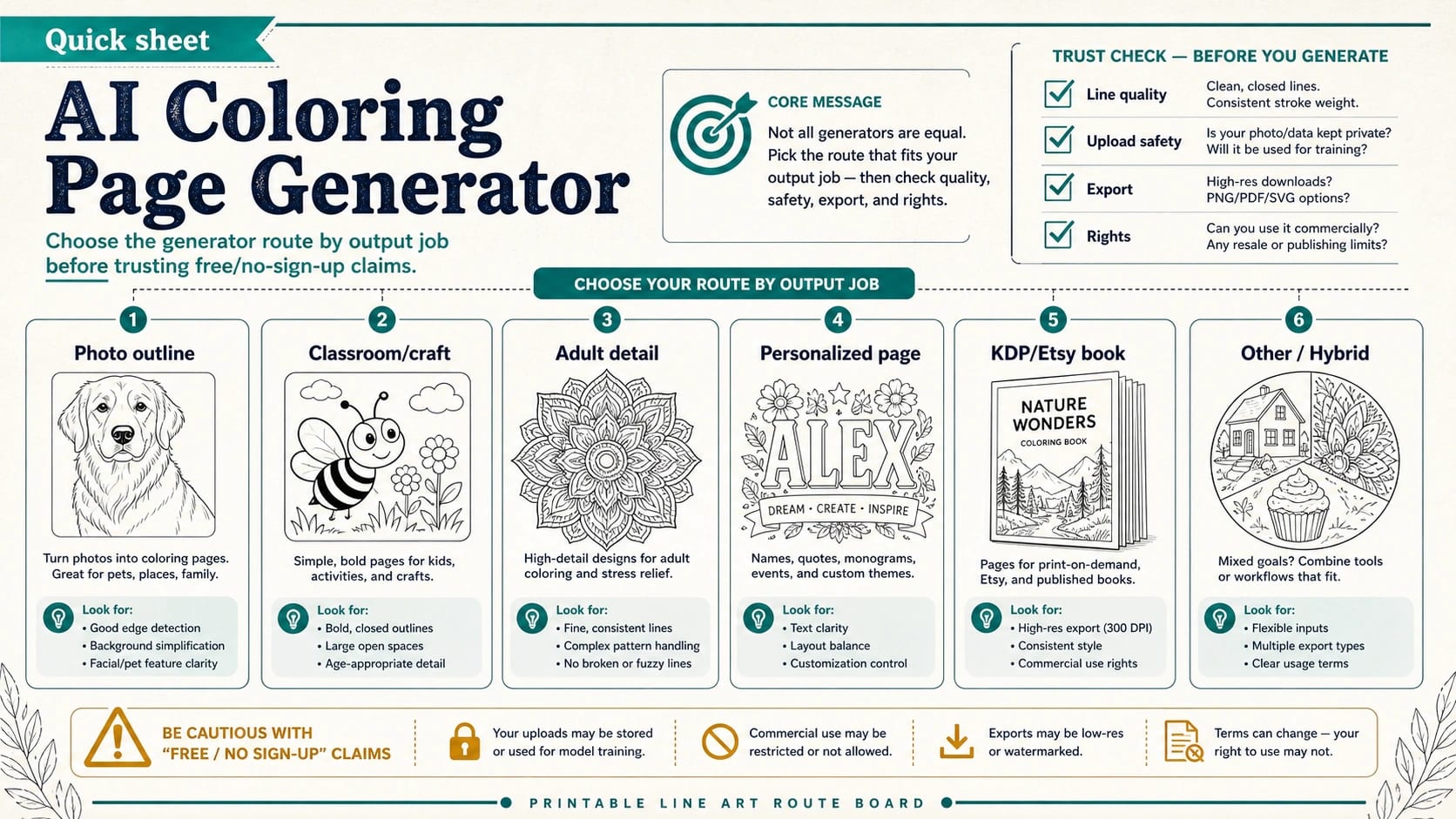
Start by choosing what the page has to become. A one-off kids sheet can start with a purpose-built AI coloring page generator and a harmless prompt, but a photo outline, classroom packet, craft file, adult-detail page, personalized name sheet, or KDP/Etsy book each needs a different check before the output is useful.
| If you need... | Start with... | Check before relying on it |
|---|---|---|
| One quick printable sheet | A purpose-built coloring-page generator | Clean black lines, white background, simple page size |
| A photo outline | A photo-to-coloring-page converter | Upload safety, subject clarity, background clutter, line extraction |
| Classroom or craft use | A safer signed-in or platform-aware route | Distribution rights, child-photo safety, export format |
| Adult or detailed pages | A prompt route with complexity controls | No gray shading, enough open spaces, consistent line weight |
| Personalized or name pages | A name-page tool or carefully constrained prompt | Text spelling, layout balance, readable outlines |
| KDP, Etsy, or a coloring book | A publishing-focused workflow | Rights, DPI, trim size, margins, bleed, batch consistency, PDF assembly |
A printable coloring page is not just a black-and-white AI image. Before you print, check for clean closed lines, a white background, no muddy gray shading, enough space to color, and detail that matches the intended age or use.
Stop before uploading real faces, children, students, client files, IDs, or private images unless the tool's upload handling and terms are clear. Also stop before selling or publishing if the exact tool, plan, and marketplace rules do not clearly cover commercial use, resolution, page setup, and reuse rights.
Free or no-sign-up tools are useful for a harmless first test, not proof that the output is private, watermark-free, print-ready, or safe to sell.
Start With The Route, Not The Loudest Free Tool
Most AI coloring page generator pages make the same first promise: describe an idea, upload a photo, generate a black-and-white page, and download it. That is useful, but it is only the first layer of the decision. The page's real job decides whether a fast free route is enough.
Use the simplest route when the page is disposable or personal. A parent making one dinosaur sheet, a teacher making a generic rainy-day activity, or an adult user testing a mandala idea can start with a purpose-built coloring-page generator and a prompt that does not contain private data. The main test is whether the result prints cleanly and gives people enough space to color.
Switch routes when the output will leave your private notebook. A classroom handout needs clearer distribution rights. A craft file may need a platform-aware export. A photo conversion needs upload handling you can live with. A coloring book interior needs consistency across many pages, not one good preview. A paid product needs terms and print setup that match the way you plan to sell or publish.
That is why the safest first question is not "which tool is best?" It is "what will the downloaded sheet become after I make it?" Once that answer is clear, the tool choice gets much easier.
What Makes An AI Coloring Page Printable
Good coloring-page output has a stricter standard than ordinary AI art. It should have dark, closed outlines on a white background. It should avoid gray washes, painterly shading, tiny texture, blurred edges, and decorative clutter that looks impressive on screen but turns muddy on paper.
Line weight matters because a page is meant to be colored by hand. Very thin lines break up on low-end printers and disappear after scanning. Very thick lines can swallow small details and make the page feel heavy. A useful page has enough open white space for crayons, markers, or pencils to move without turning every area into a tiny puzzle.
Age and skill level change the target. A preschool worksheet should have large shapes, simple subjects, and forgiving spaces. An older child can handle more objects and texture. Adult coloring pages can use detailed patterns, but even an intricate mandala needs consistent lines and colorable gaps. If the prompt asks for "high detail" without saying "no shading" or "clean line art", many generators will add gray textures that are hard to color.
Check the file before you print a batch. Open it at full size, zoom to 100%, and ask whether the outlines stay crisp. Print one sample if the page will be used in class, bound into a booklet, sold, or shared with a group. A pretty preview is not the same thing as a printable coloring page.
Generate A Coloring Page From A Prompt
The prompt route works best when the subject can be invented from words: a unicorn in a garden, a robot building a rocket, a cozy bakery, a mandala with leaves, or a birthday name page. The prompt should tell the model the output format and the coloring constraints, not just the theme.
A reliable prompt pattern is:
Create a printable coloring page of [subject] for [audience], clean black outlines, white background, no gray shading, simple open spaces, [portrait or landscape], [style or detail level].
For a child, write:
Create a printable coloring page of a friendly fire truck for kids ages 5-7, clean black outlines, white background, no gray shading, large open spaces, simple background, portrait layout.
For adults, write:
Create a printable adult coloring page of a botanical mandala, clean black outlines, white background, no gray shading, balanced detail, consistent line weight, enough open spaces to color.
For name pages, add spelling and layout instructions:
Create a printable coloring page with the name "Maya" in large readable outline letters, flowers around the name, clean black lines, white background, no gray shading, simple page border.
After generation, inspect the text. AI image tools often distort letters, names, labels, and signs. If the name or phrase matters, treat the first output as a layout draft and regenerate until the letters are clearly readable. For your own printable worksheet, use a design editor only if the route's terms allow that workflow and you are not misrepresenting how the image was made.
Turn A Photo Into A Coloring Page
Photo-to-coloring-page tools solve a different problem. They try to extract edges and simplify a real image into line art. The output depends heavily on the input. A clear, high-resolution photo with one subject, good lighting, and a simple background converts far better than a dark group photo, a busy classroom scene, or a low-resolution screenshot.
Use harmless inputs first. A pet, flower, toy, object, building, or landscape is usually a safer test than a child, client, patient, student, employee, ID document, private home interior, or unreleased product photo. If the photo includes a real person, ask whether you have permission to upload it and whether you understand how the tool handles files.
The best photo conversions still need review. Watch for faint lines, broken outlines, dark fills, over-detailed fur, strange eyes, background clutter, or gray blocks that will print like smudges. If the conversion is too busy, crop closer, choose a simpler photo, remove background clutter before upload, or switch to a prompt route that recreates the subject generically without uploading the private image.
Do not treat "no sign-up" as a privacy guarantee. It only means you can start without an account. The upload path, retention policy, public-gallery behavior, training use, deletion option, and support contact are separate questions. If those answers are unclear, use a non-sensitive image or a more accountable route.
What Free And No Sign-Up Really Mean
Free and no-sign-up coloring page generators are useful for low-risk tests because they lower friction. They let you learn whether prompt wording, page complexity, and output style are moving in the right direction. They are also convenient when the page is for immediate personal use and the input contains nothing private.
They do not prove the route is unlimited, private, watermark-free, commercially safe, or stable. A tool can start free and still limit daily generations, reduce export quality, watermark downloads, hide better styles behind an account, or change terms later. Some pages say PDF or PNG, but that does not prove resolution, margins, bleed, or book-readiness.
Read the claim by job:
| Claim | Good enough for | Not enough for |
|---|---|---|
| Free | Harmless first tests and personal practice | Commercial publishing, classroom distribution, client work |
| No sign-up | Fast prompt trials | Sensitive uploads or a privacy decision |
| PDF/PNG | Basic download and printing tests | KDP-ready files without size, margin, and resolution checks |
| No watermark | Cleaner personal output | Proof of commercial-use rights |
| Commercial use | A provider's current claim | Your exact tool, plan, marketplace, and usage without terms review |
If a page is a one-time family activity, this level of proof may be enough. If it becomes a worksheet pack, paid download, brand asset, or book interior, upgrade the evidence standard.
Classroom, Craft, Adult, And Personalized Pages
Classroom pages need more than a cute result. A teacher or youth-group organizer should avoid uploading student photos to a vague free tool. Use generic prompts, public-domain-style subjects, or a route with clear account ownership and distribution terms. Keep age complexity explicit: large, simple outlines for younger children; more objects and patterns for older students.
Craft routes have their own constraints. A Cricut-style or print-and-cut workflow may care about file type, edge clarity, page dimensions, and whether the line art can survive resizing. A coloring page that prints fine on paper may still be awkward as a craft file if lines are too thin, shapes are disconnected, or the export format does not match the platform.
Adult coloring pages are not simply "more detail". They need rhythm, repeated patterns, and line consistency. A highly detailed AI image can become frustrating if every flower petal is tiny, if gray shading covers the white spaces, or if the pattern breaks across the page. Ask for balanced detail and enough open areas, not maximum complexity.
Personalized and name pages need a separate text check. Names, quotes, monograms, and banners are common failure points for image models. If the exact letters matter, inspect them before printing and avoid promising a personalized product until the text is correct.
KDP, Etsy, And Coloring Book Workflows
A generated coloring page is only one ingredient in a publishable coloring book. For KDP, Etsy, or another paid route, the checklist expands from "does it look good?" to "does the full product hold up?"
Start with rights. Check the exact tool and plan you used, the marketplace rules, and whether your use case is allowed. A general commercial-use phrase is not enough if you are selling a book, a bundle, a worksheet pack, or client work. Save the relevant terms and the generation history where possible.
Then check print setup. Books usually need consistent trim size, safe margins, page order, and adequate resolution. Many workflows target 300 DPI for print interiors, but the real requirement is that your file and page setup match the platform's current upload rules. If the design needs full-bleed pages, account for bleed. If it is a standard coloring book, keep important lines away from the binding and trim edges.
Batch consistency matters. One strong page does not make a good book. Pages should share a similar line weight, complexity level, subject style, and page density. If you mix a simple preschool animal page with a dense adult mandala and a gray-shaded fantasy scene, the book feels assembled rather than designed.
Always proof print. Look for lines too close to the edge, faint outlines, clipped borders, muddy gray areas, inconsistent page scale, and repeated artifacts. Fix those before upload or sale, not after a buyer sees them.
Current Tool Examples To Compare
Use tool pages as examples of route types, not as a universal ranking. Exact features can change, and each provider's free limits, account rules, export formats, privacy handling, and commercial terms need current review before you rely on them.
Purpose-built generators such as Colorify AI, iColoring AI, MyColoring.AI, and GenColor AI are good examples of the fast coloring-page route. They are relevant because they commonly foreground text prompts, photo conversion, printable output, and quick creation. Use them for harmless trials and compare the output against your route checklist.
Brand or platform routes such as Adobe Firefly's coloring page workflow and Cricut-style creative tools are more relevant when accountability, layout workflow, or craft context matters. They may add account requirements or extra steps, but that can be useful when the page needs a clearer owner than an anonymous guest tool.
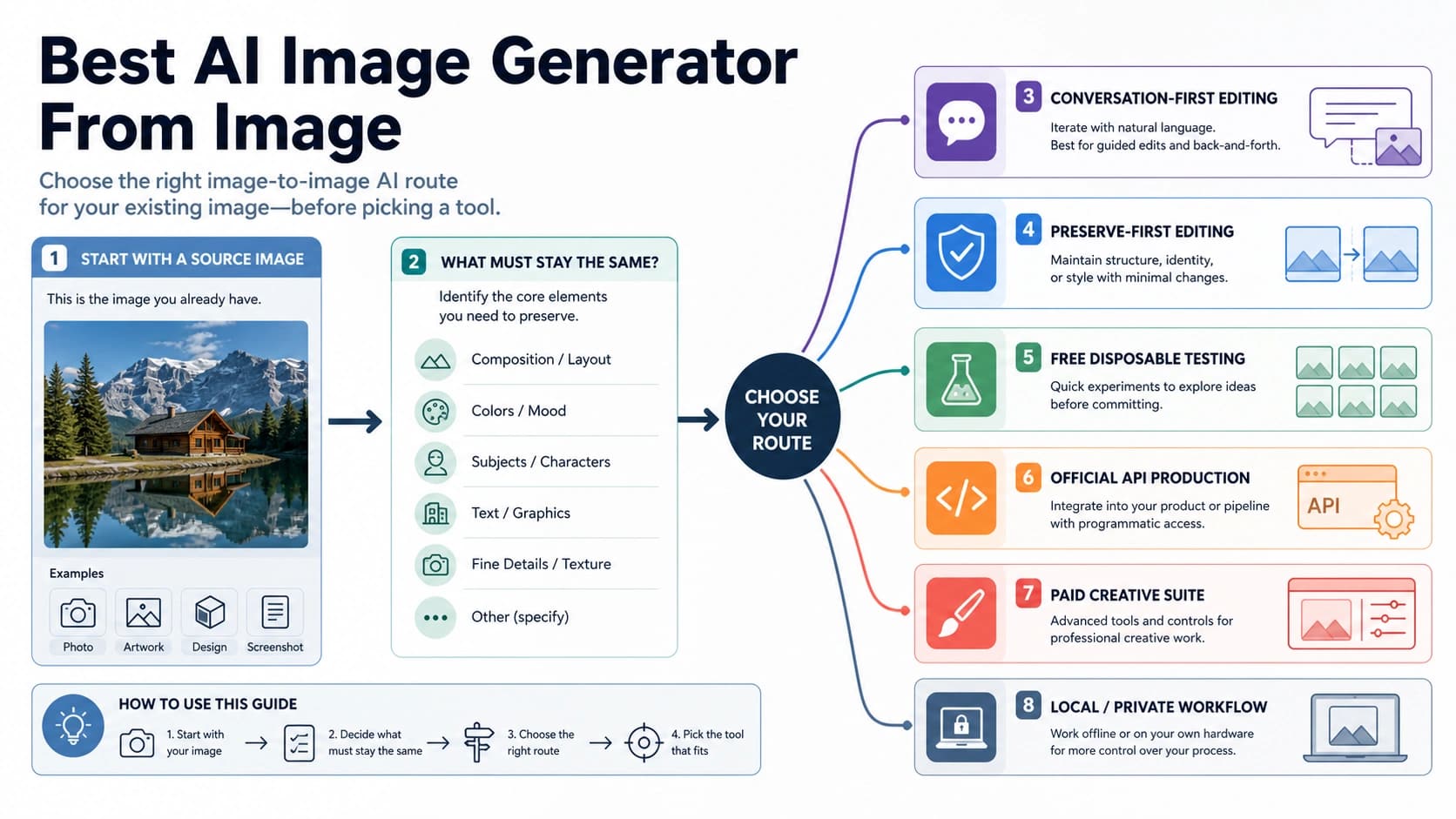
Photo tools and image-processing platforms are useful when the job starts with an existing image. They should be judged on input quality, edge extraction, upload handling, and whether the output can be corrected without turning into gray noise. Publishing-focused tools and comparisons are useful when you need book interiors, but they should be evaluated by terms, DPI/resolution, trim-size support, batch workflow, and PDF assembly rather than by preview style alone.
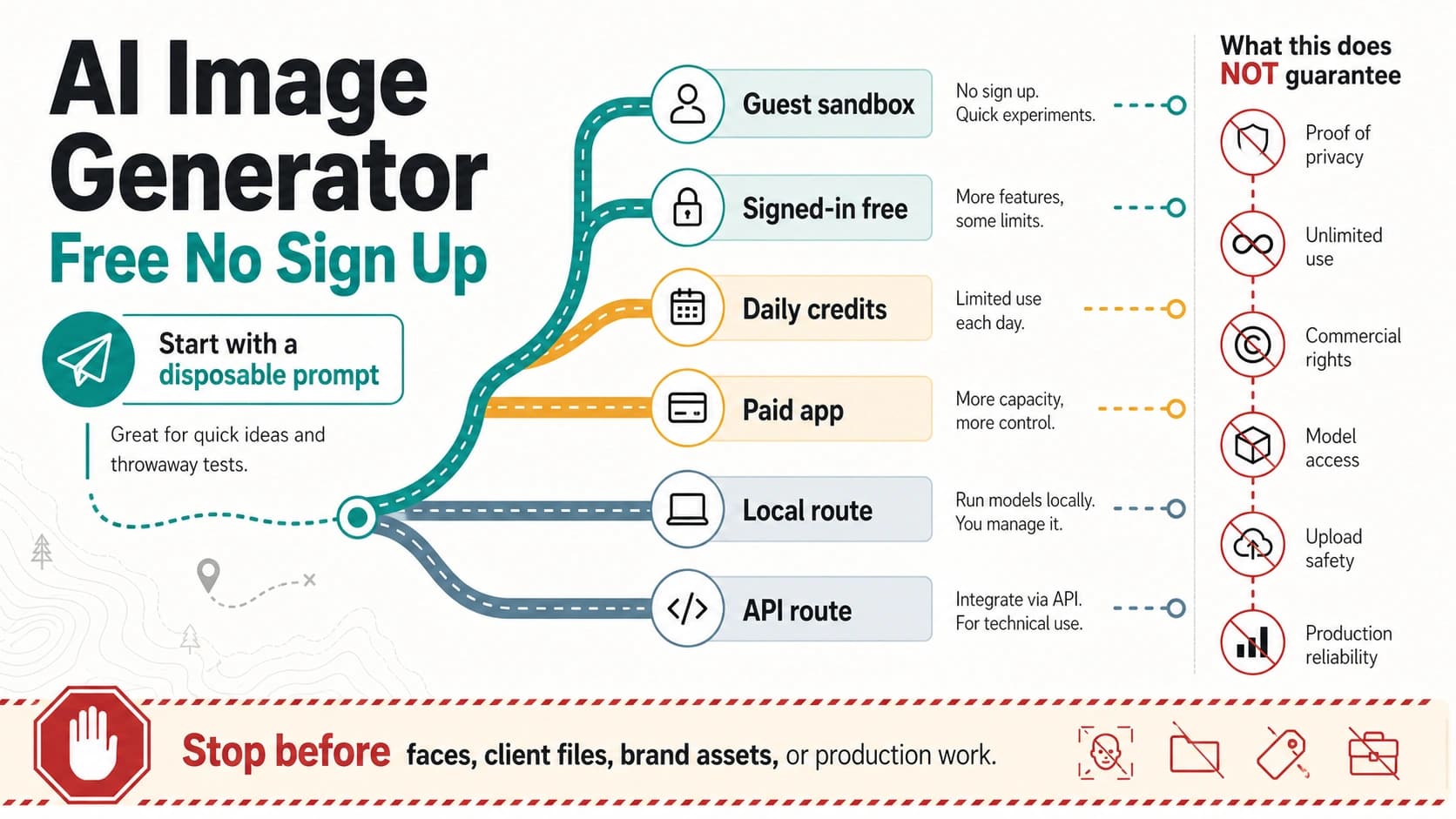
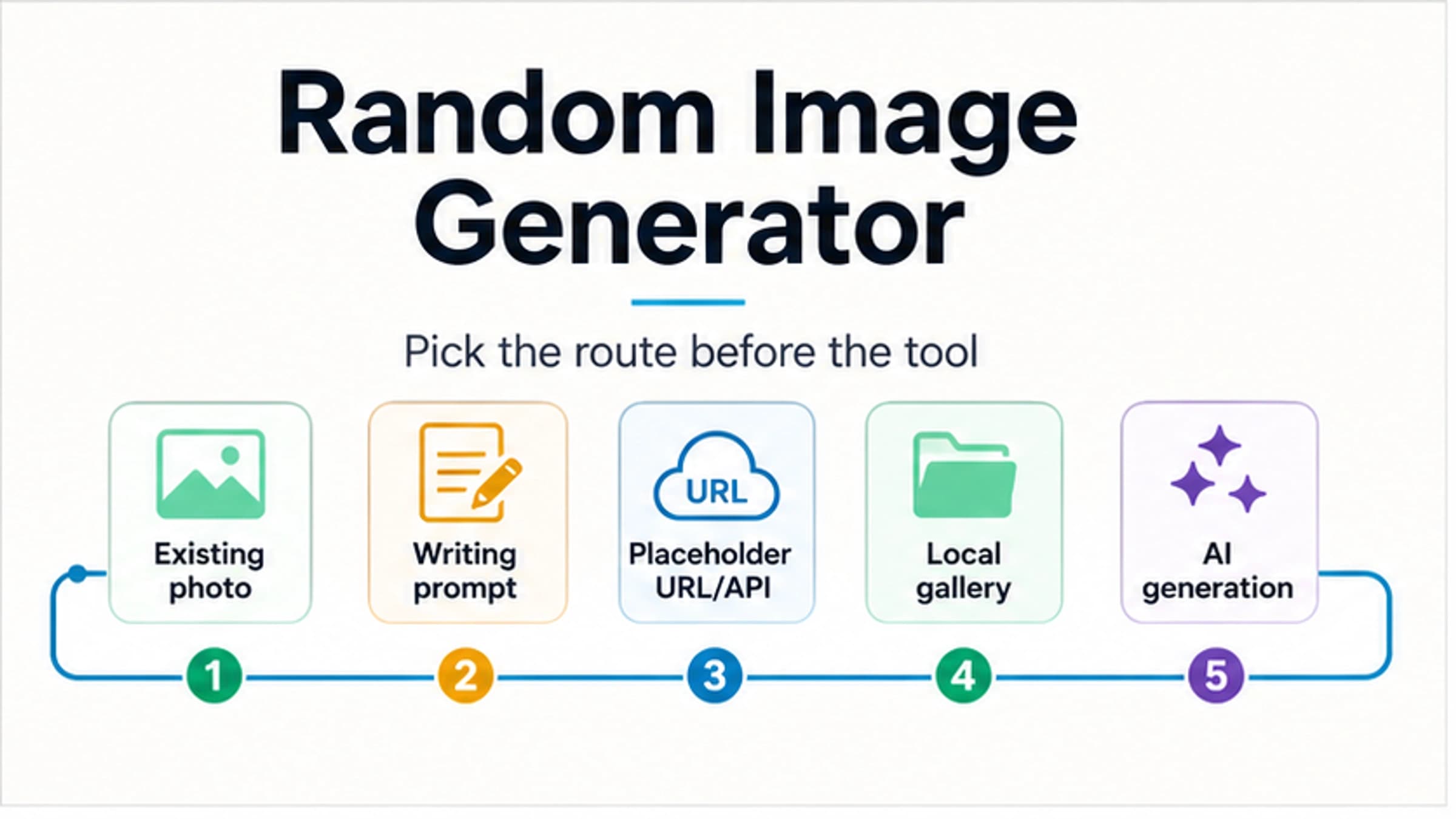
When the reader's job leaves coloring pages entirely, use a broader route. A no-account AI image test belongs in a broader free no-sign-up AI image generator decision. Inspiration or placeholder images belong in a random image generator route. Keep the workflow focused on printable line art.
FAQ
What is the best AI coloring page generator?
The best generator is the one that fits the page's job. Use a purpose-built coloring-page generator for a quick printable sheet, a photo-to-coloring-page route for harmless photo outlines, a safer signed-in or platform route for classroom and craft work, and a publishing-focused workflow for KDP or Etsy books.
Can I use an AI coloring page generator for free?
Often you can test for free, but free is not the same as unlimited, private, watermark-free, print-ready, or commercially safe. Treat the free route as a low-risk test unless you have checked the exact tool's current limits and terms.
Can I turn a photo into a coloring page?
Yes, but start with safe photos. Use clear lighting, one main subject, and a simple background. Avoid uploading real faces, children, students, client files, IDs, or private images unless you understand the tool's upload handling and terms.
Should I download PDF or PNG?
Use the format that fits the job. PNG is often fine for single-page personal printing or editing. PDF is useful for sharing and assembling pages. For books or worksheet packs, also check page size, margins, resolution, bleed, and whether all pages are assembled consistently.
Can I sell AI-generated coloring pages on KDP or Etsy?
Only if the exact tool, plan, and marketplace rules support your use case. Check commercial terms, rights, resolution, trim size, margins, bleed, batch consistency, and proof prints before selling. Do not rely on a generic "commercial use" phrase without reading the current terms.
Is a no-sign-up coloring page generator safe for classroom use?
It can be fine for generic prompts such as animals, seasons, objects, or simple scenes. It is not a good default for student photos, class pictures, IDs, or private files. For classroom distribution, also check whether the route allows sharing and printed handouts.
Why does my AI coloring page look gray or too detailed?
The prompt or photo likely encouraged shading, texture, or too much detail. Add "clean black outlines", "white background", "no gray shading", "large open spaces", and a specific audience level. For photo conversion, use a clearer image with simpler background and better lighting.
Do I need a special tool for a whole coloring book?
Usually yes, or at least a stricter workflow. A full book needs consistent style, line weight, page size, margins, page order, rights records, and PDF assembly. A casual generator can help with ideas, but one-page success does not prove book readiness.