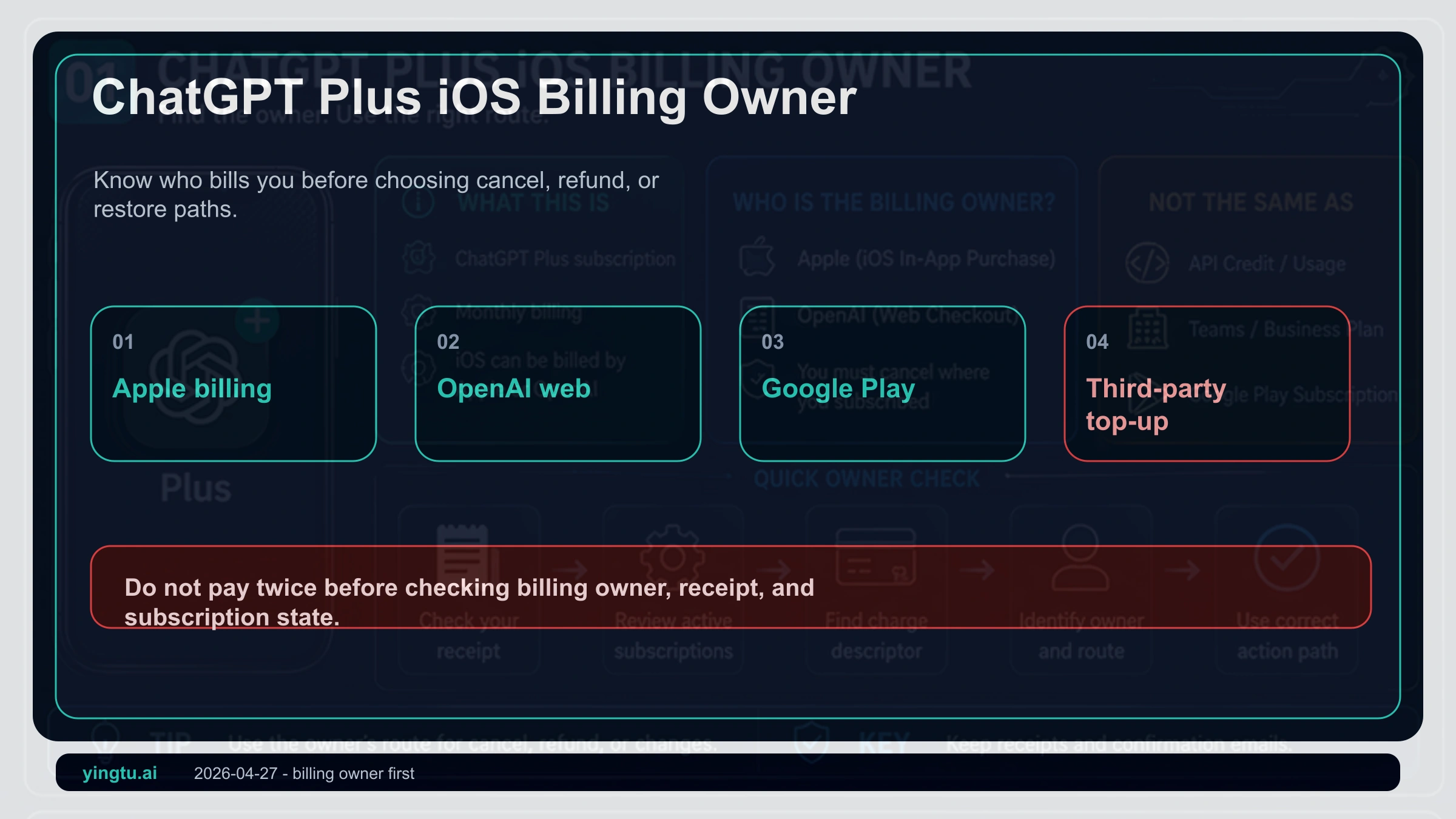
If you are about to pay for ChatGPT Plus on an iPhone, do not start by buying a gift card or looking for a cheaper top-up. Start by checking who will own the subscription bill: Apple App Store, OpenAI web billing, Google Play, or a third party. That owner decides where you cancel renewal, where you request a refund, how you restore a purchase, and which promises should make you stop.
As of April 27, 2026, ChatGPT Plus is a consumer ChatGPT subscription, not API credit and not a local entitlement stored on one device. The iPhone route can be convenient, but only if you are comfortable with Apple billing, Apple refund eligibility, Apple ID region rules, and Apple Account balance limits.
| Current situation | Check first | Correct place to act | Stop doing |
|---|---|---|---|
| You want to upgrade inside the iPhone app | Whether Apple's purchase sheet appears | ChatGPT iOS app plus Apple subscriptions | Buying gift cards first |
| App Store already charged you | Apple receipt, Apple ID, ChatGPT login method | iPhone Settings, Apple purchase history, restore purchase | Paying again |
| You subscribed on the web | Whether OpenAI web billing charged you | ChatGPT / OpenAI billing settings | Asking Apple to refund a web bill |
| You used a third-party top-up | Whether you control the account and official receipt | Secure the account and stop repeat payment | Trusting cheap, guaranteed, or shared-account offers |
Start With Who Charged the Subscription
Many iPhone payment guides treat the problem as a gift-card purchase. The real control point is billing ownership. OpenAI describes ChatGPT Plus as a subscription, while Apple controls cancellation for subscriptions bought through the App Store. If the Apple purchase sheet confirmed the subscription, Apple is the billing owner.
That means cancellation happens in iPhone Settings, not by deleting ChatGPT or closing the OpenAI account. Refund requests for Apple-billed purchases start from Apple's refund request process. If the subscription was opened on chatgpt.com, the bill belongs to OpenAI web billing instead, so OpenAI's cancellation instructions are the relevant path.
Google Play is another owner, not a hidden Apple route. A subscription created on Android remains a Google Play billing issue even if you later use the same ChatGPT account on an iPhone. Third-party top-ups are worse because the payer, receipt holder, recovery email, and account user may be different people.
When the iPhone Route Makes Sense
The iPhone route makes sense when you can install the official ChatGPT app, sign in to the ChatGPT account you will keep using, and manage the Apple ID that will receive the subscription receipt. Use the ChatGPT download page or the App Store listing by OpenAI; do not treat look-alike apps or profile-install links as official.
Before paying, settle the login method. If you alternate between Apple sign-in with a private relay address, Google sign-in, and a plain email login, you can end up paying from one path while looking at a different ChatGPT account. The subscription follows the ChatGPT account that received the purchase, not every account on the device.
Then read the Apple purchase sheet. It is the only price, currency, tax, and renewal confirmation that matters at the moment of purchase. Do not rely on old screenshots, fixed dollar-to-local-currency conversions, or claims about tax-free locations.
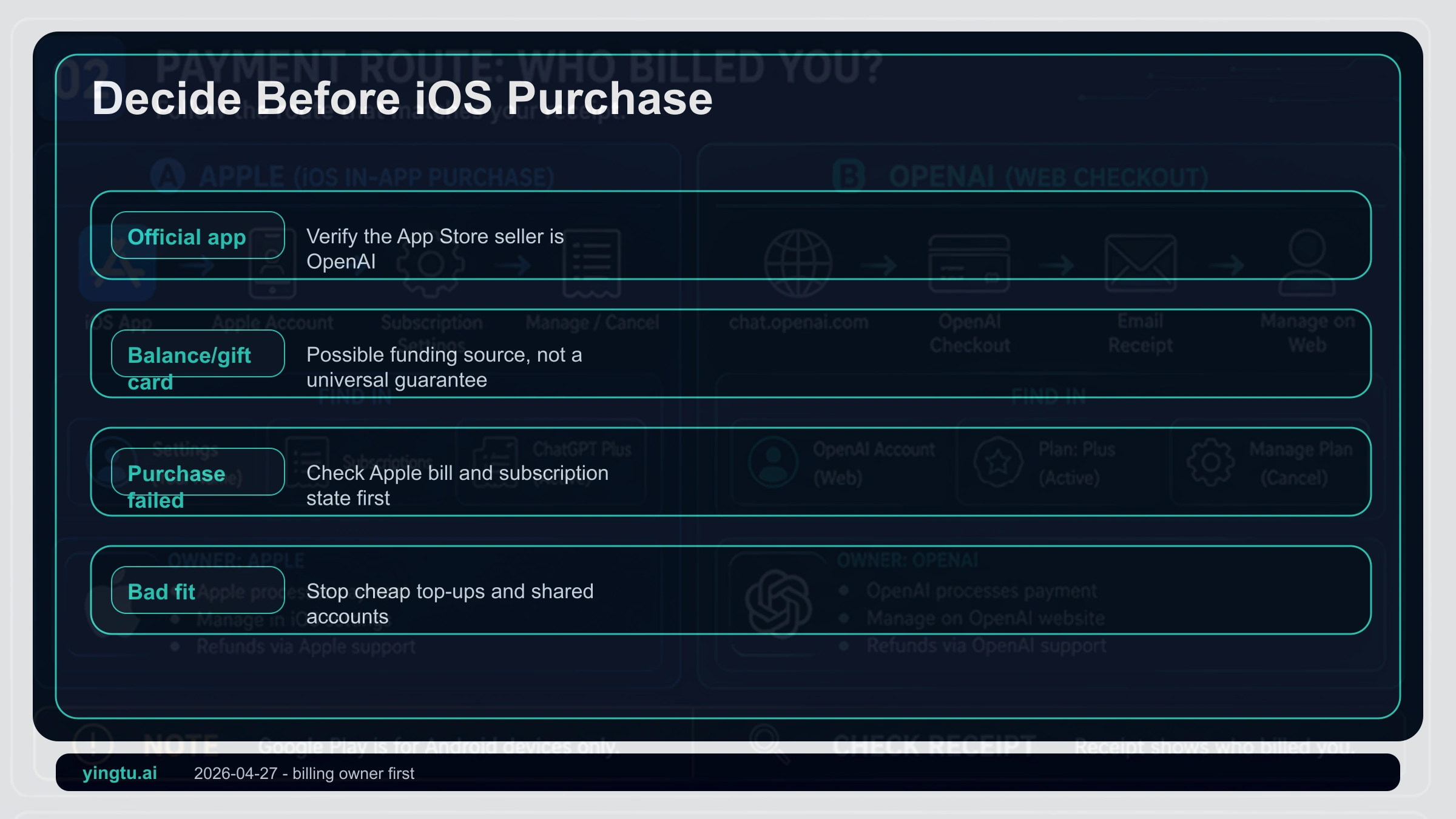
Apple Balance and Gift Cards Are Conditional
Apple Account balance can be a payment source, but it is not a guarantee that ChatGPT Plus will charge successfully. Apple's account balance guidance says balance can be used for apps, in-app purchases, and some subscriptions, while also noting that not every purchase can use balance and some purchases may require a payment method on file.
If you use a gift card, match the card to the Apple ID country or region and keep the card source clear. A gift-card code from a marketplace, a shared Apple ID, or a seller who logs in for you creates a recovery problem before it creates a payment solution.
Apple ID region changes are not casual checkout steps. Apple's country or region change rules can require spending balance, waiting for subscriptions to end, resolving refunds or pending items, leaving Family Sharing, and using a valid payment method for the new region. If your Apple ID is also your main iCloud identity, that risk is larger than one subscription.
Charged but Still Free: Do Not Pay Again First
If the App Store charged you but ChatGPT still shows Free, pause. A second payment can create duplicate bills or a harder refund case. First confirm the Apple receipt, the Apple ID used for the purchase, the purchase time, and the ChatGPT login method currently active in the iOS app.
Next, use restore purchase inside the ChatGPT iOS app. OpenAI's Apple subscription help connects Apple subscription management with restore purchase because the goal is to sync the Apple receipt to the right ChatGPT account. This is especially important if Apple private relay, Google sign-in, and email sign-in have been mixed.
Prepare a support packet before contacting anyone: Apple order ID, receipt email, subscription screenshot, ChatGPT account email, and a short description of the current status. Say who charged you and which account is still Free. That is more useful than saying the recharge failed.
Cancellation and Refunds Follow the Owner
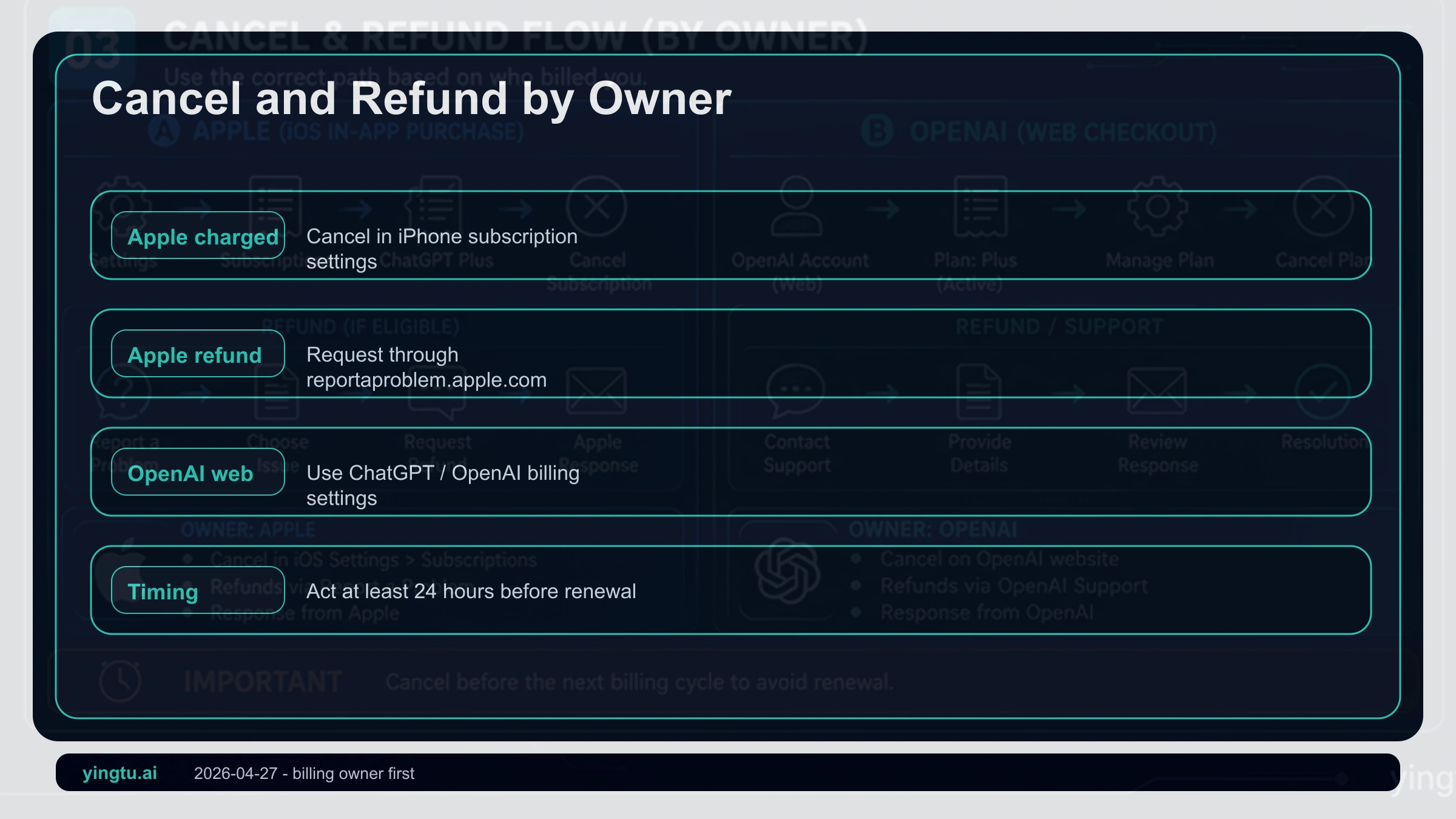
If Apple billed you, cancel renewal from iPhone Settings: tap your name, open Subscriptions, choose ChatGPT, and cancel. Apple warns that some subscriptions may renew shortly before the end of the period, so last-minute cancellation is risky.
For Apple-billed refunds, use Apple's report-a-problem flow. Eligibility varies by purchase type, country, account history, and case details, so nobody can promise approval. The safest wording is simple: request a refund through Apple, give the real reason, and keep the order information.
If OpenAI web billing charged you, use OpenAI's refund and billing path instead. OpenAI's refund help separates Apple subscriptions from web subscriptions. If ChatGPT is missing from Apple Subscriptions, the likely reason is not a broken settings page; the bill may not belong to Apple.
Region and Supported-Country Risk
Apple ID country and OpenAI service availability are separate rules. Apple controls App Store purchases, Apple Account balance, subscription management, and refunds. OpenAI controls whether ChatGPT service is supported for your location and account. Seeing the app in one store does not override OpenAI's supported countries list.
Do not turn proxy changes, generated addresses, or region switching into a payment fix. Those actions may change a screen temporarily, but they do not create an official support promise. If you only need Plus and cannot complete a stable iPhone purchase, web billing, waiting for a supported payment path, or staying on the free plan may be safer than building a fragile Apple ID setup.
Third-Party Top-Ups Need Stop Rules
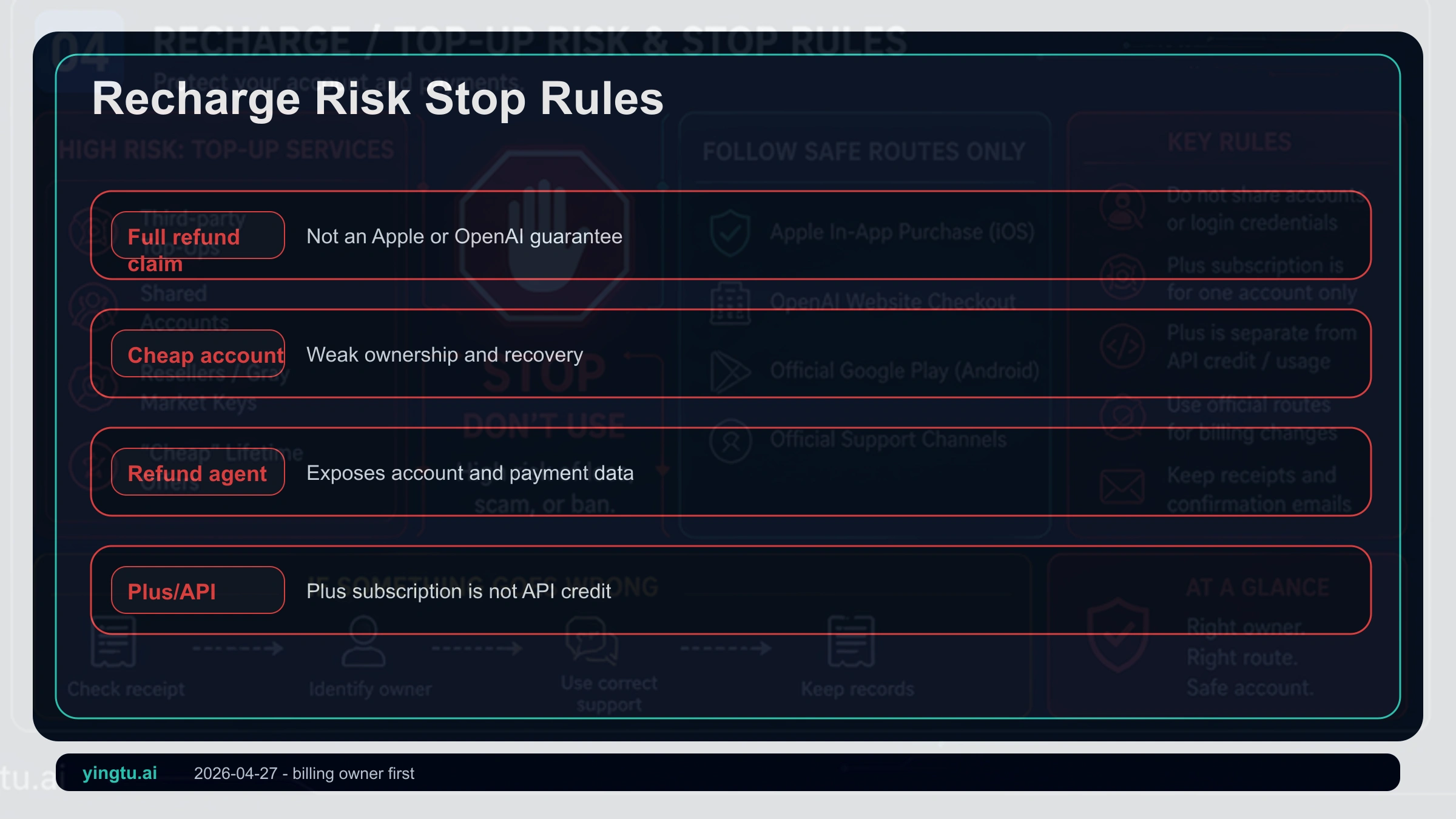
Third-party sellers often promise cheap Plus, instant delivery, refunds if failed, or no account risk. The problem is that those promises hide ownership. If the receipt is not in your account, the payer is not you, the recovery email is not yours, or the Apple ID is controlled by someone else, official support may not be able to treat the subscription as yours.
Use a simple stop rule: no official receipt, stop; account password required, stop; fixed refund or success promise, stop; repeated region or proxy changes required, stop; Plus and API credits sold as one bundle, stop. A safe subscription should leave you with the account, the receipt, and the cancellation path.
Final Order
The safe order is short: identify the billing owner, confirm the ChatGPT account, read the purchase sheet, keep the receipt, and use the owner's cancellation or refund path. Only after that should you think about the funding source.
If you have already been charged, do not pay again until you have checked the owner, receipt, login method, and restore purchase. The faster you can answer who charged this subscription, the faster you can choose the right recovery path.
FAQ
Is ChatGPT Plus on iPhone billed by Apple or OpenAI?
If the App Store purchase sheet confirmed the subscription, Apple is the billing owner. If you subscribed on chatgpt.com, OpenAI web billing owns it. The device you use today does not change the original billing route.
Can I request a refund for an Apple-billed ChatGPT Plus subscription?
You can request one through Apple's refund flow, but approval is not guaranteed. Eligibility depends on Apple policy, country or region, purchase type, and account history.
Why did App Store charge me but ChatGPT still says Free?
Usually you need to check the Apple receipt, the Apple ID, and the ChatGPT login method, then try restore purchase in the iOS app. Do not pay again until the first charge is reconciled.
Can an Apple gift card pay for ChatGPT Plus?
Sometimes Apple Account balance can fund subscriptions, but not every purchase can use balance and some cases require a payment method. Balance is a funding source, not a success guarantee.
Does deleting the ChatGPT app cancel Plus?
No. If Apple bills the subscription, cancel it in iPhone Settings under your Apple ID subscriptions. Deleting the app does not cancel renewal.
Does ChatGPT Plus include API credit?
No. ChatGPT Plus is a consumer ChatGPT subscription. API usage has separate developer billing.
Are third-party ChatGPT Plus top-ups safe?
They are not a default safe route. If you do not control the receipt, payer, recovery email, and account, cancellation and refund support become uncertain.