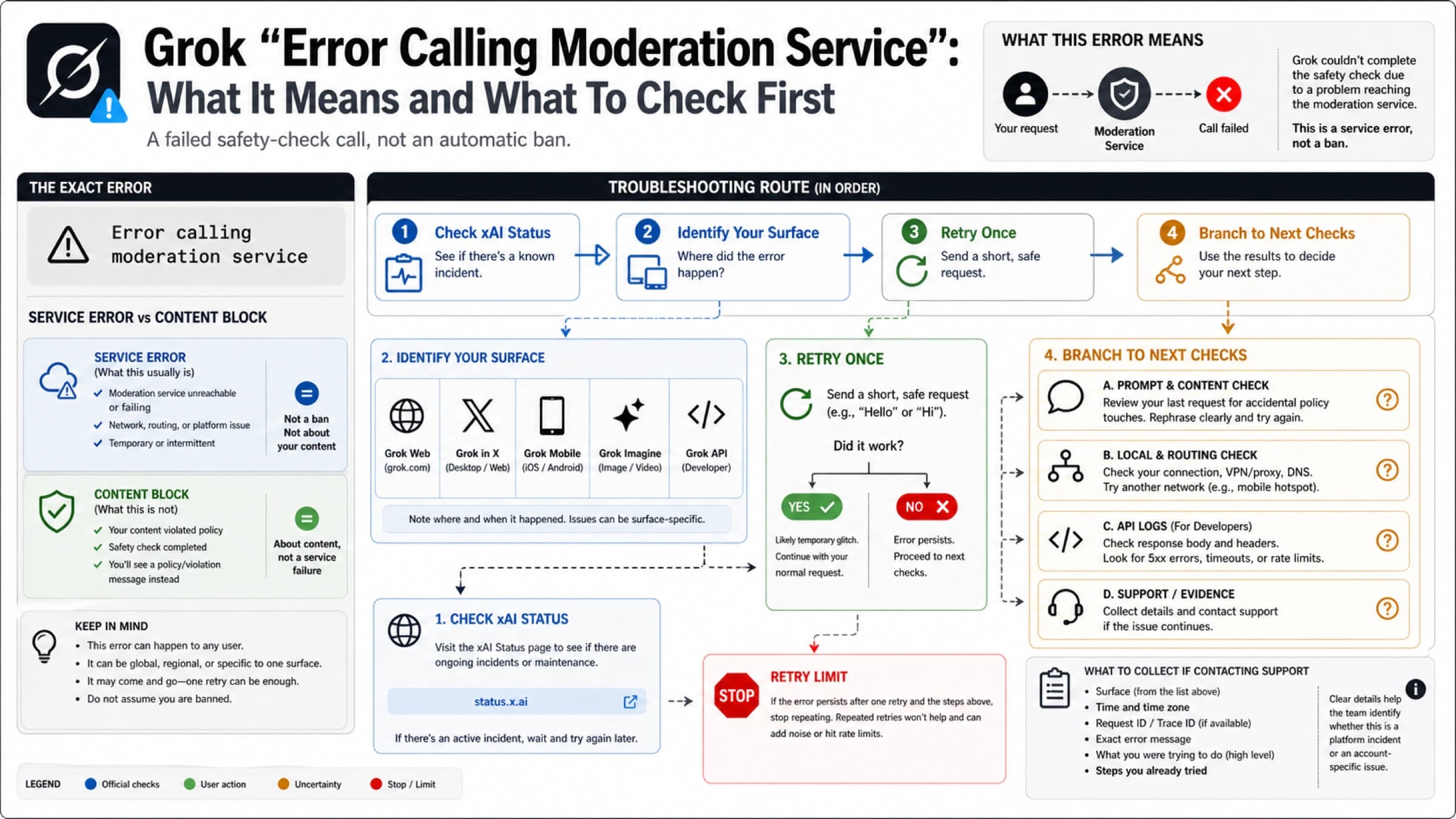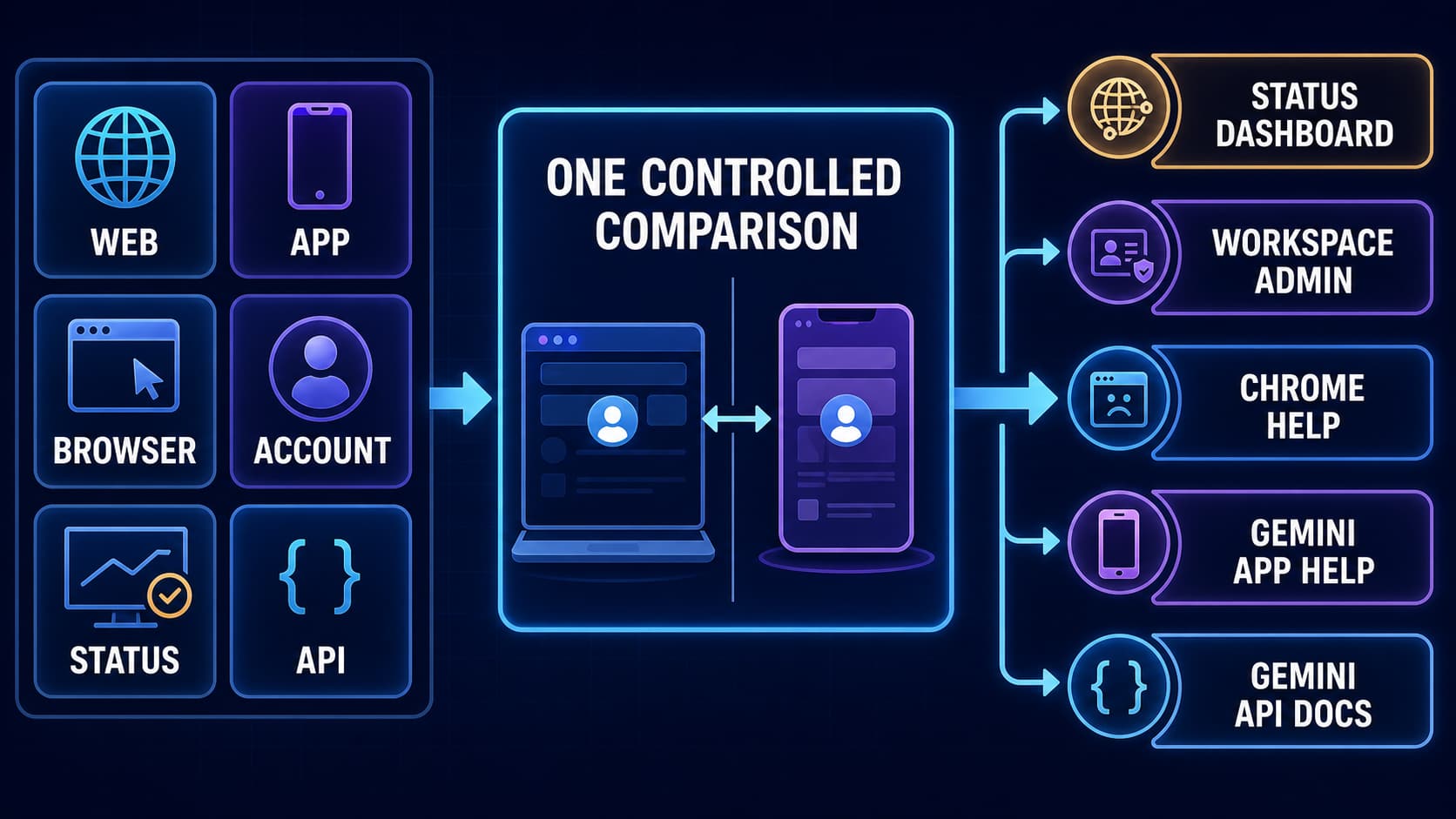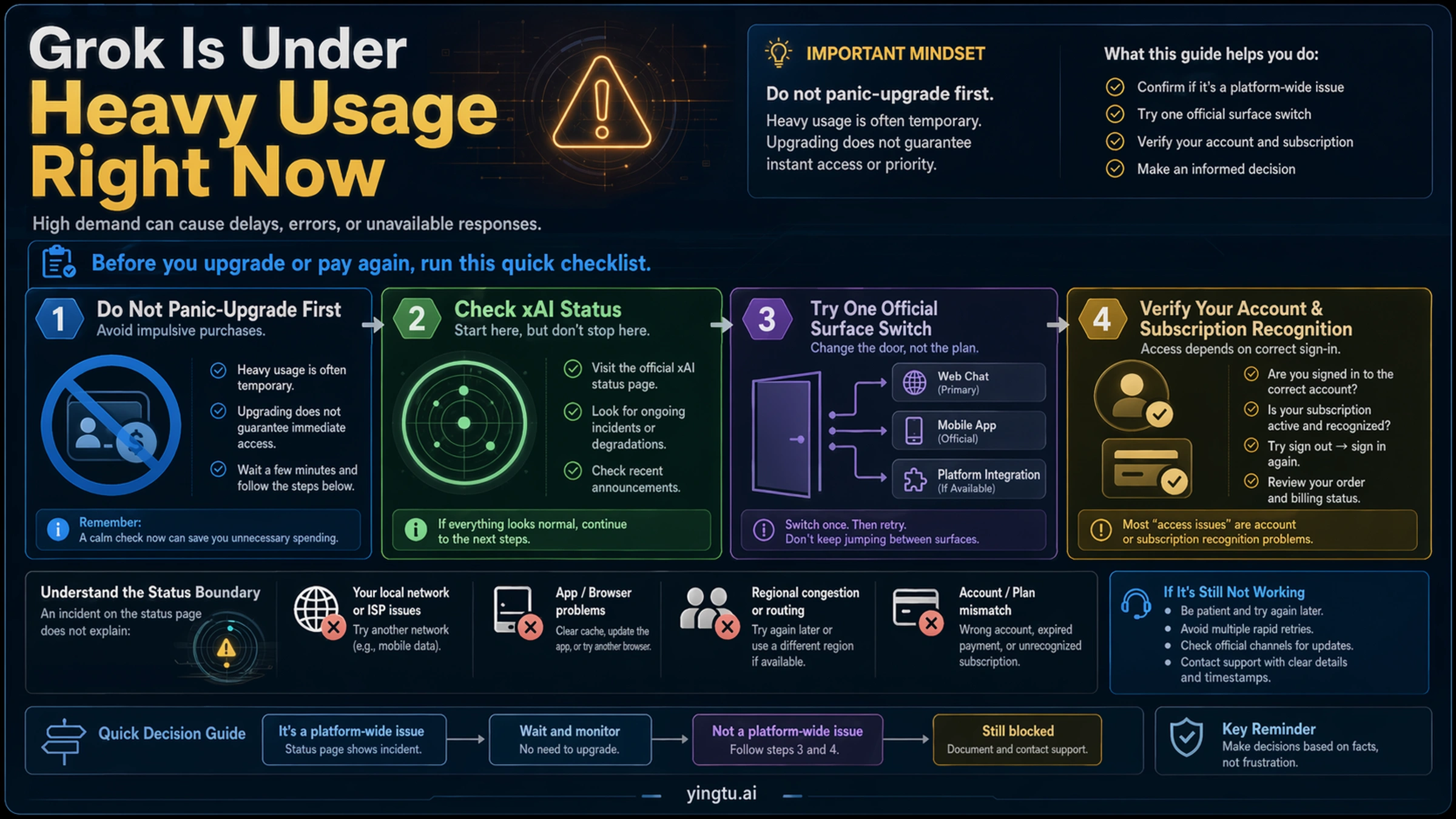
When Grok says "Grok is under heavy usage right now," shows "High Demand," or displays a priority-access banner, treat it as a recovery-routing signal before treating it as a payment decision. Check xAI status, try one official Grok surface, verify account or subscription recognition if you already pay, and stop repeating the same prompt once those checks fail.
| What you see | Check first | What it usually means | Next move |
|---|---|---|---|
| xAI status is degraded | The Grok Web or relevant status component | Broad capacity or service issue | Wait, monitor, and avoid plan changes during the incident |
| Status looks green but your route is blocked | Grok Web, Grok in X, iOS, or Android | One surface, region, session, or route may be constrained | Switch one official surface once and try one short text request |
| You already pay but still see upgrade wording | Signed-in xAI/X account and subscription recognition | The app may not be seeing the paid entitlement | Do not pay again until the account and billing owner are clear |
| Every official surface fails after one short retry | Screenshot, timestamp, account, status, and surface used | Either high demand persists or the account path needs support | Collect evidence, wait if demand is real, or contact support |
| You are calling the xAI API and get 429 | API rate-limit headers, tier, RPM/TPM, and backoff | Developer rate limit, not the consumer Grok banner | Handle it as an API quota and retry-policy problem |
The stop rule is simple: do not buy the same plan again just to clear an active banner. Higher tiers may improve headroom, but the public pages do not promise that an upgrade will instantly fix every heavy-demand session. A green status page only means there is no declared broad incident on that page; it does not prove your account, app route, or subscription recognition is healthy.
What the Grok heavy-usage banner means
The heavy-usage message is not a precise diagnosis. It can mean Grok's current serving route is overloaded, your selected surface is constrained, the request you sent is expensive to run, your paid entitlement has not been recognized in that session, or a broader incident is active. The banner is therefore best read as a branch point: which layer is failing, and what is the smallest safe check that separates one layer from the next?
That matters because the wrong first move wastes time. If there is a real incident, buying another plan will not make the platform healthy. If one app surface is congested, clearing every browser setting is slower than trying one official alternative. If you are already a paid user and Grok still shows upgrade language, the problem may be account recognition rather than plan level. If you are a developer seeing HTTP 429 from the xAI API, you are not troubleshooting the same surface as a consumer seeing a banner inside Grok.
On July 11, 2026 CST, the xAI status overview showed no declared broad incident during this check. That was useful boundary evidence, not a complete answer. Users can still encounter route-, account-, region-, or demand-specific failures, which is exactly why the recovery route should continue after a green status page instead of stopping there.
Run the fastest recovery route first
Start with official status because it is the only public place where xAI can declare a broad platform problem. If the relevant component is degraded or unavailable, the best recovery action is patience: save your work, avoid duplicate purchases, and retry later from the same account. During a declared incident, repeated account changes make the evidence messier and rarely improve the outcome.
If status is green, move to route isolation. Open one other official Grok surface: Grok Web, Grok inside X, the iOS app, or the Android app. The point is not to keep hopping between every device you own; it is to learn whether the failure follows the account or only one surface. Send one short text request, not the same long prompt that may have helped trigger the queue. If the alternate surface works, finish the urgent task there and come back to the original surface later.
If both surfaces fail, sign out fully and sign back in once. A fresh session can force the app to re-read your account state. Do not turn this into a ritual of clearing cache, switching VPNs, reinstalling apps, and changing networks before you know whether the problem is status, surface, account, or demand. Those checks can be useful later, but they are not the fastest first branch for this exact banner.
Check status without pretending green means solved
The status page answers one question: has xAI declared a broad service issue for the component you care about? It does not answer whether your region, app version, X integration path, account entitlement, or current request is being served normally. A green page is therefore a reason to continue diagnosis, not a reason to assume the reader made a mistake.
Use the status page like a timestamped snapshot. Record whether Grok Web, Grok in X, SSO, API, or other related components are marked operational. If a component is degraded, your next move is mostly waiting. If everything is operational, your next move is route isolation and account recognition. The distinction protects you from two common errors: calling a private account issue "Grok is down for everyone" and calling a real high-demand wave "just your browser."
For high-demand messages, the most useful status sentence is narrow: "The public xAI status page did not show a declared broad incident when I checked, so I tested another official surface and my account recognition next." That sentence keeps the evidence clean. It also gives support a better timeline if the issue persists.
Switch one official Grok surface, then stop switching
The official Grok product page positions Grok across web, X, iOS, and Android. That gives you a legitimate surface-switch test. If Grok Web is blocked, try Grok in X or the mobile app. If the app is blocked, try web. Use the same account and one short request so the result tells you something.
Do not test by changing five variables at once. If you move from Wi-Fi to mobile data, switch browser, change account, open a VPN, and rewrite the prompt all in one pass, you will not know which change mattered. Keep the test small: same account, one alternate official surface, one short prompt. If it works, the urgent recovery route is the working surface. If it fails, you have stronger evidence that the problem follows the account or current platform load.
This is also where prompt size matters. A long multimodal or reasoning-heavy request can be more expensive to serve during peak demand than a short text question. After you switch surfaces, test with a simple sentence first. If that succeeds, resume the important work in smaller chunks. If even a short prompt fails, stop retrying the same request and move to account recognition or evidence collection.
Already paying? Verify recognition before buying again
Paid users have a different risk: the banner may look like a sales prompt even when the user believes they already have access. That does not automatically mean the plan is useless, and it does not automatically mean the user needs a higher tier. The first question is whether the current session sees the right account and the right entitlement.
The xAI Grok FAQ says Grok Website settings can connect an X account and retrieve X subscription status after linking. That makes account linkage and recognition a real troubleshooting branch. Check which xAI account is signed in, whether the linked X account is the one that owns the subscription, whether the subscription is active in its original billing surface, and whether signing out and back in refreshes recognition.
Also separate billing owner from app surface. X Premium+ purchased through X, a SuperGrok plan, and an app-store subscription can involve different confirmation screens, receipts, and support owners. If the app is not recognizing paid access, gather proof of the plan before paying again. Useful proof includes the account handle or email, plan name, order date, billing surface, and whether the problem appears on web, X, iOS, or Android.
The strongest safe sentence for paid users is: "I should not repurchase until I know whether Grok is failing to recognize the plan I already have." That is more useful than a plan table because it prevents the most expensive mistake first.
What priority access can and cannot promise
Higher tiers can matter. X Help says Premium+ includes higher Grok usage limits and early feature access, while xAI's Grok page describes SuperGrok Heavy as providing access to Grok Heavy and much higher rate limits. Those are meaningful headroom signals, especially for users who frequently hit limits.
They are not the same as a guaranteed live-session fix. Public plan pages do not give a stable consumer quota table for every banner, every region, every model, and every hour of demand. They also do not promise that upgrading during an active high-demand moment will immediately clear the session that is already stuck. Treat any plan change as a capacity decision, not as a panic button.
A plan upgrade is easier to justify after the recovery route shows a stable pattern: your current plan repeatedly hits limits during normal use, status is green, the account is recognized correctly, and the work you need genuinely requires more Grok capacity. It is harder to justify when the evidence is a one-hour spike, a single app surface, or an account that may not be recognizing an existing subscription.
Do not confuse the consumer banner with API 429
If you are using Grok through the web or mobile app, the heavy-usage banner is a consumer product message. If you are calling the xAI API and receive HTTP 429, you are dealing with a developer rate-limit problem. Those two issues may both appear during high demand, but they have different owners and different fixes.
The xAI API rate-limit documentation frames API limits by model and team tier and says requests can return 429 when request frequency exceeds the allowed rate. That means the developer response is quota inspection, backoff, concurrency control, token/request sizing, and tier review. It is not "open the Grok app and buy a consumer plan."
Keep your support packet separate too. For a consumer banner, collect screenshots, account, surface, status state, and plan recognition evidence. For API 429, collect request IDs if available, timestamps, endpoint, model, team tier, rate-limit headers or dashboard evidence, retry policy, and workload shape. Mixing the two makes both support paths slower.
When to stop retrying and contact support
Retrying is useful only while it produces new information. Once you have checked status, tried one alternate official surface, signed out and back in once, verified account or subscription recognition, and tested one short request, another identical retry usually adds noise. At that point, either wait because demand is clearly high or escalate with clean evidence.
Your support packet should be compact:
| Evidence | Why it matters |
|---|---|
| Exact screenshot of the banner | Shows the real message and avoids paraphrase confusion |
| Local time, timezone, and date | Lets support compare your issue with incidents or demand spikes |
| Surface used | Distinguishes Grok Web, Grok in X, iOS, Android, or another route |
| Signed-in account | Helps identify account-recognition mismatch |
| Plan or order proof, if paid | Shows entitlement without exposing full payment details |
| xAI status snapshot | Separates broad incident from account-specific failure |
| One alternate-surface result | Shows whether the problem follows the account or one route |
| Steps already tried | Prevents support from restarting with generic advice |
Be careful with sensitive information. Do not post full card numbers, private tokens, full receipts, or API keys in public forums. If you need to discuss paid access, redact payment details and keep the evidence focused on account ownership, plan recognition, and the exact failure.
FAQ
Is Grok down when I see "under heavy usage right now"?
Not necessarily. The banner can appear during broad high demand, but it can also reflect one constrained surface, a session issue, account recognition, region routing, or request complexity. Check the xAI status page first, then run one official surface-switch test.
Should I upgrade to fix the Grok heavy-usage error?
Not as the first move. Higher tiers may provide more headroom, but public pages do not promise that an upgrade instantly clears every active heavy-demand banner. Check status, surface, account recognition, and paid-plan recognition first.
Why do I still see upgrade wording if I already pay?
The current session may not be recognizing the account or subscription that owns the entitlement. Check whether you are signed in to the right xAI account, whether the linked X account owns the subscription, and whether the plan is active in its billing surface.
How long should I wait before retrying Grok?
If official status shows an incident or users are clearly reporting a live high-demand wave, wait and retry later. If status is green, run the route checks first: one alternate official surface, one short request, and one sign-out/sign-in refresh. Do not keep sending the same long prompt.
Is the Grok heavy-usage banner the same as API 429?
No. The consumer banner is a Grok product access message. API 429 is a developer rate-limit response governed by xAI API limits, team tier, request frequency, and retry policy.
What should I send to support?
Send the exact banner screenshot, timestamp, timezone, surface used, account, plan/order recognition if paid, xAI status snapshot, alternate-surface result, and the steps you already tried. Keep payment details and secrets redacted.
Does a green xAI status page mean the problem is on my side?
No. Green status only means there is no declared broad incident on that page at that time. Your account, region, surface, session, or current request can still be blocked. Use green status as a reason to continue the route test, not as a final diagnosis.