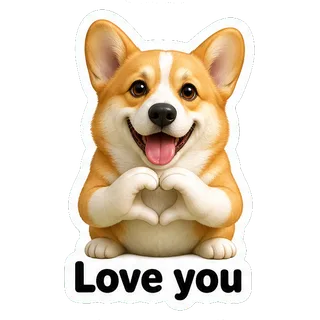
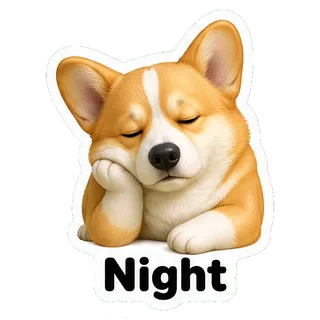
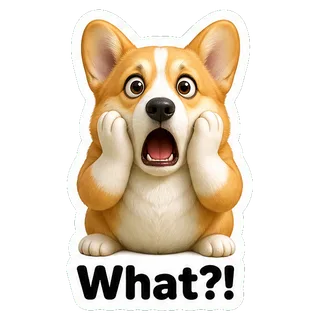

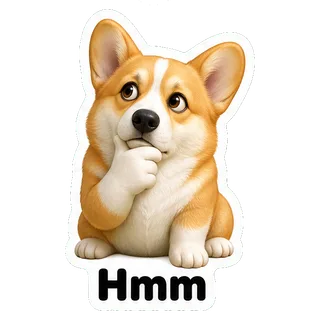
AI sticker maker: turn one photo into a whole sticker pack

Upload a selfie or a pet photo, or just describe a character. YingTu draws 9 or 16 matching stickers with captions, removes the background and cuts them apart in your browser, ready for Telegram, WhatsApp and Discord. A whole pack costs one image, from $0.018.

9 or 16 stickers per packfrom $0.018 a packTelegram · WhatsApp · Discord

1Character

A person, a pet or a toy. No photo? Just describe the character.

2Style

3Stickers & captions

4Model

A whole pack in one go

One character, 9 or 16 expressions, background removed and cut into single stickers, exported at Telegram, WhatsApp and Discord sizes.

Key facts

  • As of September 27, 2026: a pack is one image generation, billed at the model’s price per image — Seedream 5.0 Flash $0.018, GPT Image 2 VIP $0.03, Nano Banana 2 $0.055, Nano Banana Pro $0.09.
  • Each pack is 9 (3 × 3) or 16 (4 × 4) stickers from one 2048 × 2048 sheet. In the samples, 9-sticker packs cut to about 640–700 px per sticker and 16-sticker packs to about 450–520 px, so pick 9 for the sharpest result.
  • Background removal and cutting run in your browser. Apart from the generation request, your photo and stickers are not uploaded anywhere.
  • Exports: Telegram (PNG, one side 512 px, plus a 100 × 100 icon), WhatsApp (512 × 512 WebP under 100 KB, plus a 96 × 96 tray icon), Discord (320 × 320 PNG), full-size transparent PNG and a layered PSD.
  • New users who sign in with Gmail get $0.1 of free credit, which covers all four models above.

How to make a sticker pack of yourself

  1. 1Add a photo or describe a characterOne clear photo of one person or one pet works best. No photo? Write something like “a shiba inu barista in a chef hat”.
  2. 2Pick a style, a size and captionsChibi, 3D figure, anime, pixel art or doodle; 9 or 16 stickers; edit every caption or turn text off.
  3. 3Generate and exportCheck the cut stickers, untick any you do not want, then export the pack for the app you use.

Real sticker packs made here

All three were made with the same prompt and cutting code as the tool above, with no manual retouching.

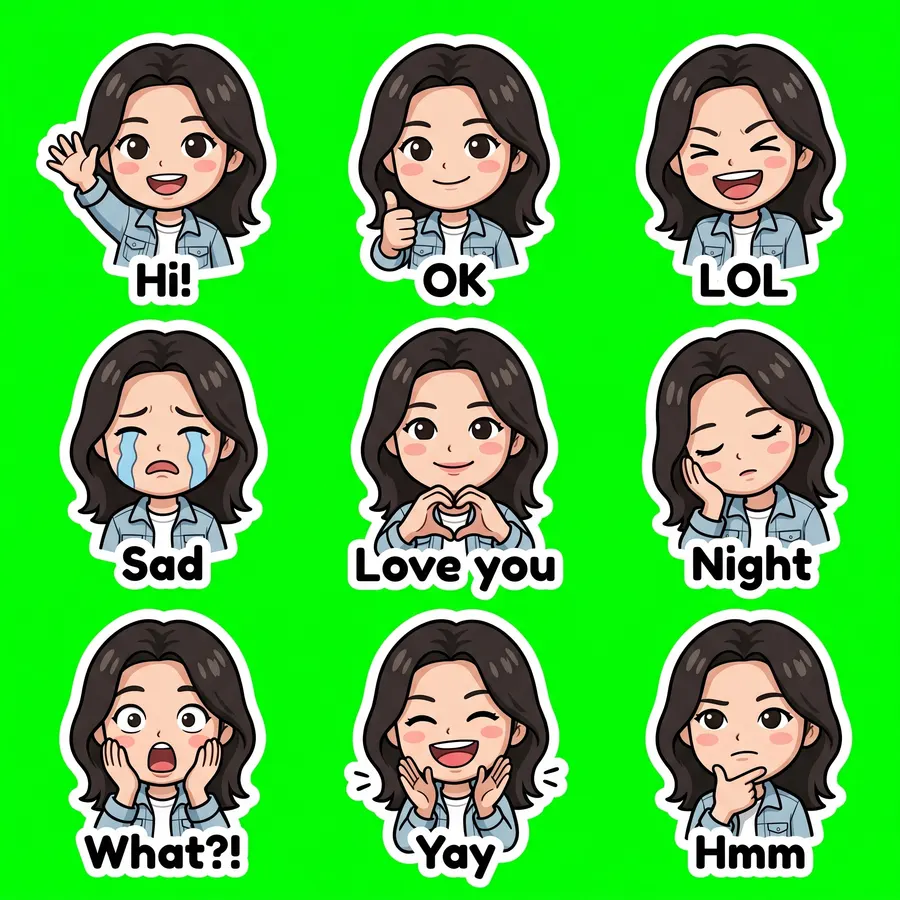
From a selfie · chibi

Nano Banana 2 · 20s · 9/9 cut · $0.055
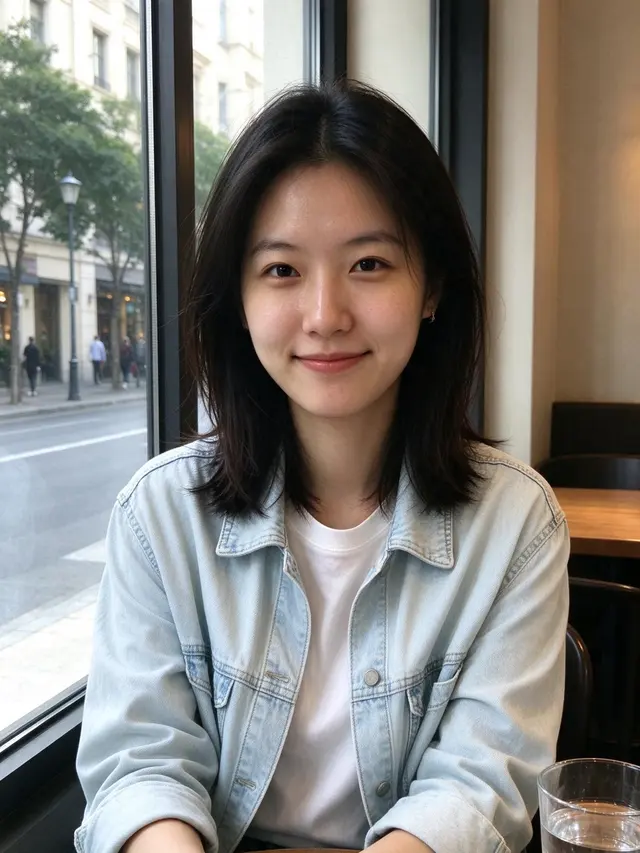
Input photo
Input photo
From a selfie · chibi sheet
2048 × 2048
Show the full prompt

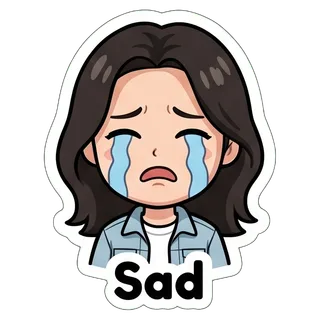
Create a sticker sheet of the woman in the reference image. Keep the face, hairstyle, colors, markings and clothing so it is instantly recognizable in every sticker. Draw 9 different stickers of the same character arranged in a 3x3 grid, evenly spaced with wide gaps between stickers, each sticker fully inside its own cell and not touching the others. Style: cute chibi cartoon style with a big head and small body, bold clean outlines and flat cel shading. Stickers, in order from top left to bottom right: 1. waving hello with a big smile, caption "Hi!" 2. giving a thumbs up, caption "OK" 3. laughing out loud with eyes squeezed shut, caption "LOL" 4. crying with big tears, caption "Sad" 5. making a heart with both hands, caption "Love you" 6. sleepy, eyes closed, resting the cheek on a hand, caption "Night" 7. shocked with the mouth wide open and hands on the cheeks, caption "What?!" 8. clapping and cheering, caption "Yay" 9. thinking with a hand on the chin, caption "Hmm" Captions are short, bold, easy to read, in black or another dark non-green color, placed under or beside the character inside its outline. Every sticker has a thick white die-cut outline around the character and its caption. The background is one flat solid pure green color (#00FF00) everywhere, with no shadows, no gradients, no texture, no borders, no grid lines and nothing else on it. Do not use any green inside the stickers (no green text, clothing or props).


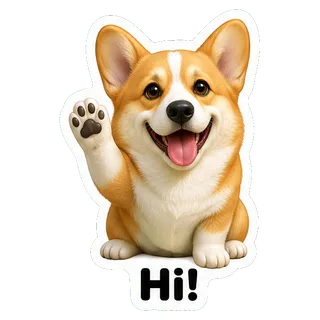
  • Hi!
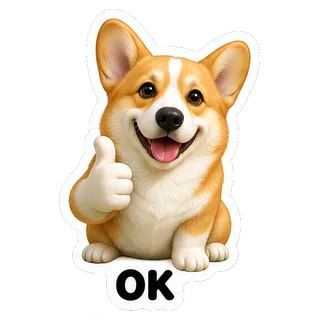
  • OK
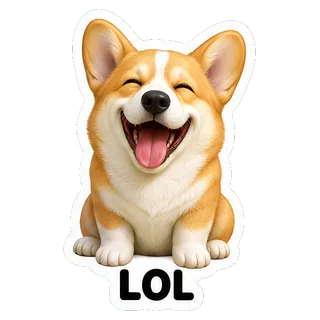
  • LOL
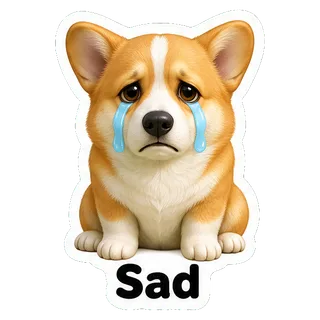
  • Sad
  • Love you
  • Night
  • What?!
  • Yay
  • Hmm

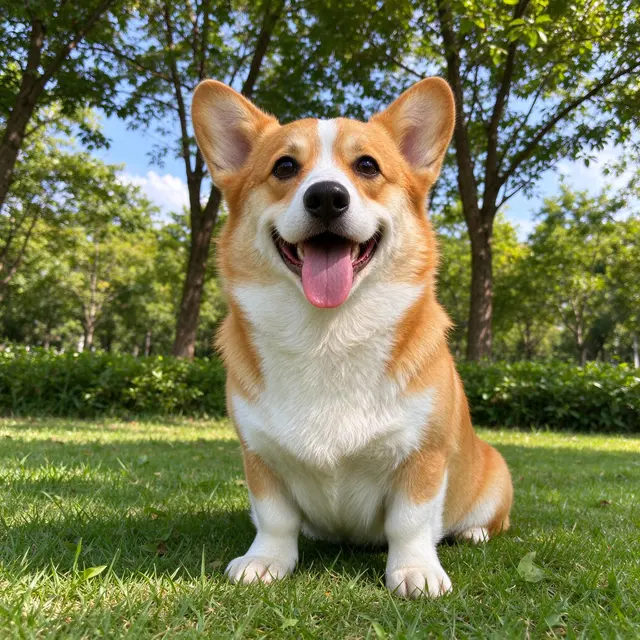
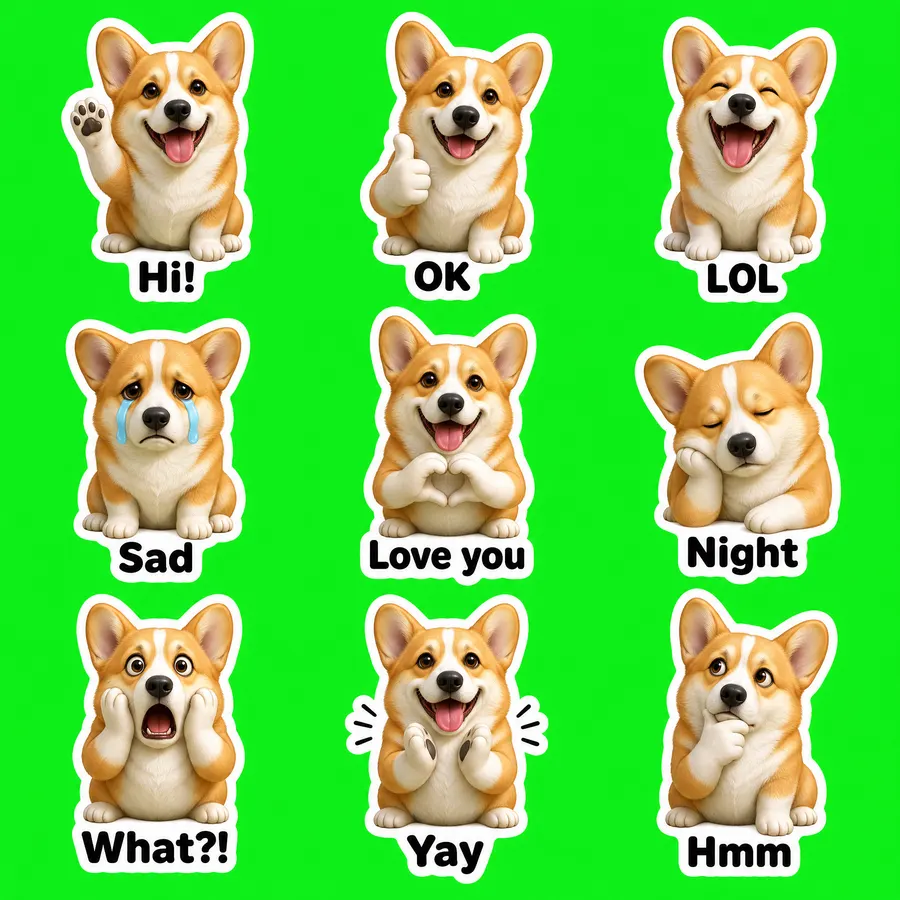
From a pet photo · 3D figure

GPT Image 2 VIP · 55s · 9/9 cut · $0.03

Input photo
Input photo
From a pet photo · 3D figure sheet
2048 × 2048
Show the full prompt

Create a sticker sheet of the corgi dog in the reference image. Keep the face, hairstyle, colors, markings and clothing so it is instantly recognizable in every sticker. Draw 9 different stickers of the same character arranged in a 3x3 grid, evenly spaced with wide gaps between stickers, each sticker fully inside its own cell and not touching the others. Style: glossy 3D rendered figure style like a vinyl toy, soft studio lighting, rounded shapes. Stickers, in order from top left to bottom right: 1. waving hello with a big smile, caption "Hi!" 2. giving a thumbs up, caption "OK" 3. laughing out loud with eyes squeezed shut, caption "LOL" 4. crying with big tears, caption "Sad" 5. making a heart with both hands, caption "Love you" 6. sleepy, eyes closed, resting the cheek on a hand, caption "Night" 7. shocked with the mouth wide open and hands on the cheeks, caption "What?!" 8. clapping and cheering, caption "Yay" 9. thinking with a hand on the chin, caption "Hmm" Captions are short, bold, easy to read, in black or another dark non-green color, placed under or beside the character inside its outline. Every sticker has a thick white die-cut outline around the character and its caption. The background is one flat solid pure green color (#00FF00) everywhere, with no shadows, no gradients, no texture, no borders, no grid lines and nothing else on it. Do not use any green inside the stickers (no green text, clothing or props).

  • Hi!
  • OK
  • LOL
  • Sad
  • Love you
  • Night
  • What?!
  • Yay
  • Hmm

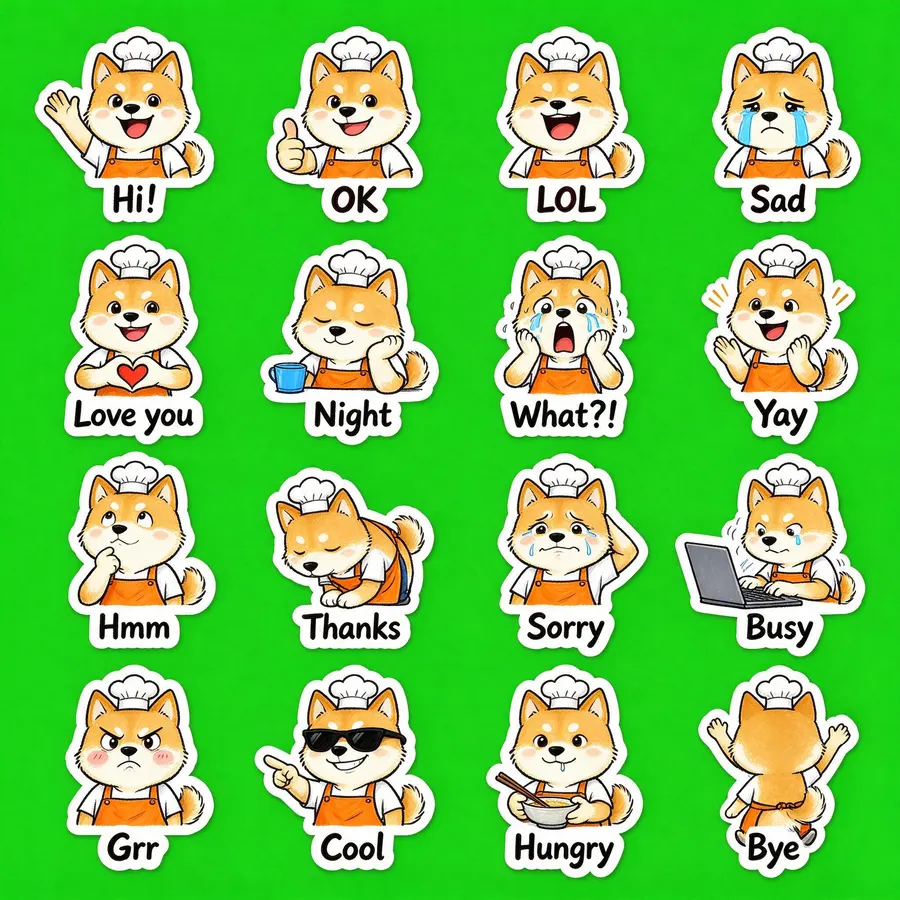
From a description · 16 stickers

Seedream 5.0 Flash · 24s · 16/16 cut · $0.018

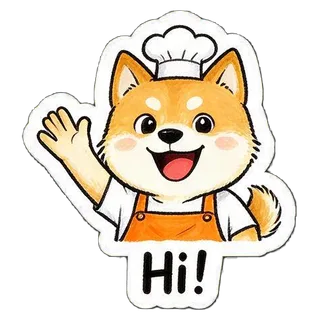
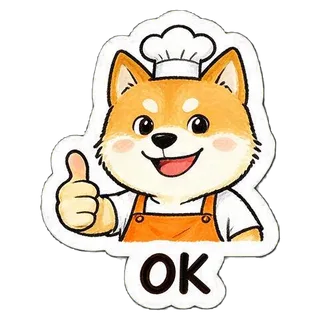
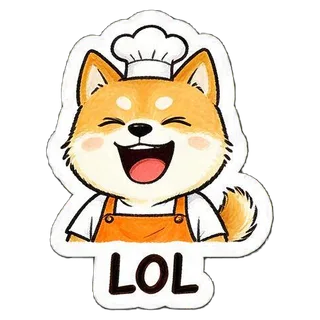
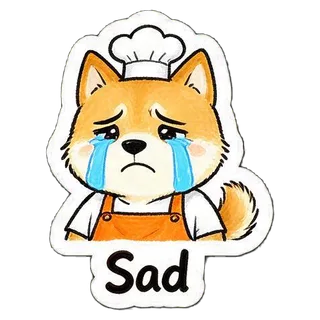
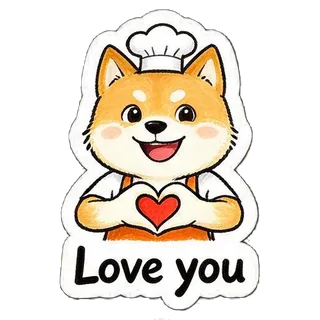
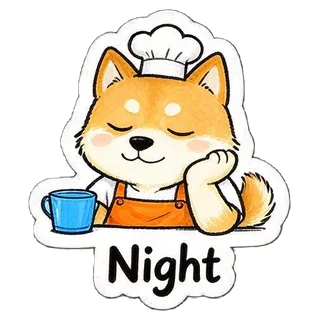
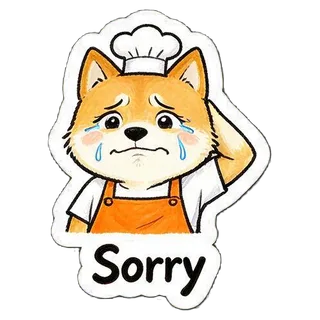
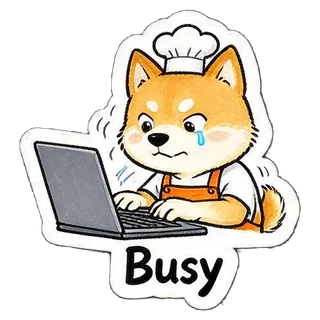
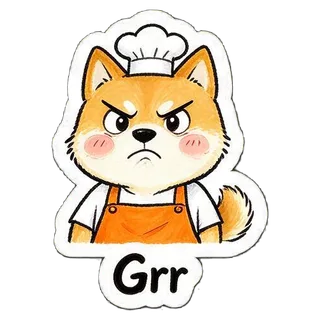
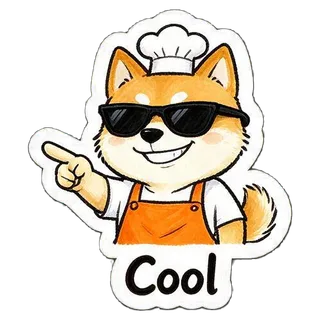
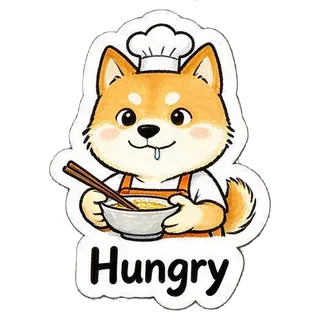
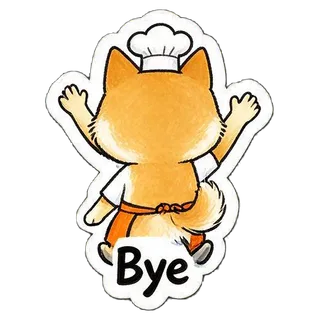
“a cheerful shiba inu barista wearing an orange apron and a small white chef hat”
No photo, description only
From a description · 16 stickers sheet
2048 × 2048
Show the full prompt

Create a sticker sheet of a cheerful shiba inu barista wearing an orange apron and a small white chef hat. Draw 16 different stickers of the same character arranged in a 4x4 grid, evenly spaced with wide gaps between stickers, each sticker fully inside its own cell and not touching the others. Style: hand-drawn marker doodle style with wobbly lines and bright flat colors. Stickers, in order from top left to bottom right: 1. waving hello with a big smile, caption "Hi!" 2. giving a thumbs up, caption "OK" 3. laughing out loud with eyes squeezed shut, caption "LOL" 4. crying with big tears, caption "Sad" 5. making a heart with both hands, caption "Love you" 6. sleepy, eyes closed, resting the cheek on a hand, caption "Night" 7. shocked with the mouth wide open and hands on the cheeks, caption "What?!" 8. clapping and cheering, caption "Yay" 9. thinking with a hand on the chin, caption "Hmm" 10. bowing politely with both hands together, caption "Thanks" 11. apologizing with an awkward smile and one hand behind the head, caption "Sorry" 12. typing fast on a laptop, a little stressed, caption "Busy" 13. angry and pouting with puffed cheeks, caption "Grr" 14. wearing sunglasses and pointing with a confident grin, caption "Cool" 15. holding a bowl and chopsticks, drooling a little, caption "Hungry" 16. waving goodbye while walking away, caption "Bye" Captions are short, bold, easy to read, in black or another dark non-green color, placed under or beside the character inside its outline. Every sticker has a thick white die-cut outline around the character and its caption. The background is one flat solid pure green color (#00FF00) everywhere, with no shadows, no gradients, no texture, no borders, no grid lines and nothing else on it. Do not use any green inside the stickers (no green text, clothing or props).
  • Hi!
  • OK
  • LOL
  • Sad
  • Love you
  • Night
  • What?!
  • Yay
  • Hmm
  • Thanks
  • Sorry
  • Busy
  • Grr
  • Cool
  • Hungry
  • Bye

Sticker sizes for Telegram, WhatsApp and Discord

Exports already meet these requirements, taken from each platform’s own documentation.

AppFormatSizeLimitsSource
TelegramPNG or WebPone side exactly 512 px, the other ≤ 512 px; icon 100 × 100icon ≤ 128 KB; 1–50 stickers when a set is createdcore.telegram.org
WhatsAppWebP512 × 512; tray icon 96 × 96≤ 100 KB per sticker, icon ≤ 50 KB; 3–30 stickers per packgithub.com
DiscordPNGexactly 320 × 320≤ 512 KB per stickerdiscord.com

Safari cannot encode WebP in the browser, so export WhatsApp packs in Chrome, Edge or Firefox.

How to add the stickers

  • Telegram

    Open @Stickers in Telegram, send /newpack, then send each PNG as a file (not a photo) with an emoji. Finish with /publish and upload icon.png as the pack icon.

  • WhatsApp

    On WhatsApp Web or Desktop, open the sticker panel in a chat and choose Create to upload a WebP. On a phone, a sticker pack app that follows the WhatsApp format can import the whole folder.

  • Discord

    Server Settings → Stickers → Upload Sticker, then give each one a name and a related emoji.

Tips for better stickers

  • Use a photo with one person or one pet and a clearly visible face or fur pattern.
  • For the closest likeness, pick Nano Banana 2 or Nano Banana Pro; to keep costs down, try Seedream 5.0 Flash first.
  • Keep captions short, one or two words, so they stay readable at sticker size.
  • If a cell comes out merged or missing, regenerate once; it usually fixes itself.

FAQ

Can ChatGPT make stickers?

It can draw sticker-style images, but you get one picture and still have to remove the background, cut it apart and resize for each app. This page does those steps for you, and GPT Image 2 is one of the models you can pick.

How do I make a sticker pack of myself?

Upload a clear photo, pick a style and 9 or 16 stickers, and generate. In about 20–75 seconds you get the whole pack cut into single stickers, ready to export for Telegram, WhatsApp or Discord.

Can I turn any photo into a sticker?

Photos of one person or one pet with a clear face work best. Group shots, tiny faces and strong backlight make the character less recognizable.

What size are Telegram, WhatsApp and Discord stickers?

Telegram: PNG or WebP with one side exactly 512 px. WhatsApp: 512 × 512 WebP under 100 KB, 3–30 per pack. Discord: 320 × 320 PNG under 512 KB. The exports here follow these rules.

How much does a sticker pack cost?

One image per pack: Seedream 5.0 Flash $0.018, GPT Image 2 VIP $0.03, Nano Banana 2 $0.055, Nano Banana Pro $0.09. New users get $0.1 of free credit after signing in with Gmail.

Why did I get fewer stickers than I asked for?

Now and then a model draws two stickers touching or skips a cell. Regenerating usually fixes it, and you can still export the stickers that were cut.

Are my photos stored?

Your photo goes only into the one generation request. Background removal, cutting and packing happen in your browser, and the results are not uploaded to YingTu’s servers.

Last updated: September 27, 2026