
Image to PSD with layers: split one picture into editable layers with AI
Upload a poster, product shot or cover. Seedream 5.0 Flash rebuilds the hidden background and cuts the title, product, people and decorations into their own transparent layers, then your browser exports a layered PSD. You pay per output image, $0.018 each.
See what one image splits into
All three images were split on YingTu. What you see is the raw output: the rebuilt background plus one transparent layer per element.
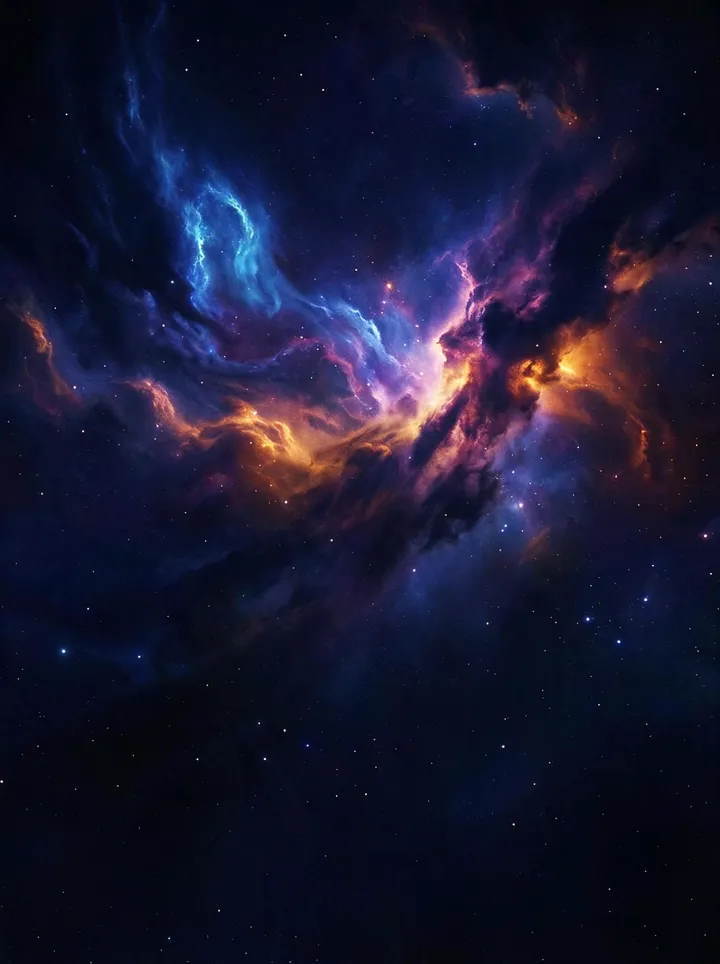



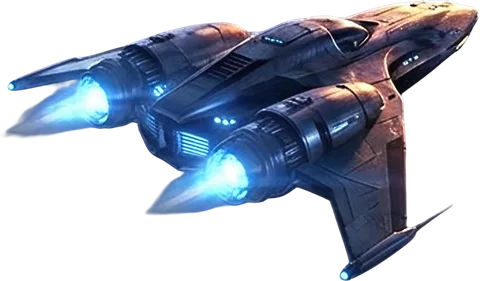

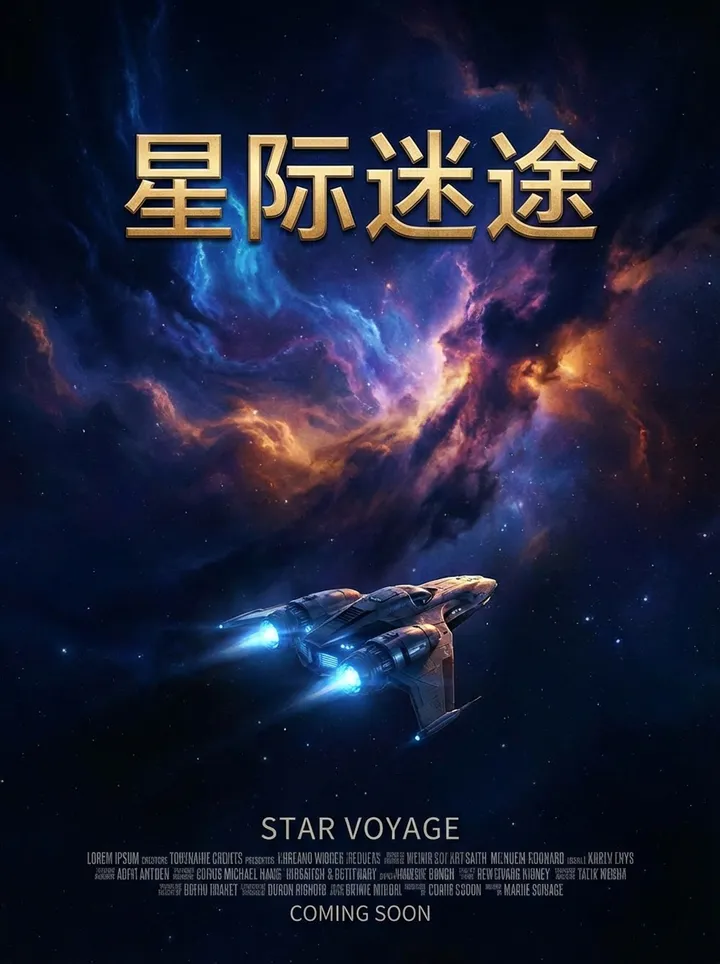
5 layers
2K · 6 outputs · 56s · $0.11
The sample is scaled to 896×1200 to keep it small; your export matches the resolution you split at.
Key facts (as of 2026-09-27)
- Billed per output image at $0.018; the rebuilt background counts as one.
- Up to 17 outputs per run: 1 background plus up to 16 element layers. The same image can split differently on another run.
- A poster, a product feature graphic and a social cover split on YingTu returned 6, 11 and 15 outputs, in 56–116 seconds at 2K.
- One image per run, up to 20 MB; choose 1K, 1.5K, 2K.
- Export a layered PSD, a ZIP of PNG layers, single layers or a composite. The PSD is built in your browser, not on a server.
- The $0.1 free credit for new users does not cover layer splitting; add your own LaoZhang key.
Get a PSD in three steps
- 1Upload one imageThe button above opens the image studio with Seedream 5.0 Flash and Layer decomposition already on. Add one JPG, PNG or WebP under Reference images.
- 2Pick a resolution and splitThe prompt is optional; a line like “separate the title text and the person” sets the focus. Click Split layers and the result usually arrives in 1–2 minutes.
- 3Check it and export the PSDShow or hide layers in the stacked preview, then click Export PSD. More formats has the PNG ZIP and the current composite.
What is inside the PSD
- The canvas matches the rebuilt background, which is the bottom layer.
- Each element is one pixel layer at its original position, named after what the AI detected, for example “Main title” or “Starship”.
- Layers you hide in the preview stay in the PSD, saved as hidden.
- Text comes out as a pixel layer, not editable type: move, scale, recolor or hide it, and retype it to change the wording.
- A standard RGB layered PSD that opens in software that supports PSD layers.
Which images split well
Splits cleanly
- Posters, covers and banners made of a title, a subject and decorations
- Product feature graphics and exploded views, with labels apart from parts
- Stickers, illustrations and collage elements with clear edges
- AI images where you want to change one part without regenerating the whole
Limited results
- Hair, smoke, glass, splashes and other semi-transparent detail blended into the background
- Photos packed with small objects or long runs of small text
- Jobs that need editable text or vector paths (the output is pixel layers)
- Batches: each run splits one image
What one split costs
Cost = outputs × $0.018. The number of outputs depends on how many separate elements the image has, so it is not known before the split.
| Outputs | Layers | Cost |
|---|---|---|
| 6 | background + 5 | $0.11 |
| 11 | background + 10 | $0.20 |
| 15 | background + 14 | $0.27 |
| 17 | background + 16 | $0.31 |
LaoZhang charges for the images actually returned.
FAQ
How do I split an image into multiple layers?
Upload it in the studio with Layer decomposition on. Seedream 5.0 Flash detects the separate elements, rebuilds the background behind them and returns each element as a transparent PNG with its position; YingTu stacks them into a layered PSD.
How is this different from a JPG to PSD converter?
A converter wraps the whole picture in a PSD, so it is still one layer. Layer splitting separates the title, subject and decorations into their own layers and fills in the background, so you can move or replace each part.
How much does it cost and how many layers can I get?
$0.018 per output image, with the background counted as one; up to 17 outputs (background + 16 layers). Typical posters and covers land between $0.11 and $0.27.
Can I split images for free?
The $0.1 credit for new Gmail users covers regular Seedream generation but not layer splitting, since one split usually costs more than the credit. With your own LaoZhang key you pay per image.
Can I edit the text in the PSD?
Not as type. The model returns text as an image, so it is a pixel layer: move, scale, recolor or hide it, and retype it in place to change the wording.
How large is the PSD?
The canvas matches the rebuilt background, set by the 1K, 1.5K or 2K option. A 2K portrait image is about 1792×2400 and the PSD is usually around 20 MB.
What if the split is not clean?
Name the elements you want separated in the prompt and split again, or hide the layers you do not need before exporting. Hair, smoke and glass are hard to separate cleanly.
Are my images stored?
The image is sent to the LaoZhang API for processing. The layers and the PSD are created and kept in your browser; YingTu servers do not store your images.
Related pages
- Image studioGenerate from a prompt or edit with reference images.
- Inspiration templatesTemplates with real samples, ready to reuse.
- Models and pricingPrices, sizes and editing support for 7 image models.
- Product photosBuild an e-commerce prompt from a scene and lighting.
- Text in imagesSet the copy and layout first for posters and banners.
- Free creditSign in with Gmail for $0.1 to try regular generation.
Updated 2026-09-27