
Requested text
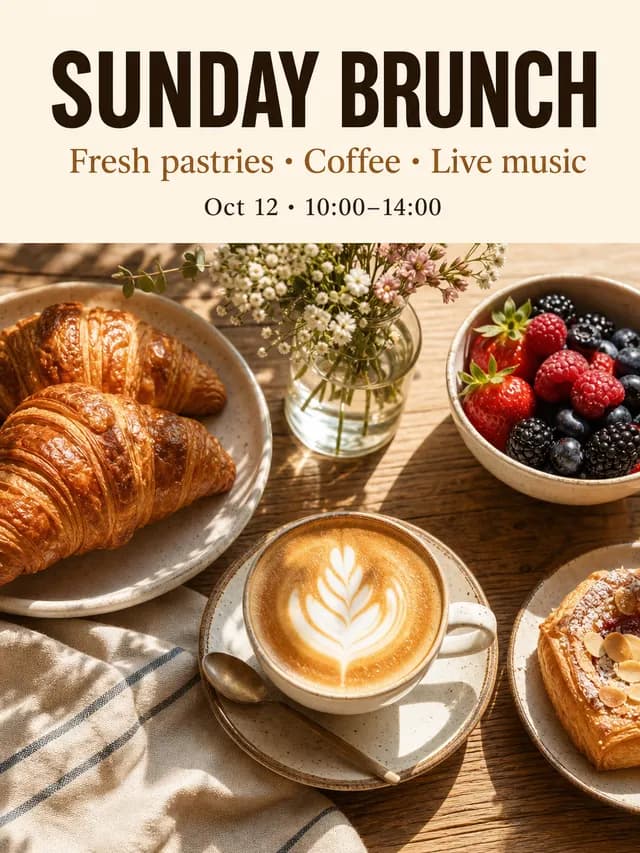
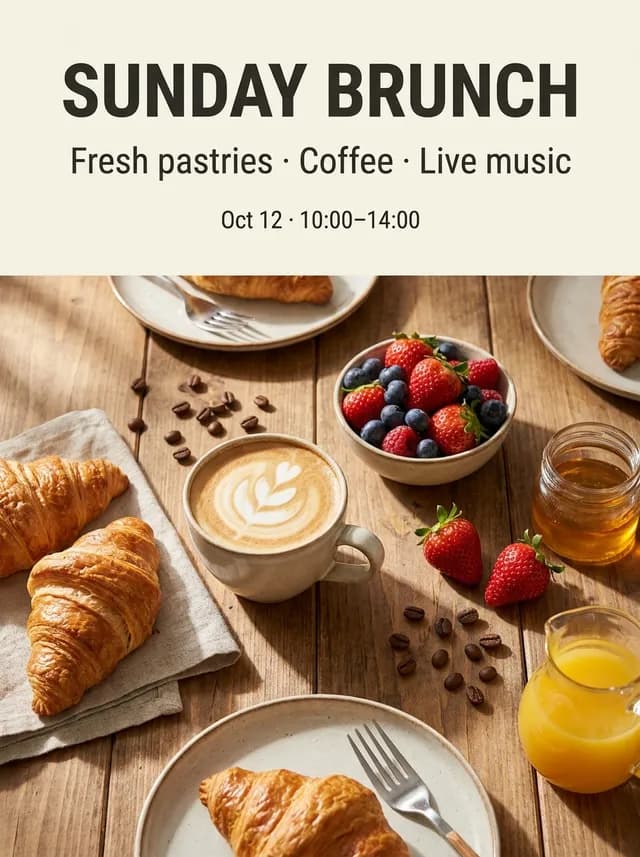
- “SUNDAY BRUNCH”
- “Fresh pastries · Coffee · Live music”
- “Oct 12 · 10:00–14:00”
Creative tools
Tools by task
Write the headline, the details line and the small print, pick a format, and YingTu builds a prompt that quotes every word and forbids extra ones. It runs on GPT Image 2 VIP ($0.03 per image) or Nano Banana Pro ($0.09); in the samples below both spelled all three lines exactly in six languages.
A vertical poster. Choose a background and imagery that fit the message. Modern, friendly editorial layout with generous margins and high contrast between the text and the background. The visible text language is English. Render the following visible text exactly once each, preserving every character, accent, capitalization, spacing and punctuation: Headline (large, bold): "SUNDAY BRUNCH" Second line (medium): "Fresh pastries · Coffee · Live music" Third line (small): "Oct 12 · 10:00–14:00" Do not add any other words, letters, logos, signatures or watermarks.
The studio opens with the prompt, model and size set. Nothing is generated or charged until you press Generate.
One café poster prompt with three lines of text, run on GPT Image 2 VIP and Nano Banana Pro on YingTu on October 5, 2026. Each image was proofread against the requested words.
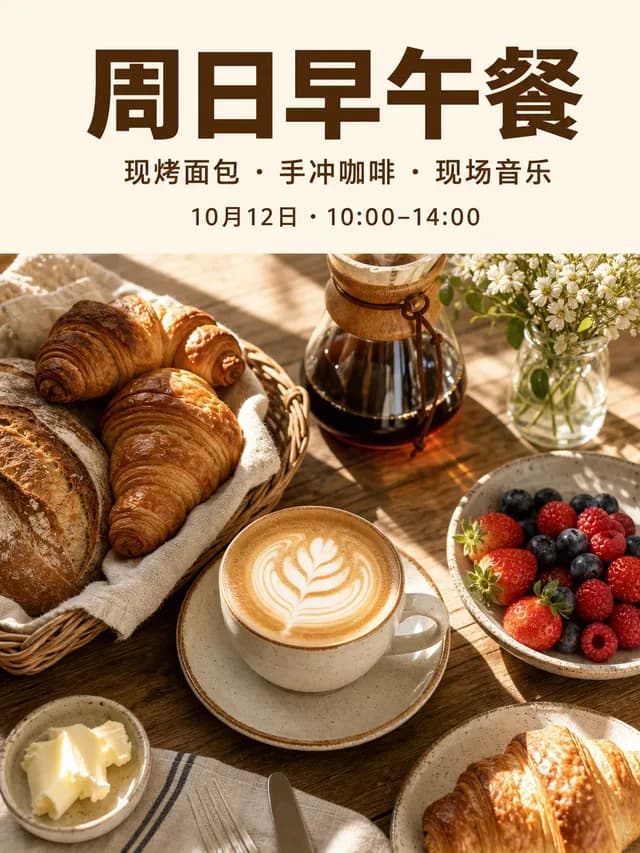
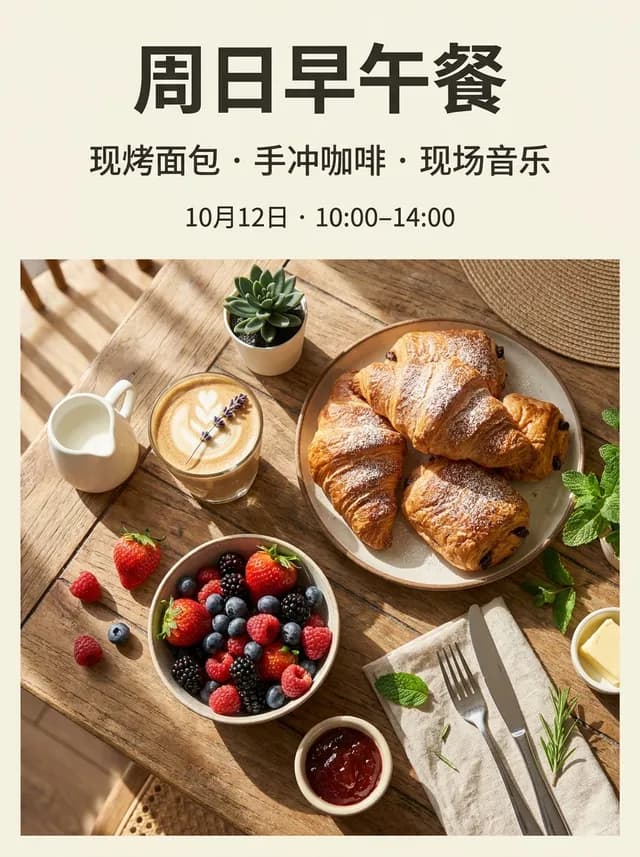
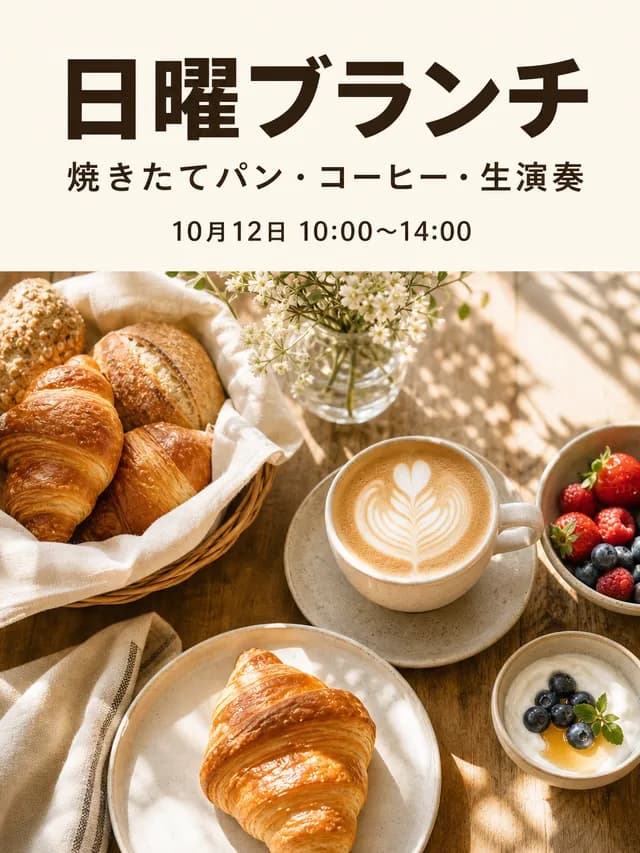
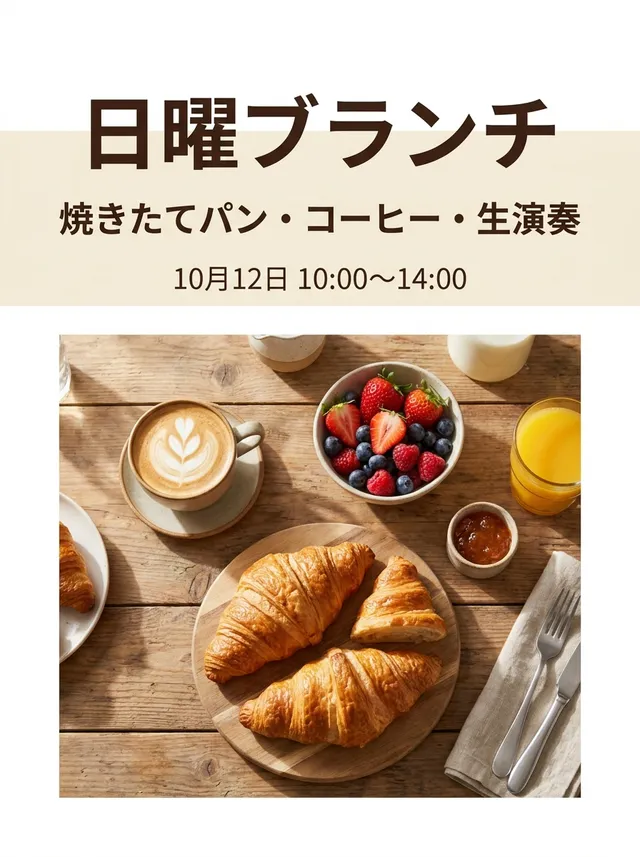
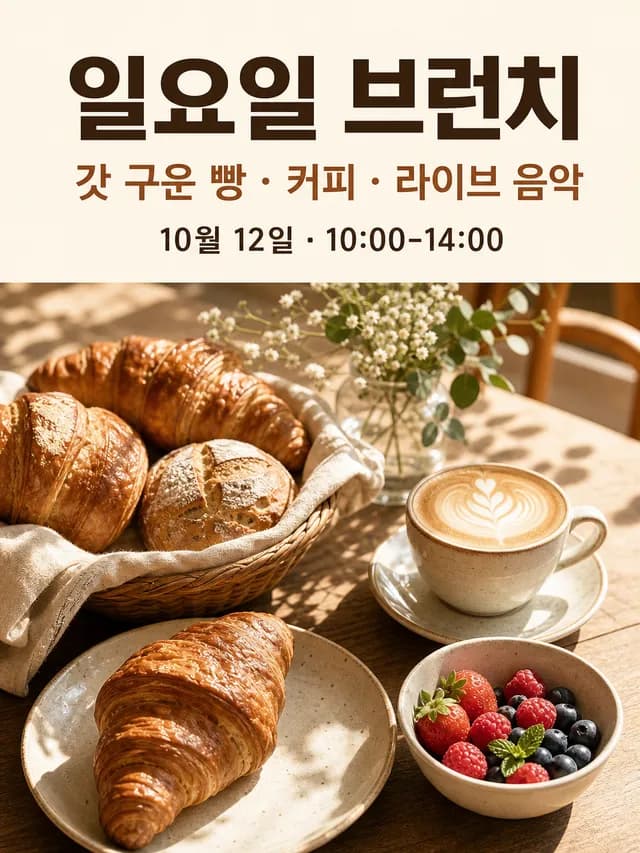
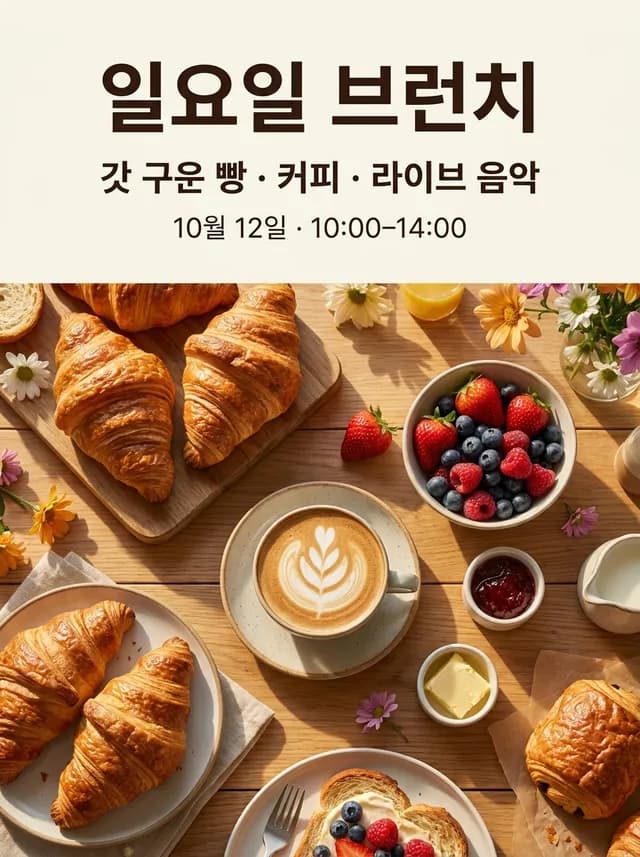
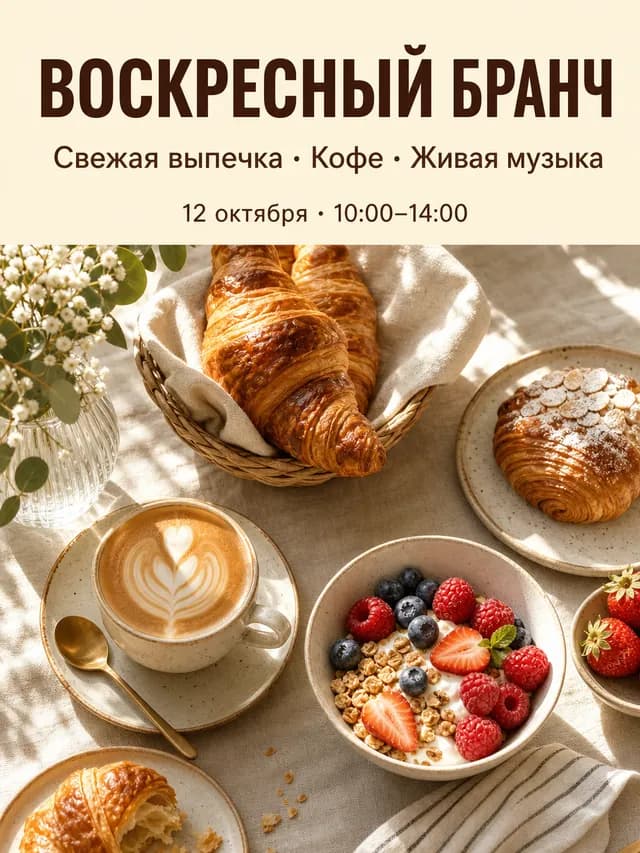
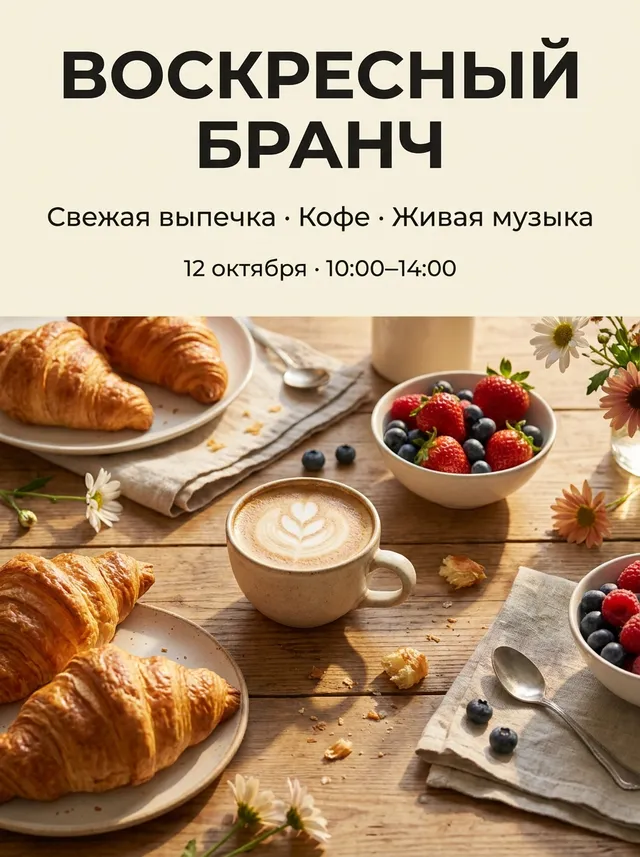
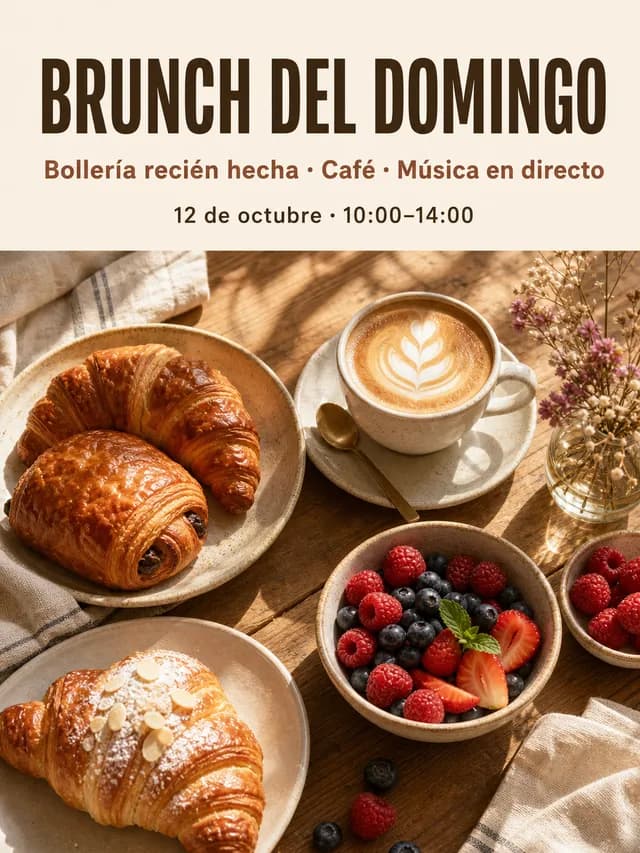
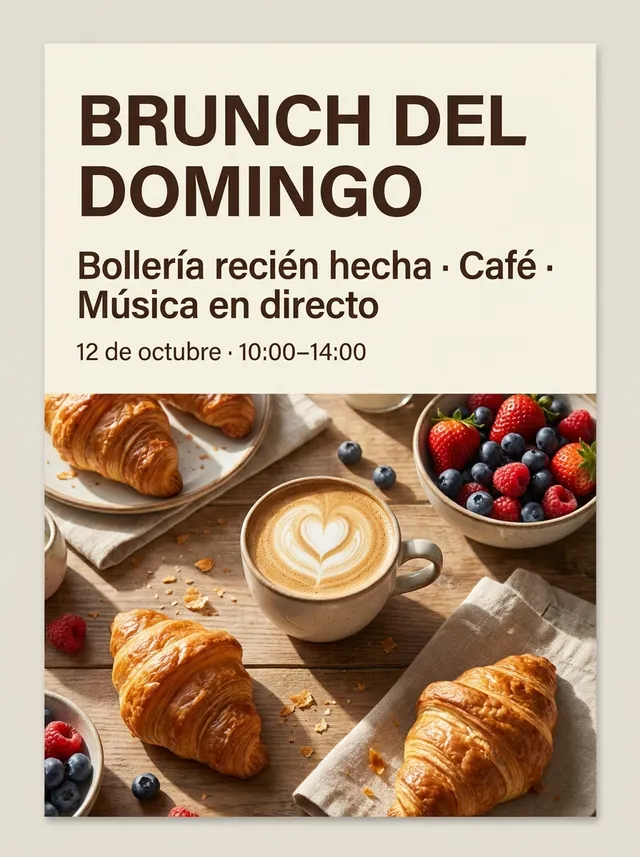
A vertical café event poster. A warm, sunlit flat-lay of a brunch table (croissants, a latte, berries) fills the lower two thirds; a clean cream band at the top holds the type. Modern, friendly editorial layout with generous margins and high contrast between the text and the background. The visible text language is English. Render the following visible text exactly once each, preserving every character, accent, capitalization, spacing and punctuation: Headline (large, bold): "SUNDAY BRUNCH" Second line (medium): "Fresh pastries · Coffee · Live music" Third line (small): "Oct 12 · 10:00–14:00" Do not add any other words, letters, logos, signatures or watermarks.
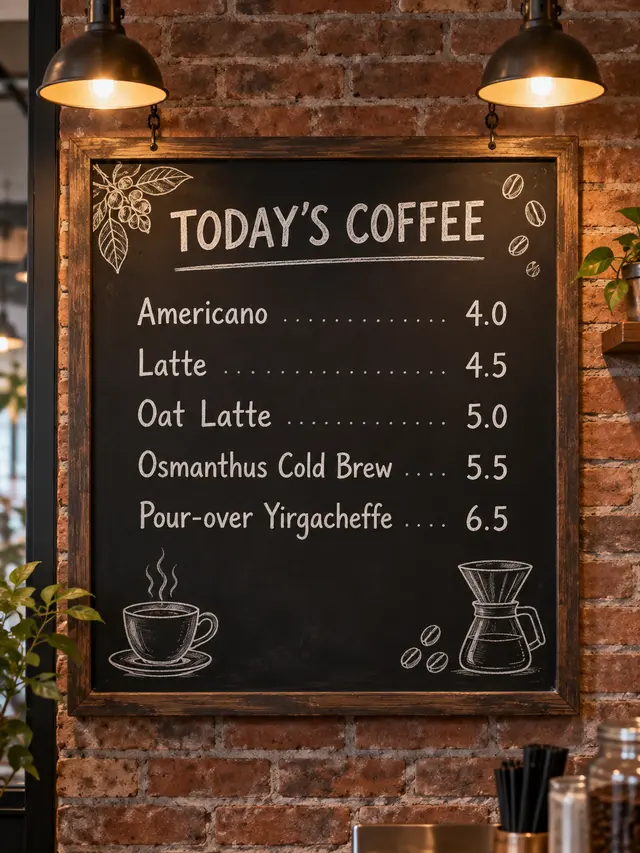
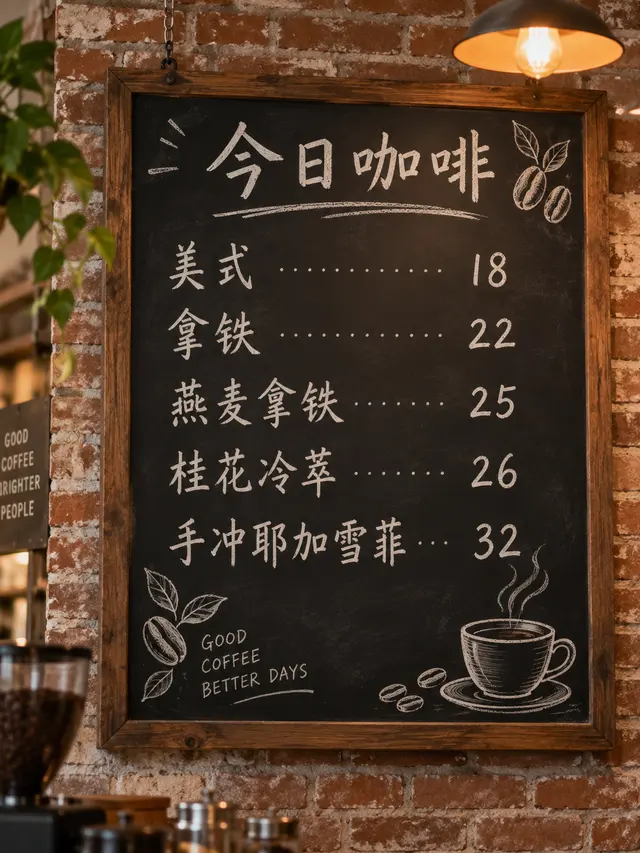
This menu board (GPT Image 2.5 Sunburst) got all five drinks and prices right in both languages, but the Chinese version also wrote “GOOD COFFEE BETTER DAYS” twice. The prompt did not say “no other words”; this page’s prompts always do.
| Model | Price | Pick it when |
|---|---|---|
| GPT Image 2 VIP | $0.03 | The default. It is the cheaper one, gives exact pixel sizes for banners and print, and all 6 of its samples came back full bleed. |
| Nano Banana Pro | $0.09 | You prefer its look or want a second opinion. It spelled all six languages exactly too, at three times the price, and 2 of 6 samples came back inset or as a mockup. |
Type each line in the tool above, pick the language, format and style, and open the studio. The prompt quotes every line, names the language and tells the model not to add other words; then proofread the result.
In the samples here GPT Image 2 VIP and Nano Banana Pro both spelled three-line posters exactly in six languages. GPT Image 2 VIP costs $0.03 against $0.09 and kept a full-bleed layout every time, so it is the default.
For short lines, yes: the Chinese, Japanese and Korean posters on this page are exact on both models. Longer copy and small print still need careful proofreading.
Models like to “finish” a design with a slogan or a fake logo. A menu sample without the rule added “GOOD COFFEE BETTER DAYS”; prompts from this page always end with “Do not add any other words, letters, logos, signatures or watermarks.”
You can try it free: new users who sign in with Gmail get $0.1, about 3 GPT Image 2 or 1 Nano Banana Pro posters. After that you pay per image with your own LaoZhang key.
Not directly: the words are part of the image. Change the line and generate again, or split the image with LayerPSD to get editable text.
The tool offers poster 3:4, banner 16:9, social post 1:1 and story 9:16. GPT Image 2 VIP has 30 exact sizes up to 4K; Nano Banana Pro outputs 1K, 2K or 4K.
Yes, if you proofread every digit: in the samples, 12 of 12 posters got every line right, including the date-and-time line “Oct 12 · 10:00–14:00”. A wrong number costs the most, so check each one against your source before you print. If the hours or prices change often, leave them out of the generated image and add them in a design editor, or split the finished poster with LayerPSD to get editable text.
Your photo, yes: when the studio opens, add it under Reference images (up to 5) and say in the prompt where it goes; GPT Image 2 VIP and Nano Banana Pro both take reference images. The samples on this page were made without a photo, so proofread the words again when you add one. A logo goes in the same way, but models can redraw small details, so check it closely.
No YingTu account is needed. Sign in with Google (a Gmail address) for the $0.1 trial, or paste your own LaoZhang API key and generate; the key stays in your browser.
Updated 2026-10-10