AI product photo generator: put your own product in a new scene
Upload one photo of your product and YingTu restages it: a white-background main image, a lifestyle scene, a hand-held UGC shot or a holiday photo. It runs on Nano Banana 2 ($0.055), GPT Image 2 VIP ($0.03) or Seedream 5.0 Flash ($0.018), billed per image with no subscription.
Your own product photoNano Banana 2 · GPT Image 2 · SeedreamFrom $0.018 per image
Your product photo
JPG, PNG or WebP. A plain phone shot is fine; files over 20 MB are compressed in your browser.
Your photo stays in this browser until you generate.
Scene
Model
Prompt that will be sent
Cut out the product from the reference image and make an e-commerce main image: pure white background (#FFFFFF), product centered at about 80% of the frame, front view slightly from above, with a soft natural shadow underneath. Fix perspective and white balance, remove clutter and glare, keep the shape, color and print unchanged, sharp and high resolution.
The studio opens with your photo, the prompt and the model set. Nothing is generated or charged until you press Generate.
Key facts (as of October 5, 2026)
Price per image: Nano Banana 2 $0.055, GPT Image 2 VIP $0.03, Seedream 5.0 Flash $0.018. No subscription; LaoZhang bills each image.
You upload one product photo (JPG, PNG or WebP). It is sent to the model as the reference image together with the scene prompt.
Time per image in the samples below: Nano Banana 2 about 12 s, Seedream 5.0 Flash 21–23 s, GPT Image 2 VIP 39–54 s.
Output size: Nano Banana 2 up to 4K, GPT Image 2 VIP 30 exact sizes up to 4K, Seedream 5.0 Flash up to 2K.
New users who sign in with Gmail get $0.1 of credit for all three models: about 1 Nano Banana 2, 3 GPT Image 2 or 5 Seedream images.
Make a product photo in three steps
1Upload your productAny clear photo with the whole product in frame. A messy background is fine; the scene replaces it.
2Pick a scene and a modelWhite background for listings, lifestyle or hand-held for social posts, holiday for seasonal campaigns. Add a line for a specific surface or prop.
3Generate and compareMake 1–10 versions in one run, then check the logo, printed text and color against the real product before you use one.
Same product, same prompt, different models
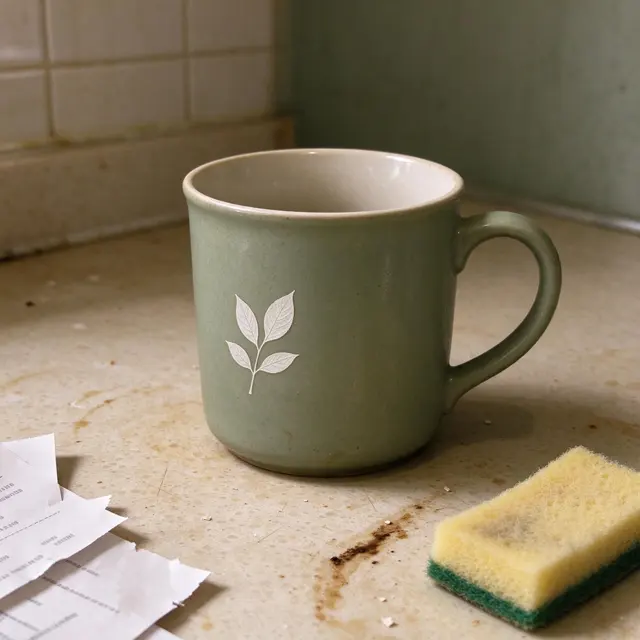
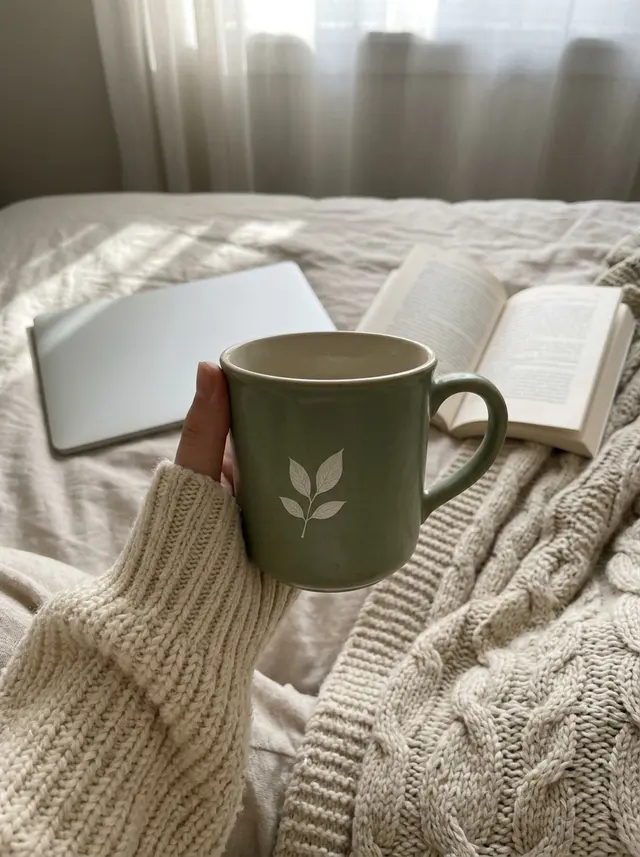
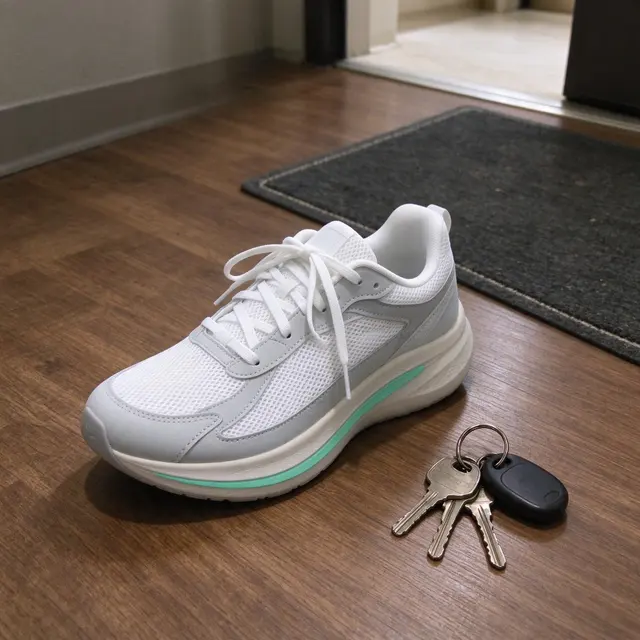
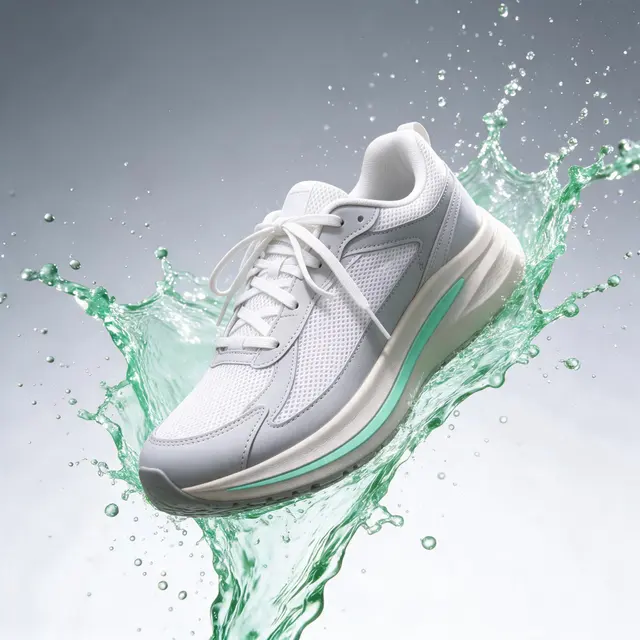
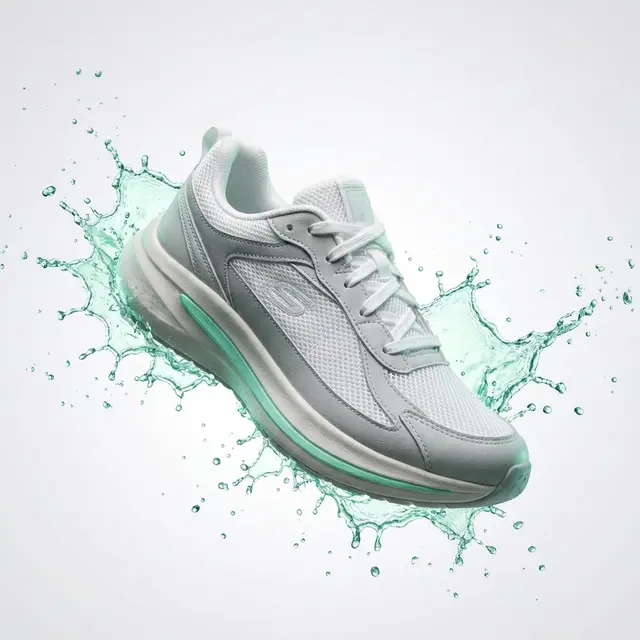
The input is an AI-generated phone snapshot of a mug (the splash row uses a sneaker). Each row is one prompt run on several models on YingTu, September 27–28, 2026.
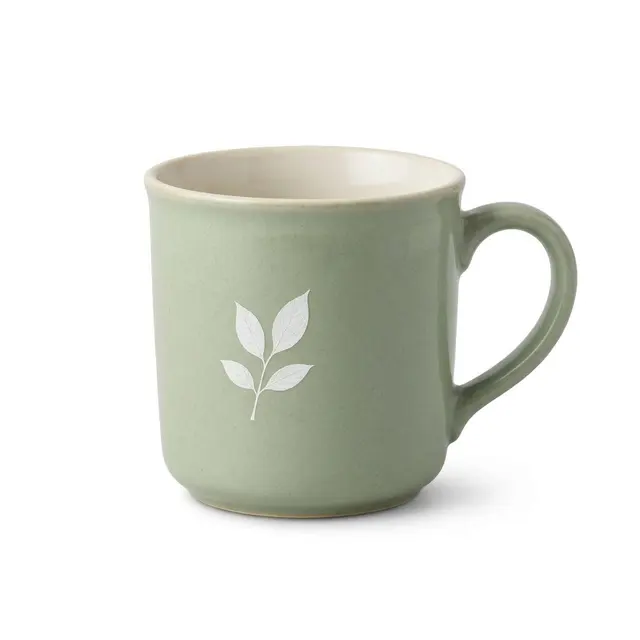
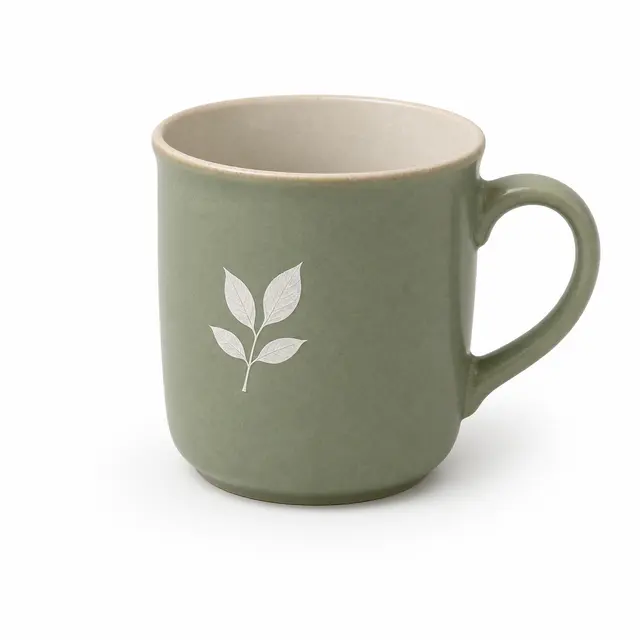
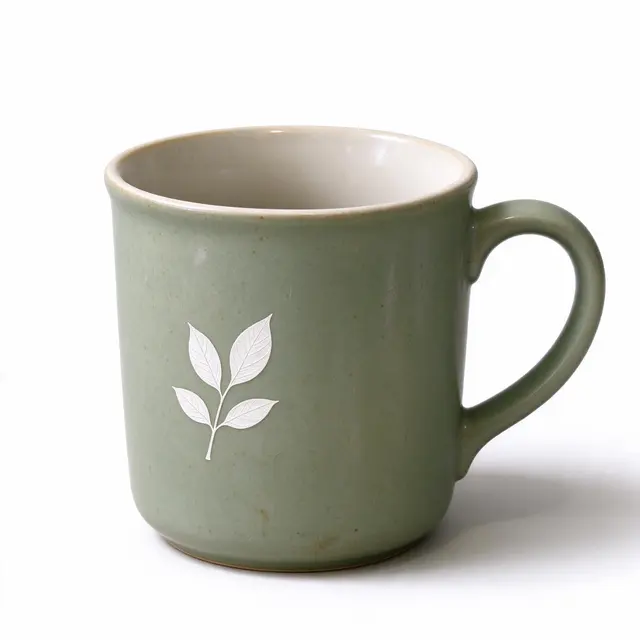
White-background main image
Input (AI-generated)
Nano Banana 2
GPT Image 2 VIP · 39 s
Seedream 5.0 Flash · 21 s
Prompt
Cut out the product from the reference image and make an e-commerce main image: pure white background (#FFFFFF), product centered at about 80% of the frame, front view slightly from above, with a soft natural shadow underneath. Fix perspective and white balance, remove clutter and glare, keep the shape, color and print unchanged, sharp and high resolution.
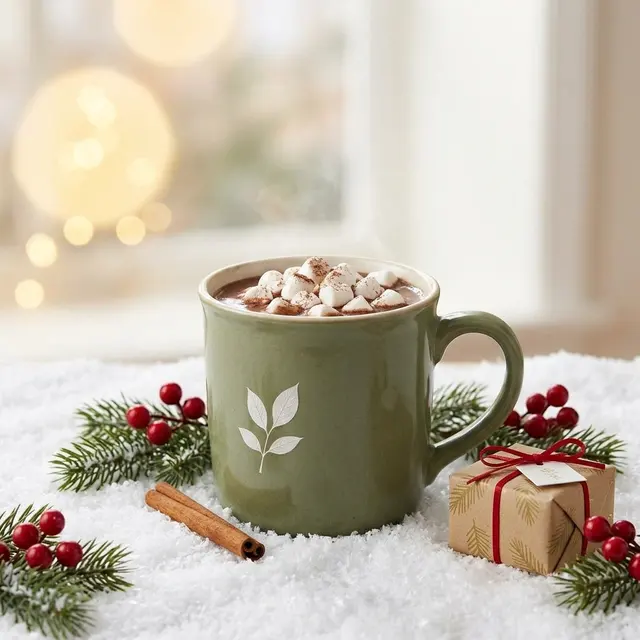
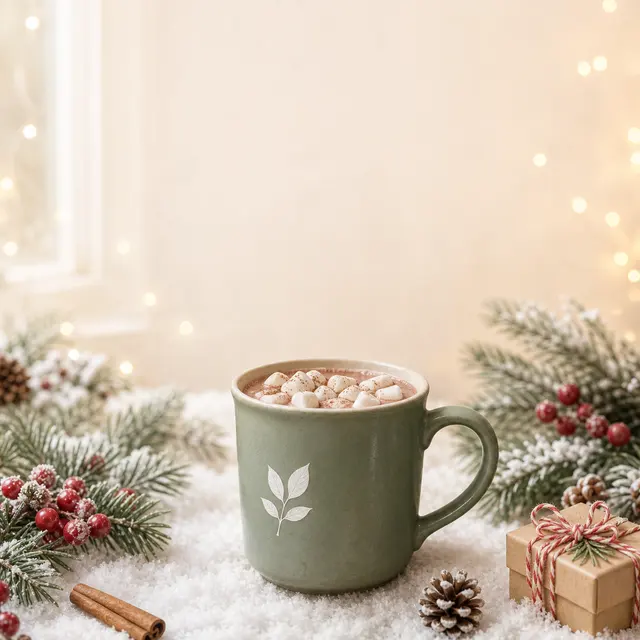
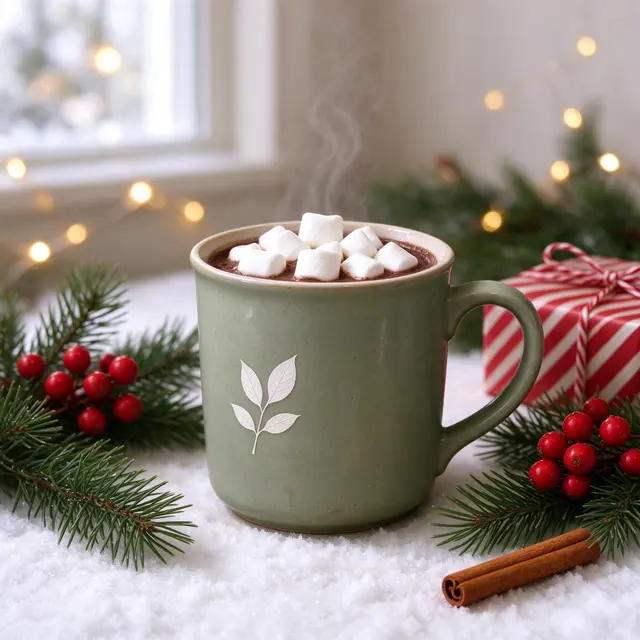
Turn the product in the reference image into a Christmas product photo: the same mug, keeping its exact shape, color and leaf print, filled with hot cocoa and mini marshmallows, standing on a snowy white surface with pine sprigs, red berries, a cinnamon stick and a small wrapped gift box. Warm fairy-light bokeh in the background, soft window light, a clean holiday e-commerce look with empty space above the product for text.
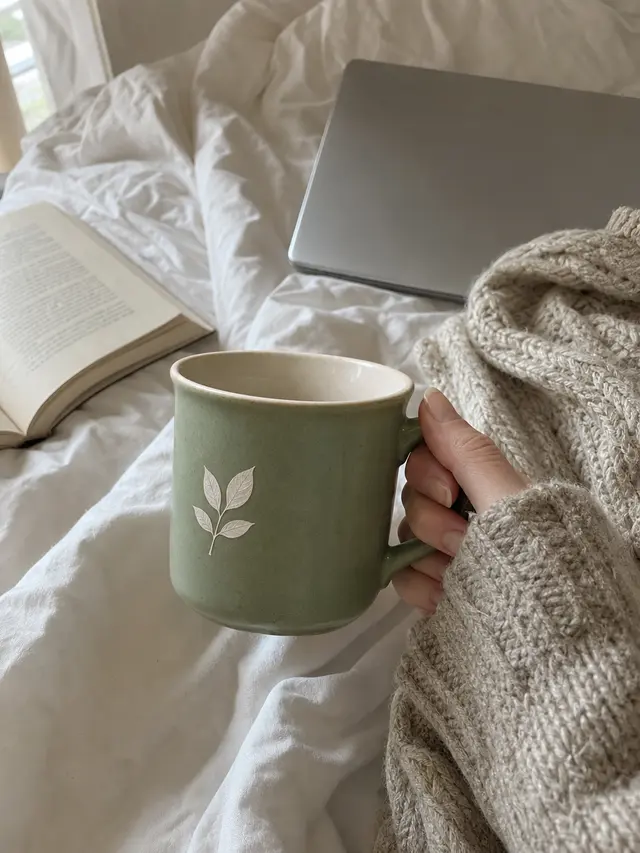
Make a UGC-style social photo with the product in the reference image: a casual phone shot of a hand in a cozy oversized knit sleeve holding the same mug, keeping its exact shape, color and leaf print, above a lived-in cozy bed with a book, a plain laptop with no logo and a knitted blanket. Soft morning window light, slightly imperfect framing, natural colors, like a real customer's Instagram story, no text or logos.
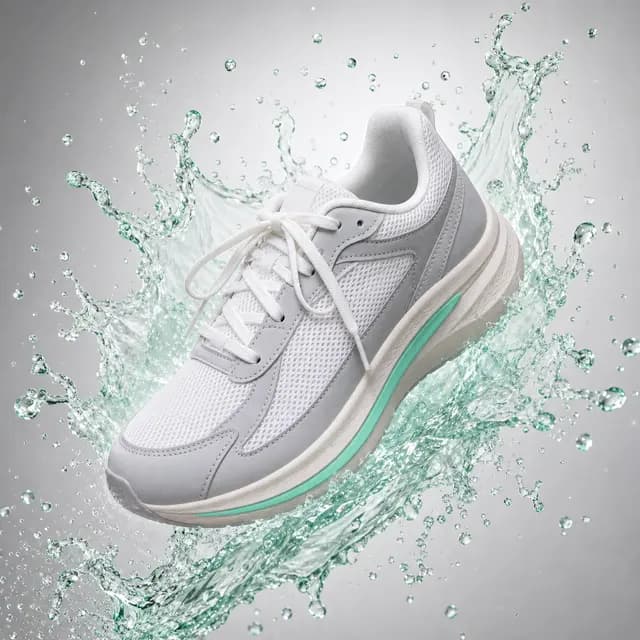
Turn the sneaker in the reference image into a high-energy ad shot: the shoe floats in the center at a slight tilt, surrounded by bursting mint-green water splashes and fine droplets, on a clean light-grey-to-white gradient. High-speed shutter freezing the splash, studio rim light outlining the shape; keep the colors, materials and sole details. Commercial advertising look.
You want results fast and plan to try several scenes. In the white-background sample it made the mug’s green lighter, so compare the color.
GPT Image 2 VIP
$0.03
Color and printed details matter most, or you need an exact pixel size. It kept the closest color in the samples but took 39–54 s per image.
Seedream 5.0 Flash
$0.018
You want many drafts for little money. In the white-background sample the mug came back slightly wider than the original.
Check before you publish
Logo and printed text: zoom in and compare them letter by letter with the real product.
Color: hold the result next to the real item; models can shift a shade.
Shape and size: the product’s proportions and its size next to the props should match reality.
Marketplace rules: where the main image must show the actual item, use generated scenes as additional images.
Not the right tool if…
you need dozens of products processed in one batch: each photo is its own run in the studio.
you need marketplace cards full of text or infographics: use the AI poster generator, which is built for exact words.
the image has to prove what the item looks like (returns, damage, condition): use the real photo.
About YingTu
What it is
YingTu is an online AI image studio run by YINGTU TECHNOLOGY PTE. LTD., a company in Singapore. The models run through the LaoZhang API and every image is billed on its own, from $0.018, with no subscription. New users who sign in with a Gmail account get $0.1 to try. About YingTu
Not the official site
Nano Banana is Google’s, GPT Image is OpenAI’s and Seedream is ByteDance’s. YingTu is an independent studio that calls these models through the LaoZhang API; Google and OpenAI offer them in the Gemini app, Google AI Studio, ChatGPT and their own APIs.
How you pay
You never pay YingTu. Top up a LaoZhang balance at laozhang.ai: cards through Stripe, or USDT; businesses can pay by bank transfer. Each image is deducted from that balance.
Commercial use
Allowed. YingTu claims no rights in generated images or videos; personal and commercial use is permitted under the Terms, section 3, and the model providers’ terms. You need the rights to the photos and logos you upload. Terms of use
FAQ
How do I make AI product photos from my own photo?
Upload the photo above, pick a scene and a model, and open the studio. Your photo goes in as the reference image, so the model restages that exact product instead of inventing one.
What is the best AI product photo generator?
It depends on the product. Template editors are quicker for big batches; here you can run the same photo on Nano Banana 2, GPT Image 2 VIP and Seedream and pay per image. Try two models on your own product and keep the one that changes it least.
Is there a free AI product photo generator?
You can try it free: new users who sign in with Gmail get $0.1 of credit, about 1 Nano Banana 2, 3 GPT Image 2 or 5 Seedream images. After that you pay per image with your own LaoZhang key.
Will the AI change my product or logo?
It can. Every scene prompt asks the model to keep the shape, color, logo and printed text, and in the samples all models kept the mug’s shape and leaf print, but the color shifted on one model. Always compare the result with the real product. In the white-background sample, Nano Banana 2 made the mug’s green lighter, Seedream 5.0 Flash made the mug slightly wider, and GPT Image 2 VIP stayed closest to the real color, so for printed artwork where color matters, start with GPT Image 2 VIP.
Can I make a white-background main image?
Yes. The White background scene asks for a pure #FFFFFF background, the product centered at about 80% of the frame and a soft shadow. Check your marketplace’s rules for main images. You can use the result in your listings and ads: YingTu claims no rights in generated images, and commercial use is allowed under its Terms (section 3) and the model providers’ terms, as long as you hold the rights to the product photo you upload.
Can I use Nano Banana for product photography?
Yes. Nano Banana 2 ($0.055) is the default here. Nano Banana Pro is also in the studio at $0.09 per image if you want to compare it on complex scenes.
Can I add sale text like “50% OFF”?
You can type it into the extra direction, but text is spelled more reliably with the AI poster generator page, which quotes every line and forbids extra words.
Are my product photos stored?
The photo stays in your browser until you generate; then it is sent with the prompt to the model through LaoZhang. Results are kept in this browser’s history, not on YingTu servers.
Do I need a monthly subscription?
No. You pay per image: $0.018 on Seedream 5.0 Flash, $0.03 on GPT Image 2 VIP, $0.055 on Nano Banana 2, so ten Seedream drafts for a listing cost $0.18 and ten Nano Banana 2 images cost $0.55. You top up a LaoZhang balance (cards through Stripe, or USDT) and each image is deducted from it; the $0.1 trial for new Gmail users needs no card.
Can I show my product in someone’s hand or on a model?
In a hand, yes: the Hand-held (UGC) scene puts the product in a person’s hand like a customer photo, and the samples above include one. Clothing worn on a model is not one of the scenes here; the five scenes are white background, lifestyle, hand-held, holiday and splash ad.