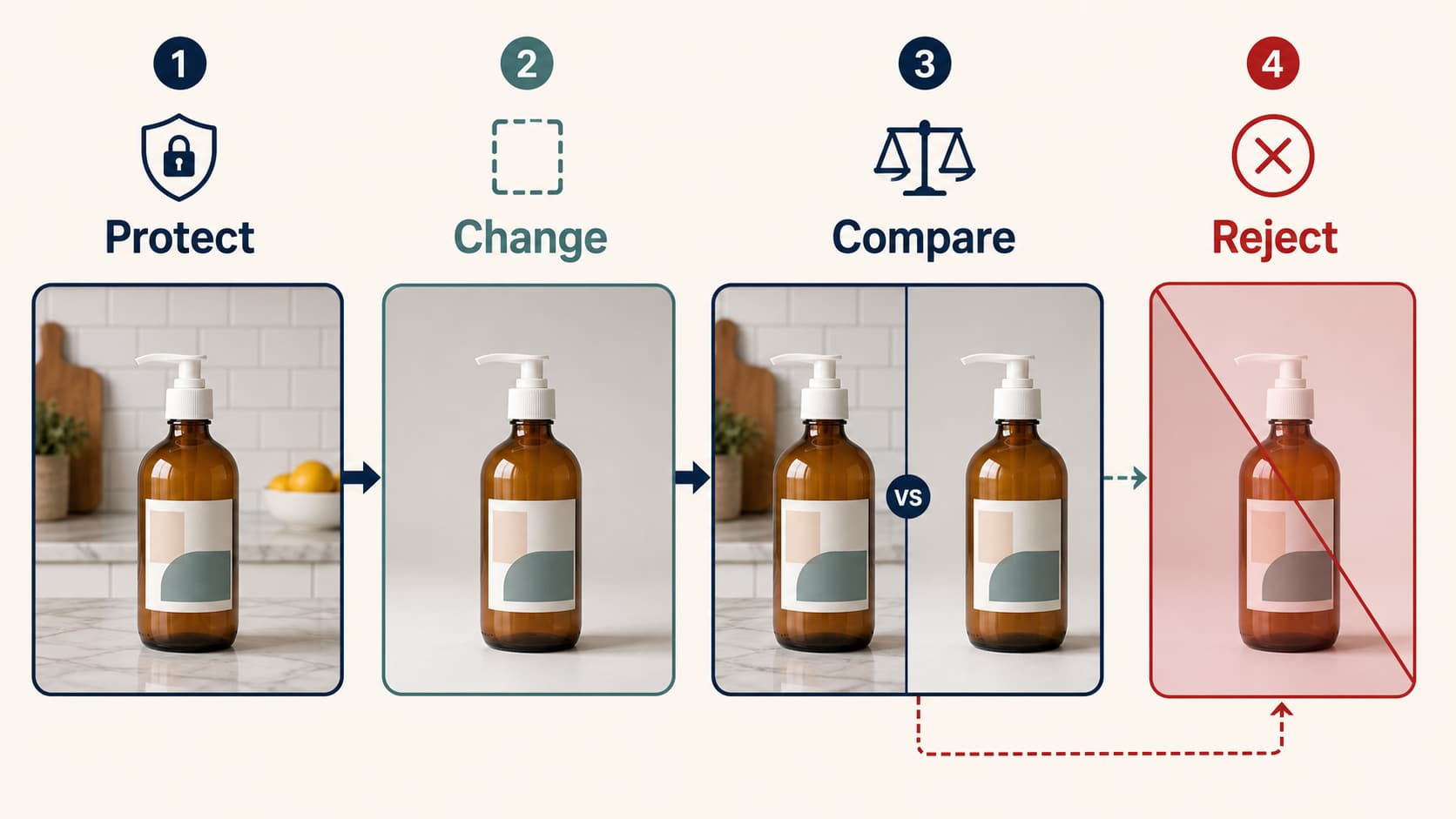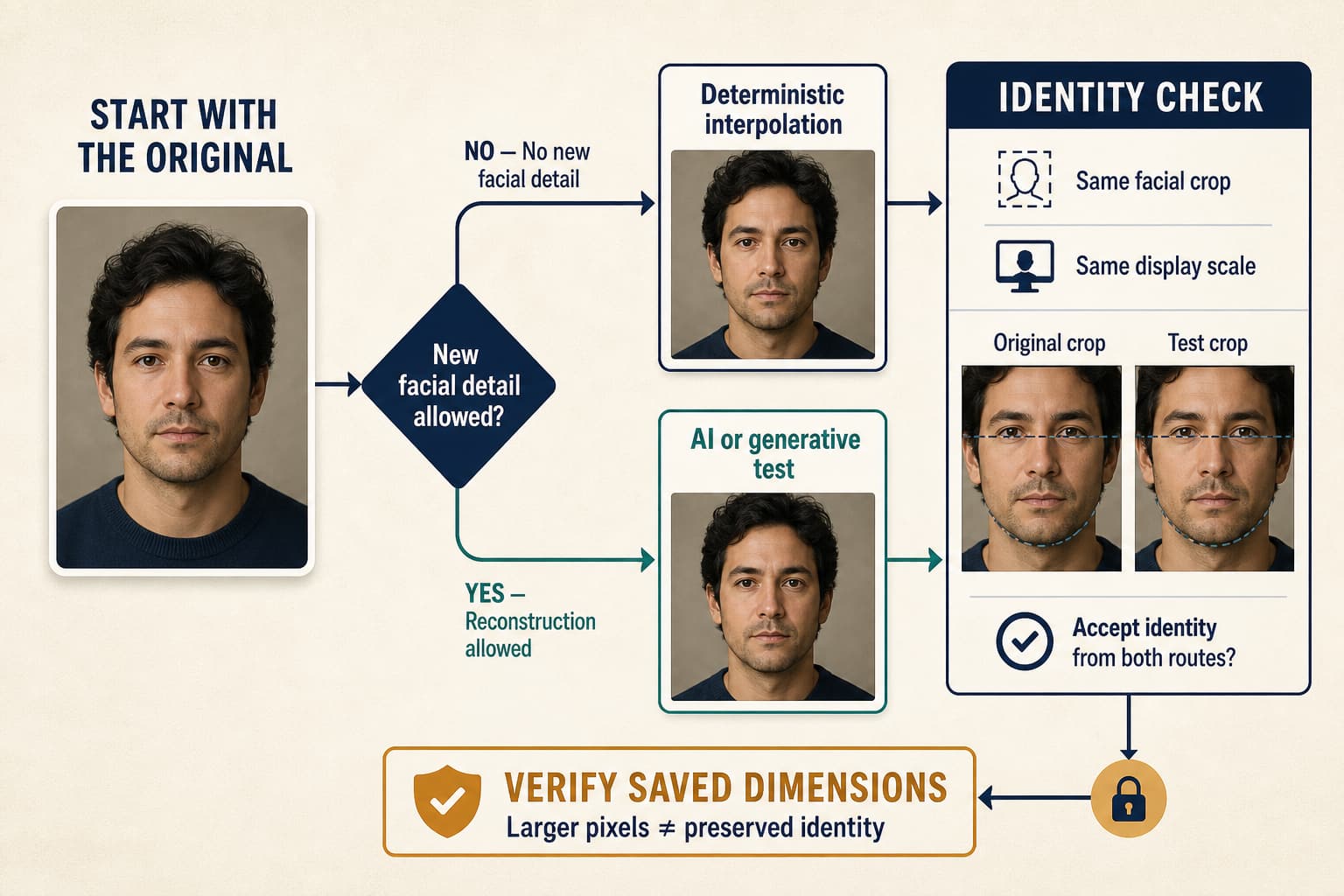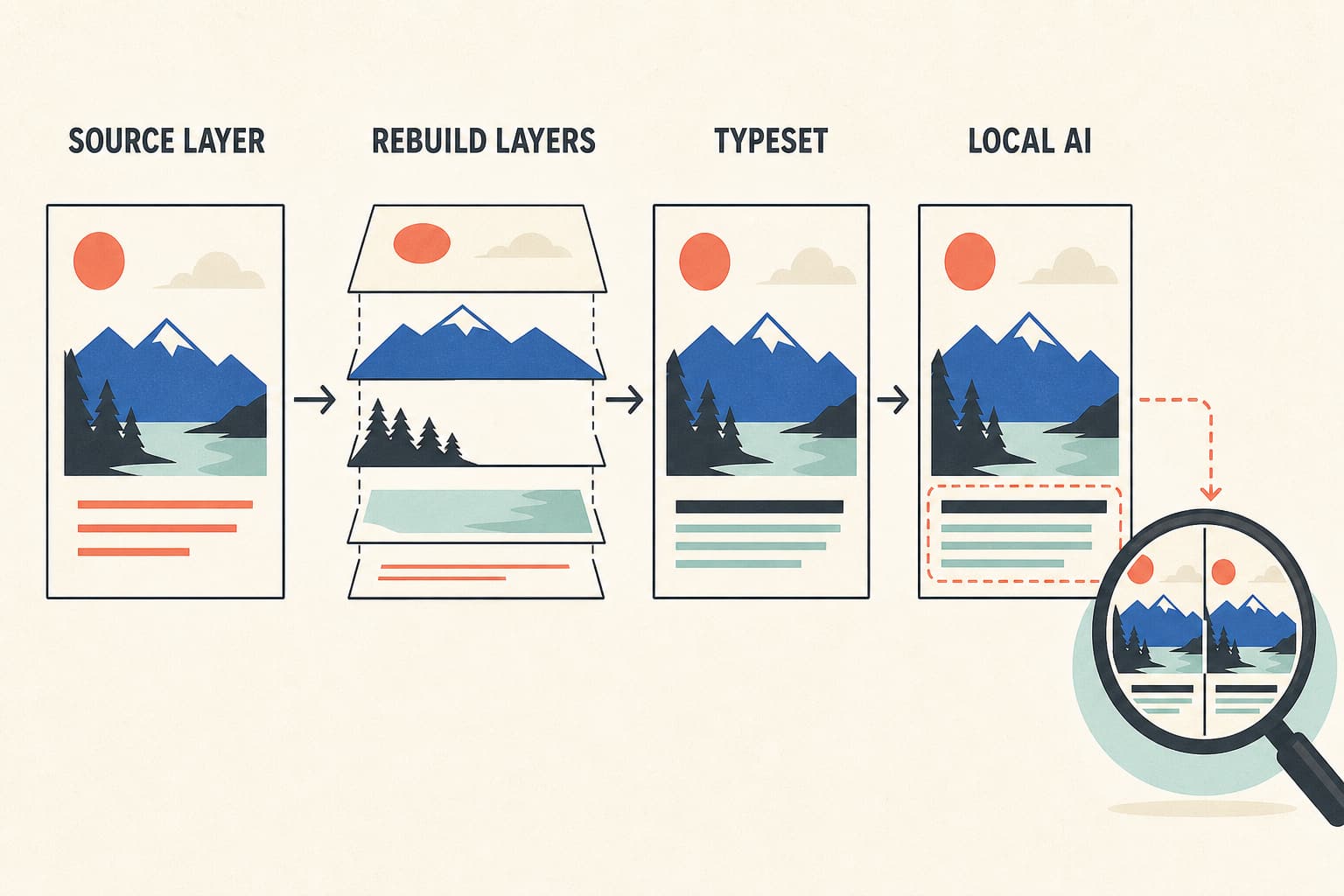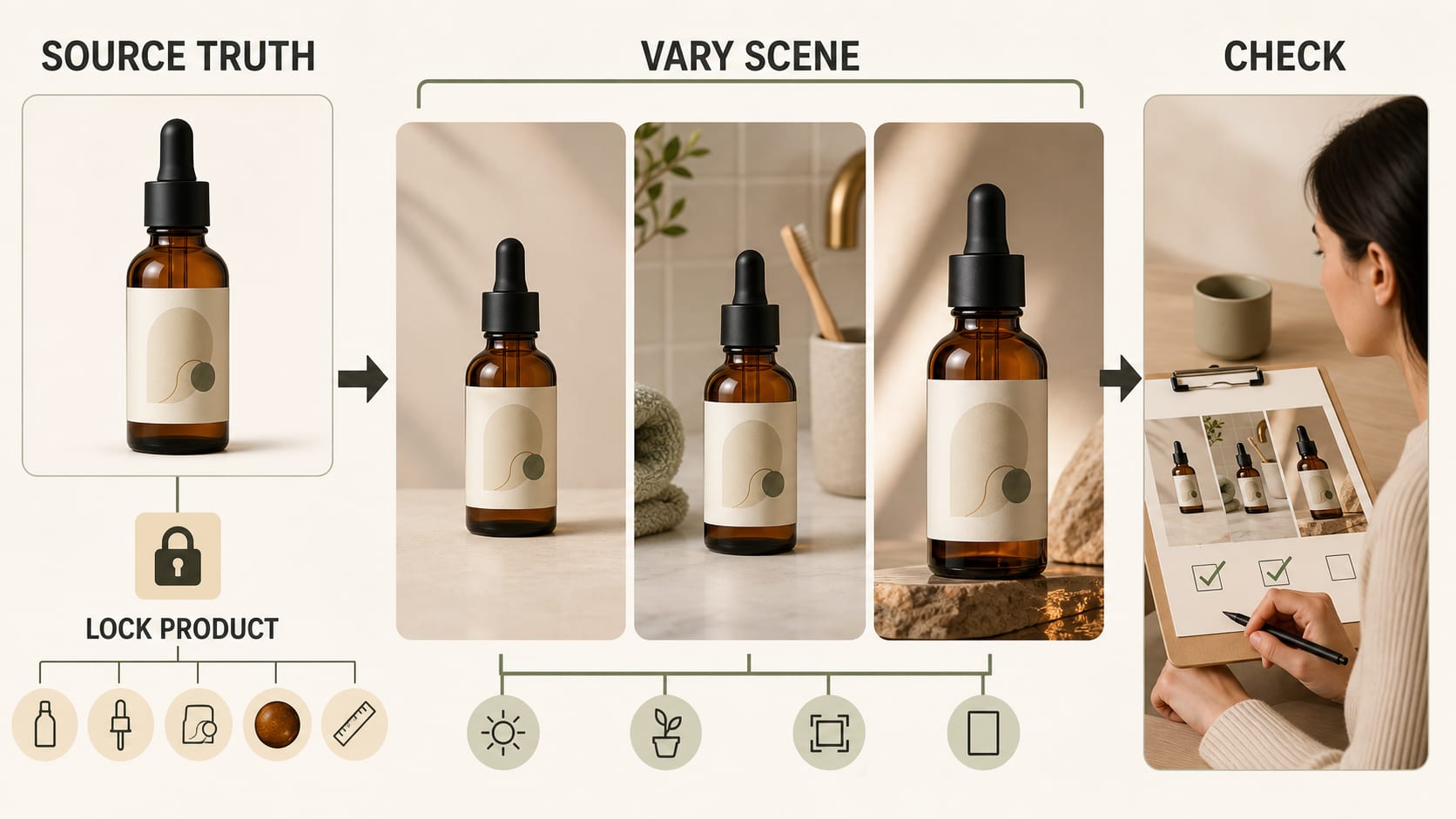
To keep one product consistent across AI photos, treat the real SKU as evidence—not as inspiration. Build a reference pack from rights-cleared photos, list every detail that must remain fixed, list the scene choices that may change, and compare each output with the original product before publishing it. Reusing a prompt can help, but it does not prove that the bottle, shoe, device, package, label, color, or included parts stayed accurate.
The practical goal is not six nearly identical pictures. It is six useful pictures of the same sellable item: perhaps a clean catalog view, a lifestyle scene, an ad crop, a detail view, a social frame, and a difficult stress case. If an image looks polished but changes the SKU, it fails.
First separate product identity from visual style
Teams often call two different problems “consistency”:
- Product identity is the physical and commercial truth of the SKU: geometry, proportions, components, packaging, logo placement, exact visible text, color variant, finish, material, scale, and what is included.
- Visual style is how the product is presented: background, lighting mood, surface, props, camera height, crop, negative space, color grade, and channel format.
A catalog can have perfectly matched backgrounds while the AI quietly changes cap height, moves a logo, warms a variant color, or invents a button. That set is style-consistent but product-inaccurate. The reverse is also possible: the item remains correct while a studio shot, an outdoor image, and a macro detail deliberately use different visual treatments.
Make the distinction explicit before opening a generator. The product layer is locked. The presentation layer gets controlled variation.
Build a product truth pack before writing prompts
Start with one folder for one SKU. Do not mix colorways, package sizes, regional labels, old packaging, and current packaging in the same request.
Your minimum product truth pack should contain:
- A ground-truth master. Use the clearest real photo of the exact item being sold.
- Supporting views. Add a real front, back, side, top, or bottom view for every angle that a final image must show. One front photo cannot verify an unseen back panel.
- Detail evidence. Include close-ups of small labels, logos, model numbers, controls, seams, texture, closures, ports, ingredients, or regulatory copy that must survive.
- Current SKU facts. Record variant name, dimensions, material, finish, pack count, included accessories, and approved claims.
- Destination rules. Note where each output will go and what that placement requires.
More references give a workflow more evidence, but they do not guarantee fidelity. A reflective watch, transparent pouch, glass bottle, metallic label, detailed shoe sole, or regulated supplement panel can still fail even with good inputs.
Source quality matters. Remove avoidable blur and color cast, keep the full silhouette in frame, and use enough resolution to inspect the smallest business-critical detail. If a supplier image already hides a component or distorts the label, generation cannot establish the missing truth.
Write a lock/change sheet
Turn the truth pack into a short approval contract. This is more useful than adding “perfectly consistent” to a prompt.
| Field | Locked: must not change | Allowed: may change | Reject when |
|---|---|---|---|
| Product form | Shape, proportions, count, components, closures | Camera distance and crop | A part appears, disappears, bends, or changes size |
| Branding | Logo, placement, label hierarchy, exact required text | Amount of copy visible when the crop intentionally changes | Text is invented, scrambled, moved, or substituted |
| Variant | Color, shade name, size, scent, flavor, model number | Background palette that does not alter perceived product color | The image resembles another variant |
| Material | Gloss, matte finish, transparency, weave, grain, reflection behavior | Scene light and shadow within an approved range | Plastic becomes glass, metal becomes painted, or texture changes |
| Scale and context | Real dimensions and plausible relation to hands or props | Scene, props, and camera angle | The scene implies false size, use, bundle contents, or safety |
| Presentation | Destination crop, required safe area, approved style lane | Surface, season, prop family, negative space | The product is obscured or the file misses its channel contract |
For fields that do not apply, mark them N/A rather than leaving them ambiguous. A frameless digital subscription does not need a material check; a food jar may need several label and pack-count checks.
Use prompt blocks, not a single magic prompt
Prompt reuse is valuable because it makes changes traceable. It is not an identity lock. Keep the prompt modular so you can tell what failed.
hljs textPRODUCT LOCK Use the attached real photos as the source of truth for this exact SKU. Preserve: [shape], [components], [logo placement], [exact visible text], [variant color], [material/finish], [size relationship], [included items]. ALLOWED SCENE CHANGE Create: [one concrete scene and purpose]. Props may include: [approved list]. Do not imply: [unsupported use, bundle, ingredient, result, or scale]. CAMERA AND CROP [shot type], [camera height], [orientation], [final aspect ratio], [negative-space requirement], [product visibility requirement]. LIGHT AND STYLE [direction], [soft/hard quality], [approved palette], [shadow behavior]. FORBIDDEN CHANGES Do not redesign the package, invent text, add parts, remove parts, change the variant, alter material, or reconstruct an unseen product side. ACCEPTANCE The result passes only if it matches the source references for geometry, components, branding, visible text, variant, material, and believable scale.
Change one block at a time. If the label fails, do not simultaneously rewrite the scene, lens, background, and lighting. A single-variable repair gives you a diagnosis; a full rewrite merely gives you another guess.
Run a six-frame stress test before scaling
Before generating a large campaign or catalog, test the product in a small set that exposes different failure modes:
| Frame | What it tests | Pass condition |
|---|---|---|
| 1. Clean catalog view | Baseline shape, color, label, centering | The SKU matches the master and is easy to compare |
| 2. Lifestyle scene | Scale, context, props, reflections | The scene supports the product without changing or hiding it |
| 3. Tight ad crop | Logo visibility and composition under pressure | The crop works without moving branding or inventing missing parts |
| 4. Detail view | Texture, closure, control, seam, or packaging detail | The detail matches a real supporting photo |
| 5. Interaction | Hand contact, pour, wear, use, motion, or fabric behavior | Contact looks plausible and does not distort the product |
| 6. Hard case | Small text, transparency, metallic reflection, bundle, or variant | The known risk remains truthful at final display size |
This is a diagnostic set, not a benchmark. Six passes do not predict every future image, a later session, or a thousand-SKU batch. The set simply gives you enough different pressure points to decide whether the current inputs and route are worth extending.
Review the six frames side by side. Small drift is easier to see as a sequence than in isolated approvals. Compare cap height, logo position, package width, color temperature, variant markings, finish, and product-to-prop scale across the row.
Grade every output with a product-fidelity matrix
Do not approve an image because it is “photorealistic.” Photorealism describes the appearance of the scene, not whether the item is true.
Use a simple result of pass, repair, reject, or N/A for each dimension:
| Dimension | Question to answer |
|---|---|
| Geometry | Does the silhouette, proportion, and construction match real views? |
| Components | Are every required part and included item present—without extras? |
| Text and logo | Are required words, numbers, symbols, and placement exact and readable? |
| Variant | Is this unmistakably the correct color, size, scent, flavor, or model? |
| Material | Do transparency, reflections, texture, gloss, and edge behavior remain plausible? |
| Scale and context | Does the product relate truthfully to hands, rooms, furniture, or props? |
| Scene compliance | Does the image follow the approved scene without making an unsupported claim? |
| Export | Does the final crop, resolution, format, safe area, and mobile view suit its destination? |
Keep the original and the generated output linked in the review record. If a mistake is found after publication, the team should be able to identify whether it entered at capture, generation, retouching, export, or upload.
Decide when to repair and when to switch routes
Repeated regeneration is not always the safest fix.
Repair locally when the scene is good and the problem is bounded: an edge halo, a shadow, a crop, a prop overlap, or a small non-critical artifact. Make the smallest edit and re-run the same acceptance checks.
Preserve or composite real product pixels when exact packaging, a logo, a label, or regulated text will not survive generation. A clean real product cutout placed into a generated background often protects truth better than asking the model to redraw the whole item. The composite still needs lighting, perspective, edge, rights, and destination review. If the main challenge is making that reusable cutout, the AI product background remover guide explains white, transparent, studio, lifestyle, batch, and manual-retouching routes.
Switch to 3D, specialist retouching, a reshoot, or a real-photo workflow when the business depends on exact unseen angles, reflective or transparent materials, tight mechanical geometry, fine jewelry settings, highly regulated packaging, or a defensible product-page hero. AI can remain useful for ideation, backgrounds, layout exploration, or lower-risk channel variants without becoming the source of product truth.
Set a stop rule before production. For example: if the same locked field fails twice without a new source image or a new repair hypothesis, stop regenerating and change the route.
Match the final file to its channel
One approved image is not automatically correct everywhere.
- Marketplace main image: prioritize actual-product accuracy, clear visibility, and the current category rule. Amazon main-image and category requirements can differ, so check the seller-facing policy for the exact marketplace and product type rather than copying a social crop into the listing.
- Google Merchant Center: Google’s current product data specification says the main image must show the actual product and disallows placeholders, incorrect images, and most generic graphics or illustrations. Treat generated lifestyle work as additional creative unless it meets the current destination contract.
- Shopify product page: Shopify supports images, video, and 3D product media, but the media still needs to help customers understand the item. Its product media guidance is a useful technical starting point; your store must still define its own product-truth and comparison standards.
- Ads and social: crops, props, hooks, and seasonal contexts may vary more. Product identity, variant, claims, included items, and safe use do not. Do not let a stronger concept turn one bottle into another or imply an accessory that is not sold.
Export from the approved master, then check the final rendered size. Text that looked acceptable at 200% zoom may be unreadable on a phone. A square crop may remove the only view that proved a component was included.
Where a browser image workspace fits
A reference-image workspace can help with a bounded test once the product truth pack and acceptance matrix exist. The current YingTu browser workflow supports optional reference-image input, so it can be used to try a scene, crop, or lighting direction and inspect the completed output manually.
Use it as a test surface, not as proof of product persistence. The observed workflow does not establish automatic label locking, pixel-level identity, unseen-angle reconstruction, batch processing, fidelity scoring, price, quota, or production readiness. Upload only assets you have the right to use, and review the current service terms before sending confidential, unreleased, customer-owned, or regulated product material.
A safe first test is one SKU, one source-supported angle, one simple scene change, and one acceptance sheet. If it passes, try the rest of the six-frame set. If it fails on a locked product fact, fix the evidence or change routes before adding more creative complexity.
A worked example: a serum bottle
Suppose the product is a 30 mL amber serum bottle with a matte black dropper, a cream paper label, a specific wordmark, and small ingredient text.
The ground truth includes a front photo, a side photo that shows bottle depth, a top view of the dropper, and a label artwork file. The locked fields include amber glass, bottle proportions, dropper length, black finish, wordmark placement, “30 mL,” variant name, and real label hierarchy. The allowed fields include stone or vanity surface, warm or cool scene, soft window light, prop family, crop, and negative space.
A bathroom lifestyle image passes only if the bottle remains the exact SKU, the scene does not imply a false medical benefit, and the glass, label, and scale remain plausible. If the ingredient panel becomes invented text, do not keep regenerating the whole bottle. Use a real-label composite or a real product cutout, then review reflections and perspective. If the bottle shape changes under every angle request, use a real supporting photo or 3D route for that angle.
This example works because every decision has evidence and a rejection point. “Premium photorealistic serum on marble” does not.
Frequently asked questions
Does using the same prompt keep a product consistent?
No. It can make your creative instructions more repeatable, but it does not guarantee the same geometry, label, variant, material, or text. Keep returning to the real product reference set and grade the output.
Does using the same seed solve product drift?
No guaranteed product identity follows from reusing a random seed. Treat seeds and model settings as reproducibility aids only when the tool documents their behavior, and still compare every final image with product evidence.
How many reference photos should I upload?
Use the fewest clear, rights-cleared photos that prove every angle and detail you plan to show. There is no universal count. A simple front-facing box may need fewer views than a shoe, appliance, watch, transparent pouch, or product with dense regulatory copy. Recheck the current upload limit of the tool you choose.
Can AI product photos replace a real product shoot?
Sometimes AI can extend a real shoot with backgrounds, crops, or lower-risk variations. Keep real photography, compositing, 3D, retouching, or reshooting available for business-critical hero images, exact packaging, regulated text, difficult materials, and angles that your sources do not prove.
What is the fastest consistency check?
Put the ground-truth master and all candidate outputs in one row. Check silhouette, logo position, variant color, key text, material, and scale before looking at mood or polish. If reviewers cannot state what changed and why it was allowed, the image is not ready.
How should I scale this to hundreds of SKUs?
First prove one representative SKU from each risk class: simple opaque pack, reflective item, transparent item, textile, small-text package, and bundle. Store each SKU’s truth pack, lock/change sheet, prompt blocks, output destination, and review status. Automate file handling only after the rejection queue and human approval path work. A fast batch without source-linked QA only multiplies hidden errors.