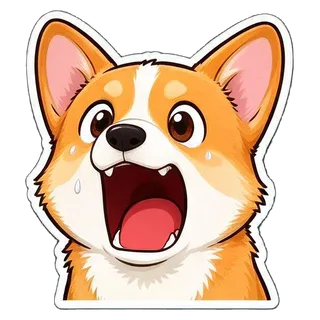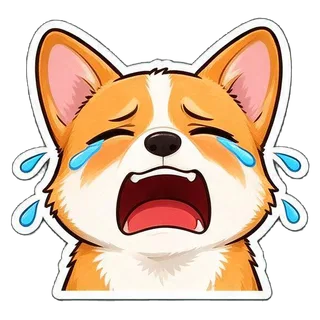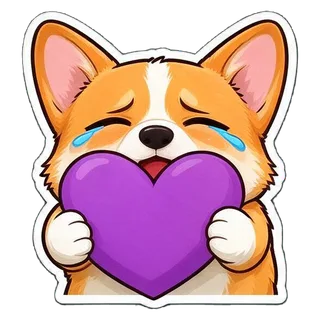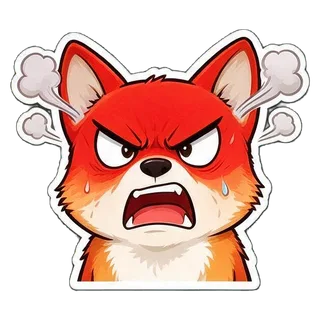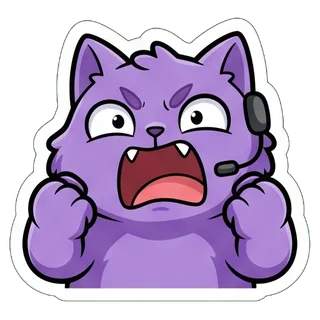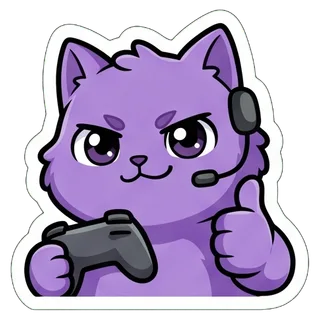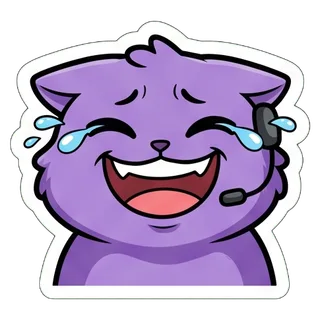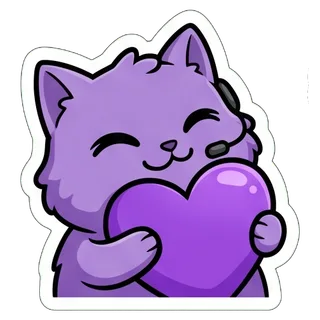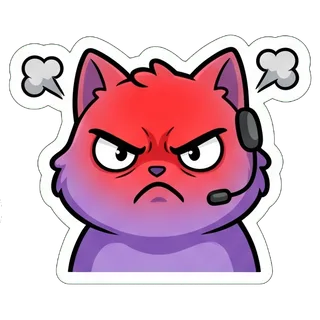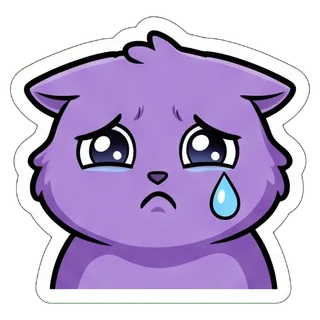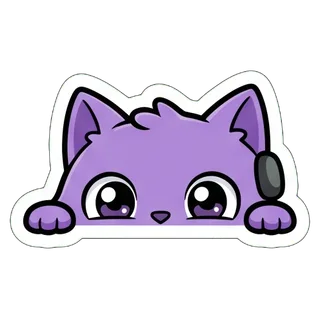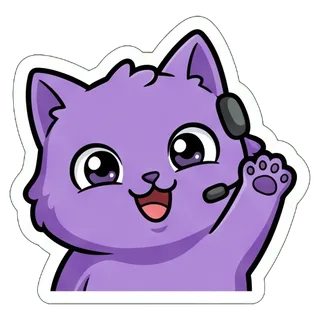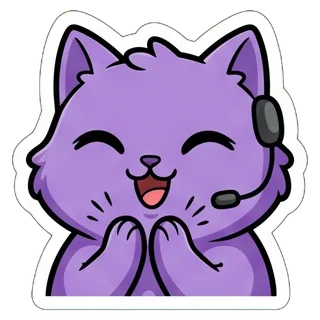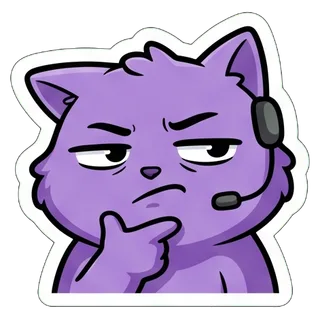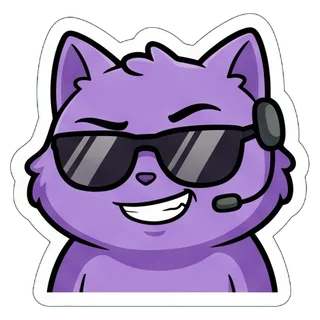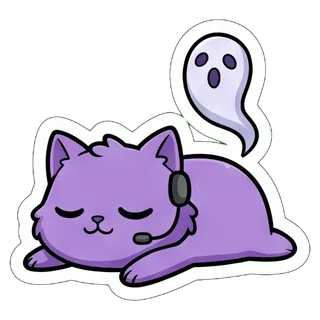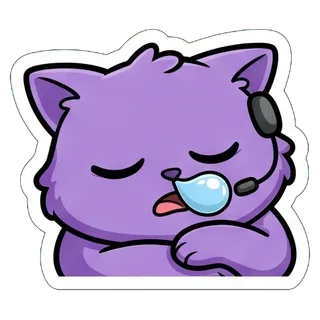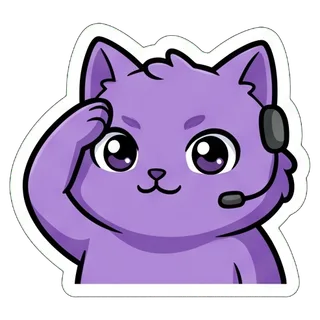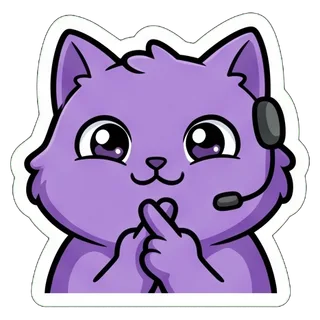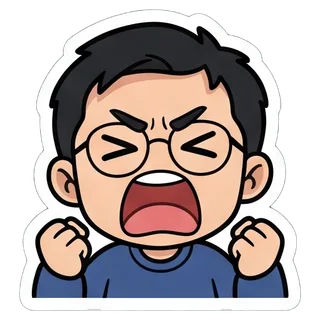








AI emote maker: turn one photo into a set of Twitch and Discord emotes

Upload a selfie or a photo of your pet, or describe a channel mascot. YingTu draws 16 emotes of the same character — HYPE, GG, POG, LOL, RIP, o7 and more — removes the background, cuts them apart in your browser and exports every emote at the three Twitch sizes plus a Discord emoji. The whole set costs one image, from $0.018.

16 emotes per setfrom $0.018 a setTwitch 112/56/28 · Discord 128

1Character

A person, a pet or a toy. No photo? Just describe the character. Drag a photo in, or paste a screenshot with ⌘V.

2Style

3Theme & captions

  • HYPE
  • GG
  • POG
  • LOL
  • <3
  • RAGE
  • SAD
  • LURK
  • HI
  • CLAP
  • HMM
  • EZ
  • RIP
  • ZZZ
  • o7
  • GL

Chat emotes show at 28 px, so they come without text. Export with “Twitch · Discord emotes”.

4Model

Add a photo or describe a character first (or tap 🎲 for an idea).

A whole pack in one go

One character, 9 or 16 expressions, background removed and cut into single stickers, exported at Telegram, WhatsApp, Discord, LINE and KakaoTalk sizes.

Key facts

  • As of September 28, 2026: one set of 9 or 16 emotes is one image generation, billed at the model’s price per image — Seedream 5.0 Flash $0.018, GPT Image 2 VIP $0.03, Nano Banana 2 $0.055, Nano Banana Pro $0.09.
  • All 16 emotes come from one 2048 × 2048 sheet. In the samples each emote is about 450–520 px before export, several times the 112 px Twitch asks for.
  • The “Twitch · Discord emotes” export gives every emote as a transparent PNG at 112, 56 and 28 px (each under 1 MB) and as a 128 × 128 Discord emoji under 256 KB, already named like yt_hype.
  • The default set is HYPE, GG, POG, LOL, <3, RAGE, SAD, LURK, HI, CLAP, HMM, EZ, RIP, ZZZ, o7 and GL, drawn as big close-ups without text so they still read at 28 px.
  • Background removal and cutting run in your browser. New users who sign in with Gmail get $0.1 of free credit for all four models.

How to make Twitch emotes from a photo

  1. 1Add a photo or describe your mascotA clear selfie or a photo of one pet works best. No photo? Describe the mascot, for example “a round purple cat with a tiny gaming headset”.
  2. 2Keep the Twitch emotes themeIt is already selected: 16 big close-up expressions without text. Chibi or anime reads best at 28 px. Pick 9 instead of 16 for larger emotes, or turn on short tags like GG if you want them.
  3. 3Generate and export “Twitch · Discord emotes”The samples took 22–34 seconds. Untick any emote you don’t want, then download one ZIP with a twitch/ folder (112, 56, 28 px) and a discord-emoji/ folder (128 px).

Real emote sets made here

Each set was made with the same prompt and cutting code as the tool above, with no manual retouching. Two start from a photo, one from a text description.

From a selfie · 16 emotes

Nano Banana 2 · 22s · 16/16 cut · $0.055

Input photo
Input photo
From a selfie · 16 emotes sheet
2048 × 2048
Show the full prompt

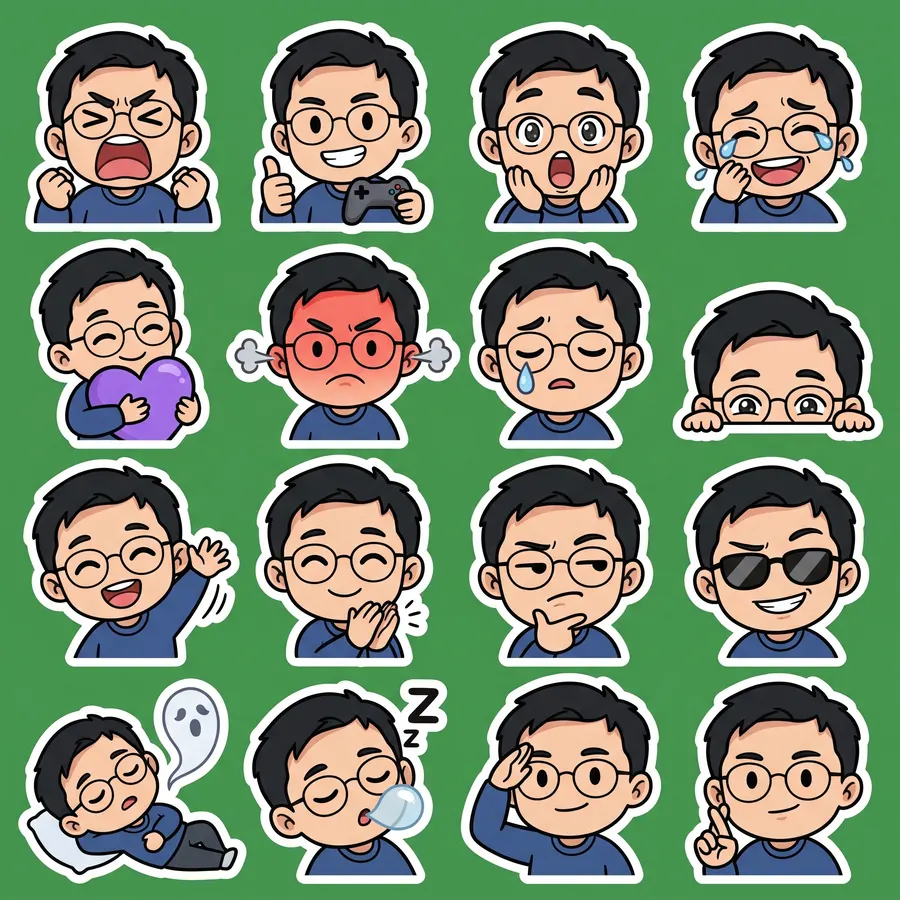
Create a sticker sheet of the man in the reference image. Keep the face, hairstyle, colors, markings and clothing so it is instantly recognizable in every sticker. Draw 16 different stickers of the same character arranged in a 4x4 grid, evenly spaced with wide gaps between stickers, each sticker fully inside its own cell and not touching the others. Style: cute chibi cartoon style with a big head and small body, bold clean outlines and flat cel shading. These are live-stream chat emotes: a big head-and-shoulders close-up filling most of each cell, one strong exaggerated expression, thick clean shapes that still read at 28 x 28 pixels. Stickers, in order from top left to bottom right: 1. fists up, screaming with excitement 2. holding a game controller and giving a thumbs up 3. gasping with a huge open mouth and wide eyes 4. crying with laughter 5. hugging a big purple heart 6. red-faced and furious, steam from the ears 7. a single tear rolling down the cheek 8. peeking from the bottom corner with only the eyes showing 9. waving hello energetically 10. clapping enthusiastically 11. squinting skeptically with a hand on the chin 12. wearing sunglasses with a smug grin 13. lying flat as a ghost floats up 14. fast asleep with a snot bubble 15. giving a crisp salute 16. crossing fingers for good luck No text anywhere. Every sticker has a thick white die-cut outline around the character. The background is one flat solid pure green color (#00FF00) everywhere, with no shadows, no gradients, no texture, no borders, no grid lines and nothing else on it. Do not use any green inside the stickers (no green text, clothing, plants or props).

  • HYPE
  • GG
  • POG
  • LOL
  • <3
  • RAGE
  • SAD
  • LURK
  • HI
  • CLAP
  • HMM
  • EZ
  • RIP
  • ZZZ
  • o7
  • GL

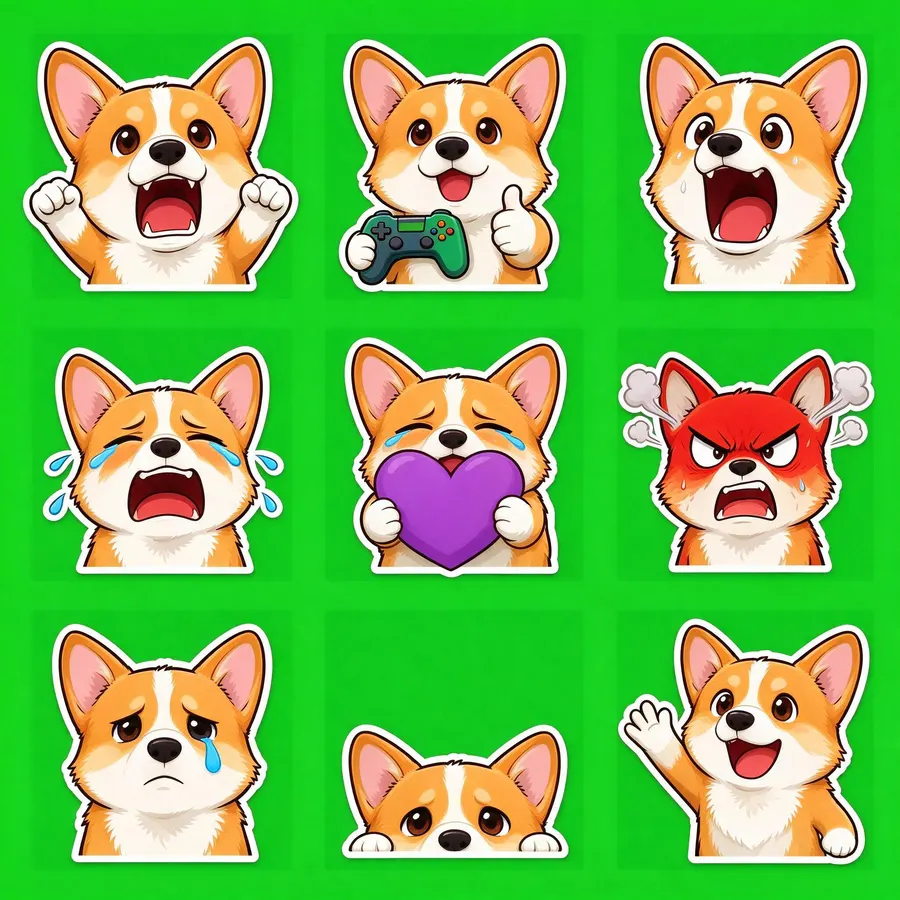
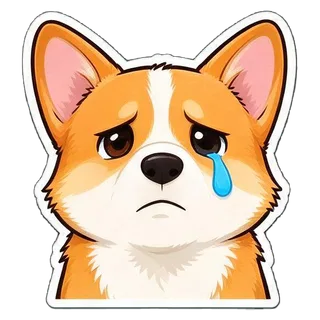
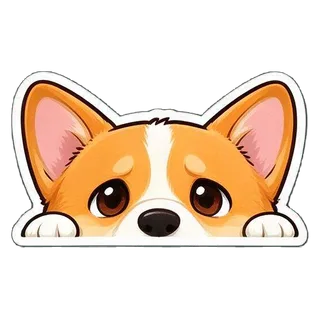
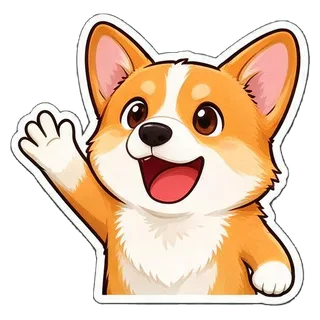
From a pet photo · 9 emotes

Seedream 5.0 Flash · 34s · 9/9 cut · $0.018

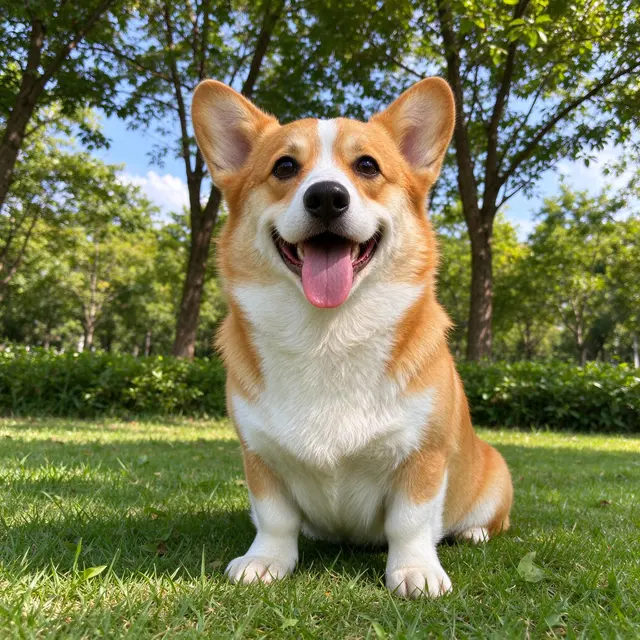
Input photo
Input photo
From a pet photo · 9 emotes sheet
2048 × 2048
Show the full prompt

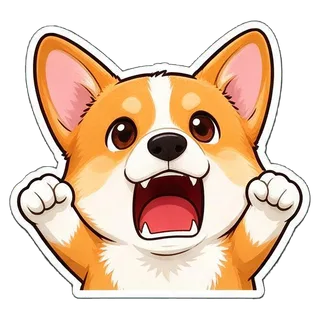
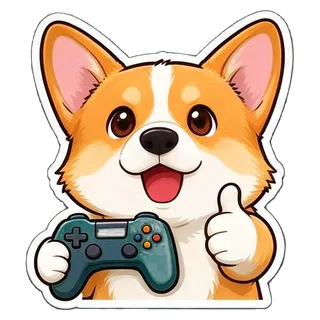
Create a sticker sheet of the corgi dog in the reference image. Keep the face, hairstyle, colors, markings and clothing so it is instantly recognizable in every sticker. Draw 9 different stickers of the same character arranged in a 3x3 grid, evenly spaced with wide gaps between stickers, each sticker fully inside its own cell and not touching the others. Style: cute chibi cartoon style with a big head and small body, bold clean outlines and flat cel shading. These are live-stream chat emotes: a big head-and-shoulders close-up filling most of each cell, one strong exaggerated expression, thick clean shapes that still read at 28 x 28 pixels. Stickers, in order from top left to bottom right: 1. fists up, screaming with excitement 2. holding a game controller and giving a thumbs up 3. gasping with a huge open mouth and wide eyes 4. crying with laughter 5. hugging a big purple heart 6. red-faced and furious, steam from the ears 7. a single tear rolling down the cheek 8. peeking from the bottom corner with only the eyes showing 9. waving hello energetically No text anywhere. Every sticker has a thick white die-cut outline around the character. The background is one flat solid pure green color (#00FF00) everywhere, with no shadows, no gradients, no texture, no borders, no grid lines and nothing else on it. Do not use any green inside the stickers (no green text, clothing, plants or props).

  • HYPE
  • GG
  • POG
  • LOL
  • <3
  • RAGE
  • SAD
  • LURK
  • HI

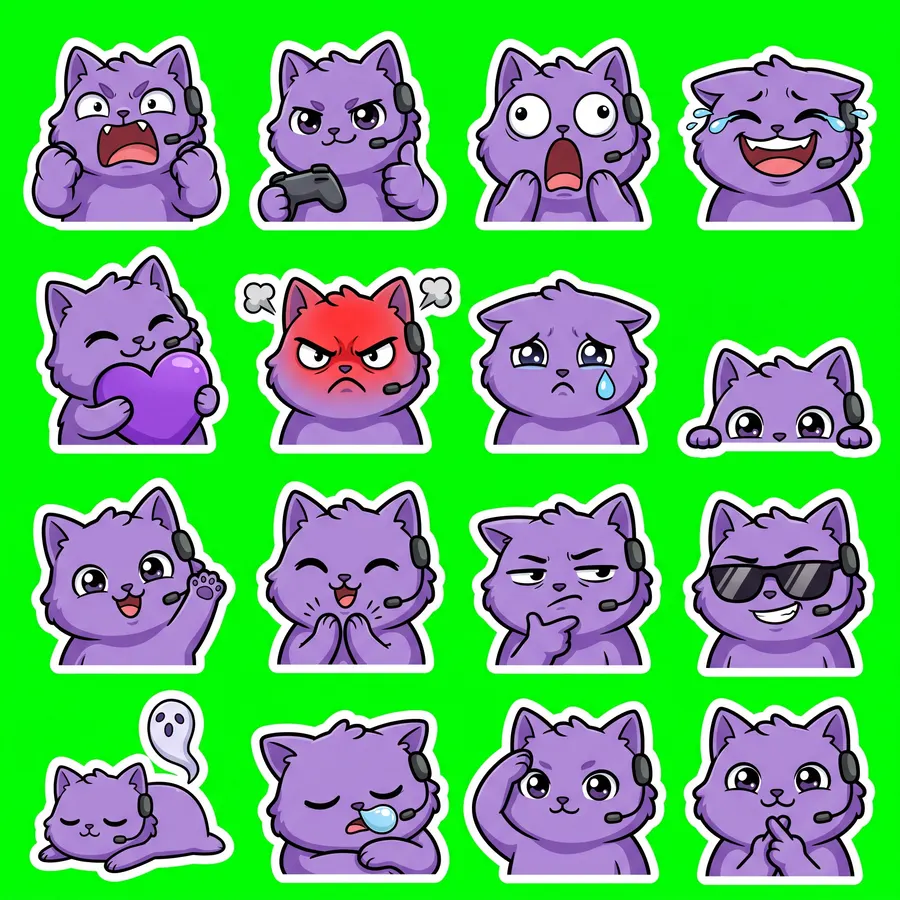
Twitch emotes · 16

Nano Banana 2 · 22s · 16/16 cut · $0.055
“a round fluffy purple cat with big eyes and a tiny gaming headset”
No photo, description only
Twitch emotes · 16 sheet
2048 × 2048
Show the full prompt

Create a sticker sheet of a round fluffy purple cat with big eyes and a tiny gaming headset. Draw 16 different stickers of the same character arranged in a 4x4 grid, evenly spaced with wide gaps between stickers, each sticker fully inside its own cell and not touching the others. Style: cute chibi cartoon style with a big head and small body, bold clean outlines and flat cel shading. These are live-stream chat emotes: a big head-and-shoulders close-up filling most of each cell, one strong exaggerated expression, thick clean shapes that still read at 28 x 28 pixels. Stickers, in order from top left to bottom right: 1. fists up, screaming with excitement 2. holding a game controller and giving a thumbs up 3. gasping with a huge open mouth and wide eyes 4. crying with laughter 5. hugging a big purple heart 6. red-faced and furious, steam from the ears 7. a single tear rolling down the cheek 8. peeking from the bottom corner with only the eyes showing 9. waving hello energetically 10. clapping enthusiastically 11. squinting skeptically with a hand on the chin 12. wearing sunglasses with a smug grin 13. lying flat as a ghost floats up 14. fast asleep with a snot bubble 15. giving a crisp salute 16. crossing fingers for good luck No text anywhere. Every sticker has a thick white die-cut outline around the character. The background is one flat solid pure green color (#00FF00) everywhere, with no shadows, no gradients, no texture, no borders, no grid lines and nothing else on it. Do not use any green inside the stickers (no green text, clothing, plants or props).


  • HYPE
  • GG
  • POG
  • LOL
  • <3
  • RAGE
  • SAD
  • LURK
  • HI
  • CLAP
  • HMM
  • EZ
  • RIP
  • ZZZ
  • o7
  • GL

Twitch emote size and Discord emoji size

The export already meets these limits, taken from Twitch’s and Discord’s own help pages.

WhereFormatSizeLimitsSource
Twitch emotes (static)PNG, square, transparent background recommended28 × 28, 56 × 56 and 112 × 112; or one image from 112 to 4096 px with auto-resize≤ 1 MB each; animated emotes are GIFs (not made here)help.twitch.tv
Discord emojiJPEG, PNG, GIF or WEBP (exported as PNG)exported at 128 × 128under 256 KB; name of 2+ characters, letters, numbers and underscores onlysupport.discord.com
Discord stickersPNGexactly 320 × 320≤ 512 KBdiscord.com

Kick and 7TV take the same square PNGs from the twitch/ folder. For any other platform, check its emote size before uploading.

How to upload the emotes

  • Twitch

    Creator Dashboard → Viewer Rewards → Emotes. Upload the 112, 56 and 28 px files manually, or use auto-resize with the 112 px file. Twitch checks new emotes against its Emote Guidelines; Affiliates and Partners may get instant upload after 60 days of streaming without enforcement.

  • Discord

    Server Settings → Emoji → Upload Emoji, then pick files from discord-emoji/. The names (yt_hype, yt_gg …) are already valid emoji names; rename them if you like.

  • Kick and 7TV

    Use the same square PNGs from the twitch/ folder and follow the size the upload page asks for.

  • Stickers and prints

    The same set can also be exported as Discord stickers (320 × 320), Telegram or WhatsApp packs, a printable sheet for merch, a transparent PNG or a layered PSD.

How to keep emotes readable at 28 px

  • One face, one expression per emote. The theme already asks for head-and-shoulders close-ups with thick outlines.
  • Skip words. At 28 px only two to four bold letters survive, so tags like GG or EZ are the longest that work.
  • Open the _28.png files before you upload. If an emote turns into a blur, drop it or regenerate the set.
  • For the closest likeness to your face, use Nano Banana 2 or Nano Banana Pro; to try ideas cheaply, start with Seedream 5.0 Flash at $0.018.
  • Need fewer, sharper emotes? A 9-emote set cuts to about 640–700 px per emote for the same price.

FAQ

What size are Twitch emotes?

Static Twitch emotes are square PNGs at 28 × 28, 56 × 56 and 112 × 112 px, up to 1 MB each. You can also upload one image between 112 and 4096 px and let Twitch resize it. The export here includes all three sizes.

How do I make a Twitch emote of my face?

Upload a clear selfie, keep the Twitch emotes theme and generate. The selfie sample on this page was made with Nano Banana 2 in 22 seconds and cut into all 16 emotes.

Is there a free AI emote maker?

New users who sign in with Gmail get $0.1 of free credit — enough for 5 full sets with Seedream 5.0 Flash at $0.018 each. After that you pay per set.

Can it make animated or GIF emotes?

No. It makes static PNG emotes only. Twitch animated emotes are GIFs, which this tool does not create.

What size should a Discord emoji be?

Discord accepts JPEG, PNG, GIF or WEBP under 256 KB, with a name of at least 2 characters using only letters, numbers and underscores. The export gives 128 × 128 PNGs that already follow those rules.

Will Twitch approve my emotes?

Twitch reviews emotes against its Emote Guidelines, so no tool can promise approval. Use your own face, pet or original mascot, and don’t use other people’s likeness, logos or characters you don’t have rights to.

Can I use the emotes commercially?

You are responsible for what you upload and sell. Check the terms of the model you use and of the platform, and only start from photos you have the right to use.

Why is one of my emotes hard to read in chat?

Small details, thin lines and text disappear at 28 px. Pick chibi or anime, keep text off, and regenerate if an expression is too busy.

Last updated: September 28, 2026