How to Use Nano Banana for PowerPoint: 4 Editable Workflows
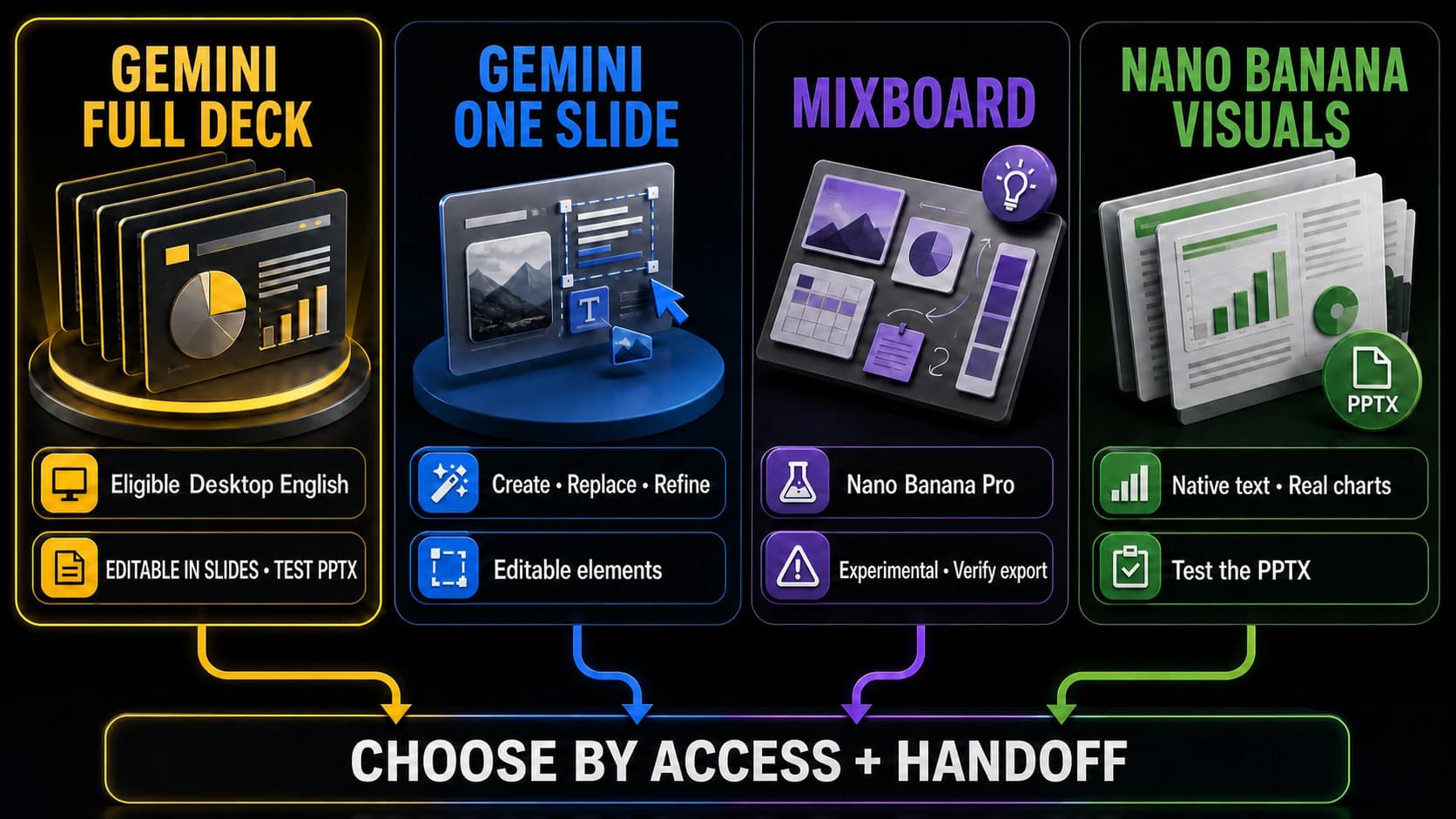
Create an editable presentation with Gemini in Google Slides, use Nano Banana for visuals, or assemble a PowerPoint deck and verify the handoff.
6 related posts
This topic page groups 6 posts around Gemini Image, with coverage across Access and integration, Comparisons and Guides, so you can jump straight to the right article for the task.

Create an editable presentation with Gemini in Google Slides, use Nano Banana for visuals, or assemble a PowerPoint deck and verify the handoff.

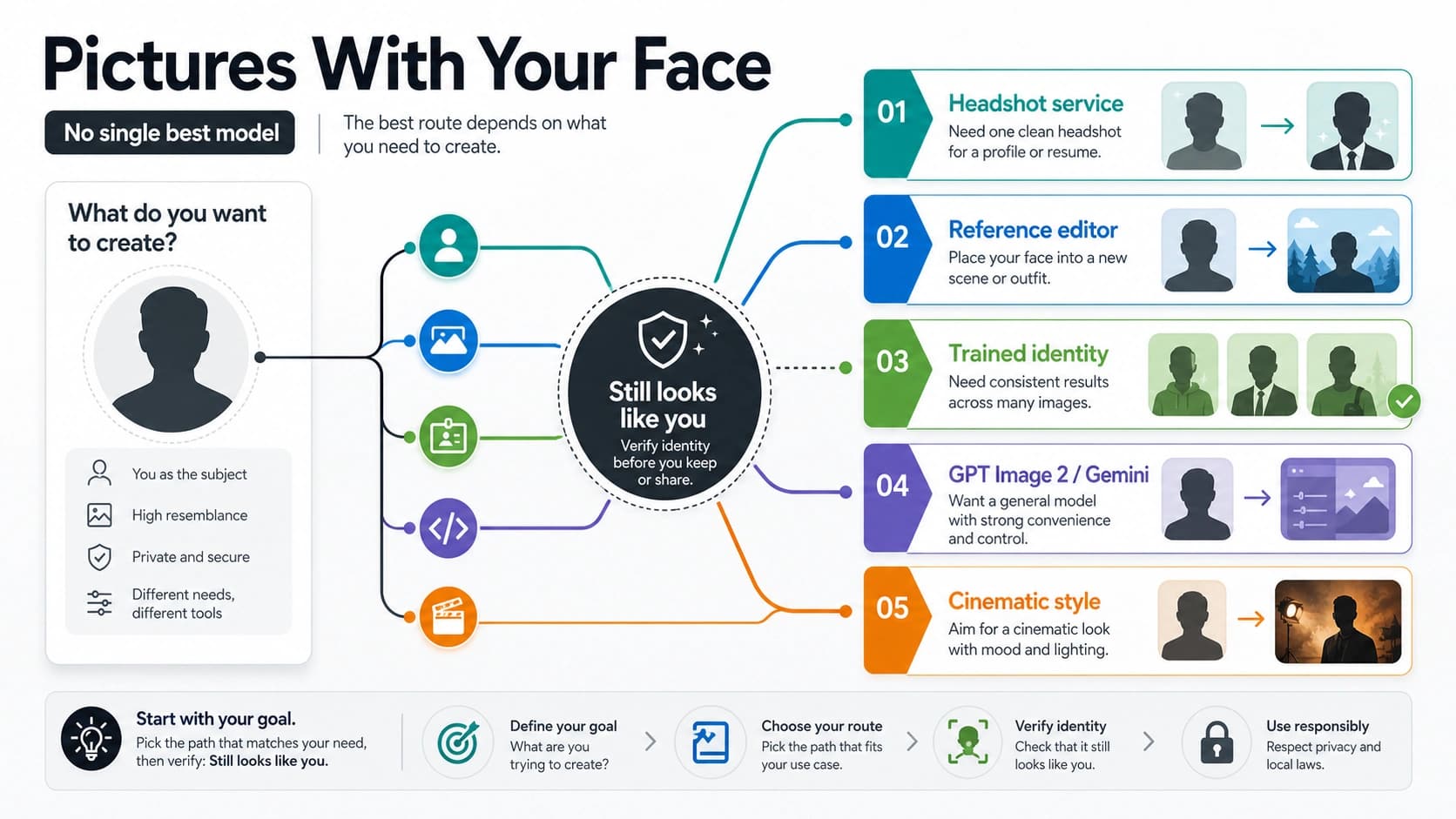
Choose the right route for AI pictures with your face: headshot service, reference editor, trained identity workflow, GPT Image 2 or Gemini route, or cinematic style tool.

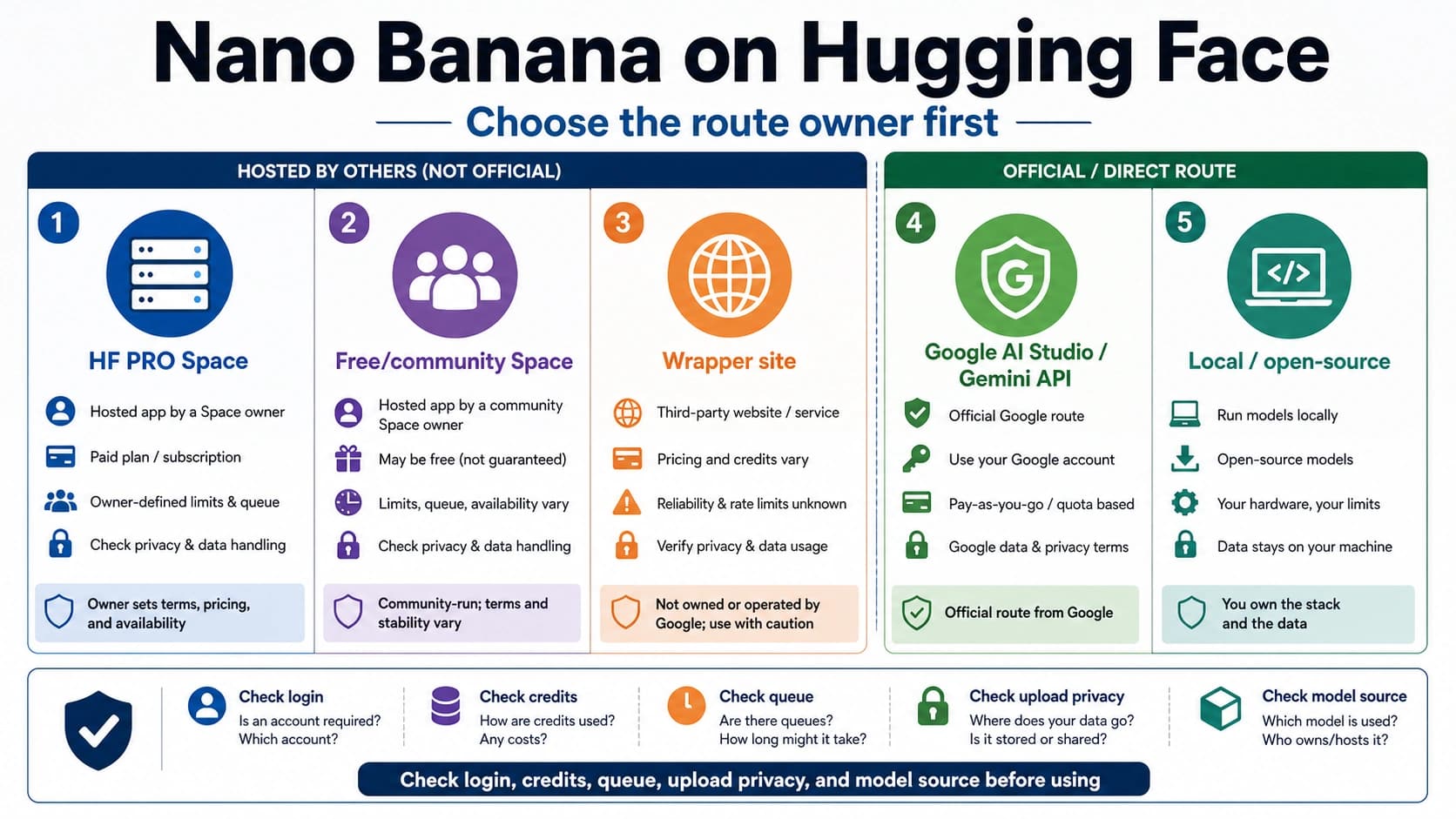
Choose between Nano Banana Hugging Face Spaces, free community demos, Google AI Studio, Gemini API, wrappers, and local routes before uploading images.

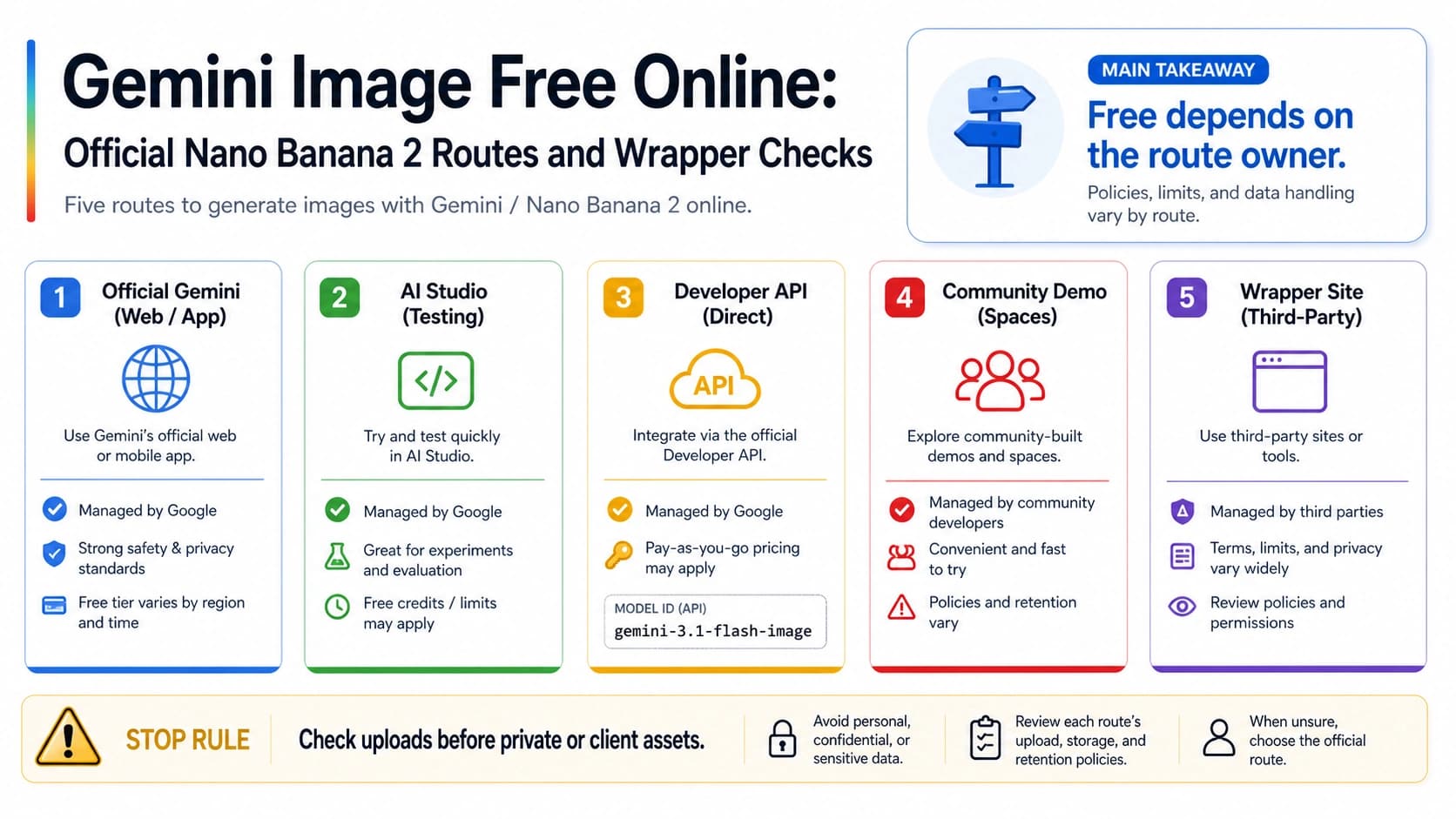
Choose the safest Gemini/Nano Banana image route: official Gemini browser access, AI Studio testing, paid image API boundary, community demos, and wrapper checks for credits, uploads, watermark, privacy, and commercial use.

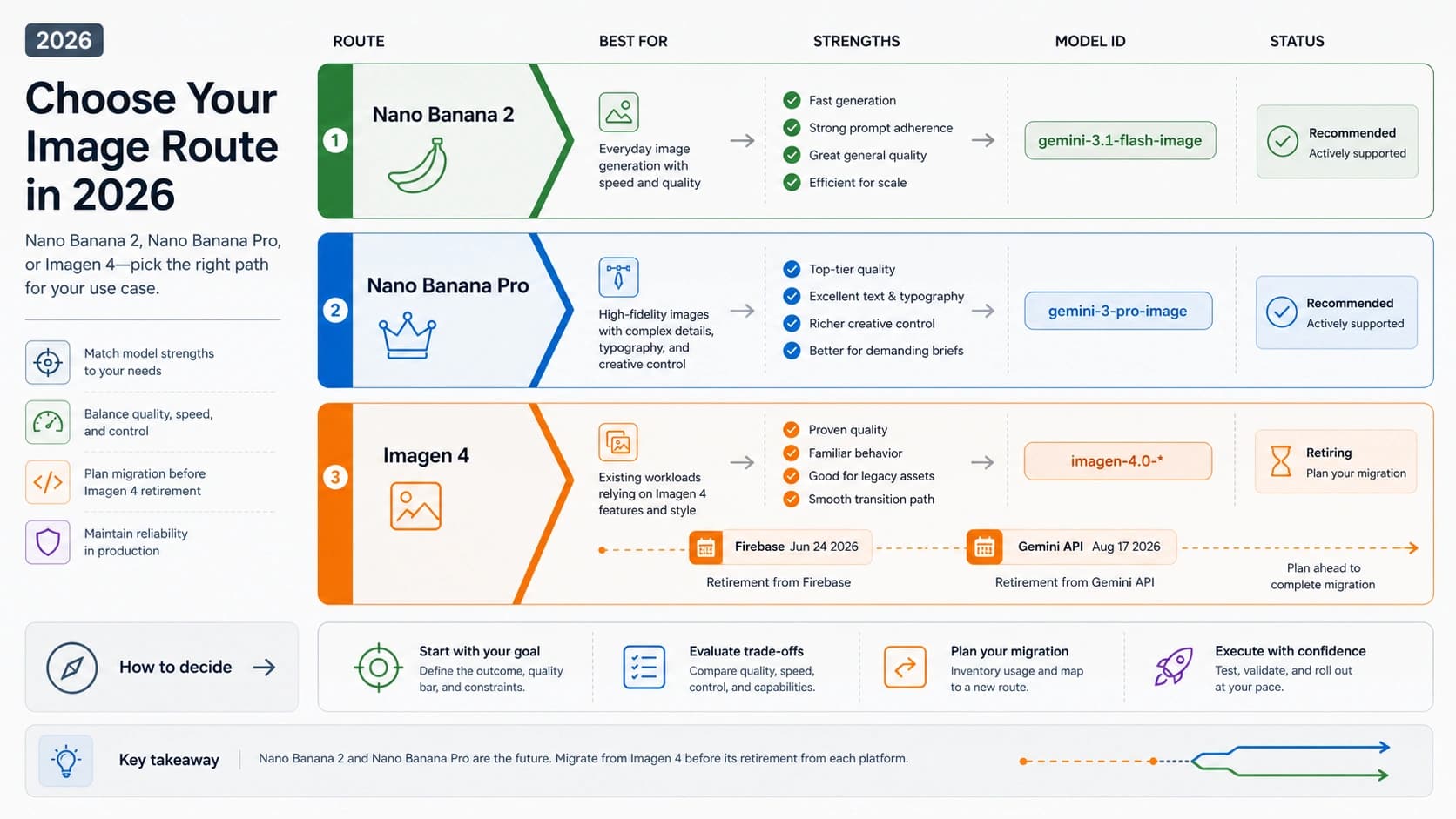
Compare Imagen 4 with Nano Banana 2 and Nano Banana Pro by current model IDs, retirement dates, workload fit, pricing boundaries, and same-prompt proof rules before starting new Google image work.

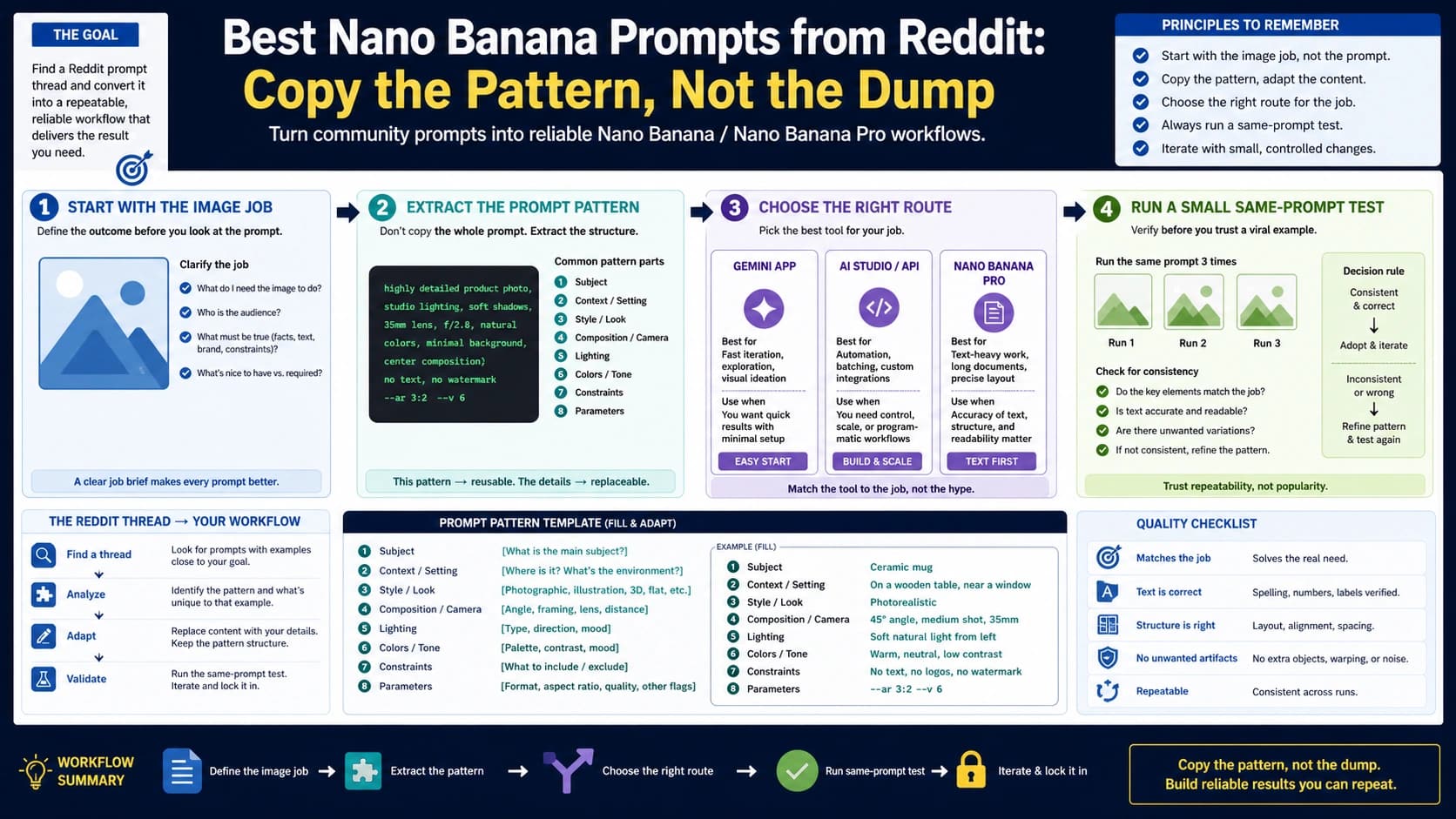
Copy twelve Nano Banana prompts for portraits, products, edits, posters, and references; add exact Tamil text when needed, choose the current route, and judge each result with a pass check.