How to Fix Text in an AI-Generated Image Without Changing the Design
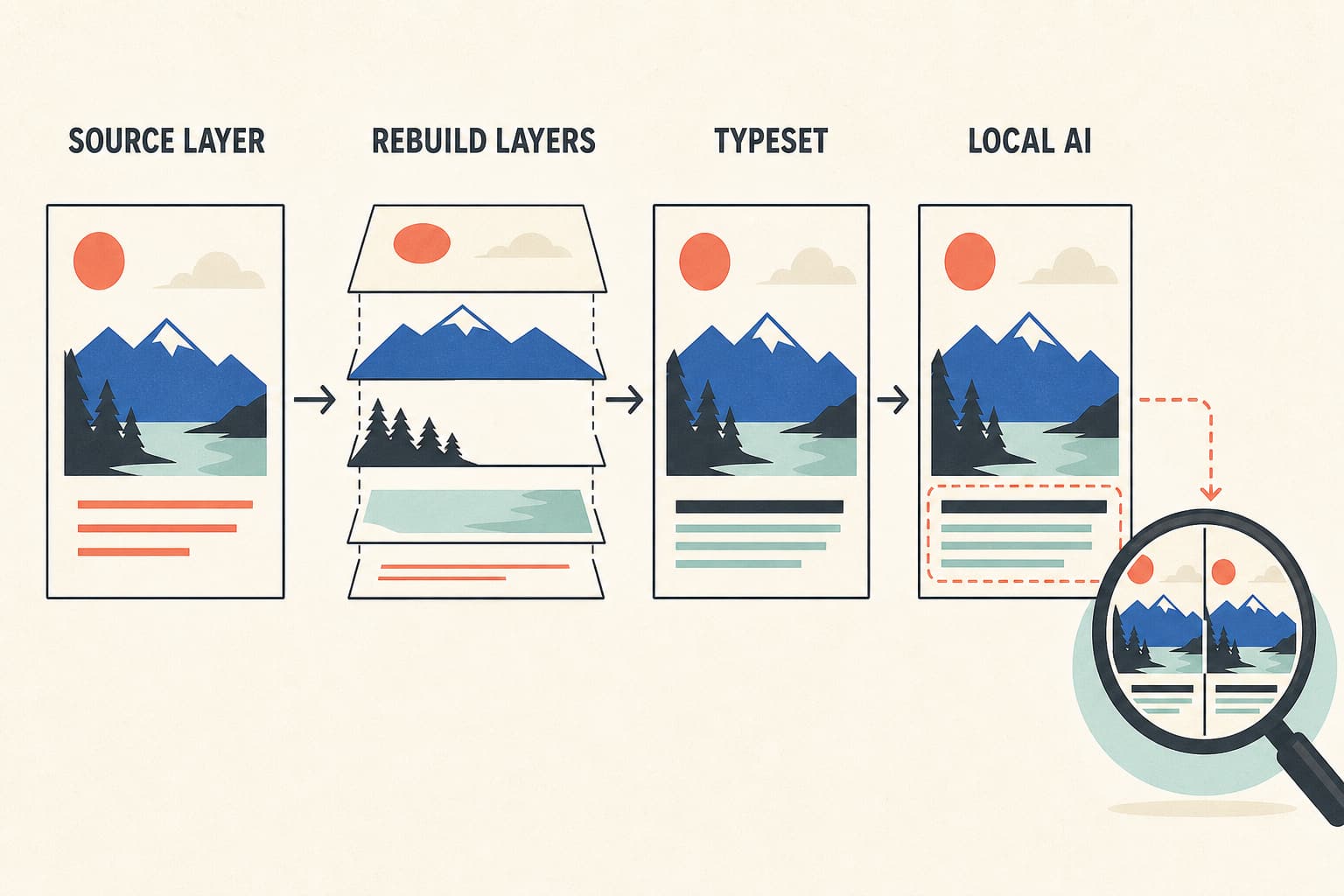
A controlled workflow for correcting AI image text while preserving composition, typography, background, dimensions, and every non-target detail.
7 related posts
This topic page groups 7 posts around AI Image Editing, with coverage across Access and integration, Guides and Fixes, so you can jump straight to the right article for the task.

A controlled workflow for correcting AI image text while preserving composition, typography, background, dimensions, and every non-target detail.

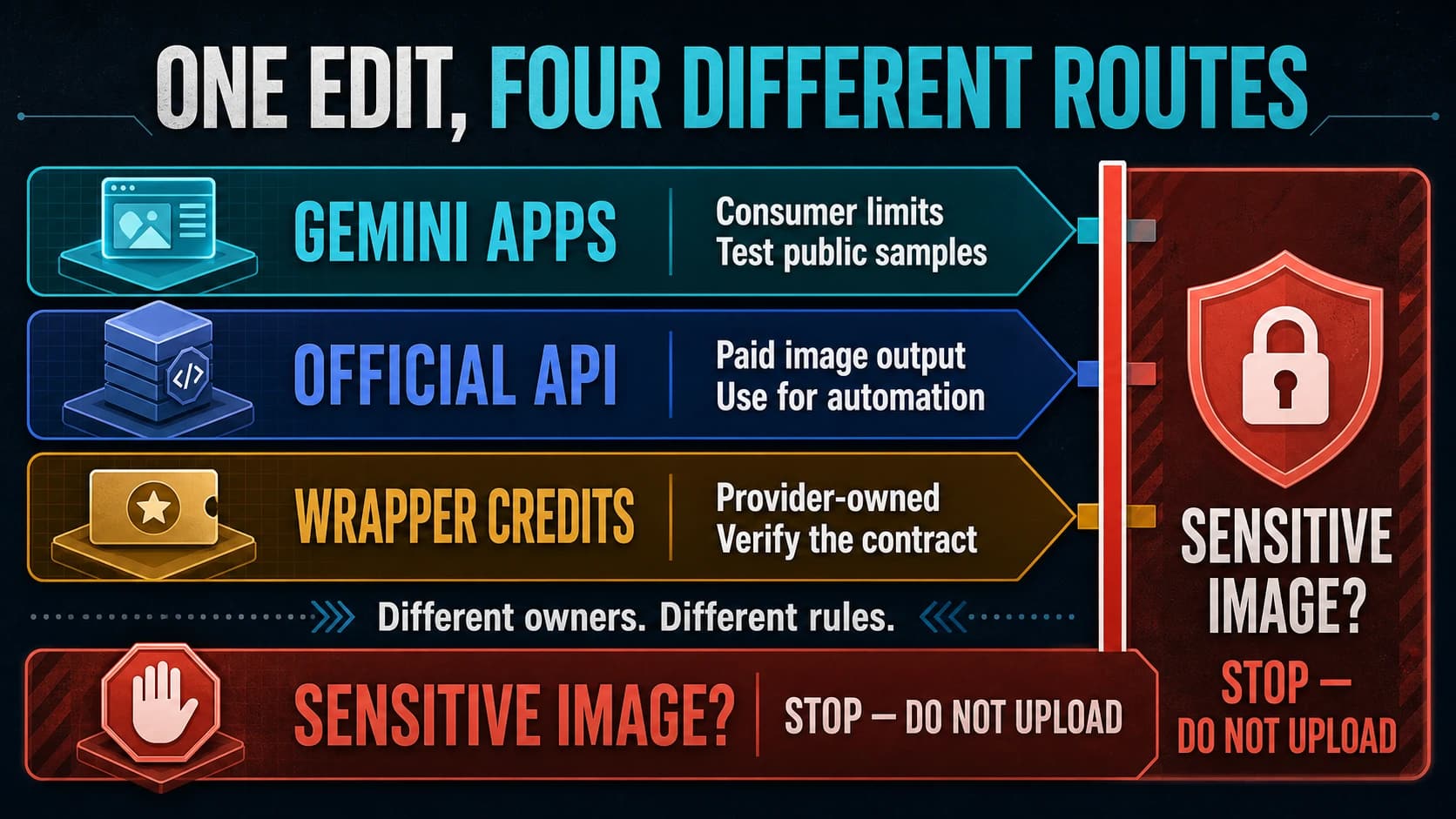
Separate Gemini Apps limits, paid API pricing, and wrapper credits; estimate real edits only when the model, reset, expiry, and per-edit cost are known.

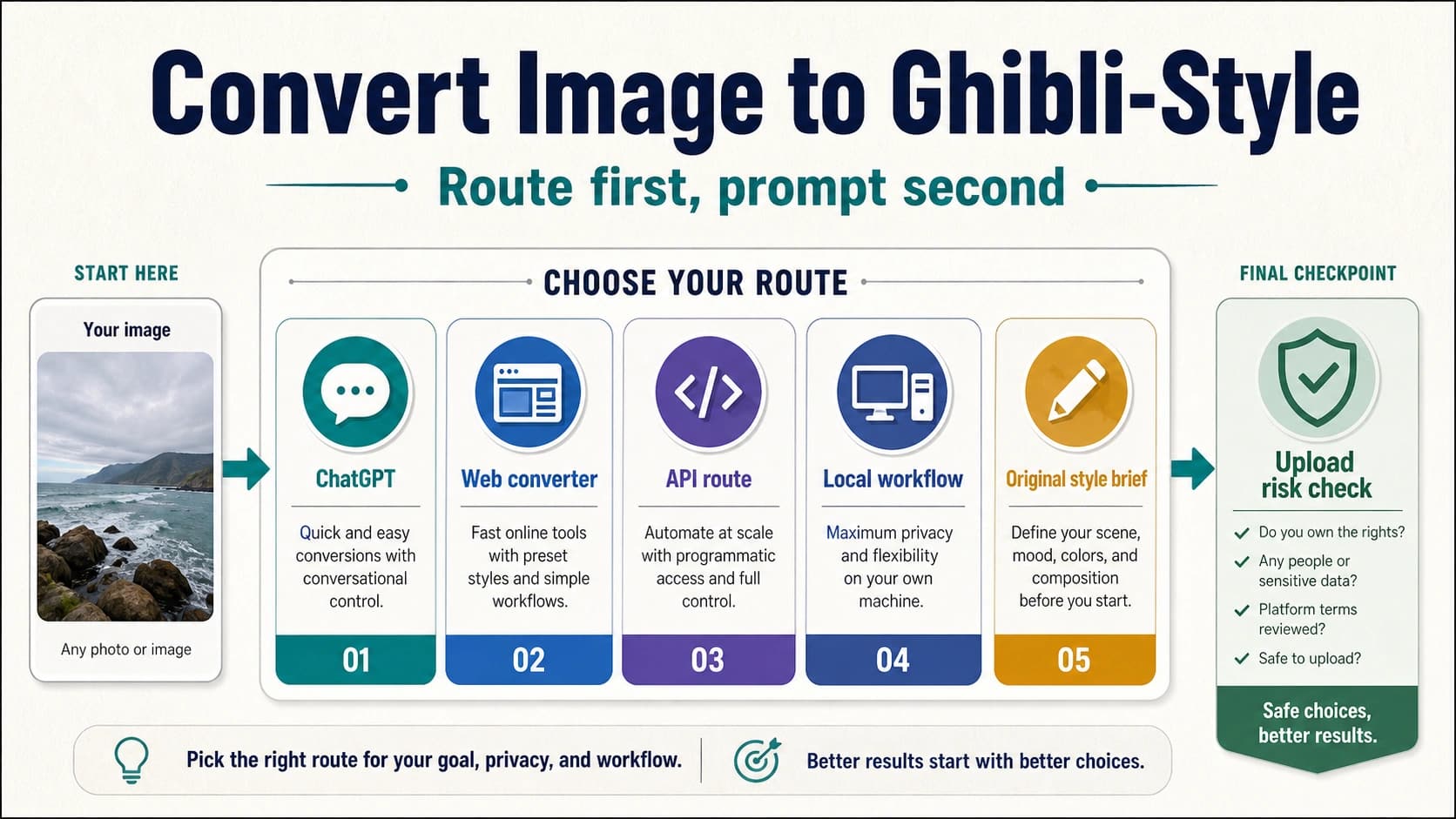
Choose the right route to turn a photo into a Ghibli-style image, write prompts that preserve important details, and avoid unsafe uploads or output-use mistakes.

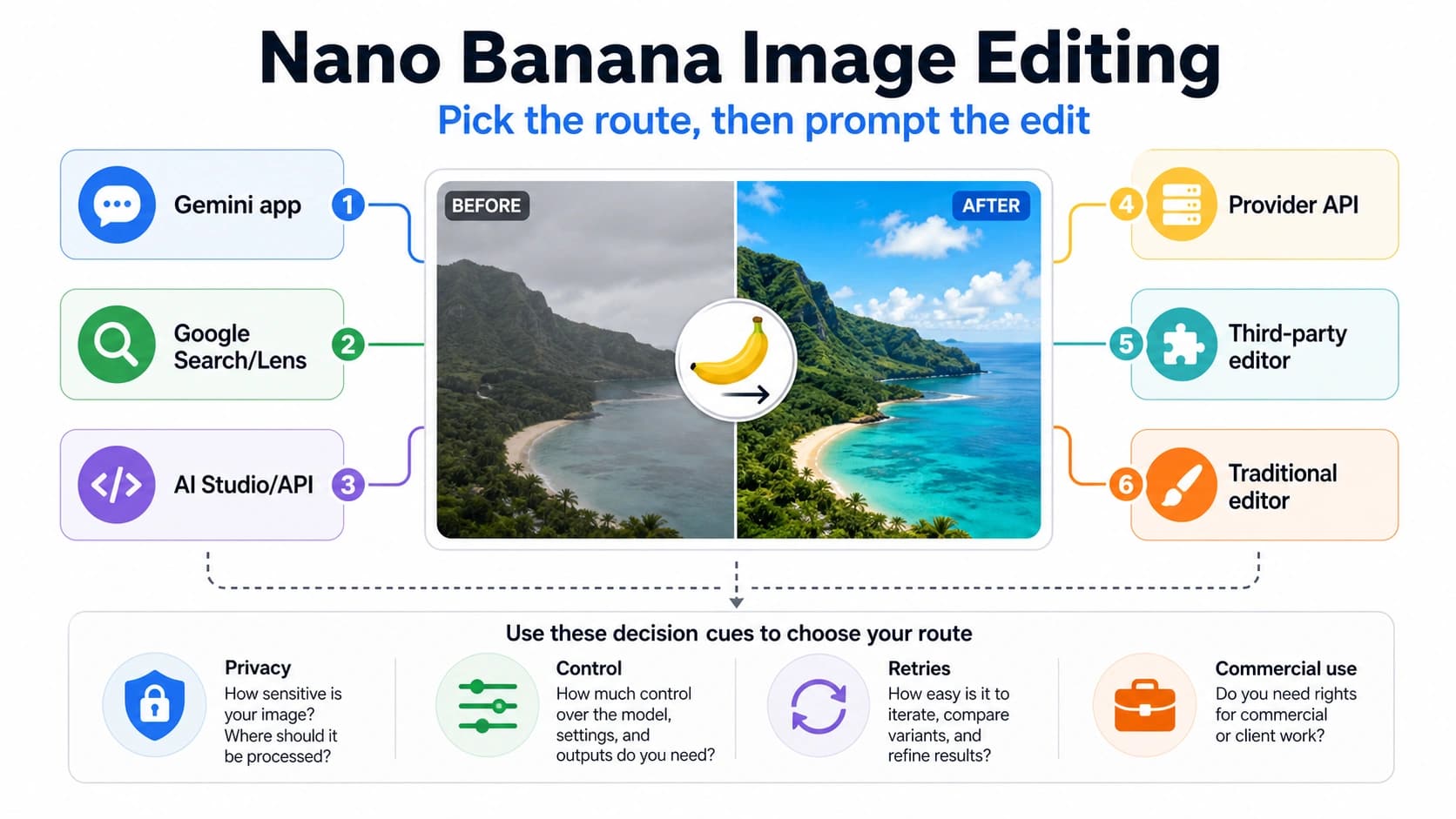
Choose the right Nano Banana image-editing route, write prompts that preserve important details, and avoid unsafe uploads, stale free claims, and repeated failed edits.

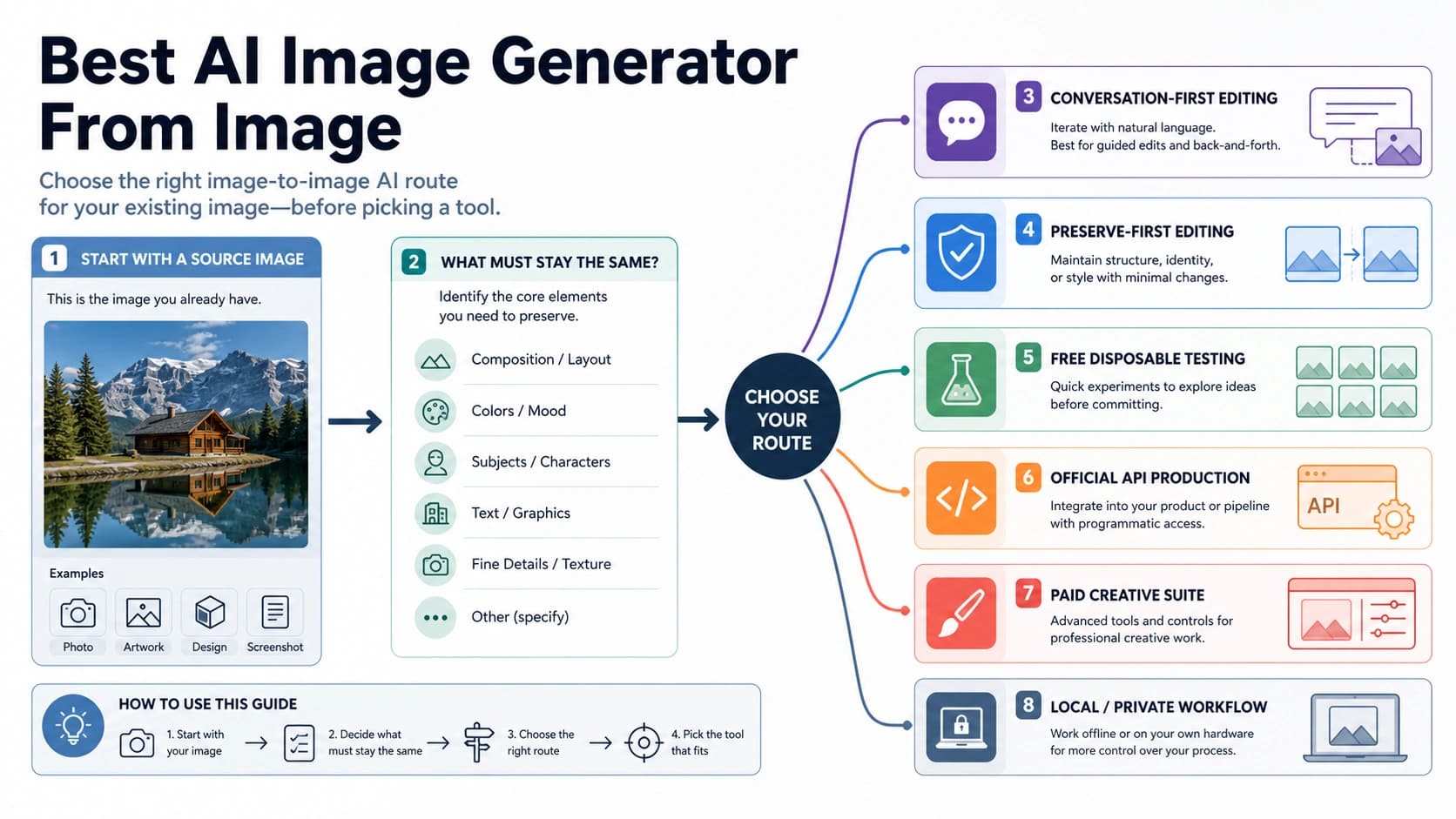
Pick the right image-to-image AI route for an existing photo: conversation-first edits, preserve-first tools, free tests, official apps, APIs, paid suites, local workflows, and upload stop rules.

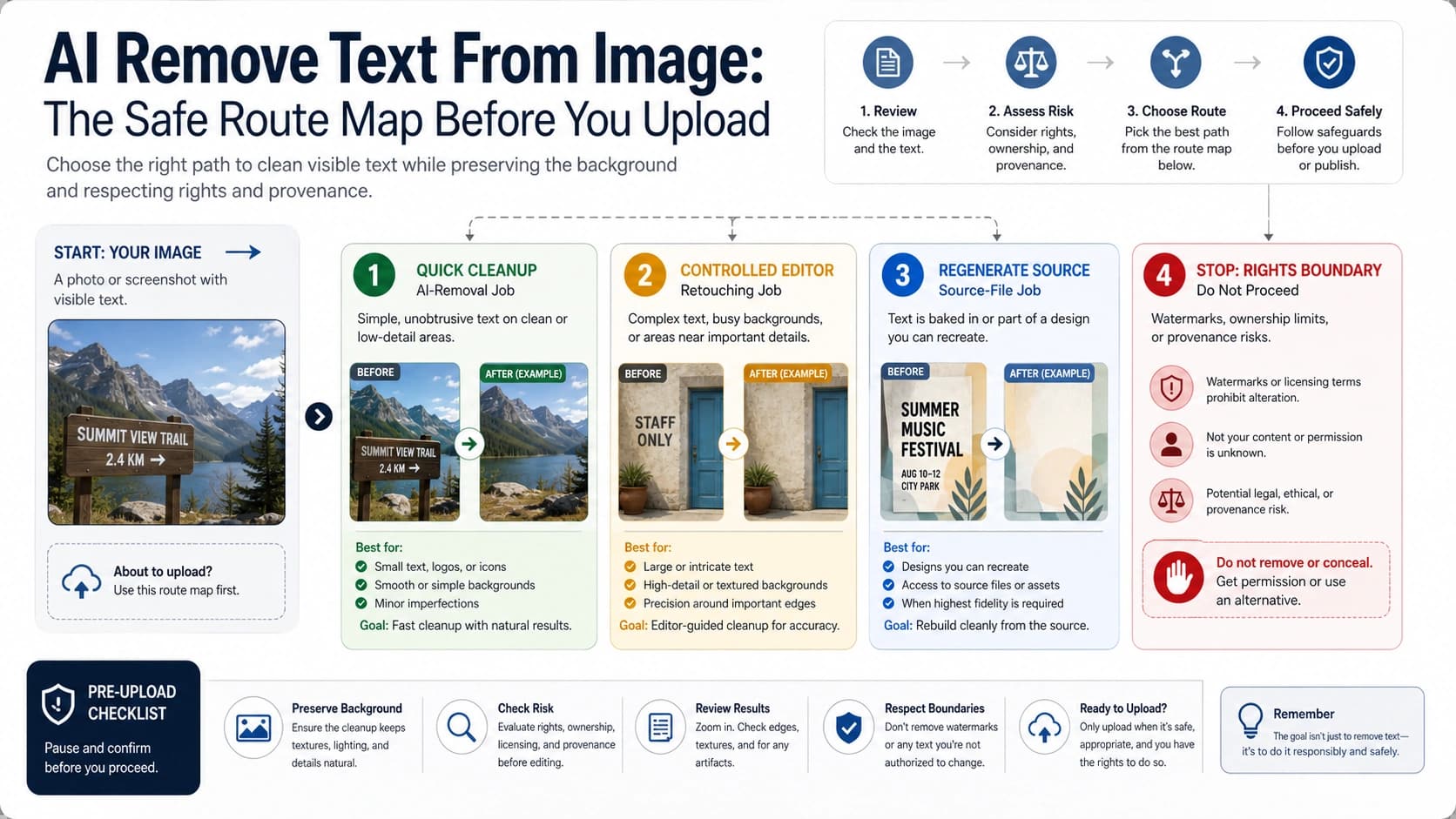
Choose the right way to remove text from an image with AI: quick online cleanup, editor workflow, professional retouching, source regeneration, or a stop rule for watermarks and private files.

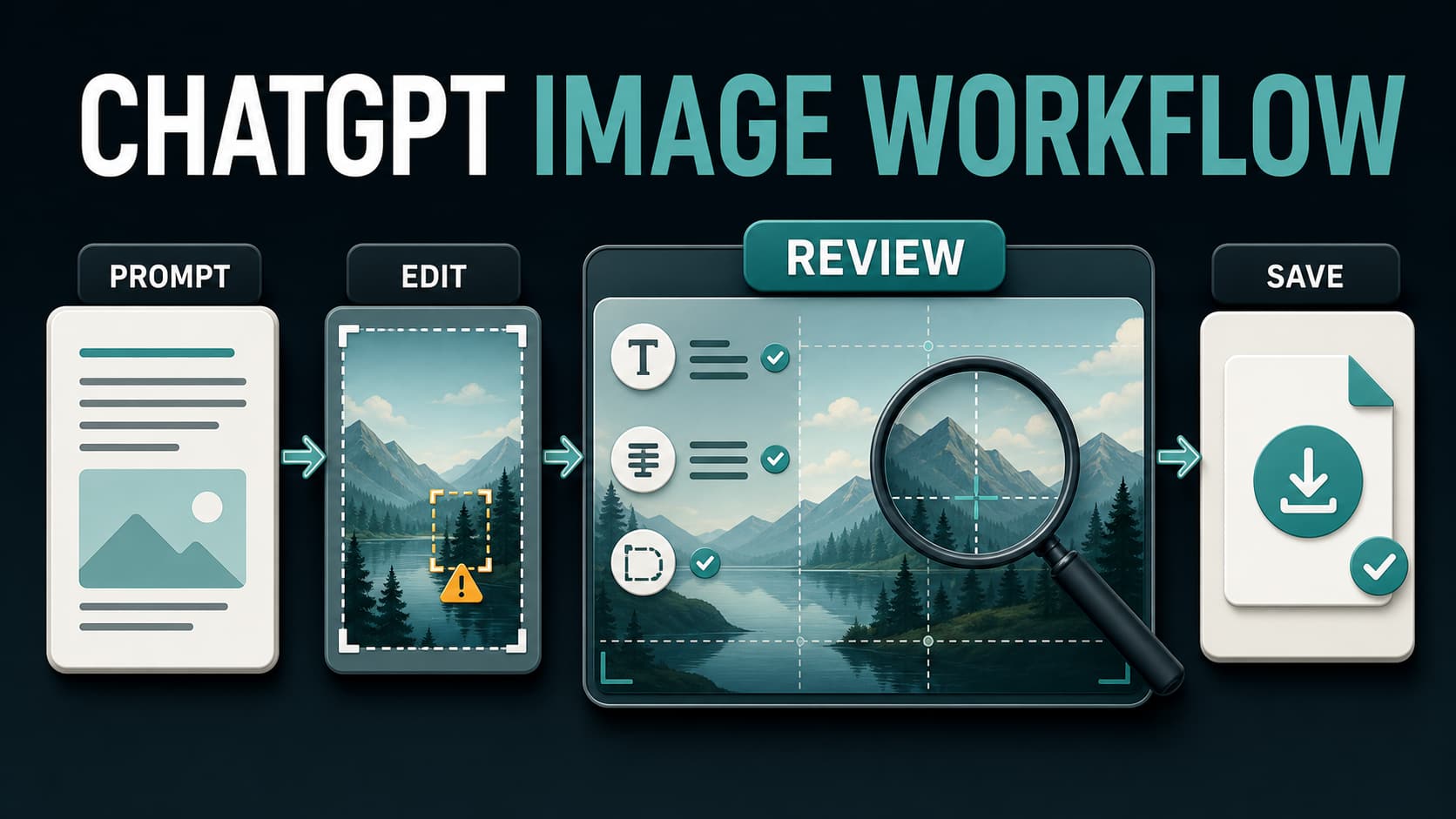
Use the official ChatGPT image generator from first prompt to final download: choose the right mode, edit safely, inspect text and facts, understand variable limits, and verify provenance without confusing ChatGPT with the API or third-party wrappers.