hljs json{
"error": {
"code": 400,
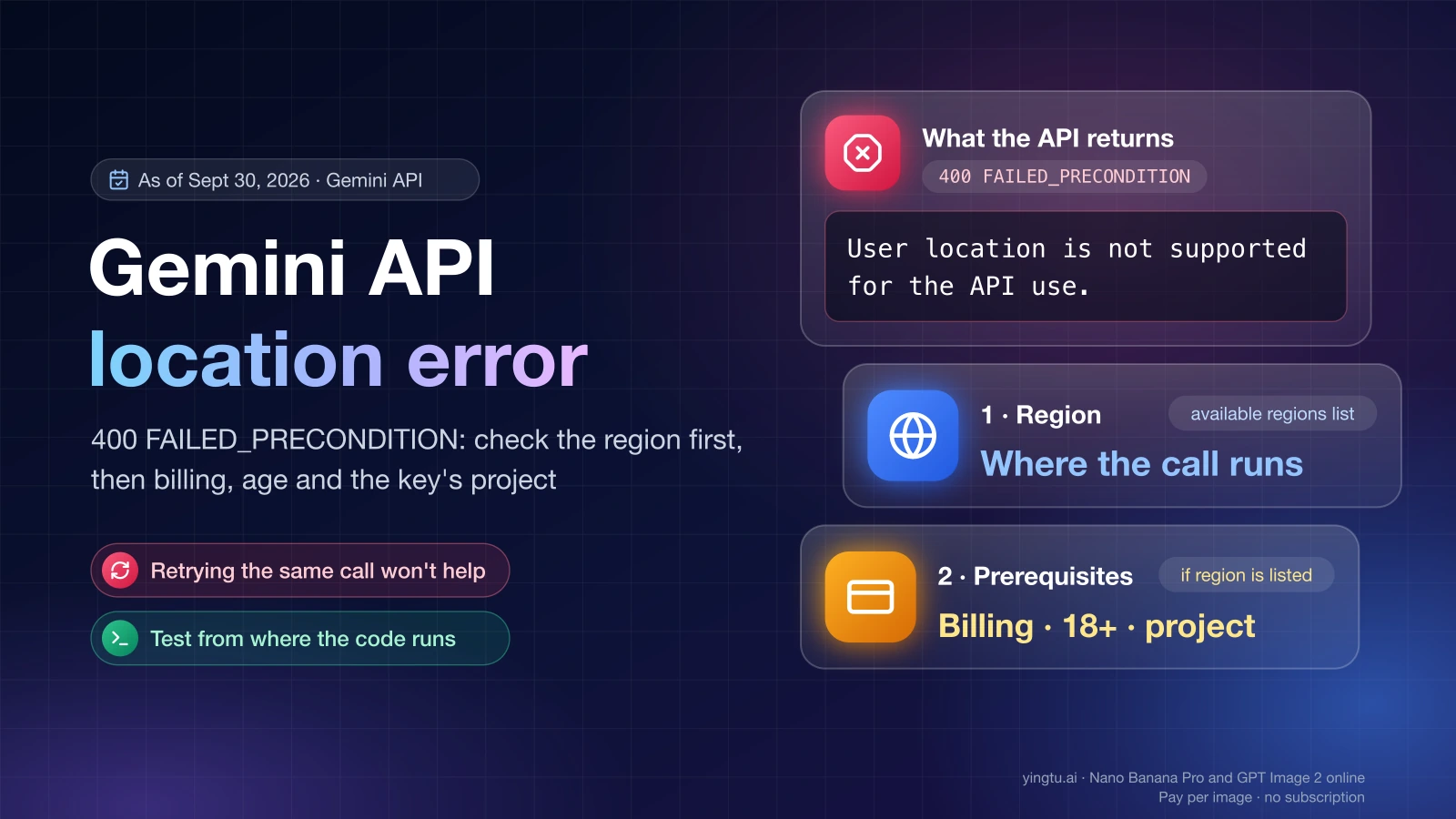
"message": "User location is not supported for the API use.",
"status": "FAILED_PRECONDITION"
}
}
Google's Gemini API returns this 400 FAILED_PRECONDITION error when a request comes from a country or region where the Gemini API and Google AI Studio are not offered, or when a prerequisite on the account or project, such as billing, is not met. Region comes first: if the machine that sends the request is outside Google's available regions list, no key, model or SDK change will fix it. If the region is supported, look at billing, account age verification, and which project the key belongs to.
FAILED_PRECONDITION is the gRPC-style status Google uses for "the request is valid, but something it depends on is not in place." It is not a syntax error and not a rate limit, so retrying the same call from the same place returns the same answer.
"User location is not supported for the API use": the five causes
This error has five distinct causes, and each one is identified by a different check. The table below covers them in the order worth checking, based on Google's documentation as of September 30, 2026.
| Cause | How to tell | What to do |
|---|---|---|
| The request comes from an unsupported country or region | The location you, or the server making the call, operates from is missing from the Gemini API available regions page (last updated April 28, 2026) | Use the official alternative Google names for unlisted regions: the Gemini API in Gemini Enterprise Agent Platform |
| A billing or free-tier prerequisite is missing | You are in a listed region, but the project has no billing set up, or billing was disabled | Check the project's billing status in Google AI Studio and set up billing where your tier requires it |
| Account age or verification | Google AI Studio sends you to its "Available regions" page even though your country is listed | Meet the 18+ requirement and verify your age on your Google Account |
| Your code runs on a server or cloud function in an unsupported region | The same request works from your laptop but fails from the deployed service, or the other way around | Run the server-side call from a supported region that you are entitled to operate in, as ordinary hosting for your service |
| A CLI or third-party app is relaying Google's error | The text appears in Gemini CLI, an IDE agent or an automation tool, often in capital letters | Find out where that tool's requests are sent from and which Google project its key belongs to |
One rule sits above every row: follow Google's terms for where you and your users are. Routing traffic through a VPN or proxy so the request appears to come from another country, or entering false account details, is not a fix. It hides the cause instead of resolving it.
Read the full error body before changing anything
The whole JSON response tells you more than the one line an app shows. The code and status fields separate this error from a quota problem, and the message tells you whether you are dealing with location or with some other precondition.
To see the raw response from the machine that actually makes the call, run a minimal request with curl. Set MODEL to a model ID from your model list:
hljs bashcurl -s -w "\nHTTP %{http_code}\n" \
"https://generativelanguage.googleapis.com/v1beta/models/${MODEL}:generateContent" \
-H "x-goog-api-key: ${GEMINI_API_KEY}" \
-H "Content-Type: application/json" \
-d '{"contents":[{"parts":[{"text":"ping"}]}]}'
With the Python google-genai SDK, catch the API error and print its fields instead of letting a wrapper swallow them:
hljs pythonfrom google import genai
from google.genai import errors
client = genai.Client() # reads GEMINI_API_KEY from the environment
try:
client.models.generate_content(model=MODEL, contents="ping")
except errors.APIError as e:
print(e.code, e.status)
print(e.message)
Run this from where the code lives. If your app runs on a server, a container or a cloud function, open a shell there or add the snippet to a debug endpoint. A test from your laptop only proves something about your laptop.
Some older answers quote a longer variant, "User location is not supported for the API use without a billing account linked." That wording points at billing rather than geography, so treat it as the billing row in the table above.
When the region is not supported
If your country or region is not on Google's list, the Gemini API and Google AI Studio are not offered to you there, and no setting on your side changes that. As of September 30, 2026, the regions page (last updated April 28, 2026) does not list mainland China, Hong Kong or Russia, while it does list countries such as Japan, South Korea, Spain and Mexico.
For locations outside the list, Google's own suggestion on that page is the Gemini API in Gemini Enterprise Agent Platform. It is a separate offering with its own account setup and terms, so check that your organization and use case qualify before planning a migration.
The Gemini web app, the mobile app and the API each have their own availability lists. A country that works in the Gemini app can still be blocked for the API. The differences between those surfaces are covered in Gemini Not Available in Your Region? Check Web, App, and API Routes Separately.
Third-party gateways such as LaoZhang API serve Gemini models through their own pay-as-you-go accounts in native and OpenAI-compatible formats. A gateway is not an official Google channel and has its own terms, and it does not change what Google's terms say about where you and your users are. Read those terms before you rely on one.
Where the request comes from: laptop, server or cloud function
The location that matters is where the API call is sent from. For a script on your own computer, that is where you are. For a backend, it is wherever the server, container or serverless function runs.
This catches teams that develop in a supported country and deploy to a hosting region that Google does not serve for the Gemini API, or the reverse. The symptom is consistent: calls succeed locally and fail in production with the same key.
- Look up the region your deployment actually runs in. Cloud functions and containers usually take a region setting at deploy time.
- Compare that location with the available regions list.
- If it is unsupported, deploy the service that calls Gemini in a supported region that you are entitled to use, and keep the rest of your stack where it is if you need to.
Moving your backend is ordinary hosting, not a disguise, as long as the service and its users are allowed to use the Gemini API under Google's terms. Where your server sits does not change what those terms say about where you and your users are.
Billing and free-tier prerequisites
Google's API errors reference (last updated September 20, 2026) describes 400 FAILED_PRECONDITION as "The request cannot be processed because a prerequisite is not met (for example, disabled billing)" and tells you to "Verify project billing status or account prerequisites." If your region is listed and you still get the error, billing is the next thing to check.
According to Google's billing documentation, the free and paid tiers are available in many regions, including the EEA, the UK and Switzerland. You upgrade a project with "Set up billing" in Google AI Studio, and prepaid credit starts at $5 as of September 30, 2026. Billing is attached to the Google Cloud project, not to a single key, so check the project the failing key belongs to.
Setting up billing satisfies a missing prerequisite. It does not add a country to the supported list.
Age requirements and account verification
Google AI Studio's "Available regions" page lists three reasons for landing on it: the service is not available in your region, you do not meet the minimum age requirement of 18, or you have access but have not yet verified your age on your Google Account.
The last one explains a confusing case: you are in a supported country and the error or redirect still appears. Sign in with the same Google account that owns the key, finish age verification in your Google Account settings, then create or test a key again.
Gemini CLI, Antigravity and other tools that show this error
Gemini CLI prints the same error in capital letters:
hljs text[API ERROR: USER LOCATION IS NOT SUPPORTED FOR THE API USE. (STATUS: FAILED_PRECONDITION)]
That form appears in Gemini CLI GitHub issue #1993, dated June 26, 2025, and users of Antigravity and automation platforms report the same message. These tools relay Google's answer. The fix is still in the table above: where the tool's requests come from, and which account and project its key or sign-in uses.
Two community reports are worth knowing about, although Google has not published an explanation for either:
- A Google AI Developers Forum post from June 26, 2026 describes the error appearing suddenly for a user who had not changed their IP address.
- A Google Help thread from February 16, 2026 describes newly created API keys failing with this error while an older key kept working.
If you hit the second pattern, compare the two keys' projects rather than the keys themselves. Check which project each key belongs to, whether billing is set up on both, and which account created them. Rate limits and billing apply per project, not per key, so two keys from different projects can behave differently.
This is not a quota error
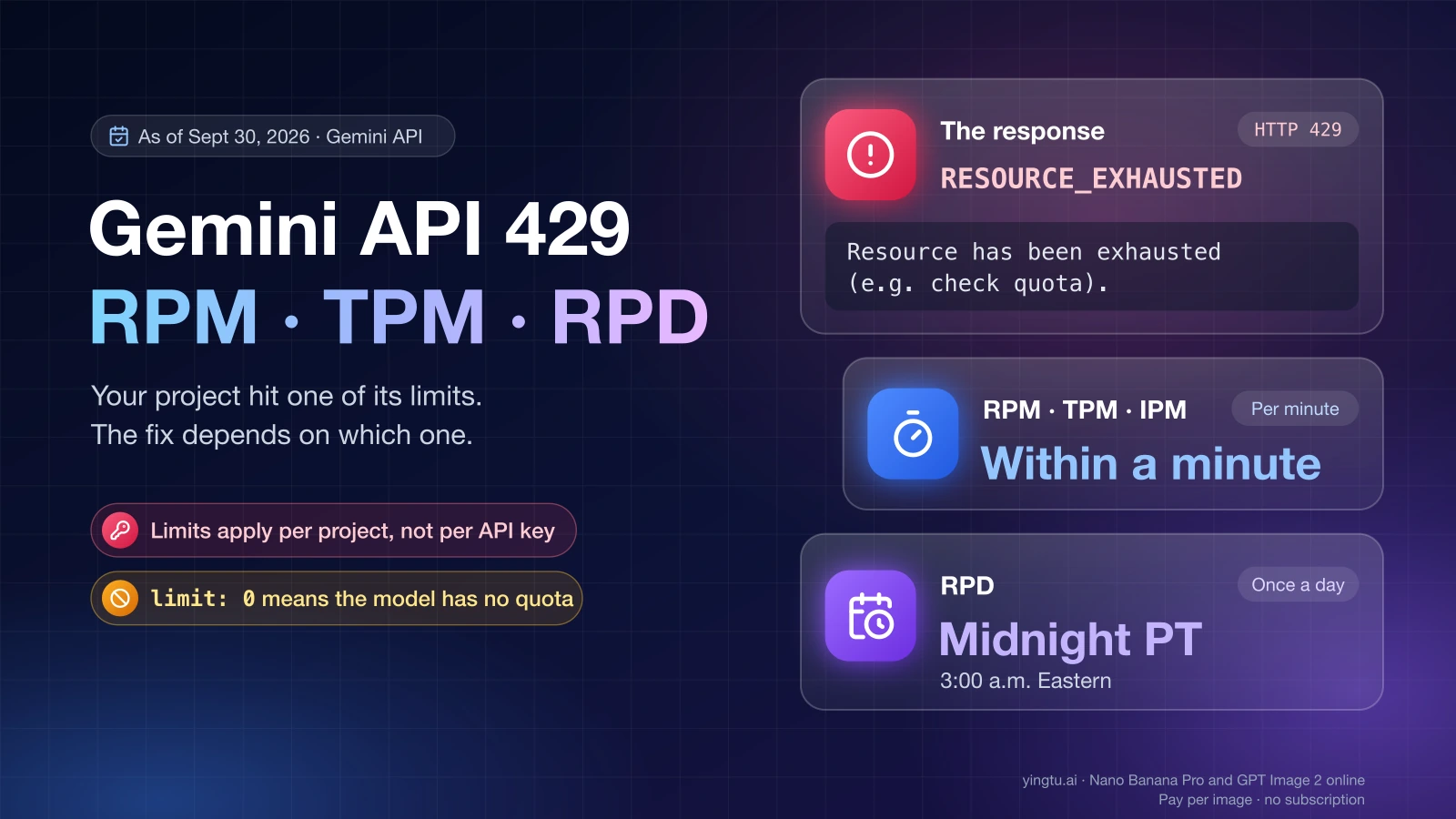
A 400 FAILED_PRECONDITION with this message is not a rate limit. Waiting, backing off or spreading requests across keys will not clear it. The three errors people most often confuse look like this, according to Google's API errors reference as of September 30, 2026:
| HTTP code and status | What it means | What to do |
|---|---|---|
| 400 FAILED_PRECONDITION | A prerequisite is not met: supported location, billing or account state | Fix the prerequisite; retrying does not help |
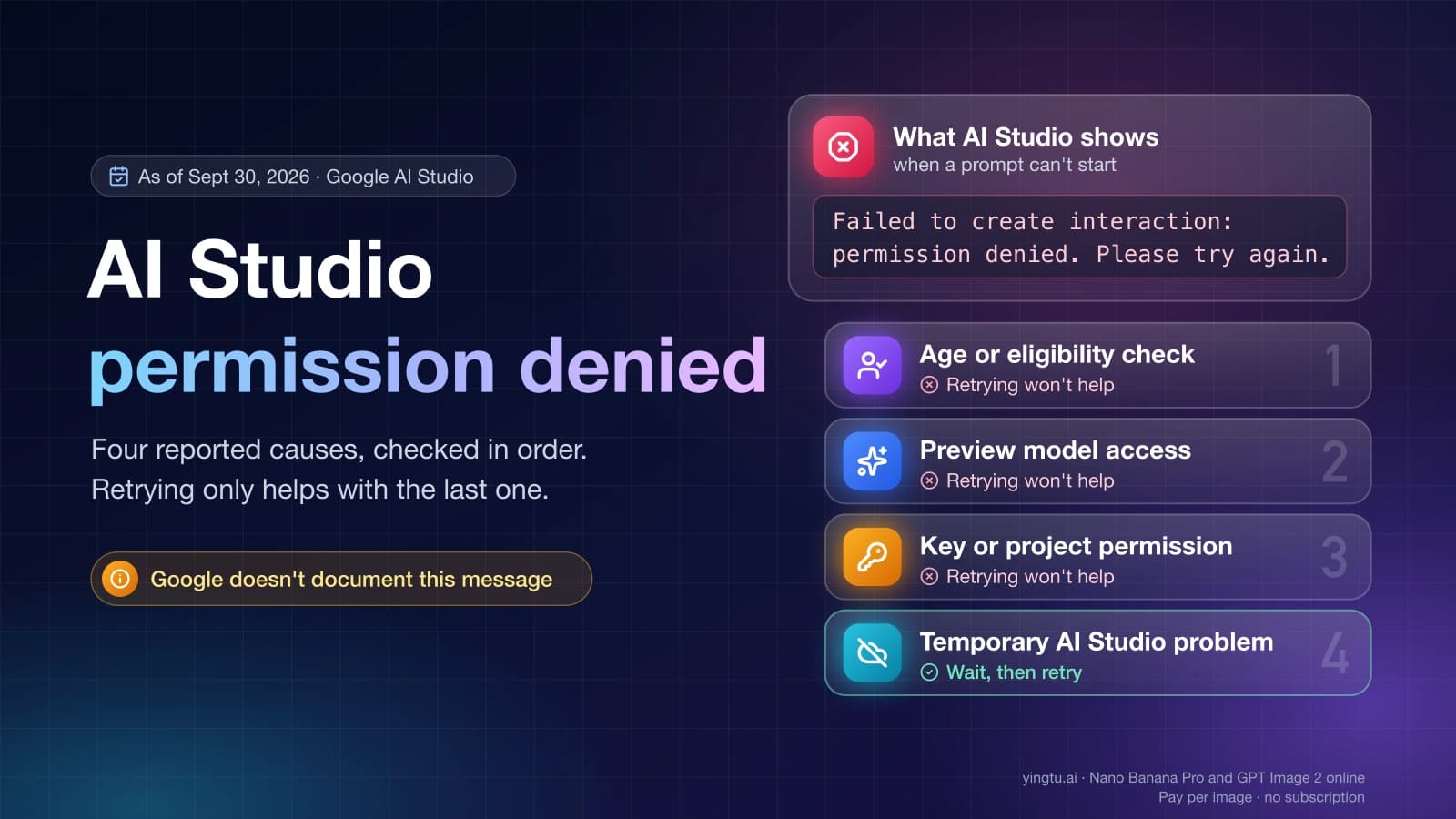
| 403 PERMISSION_DENIED | Your API key does not have permission for this resource | Check the key's permissions and project access |
| 429 RESOURCE_EXHAUSTED | You exceeded a per-minute or per-second request or token limit, or a daily quota | Wait and retry with exponential backoff, or raise your limits |
If you are seeing 429 instead, the limits and fixes are in Gemini API Free Tier Limits: Free Models, Quotas, and 429 Fixes. If the error is 403, see Failed to create interaction: permission denied in AI Studio.
Checklist before you contact support
Work through these in order and write down each answer. It turns a vague "the API doesn't work" into a report someone can act on.
- Copy the full JSON response, including
code,statusandmessage. - Write down where the request was sent from: your machine or the server, and that server's hosting region.
- Confirm that location appears on the Gemini API available regions page.
- Note the Google account that owns the key and confirm it has completed age verification.
- Open the key's project in Google AI Studio and check whether billing is set up and active.
- If you use Gemini CLI or another tool, record its version and how it authenticates: API key or Google sign-in.
- Test once with a fresh minimal request, such as the curl above, from the same machine.
If every item checks out and the error persists, post the collected details on the Google AI Developers Forum or through your Google Cloud support channel. Leave your API key out of anything you share.
FAQ
Will a VPN fix "User location is not supported for the API use"?
Using a VPN or proxy to make requests look like they come from another country is not a legitimate fix. Google offers the Gemini API only in listed regions, so follow Google's terms for where you and your users actually are. If you are outside the list, the official path is the Gemini API in Gemini Enterprise Agent Platform.
Why did the error start even though I changed nothing?
Something upstream of your code may have changed: the network path your requests take, the region your service is deployed to, the project's billing state, or Google's list itself. Check the regions page date and the project's billing first. Reports of the error appearing without an IP change exist, but Google has not documented a single cause.
Does enabling billing fix the error in an unsupported country?
No. Billing clears the billing prerequisite for projects in supported regions. It does not make the Gemini API available in a country that is not on Google's list.
Is this the same as Gemini saying it is not available in my country?
They are related but not identical. The web and mobile Gemini apps have separate availability from the API, so one can work while the other fails. The API error is about where the API request originates and the project behind the key.
Can I keep my users in one country and run the API calls from another?
Hosting your backend in a supported region is ordinary infrastructure. Whether users in an unlisted country may use a service built on the Gemini API is a question for Google's terms, not for your hosting setup, so check those terms for both your location and your users' before you design around it.